
How Local AI is Putting Powerful Models on Your Laptop (and Why It Matters for Privacy)
Advances in hardware and model compression now allow users to run powerful AI assistants entirely offline, offering a private, zero-latency alternative to cloud-based tools.
By Factlen Editorial Team
- Privacy Advocates
- Focus on absolute data sovereignty and the risks of cloud computing.
- Open-Source Developers
- Value the ability to customize, integrate, and build without restrictions.
- Enterprise IT
- Focus on balancing local security with the raw power of cloud models.
What's not represented
- · Cloud AI Providers
- · Hardware Manufacturers
Why this matters
Running AI locally allows you to use powerful language models without sending your private data, proprietary code, or sensitive documents to third-party cloud servers. It also eliminates subscription fees and internet dependency, fundamentally changing how everyday users interact with artificial intelligence.
Key points
- Local AI models run entirely on personal hardware, ensuring complete data privacy and offline access.
- Hardware advancements like Neural Processing Units (NPUs) and Apple's unified memory make running massive models possible on consumer laptops.
- Software techniques like quantization compress model sizes, allowing them to fit into standard RAM constraints.
- Tools like Ollama and LM Studio have made installing and running local AI as simple as downloading a standard desktop app.
- While cloud models still lead in complex reasoning, local models are now highly capable for daily coding, drafting, and summarization tasks.
Every time a user types a prompt into a cloud-based artificial intelligence like ChatGPT, Claude, or Gemini, that text leaves their device. It travels to a remote data center, is processed on industrial-scale hardware, and often leaves a digital footprint on a third-party server. For casual queries, this exchange of data for intelligence is a widely accepted bargain. But as AI becomes deeply integrated into professional workflows, the calculus is shifting.[5]
The privacy implications of cloud AI are increasingly stark for professionals handling sensitive information. Pasting proprietary source code, confidential legal contracts, or patient medical records into a public web interface carries significant risk. Even with enterprise privacy guarantees, the fundamental architecture of cloud computing requires transmitting data off-site. This reality has catalyzed a quiet revolution in 2026: moving the artificial intelligence directly onto the user's laptop.[1][7]
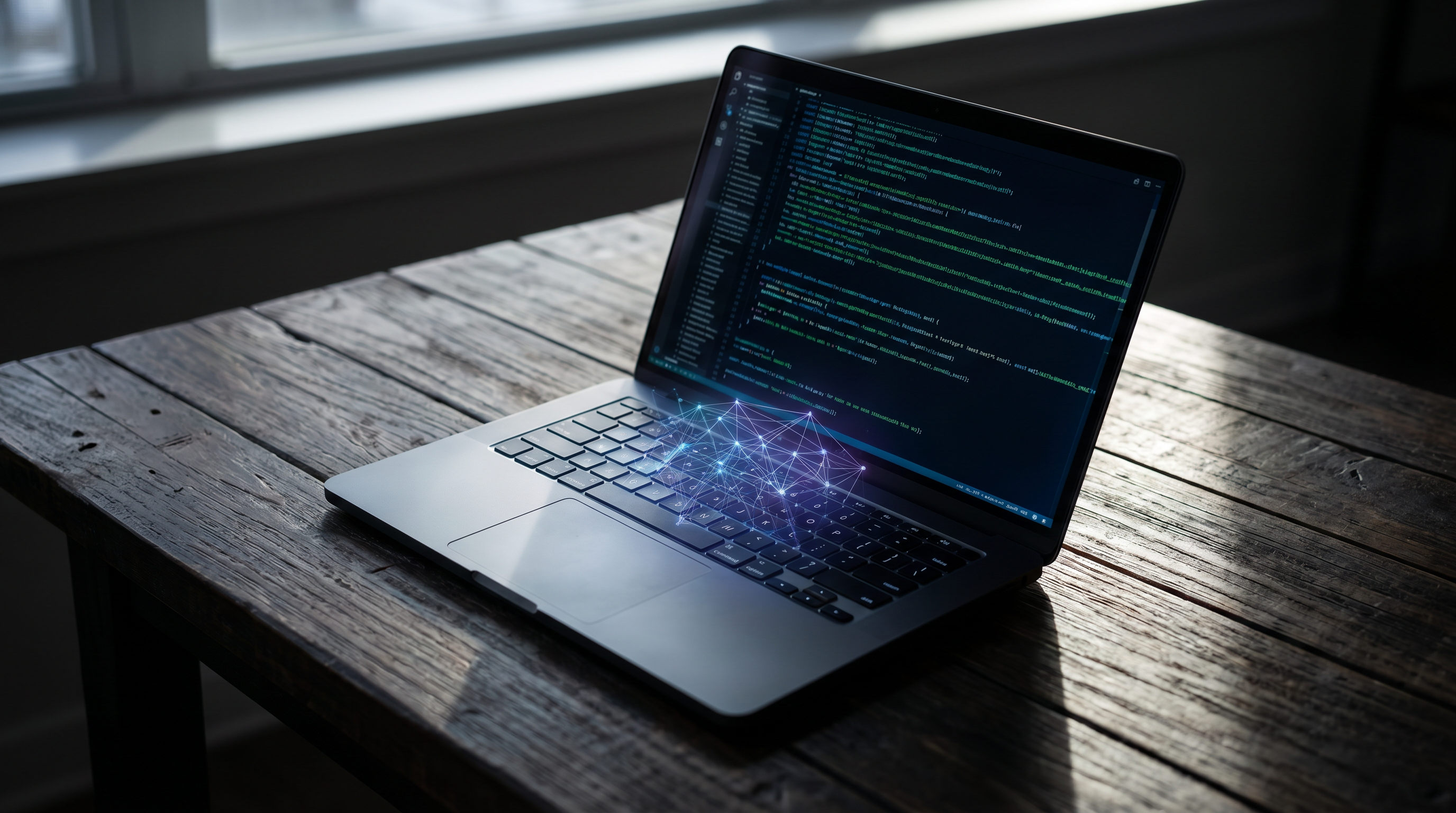
Running a Large Language Model (LLM) locally means the entire system operates on personal hardware without requiring an internet connection. Users download the model's neural network weights—usually a single, multi-gigabyte file—and run an inference engine that generates responses directly on their machine. Because the data never leaves the device, it provides an absolute guarantee of data sovereignty and privacy.[2][8]
Beyond strict data protection, local AI offers a distinct psychological advantage for everyday users. It transforms AI from a metered service into an owned utility. There are no monthly subscription fees, no sudden policy changes, and no usage caps that throttle performance mid-task. Once a model is downloaded, it is available indefinitely, providing a sense of control that cloud services inherently lack.[7]

The local approach also fundamentally changes the speed of interaction. Cloud models are bottlenecked by internet latency, server congestion, and API rate limits. In contrast, a local model generates text in near real-time, limited only by the computer's internal processing power. This zero-latency environment is crucial for applications like live voice transcription, real-time coding assistants, and seamless text generation where even a half-second delay breaks the user's flow.[1][3]
However, bringing massive neural networks to consumer hardware presents a formidable physics problem. The primary bottleneck is not storage space, but memory. To generate a single word, an AI model must load its entire web of parameters into active memory. As a general rule of thumb, a model requires roughly 0.5 to 1 gigabyte of RAM for every billion parameters it contains, making standard 8GB laptops woefully inadequate for serious AI tasks.[3][5]
The hardware industry has aggressively adapted to this new reality. Apple's unified memory architecture—where the CPU and GPU share a massive, single pool of RAM—has made MacBooks uniquely capable of running large models. Simultaneously, the PC ecosystem has embraced Neural Processing Units (NPUs), specialized chips designed specifically to handle the parallel matrix math of AI efficiently, freeing up the main processor and preserving battery life.[2][5]
The hardware industry has aggressively adapted to this new reality.
Hardware alone did not solve the problem; software compression was equally vital. The breakthrough technique is known as quantization. By mathematically compressing the precision of the model's weights—typically shrinking them from 16-bit floating-point numbers down to 4-bit integers—developers can drastically reduce the memory footprint. This allows a massive model that would normally require 30GB of RAM to fit comfortably into 8GB, with only a negligible drop in actual intelligence.[4][8]

The user experience of running these models has also transformed from a complex engineering task into a consumer-friendly process. For developers, tools like Ollama have become the industry standard. Operating much like Docker, Ollama allows users to download and run models via simple command-line prompts, running quietly as a background service that can be easily integrated into custom coding environments.[4]
For non-programmers, graphical interfaces have democratized access. Applications like LM Studio provide a polished, visual desktop environment. Users can browse a built-in directory of models, check hardware compatibility before downloading, and interact with the AI through a familiar chat window. This plug-and-play simplicity has opened local AI to writers, researchers, and students who have zero interest in terminal commands.[4]
The models themselves have reached a tipping point in capability. In 2026, Meta's Llama 4 Scout represents the bleeding edge of consumer-grade AI. Utilizing a "Mixture of Experts" architecture, the model contains 109 billion total parameters, but only activates a 17-billion parameter subset for any given word. This allows it to deliver flagship-level reasoning while running smoothly on a high-end consumer graphics card.[5][6]
The open-source ecosystem extends far beyond Meta. Models like Qwen 3.5 and Gemma 4 have become highly specialized for specific tasks. Qwen, for instance, has established itself as a premier local coding assistant, while Gemma excels at multi-lingual reasoning. Because these models are open-weight, users can swap them out instantly depending on the specific task at hand.[6]

Despite these massive leaps, local AI is not a complete replacement for the cloud. Frontier models like GPT-5.5 and Claude Opus 4.7 still possess vastly superior reasoning capabilities, handle much larger context windows, and excel at complex, multi-step logic. A laptop simply cannot match the raw computational horsepower of a billion-dollar server farm when a task requires deep, abstract problem-solving.[5]
Consequently, the dominant workflow of 2026 has become a hybrid approach. Developers and businesses use local models as their default, zero-cost engine for daily tasks: summarizing documents, drafting emails, and writing boilerplate code. They only escalate to paid cloud APIs when a problem genuinely requires frontier-level intelligence, effectively balancing privacy and cost with raw power.[5][8]
This shift represents a fundamental democratization of artificial intelligence. By untethering powerful models from corporate data centers and placing them directly onto personal devices, the technology has become more resilient, more private, and deeply personal. The future of AI is not just in the cloud; it is running quietly on the desk in front of you.[8]
How we got here
2023
Open-source models like LLaMA leak to the public, sparking the initial grassroots movement to run AI on personal computers.
2024
User-friendly tools like Ollama and LM Studio launch, making local AI accessible to non-engineers.
2025
The hardware industry pivots, with Apple Silicon and PC Neural Processing Units (NPUs) becoming standard for handling AI workloads.
April 2025
Meta releases Llama 4 Scout, bringing highly efficient Mixture-of-Experts architecture to consumer hardware.
2026
Local AI solidifies as a standard, zero-cost workflow for developers and professionals handling sensitive data.
Viewpoints in depth
Privacy Advocates
Focus on absolute data sovereignty and the risks of cloud computing.
This camp argues that any data sent to a third-party cloud server is fundamentally compromised. They advocate for local models as the only secure method for processing medical records, legal contracts, and proprietary source code, emphasizing that true privacy requires physical control over the hardware.
Open-Source Developers
Value the ability to customize, integrate, and build without restrictions.
Developers champion local AI for its flexibility and lack of gatekeeping. By running models locally, they can integrate AI directly into their applications without paying API fees, worrying about rate limits, or dealing with sudden changes to a cloud provider's terms of service.
Enterprise IT Leaders
Focus on balancing local security with the raw power of cloud models.
Corporate IT departments view local AI as a crucial cost-saving and compliance measure for routine tasks. However, they maintain that expensive cloud API calls are still necessary for complex, high-value reasoning, advocating for a hybrid approach that routes tasks based on sensitivity and difficulty.
What we don't know
- Whether future frontier models will become too massive to ever run on consumer hardware, widening the gap between local and cloud AI.
- How cloud providers will adjust their pricing and privacy guarantees to compete with the rise of free, local alternatives.
Key terms
- Quantization
- The process of compressing an AI model by reducing the mathematical precision of its data, allowing massive models to fit into standard laptop memory.
- NPU (Neural Processing Unit)
- A specialized computer chip designed specifically to handle the complex, parallel math operations required by artificial intelligence.
- Unified Memory
- A hardware architecture where the computer's main processor and graphics processor share the same pool of RAM, crucial for loading large AI models.
- MoE (Mixture of Experts)
- An AI architecture where only a specific fraction of the model's neural network activates for any given prompt, saving significant computing power.
Frequently asked
Can I run a local AI without an internet connection?
Yes. Once you download the model's weights to your computer, the AI runs entirely offline, making it ideal for travel or secure environments.
Do I need an expensive graphics card to run AI locally?
Not necessarily. While dedicated GPUs are faster, modern laptops with Apple Silicon or dedicated NPUs can run compressed models efficiently using system RAM.
Is a local AI as smart as ChatGPT?
For daily tasks like drafting emails, summarizing documents, and writing code, yes. However, massive cloud models still hold an edge for highly complex, multi-step reasoning.
What is the difference between Ollama and LM Studio?
Ollama is a command-line tool designed for developers to run models in the background, while LM Studio offers a visual, beginner-friendly desktop interface for browsing and chatting with models.
Sources
Source coverage
8 outlets
3 viewpoints surfaced








[1]ASUS GlobalPrivacy Advocates
Why You Should Run AI on Your Own PC
Read on ASUS Global →[2]PCWorldEnterprise IT
Running AI locally on your laptop: What you need to know
Read on PCWorld →[3]Senstone ScripterEnterprise IT
Running AI Locally: The Pros, Cons, and Popular Methods
Read on Senstone Scripter →[4]DEV CommunityOpen-Source Developers
Ollama vs. LM Studio: Your First Guide to Running LLMs Locally
Read on DEV Community →[5]FreeAcademy.aiEnterprise IT
Local LLMs vs Cloud LLMs in 2026: Privacy, Speed & Cost Compared
Read on FreeAcademy.ai →[6]Overchat AIOpen-Source Developers
Best Local LLMs in 2026: Complete Guide
Read on Overchat AI →[7]Windows ForumPrivacy Advocates
Why Switching to Local LLMs Beats Cloud AI for Everyday Tasks
Read on Windows Forum →[8]Factlen Editorial TeamOpen-Source Developers
Synthesis by Factlen editorial team
Read on Factlen Editorial Team →

More in ai
See all 45 stories →AI Filmmaking
How Indie Creators Are Building Entire Films With AI Video Workflows
6 sources

Agentic AI
How Agentic AI is Automating Everyday Digital Workflows
8 sources

On-Device AI
How Small Language Models Brought AI Out of the Cloud and Onto Your Phone
7 sources

Offline AI
How Local AI Conquered Consumer Hardware in 2026
8 sources
Every angle. Every day.
Get ai stories with full source coverage and perspective breakdowns delivered to your inbox.