
The 2026 Buying Guide to AI PCs: Why TOPS is the Only Spec That Matters
As dedicated Neural Processing Units (NPUs) become standard, buying a laptop in 2026 requires understanding a completely new set of hardware metrics. Here is how to navigate the Copilot+ era and choose the right silicon for your workflow.
By Factlen Editorial Team
- Mobile Professionals
- Prioritize extreme battery life, fanless designs, and cellular connectivity, favoring ARM-based solutions.
- Enterprise IT
- Value absolute software compatibility, legacy x86 support, and fleet management reliability over peak battery life.
- Creative Power Users
- Require strong GPU performance alongside the NPU for heavy rendering, local image generation, and video editing.
What's not represented
- · Budget Consumers
- · Hardcore PC Gamers
Why this matters
Laptops purchased today without modern AI hardware will miss out on the next generation of operating system features and suffer from poor resale value. Understanding these new specifications ensures you buy a machine that is faster, cooler, and future-proof.
Key points
- An AI PC features a dedicated Neural Processing Unit (NPU) to handle AI tasks locally.
- Microsoft's Copilot+ standard requires an NPU capable of at least 40 TOPS.
- Offloading tasks to the NPU dramatically improves battery life and reduces fan noise.
- Qualcomm Snapdragon excels at battery life, while Intel and AMD offer superior legacy compatibility.
- 16GB of RAM is the new absolute minimum, with 32GB recommended for power users.
If you are shopping for a laptop in 2026, the familiar metrics of gigahertz and gigabytes are no longer enough to guarantee a good purchase. A new specification has quietly taken over the spec sheets, and ignoring it could mean buying a machine that is obsolete the moment you open the box.[7]
For decades, the central processing unit (CPU) and graphics processing unit (GPU) dictated a computer's worth. Today, the industry has universally pivoted to the "AI PC," a marketing term that actually carries profound hardware implications for everyday users.[6][7]
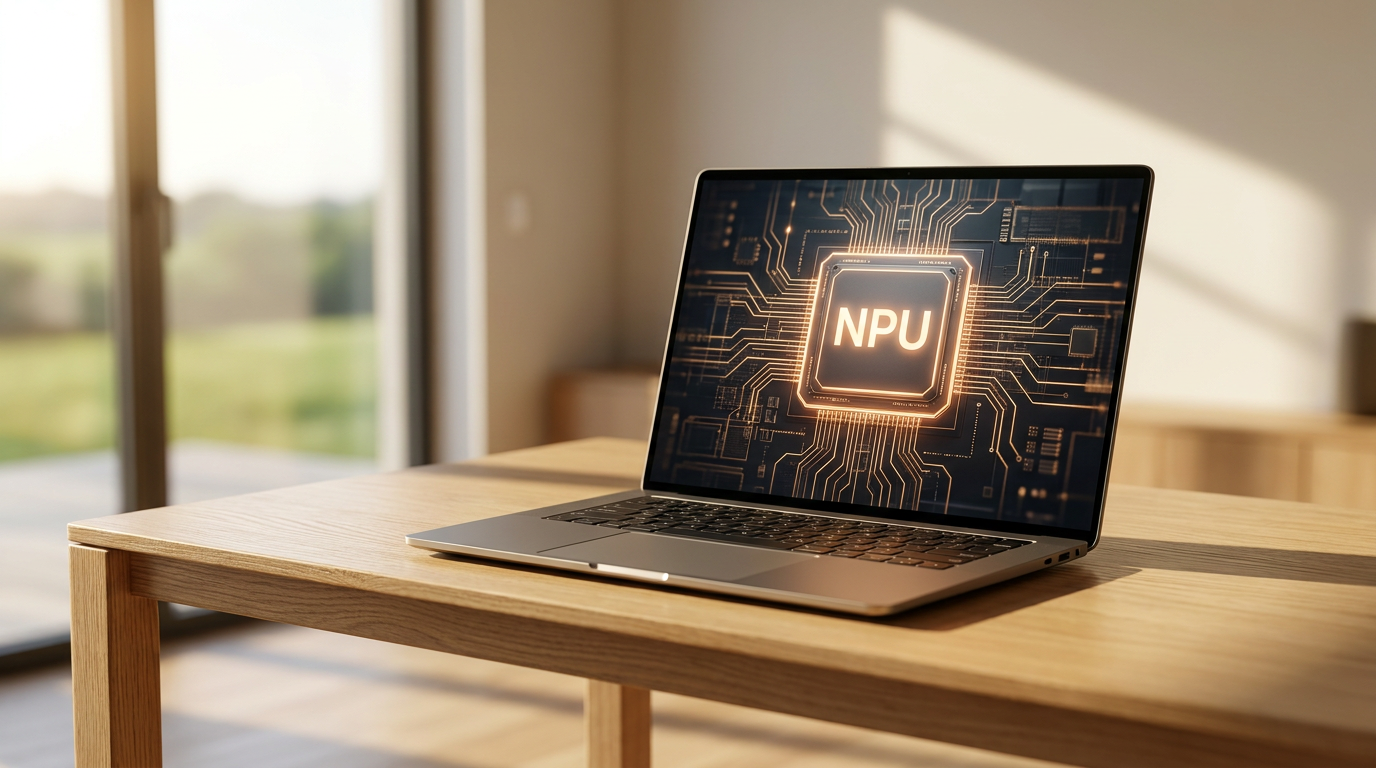
The core of this shift is the Neural Processing Unit, or NPU. Unlike traditional processors, the NPU is a dedicated piece of silicon designed specifically to handle artificial intelligence workloads locally, directly on your device, without needing to ping a distant cloud server.[1][2]
To understand why an NPU is necessary, hardware analysts often use a kitchen analogy. The CPU is the executive chef—highly skilled, precise, and capable of complex logic, but easily bottlenecked if asked to chop a thousand onions. The GPU is the industrial deep fryer—massively powerful and great for heavy lifting, but hot, loud, and incredibly energy-hungry.[5]

The NPU, then, is the specialist sous-chef. It excels at the specific matrix math required for machine learning, chopping those digital vegetables with incredible speed and almost zero energy waste.[5]
This extreme efficiency is why NPUs matter for everyday users, even those who do not consider themselves "AI power users." In 2026, modern operating systems are constantly running background AI tasks: blurring your video call background, indexing your files for semantic search, and filtering out background noise from your microphone.[2][3]
When these persistent tasks run on a traditional CPU or GPU, they drain the battery rapidly and spin up the laptop's cooling fans. When offloaded to a dedicated NPU, the laptop remains completely silent, and battery life can easily extend by several hours.[1][6]
But not all AI PCs are created equal. Microsoft has drawn a hard line in the sand with its "Copilot+ PC" standard, which dictates the strict minimum hardware required to run next-generation Windows AI features locally.[4][6]
The golden number to look for in 2026 is 40 TOPS—Trillions of Operations Per Second. If a laptop's NPU cannot hit 40 TOPS, it does not qualify for the Copilot+ badge, locking it out of advanced local features like real-time live translation, intelligent system-wide recall, and local image generation.[4][6]

The golden number to look for in 2026 is 40 TOPS—Trillions of Operations Per Second.
Beyond the NPU, the Copilot+ standard requires a minimum of 16GB of RAM. Because local AI models load directly into system memory rather than relying on the cloud, the old baseline of 8GB is no longer viable. For power users and creatives, 32GB has quickly become the recommended sweet spot.[3][4]
If you are ready to buy, the market is currently dominated by three major silicon platforms, each taking a slightly different approach to clearing the 40-TOPS threshold.[5][7]
Qualcomm's Snapdragon X Elite represents the ARM-based revolution. It boasts a 45 TOPS NPU and delivers unprecedented battery life—often pushing past 20 hours of real-world use. It is the undisputed champion for mobile professionals, though buyers must ensure their niche legacy applications run smoothly on ARM architecture.[3][5]
Intel's Core Ultra 200V series, code-named Lunar Lake, serves as the corporate standard. Hitting 48 TOPS, it offers the safety of traditional x86 architecture, ensuring flawless compatibility with decades of legacy Windows software while delivering excellent AI performance and strong battery life.[4][5]

Finally, AMD's Ryzen AI 300 series appeals to the value-conscious and the creative class. Peaking at 50 TOPS, AMD pairs its NPU with robust integrated Radeon graphics, making it the best all-rounder for users who want to dabble in local image generation or light gaming alongside their productivity tasks.[3][5]
The decision ultimately comes down to your daily workflow. If you spend your days away from a wall outlet, travel frequently, and live primarily in web browsers and modern apps, the Snapdragon platform is genuinely transformative.[5]
If you rely on specialized enterprise software, older plugins, or require guaranteed compatibility with every piece of hardware you plug in, Intel's Core Ultra provides the safest bridge to the AI era without sacrificing reliability.[5]

And if your work blends heavy spreadsheets with video editing, creative design, or after-hours gaming, AMD's balanced approach offers the necessary graphical horsepower to support the NPU.[3][5]
Ultimately, the AI PC is not just a passing marketing gimmick; it is a fundamental architectural shift in how computers process information. By ensuring your next laptop meets the 40 TOPS threshold, you are not just buying a smarter computer—you are investing in a cooler, quieter, and significantly longer-lasting machine.[7]
How we got here
Late 2023
AI features rely almost entirely on cloud processing, requiring constant internet connections and subscription fees.
Early 2024
The first generation of NPUs arrive in laptops, but perform at roughly 10 to 15 TOPS, limiting their usefulness.
Mid 2024
Microsoft announces the Copilot+ PC standard, setting a hard baseline of 40 TOPS for next-generation local AI.
2025
Qualcomm, Intel, and AMD all release flagship chips exceeding 45 TOPS, sparking a massive hardware upgrade cycle.
2026
The NPU becomes a standard, non-negotiable component in all mid-range and premium laptops.
Viewpoints in depth
Mobile Professionals
Prioritize extreme battery life, fanless designs, and cellular connectivity.
For users who travel frequently or work away from desks, the architectural shift to ARM-based processors like the Snapdragon X Elite is the most significant laptop upgrade in a decade. This camp values the ability to leave the charger at home and rely on 20-plus hours of battery life. Because their workflows are largely browser-based or rely on modern, natively updated applications, the occasional x86 emulation penalty is a non-issue compared to the massive gains in thermal efficiency and endurance.
Enterprise IT
Value absolute software compatibility, legacy x86 support, and fleet management reliability.
Corporate IT departments are inherently risk-averse. While they recognize the security benefits of processing AI locally rather than sending company data to the cloud, they cannot afford software incompatibilities. For this camp, Intel's Core Ultra platform is the logical choice. It provides the necessary 40+ TOPS to unlock local AI and improve battery life, but maintains the traditional x86 architecture, ensuring that decades-old proprietary enterprise software, VPNs, and niche hardware drivers continue to function without requiring emulation or updates.
Creative Power Users
Require strong GPU performance alongside the NPU for heavy rendering and local image generation.
Video editors, 3D artists, and developers view the NPU as a helpful assistant, but not a replacement for raw graphical compute. While an NPU is incredibly efficient at running persistent background AI, generating high-resolution images or rendering video effects still benefits massively from a powerful GPU. This camp leans toward AMD's Ryzen AI 300 series or laptops equipped with discrete graphics cards, accepting slightly lower battery life in exchange for the brute force required to run heavy creative applications and local open-source AI models.
What we don't know
- How quickly third-party software developers will update their apps to natively utilize the NPU rather than relying on the CPU.
- Whether Microsoft will increase the Copilot+ TOPS requirement in future Windows updates as AI models grow larger.
- How long it will take for ARM-based Windows laptops to achieve 100% flawless compatibility with legacy PC games and niche hardware drivers.
Key terms
- NPU (Neural Processing Unit)
- A specialized chip designed specifically to perform the complex mathematical calculations required by artificial intelligence, using very little power.
- TOPS (Trillions of Operations Per Second)
- The standard metric used to measure how fast an NPU can process AI tasks. Higher TOPS means faster local AI performance.
- Copilot+ PC
- A certification standard created by Microsoft for laptops that feature an NPU with at least 40 TOPS, 16GB of RAM, and specific local AI capabilities.
- Local Inference (On-Device AI)
- Running artificial intelligence tasks directly on your laptop's hardware rather than sending your data to a cloud server over the internet.
- x86 vs. ARM
- Two different foundational architectures for computer processors. Intel and AMD use x86 (the traditional PC standard), while Qualcomm uses ARM (the highly efficient standard used in smartphones).
Frequently asked
Do I really need an AI PC if I don't use AI?
Yes. Even if you don't actively use chatbots, Windows uses the NPU for background tasks like video call enhancements, battery management, and security, which makes the laptop run cooler and last longer.
Can I upgrade my current laptop to an AI PC?
No. The NPU is physically built into the processor silicon. You cannot download an NPU or add one to an older laptop.
Why is 16GB of RAM suddenly the minimum?
Local AI models require significant system memory to load and run. If a laptop only has 8GB, loading an AI model would starve the rest of the operating system, causing severe slowdowns.
Will my old software work on a Snapdragon laptop?
Most modern apps and web browsers run perfectly, and Windows includes an emulator for older x86 apps. However, highly specialized legacy software or niche hardware drivers may face compatibility issues.
Sources
Source coverage
7 outlets
3 viewpoints surfaced







[1]HPEnterprise IT
Understanding AI PCs and Neural Processing Units
Read on HP →[2]LenovoEnterprise IT
What is an NPU? The Role of Neural Processing Units
Read on Lenovo →[3]Windows CentralMobile Professionals
The best Copilot+ PCs in 2026: Testing the top AI laptops
Read on Windows Central →[4]PCMagCreative Power Users
The Best Copilot+ PCs for 2026
Read on PCMag →[5]AI HardwareMobile Professionals
Snapdragon vs Intel vs AMD: The 2026 AI Chip Wars
Read on AI Hardware →[6]MashableCreative Power Users
What is a Copilot+ PC, anyway?
Read on Mashable →[7]Factlen Editorial Team
Synthesis by Factlen editorial team
Read on Factlen Editorial Team →

Every angle. Every day.
Get shopping stories with full source coverage and perspective breakdowns delivered to your inbox.