
Why Passkeys Are Safer Than Passwords: The Evidence Behind the Shift
As major platforms transition to passwordless logins, cryptographic evidence shows that passkeys eliminate the shared secrets responsible for the vast majority of data breaches.
By Factlen Editorial Team
- Cryptographic Security Advocates
- Argue that eliminating shared secrets fundamentally breaks phishing and credential stuffing.
- Enterprise Risk Managers
- Focus on the practical realities of mixed-authentication environments and the risks of legacy fallback methods.
- Consumer Adoption Analysts
- Emphasize the user experience benefits, noting that passkeys reduce login friction and support tickets.
- Skeptical End-Users
- Question how local device unlock methods can mathematically replace complex passwords.
What's not represented
- · Digital privacy advocates concerned about the consolidation of authentication power among Big Tech platform providers.
Why this matters
With over 60 percent of data breaches stemming from compromised credentials, understanding how passkeys work empowers you to secure your digital identity against phishing and automated attacks without having to memorize complex passwords.
Key points
- Passkeys replace traditional passwords with public-key cryptography, storing a private key securely on your device.
- Because the private key never leaves the device, passkeys are mathematically immune to credential stuffing and traditional phishing.
- Google reports that accounts using passkeys have a 99.9 percent lower compromise rate than password-only accounts.
- While passkeys offer superior security, legacy fallback methods like email recovery links remain a vulnerability for many organizations.
For decades, cybersecurity advice has centered on a single, frustrating mandate: create long, complex passwords and never reuse them. Yet, as major platforms roll out "passkeys" as the default login method, users are being told that a simple four-digit smartphone PIN or a quick facial scan is vastly superior to a 16-character alphanumeric password. This paradigm shift has left many consumers understandably skeptical, questioning how a local device unlock can mathematically outmatch a complex secret.[1]
The answer lies not in the complexity of the PIN, but in the fundamental architecture of the authentication. Passwords rely on a "shared secret" model: you memorize a string of characters and transmit it to a server to prove your identity. If that server is breached, or if you are tricked into typing it into a convincing fake website, the secret is compromised.[2][3]
The scale of this vulnerability is staggering. According to the 2025 Verizon Data Breach Investigations Report, over 60 percent of all corporate data breaches involve stolen or weak credentials. Furthermore, Microsoft’s 2025 Digital Defense Report indicates that password brute-force and credential stuffing—where attackers automate the testing of stolen passwords across millions of accounts—account for 97 percent of all credential attacks.[6][9]

Passkeys dismantle this attack vector entirely by replacing shared secrets with public-key cryptography, a standard developed by the FIDO Alliance. When a user registers a passkey for a website, their device generates a unique pair of cryptographic keys. The public key is uploaded to the service provider's server, while the private key remains permanently locked inside the device's secure hardware enclave.[2][8]
During a login attempt, the server does not ask for a password. Instead, it sends a mathematical challenge to the user's device. The device uses its hidden private key to sign the challenge and sends the signature back to the server. The server uses the public key to verify the signature, granting access without ever seeing the private key.[2][8]
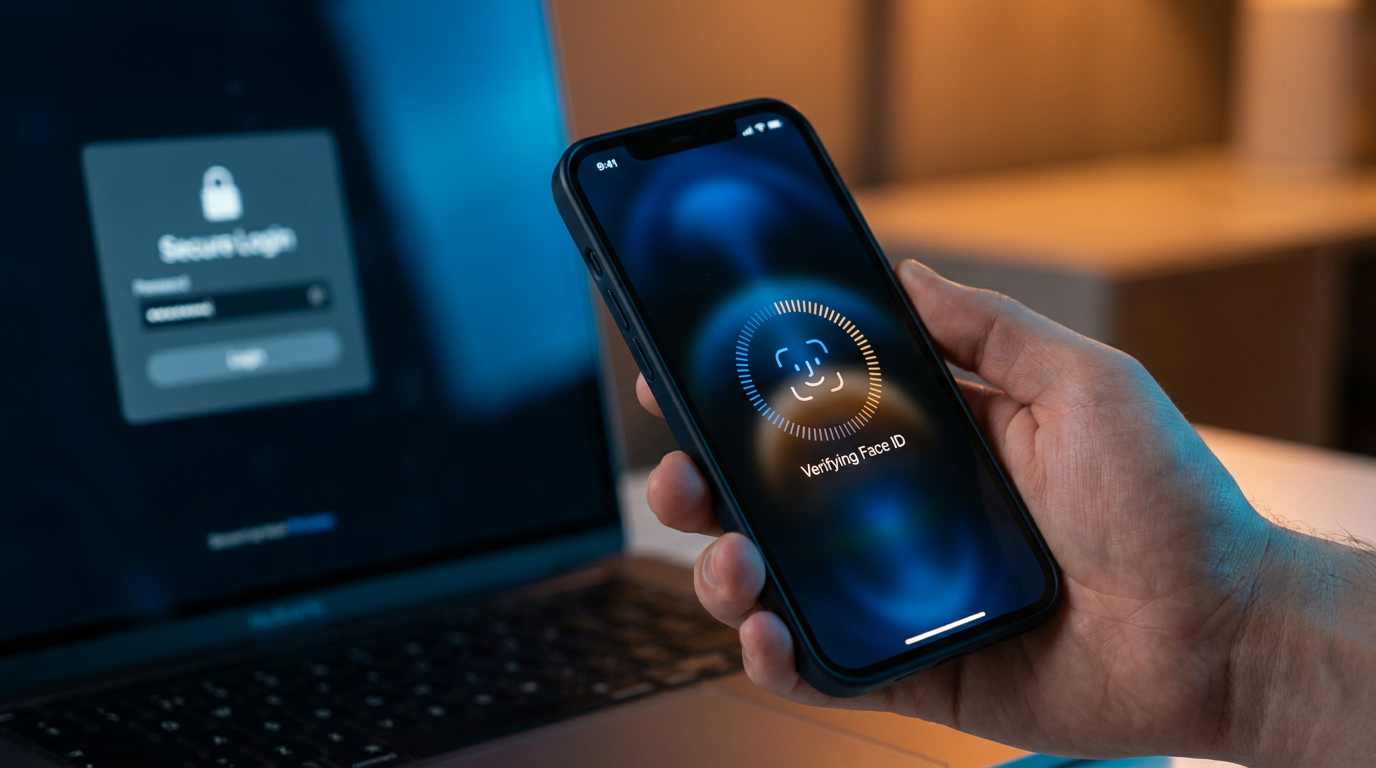
This is where the smartphone PIN or biometric scan comes in. The Face ID or fingerprint check does not authenticate the user to the website; it merely unlocks the private key locally on the device so it can sign the challenge. Because the biometric data and the private key never travel over the internet, there is nothing for a hacker to intercept.[1][8]
The security benefits of this architecture are profound. The UK's National Cyber Security Centre (NCSC) recently published an analysis concluding that passkeys outperform every form of traditional multi-factor authentication (MFA) against attacks seen in the wild.[6]

Traditional MFA methods, such as SMS codes or authenticator apps, are still vulnerable to adversary-in-the-middle (AitM) phishing. In these attacks, a proxy website relays the user's password and the real-time MFA code to the legitimate server, stealing the resulting session cookie. Passkeys, however, are cryptographically bound to the specific domain they were created for. If a user is tricked into visiting a fake login page, the passkey simply will not sign the challenge, rendering the phishing attempt useless.[6]
Traditional MFA methods, such as SMS codes or authenticator apps, are still vulnerable to adversary-in-the-middle (AitM) phishing.
The empirical evidence supports these cryptographic claims. Google reports that accounts utilizing passkeys experience a 99.9 percent lower compromise rate compared to accounts relying solely on passwords.[3]
Driven by these security metrics and the promise of a frictionless user experience, adoption is accelerating rapidly. Data from the FIDO Alliance in late 2025 revealed that 93 percent of user accounts across major platforms are now eligible for passkeys, and 26 percent of sign-ins are actively completed using them.[7]
The business sector is also embracing the shift. A 2025 report by Dashlane highlighted that e-commerce giants like Amazon are driving significant passkey traffic to reduce checkout friction and prevent account takeovers. Across the web, passkey authentications have more than doubled year-over-year, normalizing passwordless access for millions of consumers.[4]

Despite the overwhelming security advantages, the transition is not without its edge cases and debates. The most prominent discussion centers on "synced" versus "device-bound" passkeys. To prevent users from losing access to all their accounts if they lose their phone, Apple, Google, and Microsoft sync passkeys across devices using their respective cloud ecosystems.[5][8]
Security engineers note that this syncing mechanism shifts the threat model. Instead of attacking the endpoint device, a sophisticated adversary might attempt to compromise the user's underlying Apple ID or Google account. If successful, the attacker could inherit the user's entire synced keychain, including their passkeys.[5][8]
Furthermore, enterprise risk managers warn that adopting passkeys does not instantly secure an organization if legacy login paths remain active. Helpdesk recovery protocols, shared administrative accounts, and fallback "magic links" sent via email often bypass the passkey infrastructure entirely. Attackers consistently target these weaker secondary paths, meaning an organization's security posture is only as strong as its weakest recovery method.[6][9]

Nevertheless, the consensus among cybersecurity experts is clear: the benefits of passkeys vastly outweigh the residual risks. By eliminating the shared secret, passkeys neutralize the automated credential stuffing and phishing campaigns that have plagued the internet for decades, offering a rare combination of stronger security and a simpler user experience.[5][6]
How we got here
2022
Apple, Google, and Microsoft announce expanded support for the FIDO standard to enable synced passkeys.
Late 2023
Google makes passkeys the default login method for personal accounts.
May 2025
Microsoft makes passkeys the default sign-in for all new Microsoft 365 accounts.
August 2025
NIST updates its digital identity guidelines to formally recognize synced passkeys as phishing-resistant.
Viewpoints in depth
Cryptographic Security Advocates
Focus on the mathematical impossibility of phishing a passkey.
This camp, led by the FIDO Alliance and security researchers, emphasizes that passkeys solve the root cause of credential theft: the shared secret. Because the private key never leaves the user's device and is cryptographically bound to the specific website's domain, adversary-in-the-middle (AitM) phishing attacks mathematically fail. They argue that moving away from passwords is the most significant security upgrade in the history of the consumer internet.
Enterprise Risk Managers
Highlight the vulnerabilities in fallback methods and cloud synchronization.
While acknowledging the strength of the passkey protocol, enterprise defenders point out that real-world implementations are messy. If a user forgets their device and falls back to an email 'magic link' or SMS code, the passkey's cryptographic armor is bypassed. Furthermore, because consumer passkeys sync via Apple and Google cloud accounts, this camp warns that the threat model has simply shifted from attacking individual website logins to attacking the master cloud accounts that hold the keys.
Consumer Adoption Analysts
Prioritize the reduction of login friction and support costs.
For this group, the primary victory of passkeys isn't just security—it's usability. E-commerce platforms and consumer apps report massive drops in password-reset support tickets and faster checkout times. They argue that security tools only work if people actually use them, and passkeys finally align high-grade cryptographic security with a frictionless, biometric user experience.
What we don't know
- How quickly legacy fallback methods (like SMS codes and email links) can be fully deprecated without locking legitimate users out of their accounts.
- Whether the concentration of synced passkeys within Apple and Google cloud ecosystems will create a single point of failure for sophisticated state-sponsored attackers.
Key terms
- Public-Key Cryptography
- A cryptographic system that uses pairs of keys: a public key shared with the server, and a private key kept securely on the user's device.
- Credential Stuffing
- A cyberattack where hackers use automated tools to test stolen passwords from one breach across millions of other accounts.
- Adversary-in-the-Middle (AitM)
- A sophisticated phishing attack where a bad actor intercepts the real-time communication between a user and a legitimate service to steal session cookies.
- FIDO Alliance
- An open industry association that develops and promotes authentication standards to reduce the world's reliance on passwords.
Frequently asked
What happens to my passkeys if I lose my phone?
Most consumer passkeys are synced to your cloud account, such as Apple iCloud or Google Password Manager. When you sign into your cloud account on a new device, your passkeys are automatically restored.
Can a passkey be intercepted on public Wi-Fi?
No. Passkeys use public-key cryptography, meaning your private key never leaves your device. Only a mathematical signature is sent over the network, which cannot be reused by an attacker.
Do I still need a password manager?
Yes, for the foreseeable future. While passkey adoption is growing rapidly, many websites still require traditional passwords. Modern password managers can securely store both.
Sources
Source coverage
9 outlets
4 viewpoints surfaced








[1]The GuardianSkeptical End-Users
Readers reply: Experts say we should use passkeys, but can a smartphone pin really be safer than a password?
Read on The Guardian →[2]FIDO AllianceCryptographic Security Advocates
White Paper: Passkeys and Verifiable Digital Credentials
Read on FIDO Alliance →[3]AuthgearCryptographic Security Advocates
Passkey vs Password: Are Passkeys Safer? (2026 Guide)
Read on Authgear →[4]Help Net SecurityConsumer Adoption Analysts
Passwordless adoption moves from hype to habit
Read on Help Net Security →[5]OneSpanEnterprise Risk Managers
Pros and cons of passkeys: Security benefits outweigh risks
Read on OneSpan →[6]AuthsignalCryptographic Security Advocates
The UK's NCSC made the strongest official case for passkeys
Read on Authsignal →[7]The Hans IndiaConsumer Adoption Analysts
Passkeys Gain Momentum, But Passwords Still Hold Ground
Read on The Hans India →[8]Cloud Security AllianceEnterprise Risk Managers
Passkeys & Zero Trust
Read on Cloud Security Alliance →[9]Netwise TechnologyEnterprise Risk Managers
Password security best practices in 2026
Read on Netwise Technology →


Every angle. Every day.
Get technology stories with full source coverage and perspective breakdowns delivered to your inbox.