
The Era of Local AI: How to Run Language Models on Your Own Hardware
As cloud AI subscription costs and privacy concerns rise, a new generation of tools is allowing users to run powerful language models entirely offline on standard laptops.
By Factlen Editorial Team
- Privacy Advocates & Professionals
- Focuses on data sovereignty and the necessity of zero data exfiltration for sensitive work.
- Cost-Conscious Developers
- Prioritizes the elimination of subscription fees and API costs through local hardware.
- Hybrid Enterprise Strategists
- Advocates for balancing local models for routine tasks with cloud models for heavy lifting.
What's not represented
- · Cloud Infrastructure Providers
- · Hardware Manufacturers
Why this matters
Running AI locally eliminates monthly subscription fees and ensures your private data—whether it's proprietary code, legal documents, or personal writing—never leaves your computer.
Key points
- Local AI allows users to run language models on their own hardware, ensuring complete data privacy.
- Running models locally eliminates monthly subscription fees and expensive cloud API costs.
- Quantization technology compresses massive models to fit on standard consumer laptops with 8GB to 16GB of RAM.
- Tools like LM Studio offer a simple, graphical interface that requires no coding knowledge to set up.
- Local models provide version stability, meaning the AI's behavior won't change unexpectedly due to hidden cloud updates.
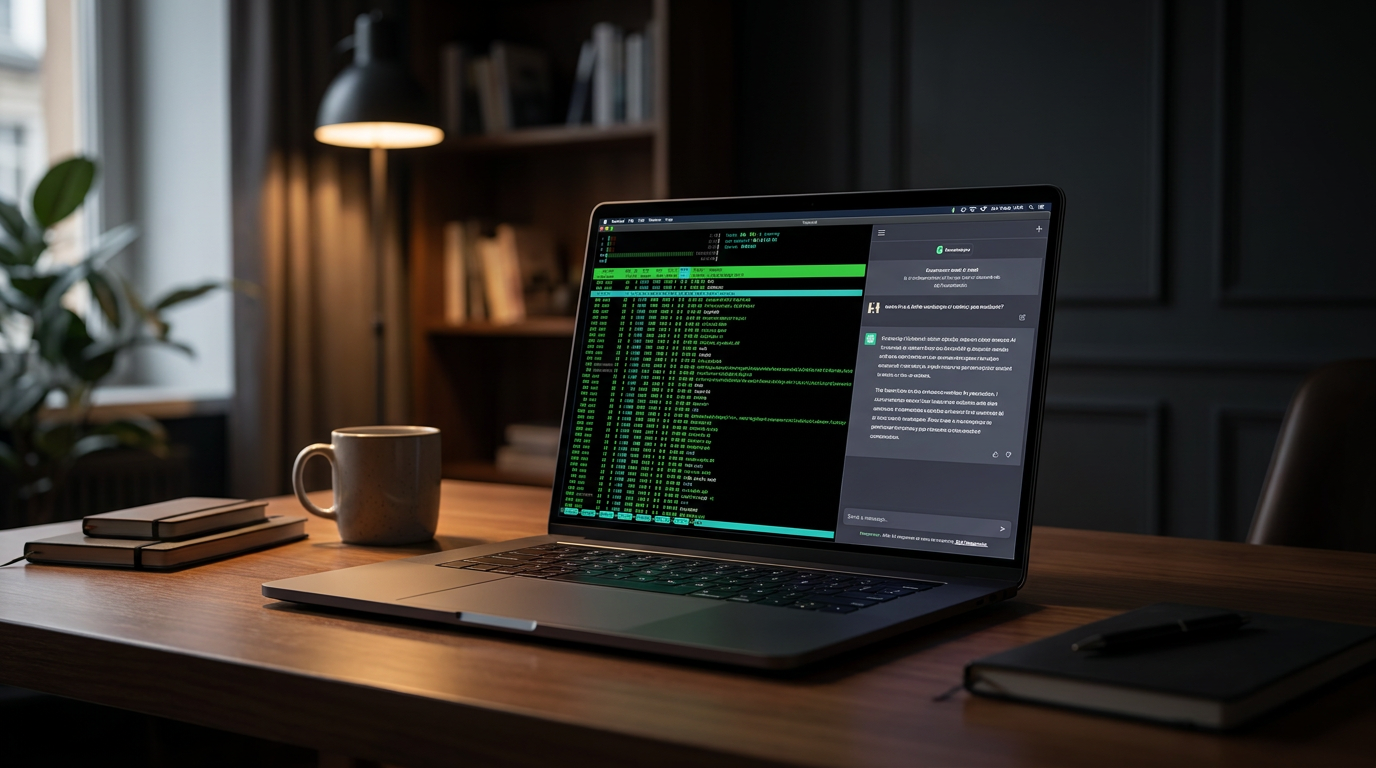
The artificial intelligence landscape of 2026 is undergoing a quiet revolution, shifting away from massive data centers and back to the personal computer. For the past few years, the standard operating procedure for accessing AI involved paying a $20 monthly subscription or racking up API charges to send prompts to a cloud server. But a growing counter-movement is proving that users no longer need to rent intelligence. By running Large Language Models (LLMs) locally on consumer hardware, individuals are reclaiming their data, eliminating subscription fees, and operating entirely offline.[3][4]
Running an AI locally means that the neural network—the actual "brain" of the system—lives directly on your laptop or desktop hard drive. When you type a prompt, your computer's own processors generate the response. Nothing is sent to OpenAI, Google, or Anthropic. This architectural shift separates the software that runs the AI from the model itself; you simply install a "player" application and then download whichever "record" or model fits your specific needs.[2]
The primary driver of this migration is absolute data sovereignty. According to industry analysts, over 40% of enterprises experimenting with generative AI have begun moving workloads on-premise. When using cloud-based AI, every line of code, legal brief, or patient symptom typed into the chat window leaves the local network. For lawyers, healthcare professionals, and proprietary software developers, this data exfiltration is a non-starter. Local LLMs solve this instantly: once the model is downloaded, the computer can be disconnected from the internet, guaranteeing that sensitive information never touches a third-party server.[3][4][6]
Beyond privacy, the economics of local inference are dramatically altering how businesses and heavy users deploy AI. While cloud API costs have fallen, top-tier models can still cost upwards of $30 per million output tokens. In contrast, running a local model costs only the electricity required to power the computer—roughly $0.001 per million tokens. For a startup or a power user processing hundreds of millions of tokens a month for document analysis or automated coding, the shift to local hardware can reduce operational costs by 99%.[4][5]

The barrier to entry has traditionally been hardware, specifically Video RAM (VRAM). An AI model's intelligence is roughly correlated with its parameter count, and those parameters must be loaded entirely into memory to generate text at acceptable speeds. In 2026, the hardware landscape has bifurcated into two viable paths for consumers: PCs with dedicated graphics cards (where 12GB to 24GB of VRAM is the sweet spot) and Macs with Unified Memory, which allow the GPU to access massive pools of system RAM, making Apple Silicon highly effective for local AI.[1][3]
However, running a massive 70-billion parameter model in its raw form would require data-center-grade hardware. The breakthrough that made local AI accessible to standard laptops is a mathematical compression technique called quantization. By reducing the precision of the model's internal weights—often down to 4-bit formats like Q4_K_M—developers can shrink the memory requirement by nearly 70%. Remarkably, this aggressive compression results in only a 1% to 2% loss in the model's actual reasoning accuracy, making it the industry standard for consumer inference.[2][3]

However, running a massive 70-billion parameter model in its raw form would require data-center-grade hardware.
The software ecosystem has also matured, replacing complex command-line installations with intuitive desktop applications. For non-technical users, LM Studio has emerged as the premier graphical interface. It operates exactly like ChatGPT, offering a clean chat window, but it runs entirely on the user's machine. Users can search for models, adjust parameters with visual sliders, and manage their downloads without ever opening a terminal, making local AI as simple as installing a web browser.[2][8]
For developers and power users, Ollama has become the standard infrastructure. Rather than providing a chat window, Ollama runs quietly as a background service, exposing an API that mimics cloud providers. This allows developers to point their existing coding assistants, automated agents, and custom software at their own local hardware instead of paying for cloud access. While the two tools serve different workflows—LM Studio for visual interaction, Ollama for system-wide integration—they both utilize the same underlying inference engines.[1][2]
The models themselves have evolved to maximize these hardware constraints. The class of 2026 features highly capable "small" models designed specifically for local deployment. Meta's Llama 4 (8B), Qwen 3.6, and DeepSeek R1 offer reasoning capabilities that rival the massive data-center models of just two years ago. For users with older laptops limited to 8GB of RAM, highly optimized models like Phi-4-mini and Gemma 4 provide robust assistance for drafting and coding without crashing the system.[1][2][3]

Performance on consumer hardware has reached a point where it outpaces human reading speed. A mid-range setup, such as a laptop with an RTX 4060 or an M3 Mac, can generate 20 to 40 tokens per second when running an 8-billion parameter model. Furthermore, because the processing happens locally, there is zero network latency. Users never have to wait in a server queue or experience the frustrating pauses associated with cloud outages.[1][4]
This lack of network dependency unlocks true portability. Local AI tools function flawlessly on airplanes, in rural areas with poor connectivity, or within highly secure, air-gapped corporate environments. The AI that helps you think and write becomes a permanent, offline utility on your device, much like a word processor or a calculator, fundamentally changing the relationship between the user and the tool.[6]
Another subtle but profound advantage is version stability. Cloud AI models are continuously updated behind the scenes, meaning a prompt that works perfectly today might yield a different, heavily filtered response tomorrow. Local models are immutable. If a user downloads a specific version of Mistral or Llama, it will behave exactly the same way five years from now, giving professionals the predictability they need to build reliable workflows.[7]
Despite these advantages, the industry is not abandoning the cloud; rather, it is moving toward a hybrid approach. Cloud data centers will continue to host the most massive, frontier models required for complex, multi-step reasoning and heavy multimodal tasks. However, for the daily friction of drafting emails, summarizing private documents, and generating boilerplate code, the local laptop has proven more than capable.[5]
Ultimately, the rise of local AI in 2026 represents a democratization of computing power. Users are no longer forced to trade their privacy or pay perpetual rent to access state-of-the-art intelligence. By downloading an open-weight model and running it on their own silicon, individuals and businesses are securing a private, cost-effective, and uncensored digital assistant that operates entirely on their own terms.[3][7][9]
How we got here
2023
Local AI requires complex Python environments and massive server-grade GPUs to run even basic models.
Early 2024
The introduction of the GGUF format and tools like Ollama make local inference accessible to developers.
2025
Apple Silicon and Copilot+ PCs standardize hardware capable of running mid-sized models efficiently.
2026
Graphical tools and highly capable small models make local AI a mainstream, zero-cost alternative to cloud subscriptions.
Viewpoints in depth
Privacy Advocates & Professionals
Focuses on data sovereignty and the necessity of zero data exfiltration for sensitive work.
For lawyers, healthcare workers, and enterprise developers, cloud AI presents an unacceptable security risk. This camp argues that the only way to safely use generative AI on proprietary code or confidential client documents is to ensure the prompts never leave the local machine. They view local LLMs not just as a cost-saving measure, but as a mandatory compliance tool for the modern digital workplace.
Cost-Conscious Developers
Prioritizes the elimination of subscription fees and API costs through local hardware.
Developers running automated agents or processing massive datasets quickly rack up thousands of dollars in cloud API fees. This perspective champions the use of tools like Ollama and quantized models to shift the cost from a recurring operational expense to a one-time hardware investment. They argue that for 90% of daily coding and text generation tasks, a free local model is indistinguishable from a paid cloud service.
Hybrid Enterprise Strategists
Advocates for balancing local models for routine tasks with cloud models for heavy lifting.
Rather than viewing local and cloud AI as mutually exclusive, this camp believes the future is hybrid. They deploy local models on employee laptops to handle daily drafting and secure document analysis, reserving expensive cloud API calls for complex reasoning tasks that require massive parameter counts. This approach optimizes both security and budget without sacrificing access to frontier intelligence.
What we don't know
- Whether future frontier models will become too large for consumer hardware to keep pace.
- How cloud providers will adjust their pricing models to compete with free local inference.
Key terms
- Local LLM
- A Large Language Model that runs entirely on your own computer's hardware rather than on a remote server.
- VRAM (Video RAM)
- The memory on a graphics card, which is the most critical bottleneck for running AI models quickly.
- Quantization
- A mathematical compression technique that shrinks the file size and memory footprint of an AI model with minimal loss in intelligence.
- GGUF
- The standard file format in 2026 for quantized local AI models, designed to run efficiently on standard consumer hardware.
- Ollama
- A popular, developer-focused tool that runs local AI models as a background service, allowing other applications to connect to them.
- LM Studio
- A desktop application that provides a user-friendly, graphical interface for downloading and chatting with local AI models.
Frequently asked
Can I run AI locally on a normal laptop?
Yes, provided you have at least 8GB of RAM, though 16GB is recommended. Apple Silicon Macs or PCs with dedicated graphics cards perform best.
Is local AI completely private?
Yes. Once the model is downloaded, you can disconnect from the internet entirely. Your prompts and data never leave your machine.
Do I need to know how to code to use this?
No. Graphical tools like LM Studio provide a simple, ChatGPT-like interface where you can download and chat with models using just a few clicks.
Are local models as smart as ChatGPT?
For daily tasks like coding, drafting, and summarizing, models like Llama 4 (8B) or DeepSeek R1 are highly capable, though massive cloud models still win on complex, multi-step reasoning.
Sources
Source coverage
9 outlets
3 viewpoints surfaced









[1]dev.toCost-Conscious Developers
The Problem With AI in 2026: Why You Need a Local LLM
Read on dev.to →[2]AI Thinker LabPrivacy Advocates & Professionals
Run AI models locally and offline on a laptop with no internet connection
Read on AI Thinker Lab →[3]Daily Reading HabitPrivacy Advocates & Professionals
Step-by-Step: Setting Up Your First Local AI
Read on Daily Reading Habit →[4]FungiesCost-Conscious Developers
The Economics of Local LLM Inference
Read on Fungies →[5]NaloseedHybrid Enterprise Strategists
Hybrid Approach Benefits: Local vs Cloud AI
Read on Naloseed →[6]Windows ForumPrivacy Advocates & Professionals
5 Compelling Reasons Why You Should Run AI on Your Computer
Read on Windows Forum →[7]Get SkalesHybrid Enterprise Strategists
The Control Argument for Local AI
Read on Get Skales →[8]RunAnywhereCost-Conscious Developers
Running LLMs Offline in 2026
Read on RunAnywhere →[9]Factlen Editorial TeamHybrid Enterprise Strategists
Synthesis by Factlen editorial team
Read on Factlen Editorial Team →

More in ai
See all 7 stories →Local AI
The Rise of Local AI: How to Run Powerful LLMs on Your Own Laptop
0 sources
Open Source AI
Open-Source AI Reaches Frontier Parity as MiniMax M3 and Local Agents Break the Cloud Monopoly
0 sources
Materials Science
How AI is Compressing Decades of Battery Research into Days
0 sources

AI in Medicine
UK Launches World's First AI Regulatory Sandbox to Transform Medicines Safety and Drug Development
0 sources

Every angle. Every day.
Get ai stories with full source coverage and perspective breakdowns delivered to your inbox.