
How to Transition to Passkeys (and Finally Leave Passwords Behind)
With over 5 billion passkeys now in active use globally, the passwordless future has officially arrived. Here is exactly how the technology works, why it is immune to phishing, and how to set it up across your devices.
By Factlen Editorial Team
- Cybersecurity Experts
- Focus on the elimination of phishing and the mathematical certainty of public-key cryptography.
- Everyday Consumers
- Value the end of password anxiety, the convenience of biometric logins, and seamless cross-device syncing.
- Enterprise IT Leaders
- Prioritize the ROI of passkeys, specifically reducing helpdesk tickets and securing the workforce against credential theft.
What's not represented
- · Legacy System Administrators
- · Users without modern smartphones
Why this matters
Passwords are the weakest link in digital security, responsible for the vast majority of account takeovers and identity theft. Transitioning to passkeys eliminates the need to memorize complex strings of text while mathematically neutralizing the threat of phishing attacks.
Key points
- Over 5 billion passkeys are now in active use globally, marking a major shift away from passwords.
- Passkeys use public-key cryptography, meaning your private credential never leaves your device.
- Because passkeys are bound to specific websites, they are mathematically immune to phishing attacks.
- Passkeys sync securely across your devices via cloud ecosystems like iCloud, Google, or third-party managers.
For decades, the digital world has relied on a fundamentally flawed security system: human memory. We have been asked to memorize complex strings of letters, numbers, and symbols, leading to widespread password reuse and inevitable data breaches. But in 2026, the era of the password is officially drawing to a close. According to a milestone report released in May, there are now over 5 billion passkeys in active use globally, marking a definitive shift toward a passwordless future.[2][3]
The transition is accelerating faster than many industry analysts predicted. The FIDO Alliance, the consortium that drove the development of the technology, recently revealed that 90% of consumers are now aware of passkeys, and 75% have enabled them on at least one account. The momentum is so strong that the first Thursday in May, traditionally recognized as "World Password Day," has been officially rebranded to "World Passkey Day."[1][3]
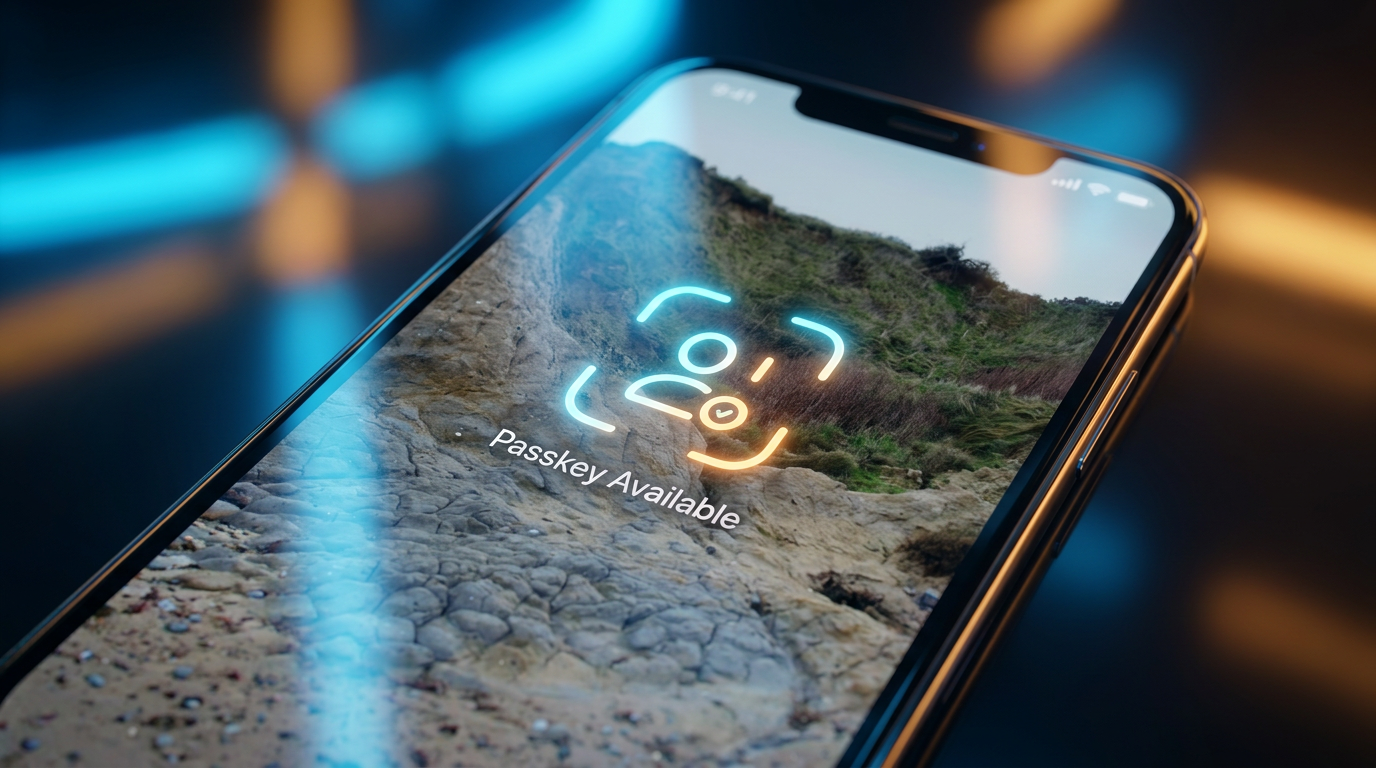
So, what exactly is a passkey? In simple terms, it is a secure digital credential stored on your device that replaces a typed password. Instead of relying on text that can be guessed, stolen, or intercepted, passkeys use cryptographic keys to prove your identity to an app or website. When you log in, you simply use your device's built-in biometric verification—like Face ID, Touch ID, or a local PIN—to unlock access.[4][5]
To understand why passkeys are a monumental upgrade, it helps to look under the hood at how they work. Passkeys are built on the WebAuthn standard and utilize public-key cryptography. When you create a passkey for a website, your device generates a unique pair of mathematically linked keys. The "public key" is shared with the website's server, while the "private key" is stored securely in the hardware enclave of your device.[4][5]

The magic happens during the login process. When you attempt to sign in, the website sends a digital "challenge" to your device. Your device then asks you to verify your identity locally using your fingerprint or face scan. Once verified, the device uses your hidden private key to sign the challenge and sends the signature back to the server. The server verifies the signature against the public key it holds, and access is granted.[4]
Crucially, your private key never leaves your device, and your biometric data is never transmitted to the website. This architecture solves the internet's biggest security vulnerability: phishing. Because the passkey is cryptographically bound to the specific domain where it was created, it is impossible to be tricked into using it on a fake, lookalike website. If a hacker breaches a company's servers, they only find useless public keys, rendering traditional data breaches largely harmless to the end user.[1][4][5]
Crucially, your private key never leaves your device, and your biometric data is never transmitted to the website.
Setting up a passkey is surprisingly frictionless. When you log into a compatible service using your old password, you will often be prompted to "Create a passkey." If you accept, your device will ask for a quick biometric scan, and the passkey is instantly generated and saved. The next time you visit that site, you simply choose the passkey option, glance at your phone or tap your finger, and you are securely logged in.[4][5]

A common concern among early adopters was the fear of losing access if a device was lost or broken. However, the ecosystem has evolved to solve this elegantly. Passkeys are designed to sync securely across your devices through cloud ecosystems. If you use an iPhone or Mac, your passkeys sync via iCloud Keychain; on Android and Chrome, they sync via Google Password Manager; and on Windows, they sync via Microsoft's ecosystem.[4][6]
For users who operate across multiple platforms—such as using a Windows PC alongside an iPhone—third-party password managers have stepped in to bridge the gap. Services like Dashlane, 1Password, and Bitwarden now act as cross-platform authenticators. By setting one of these apps as your default autofill provider, you can generate and store passkeys that travel with you seamlessly, regardless of the operating system you are currently using.[1][4]

The corporate world is also embracing the passwordless revolution with open arms. Enterprise IT departments have long struggled with the security risks of remote work and the operational drag of forgotten passwords. Today, 68% of organizations are deploying or actively rolling out passkeys for their workforce, recognizing the dual benefits of heightened security and reduced friction.[1][2][3][6]
The return on investment for businesses is immediate and measurable. Organizations that have deployed passkeys report a 47% improvement in their security posture and a 45% reduction in login times. Furthermore, IT departments are seeing a 35% reduction in helpdesk costs simply by eliminating the endless stream of password reset tickets that historically plagued their queues.[3]
Implementing passkeys at the enterprise level requires a strategic rollout. IT experts recommend starting with administrative accounts that hold the most sensitive data, followed by finance and HR teams, before expanding to the broader workforce. Establishing robust Mobile Device Management (MDM) policies and providing backup recovery codes ensures that employees can quickly regain access if a device is lost or replaced.[6]

While the adoption curve is steep, passwords will not disappear overnight. We are currently in a hybrid transition period where many legacy systems and smaller websites still require traditional text-based logins. Cybersecurity experts advise users to continue using a reputable password manager to generate strong, unique passwords for sites that have not yet upgraded, while aggressively enabling passkeys wherever they are supported.[1][3][7]
Ultimately, the shift to passkeys represents a rare moment in technology where security and convenience are perfectly aligned. By removing the burden of memory and neutralizing the threat of phishing, passkeys are empowering users to take control of their digital lives with unprecedented confidence. The passwordless future is no longer a theoretical concept; it is here, and it is ready for you to use.[1][3][7]
How we got here
2012
The FIDO Alliance is founded with the mission to solve the world's password problem.
2019
WebAuthn becomes an official web standard, laying the technical groundwork for passkeys.
2022
Apple, Google, and Microsoft announce expanded, cross-platform support for passkeys.
May 2026
The FIDO Alliance reports that 5 billion passkeys are now in active use globally.
Viewpoints in depth
Cybersecurity Experts
Security professionals view passkeys as the ultimate solution to the internet's oldest vulnerability.
For decades, cybersecurity experts have fought a losing battle against human nature, trying to force users to memorize complex passwords. They view passkeys as a paradigm shift because they remove the human element entirely. By relying on public-key cryptography and binding the credential to the specific domain, passkeys mathematically neutralize phishing—the vector responsible for the vast majority of modern cyberattacks and data breaches.
Everyday Consumers
General users appreciate passkeys primarily for their convenience and the elimination of password anxiety.
For the average internet user, the technical cryptography behind passkeys is less important than the daily friction they remove. Consumers are exhausted by the endless cycle of forgetting passwords, requesting reset emails, and creating new variations of old passwords. The ability to simply look at a phone or tap a fingerprint reader to access a bank account or social media profile is seen as a massive quality-of-life improvement.
Enterprise IT Leaders
Corporate IT departments are driving adoption to secure remote workforces and cut operational costs.
Enterprise leaders look at passkeys through the lens of return on investment. Password resets are historically one of the most common and expensive IT helpdesk tickets. By deploying passkeys, organizations not only close a massive security loophole exploited by remote attackers, but they also reclaim thousands of hours of lost productivity, making the transition a rare win-win for both security and the bottom line.
What we don't know
- Exactly when legacy platforms, such as older banking mainframes, will fully deprecate passwords.
- How quickly smaller, independent websites will adopt the WebAuthn standard compared to major tech platforms.
Key terms
- Passkey
- A digital credential tied to a user's device that replaces a traditional password using cryptographic keys.
- WebAuthn
- The underlying web standard that allows passkeys to work securely across different browsers, websites, and operating systems.
- Public-Key Cryptography
- A security system using two mathematically linked keys: a public one shared with a website, and a private one kept secret on your device.
- Phishing
- A cyberattack where criminals impersonate legitimate websites or services to trick users into handing over their passwords.
Frequently asked
What happens if I lose my phone?
Passkeys are securely synced to your cloud account (like iCloud or Google) or a third-party password manager. When you get a new device and sign into your cloud account, your passkeys are automatically restored.
Can a passkey be stolen in a data breach?
No. Websites only store your 'public key,' which is useless to hackers on its own. Your 'private key' remains securely locked in the hardware of your device and is never shared with the website.
Do I still need a password manager?
Yes. Password managers are evolving into 'passkey managers.' They are highly useful for syncing your passkeys across different operating systems (e.g., from a Windows PC to an iPhone) and for managing passwords on legacy sites.
Are passkeys just my fingerprint or face?
No. Your biometrics simply act as the local unlock mechanism for the cryptographic key stored on your device. Your fingerprint or face scan is never transmitted over the internet or given to the website.
Sources
Source coverage
7 outlets
3 viewpoints surfaced







[1]The StarEveryday Consumers
Why you need to stop using passwords and switch to this secure alternative now
Read on The Star →[2]Las Vegas SunEnterprise IT Leaders
FIDO Alliance Reports Mainstream Global Usage on World Passkey Day 2026
Read on Las Vegas Sun →[3]FIDO AllianceCybersecurity Experts
The State of Passkeys 2026: Global Consumer and Workforce Report
Read on FIDO Alliance →[4]DashlaneEveryday Consumers
How to use passkeys
Read on Dashlane →[5]AuthXCybersecurity Experts
What Are Passkeys? A Complete Guide to the Future of Login
Read on AuthX →[6]Carden IT ServicesEnterprise IT Leaders
Passkeys in 2026: How To Go Passwordless Without Locking Yourself Out
Read on Carden IT Services →[7]Factlen Editorial TeamEnterprise IT Leaders
Synthesis by Factlen editorial team
Read on Factlen Editorial Team →

More in guides
See all 24 stories →Clean Energy
How Enhanced Geothermal Systems Are Unlocking 24/7 Clean Energy
7 sources

Next-Gen Geothermal
How Next-Generation Geothermal Energy Works—and Why It Could Power the Future
8 sources

Local AI
How to Run AI Models Locally: A Complete Guide to Privacy-First LLMs
7 sources

Metabolic Health
The Science of Zone 2 Cardio: Why Slowing Down is the Key to Metabolic Health
6 sources

Every angle. Every day.
Get guides stories with full source coverage and perspective breakdowns delivered to your inbox.