
How to Run Local AI: The Complete Guide to Offline Large Language Models
Running Large Language Models locally on personal hardware has become a simple, one-click process, offering users complete privacy and zero API costs. Tools like Ollama and LM Studio are democratizing access to AI, shifting power away from massive cloud data centers.
By Factlen Editorial Team
- Privacy & Security Advocates
- Prioritize data sovereignty and keeping sensitive information off corporate servers.
- Open-Source Developers
- Value the freedom to build, modify, and run models without API restrictions or costs.
- Everyday Tech Users
- Seek easy-to-use, accessible tools that don't require deep coding knowledge.
What's not represented
- · Cloud Infrastructure Providers
- · Hardware Manufacturers
Why this matters
Running AI locally shifts the balance of power from massive cloud providers back to the individual user. By processing data on your own hardware, you guarantee absolute privacy for sensitive information, eliminate recurring subscription fees, and ensure your tools remain available even without an internet connection.
Key points
- Local LLMs run entirely on your own hardware, ensuring complete privacy and zero API costs.
- Tools like Ollama and LM Studio have made installation as simple as downloading a standard desktop application.
- Quantization compresses massive AI models into smaller GGUF files, allowing them to run on consumer laptops.
- Apple Silicon Macs and PCs with dedicated NVIDIA or AMD GPUs offer the best performance for local inference.
- While local models cannot match the sheer reasoning power of cloud giants, they excel at drafting, coding, and summarization.
The AI revolution of the early 2020s was defined by massive data centers and expensive cloud subscriptions. But in 2026, a quiet rebellion is taking place on the desks of developers, researchers, and privacy-conscious users. Running Large Language Models (LLMs) locally—directly on personal laptops and workstations—has transitioned from a complex engineering feat to a simple, one-click process. This shift is democratizing access to artificial intelligence, allowing users to run powerful models without relying on external servers, internet connections, or monthly fees.[7]
The appeal of local AI is rooted in three core pillars: privacy, cost, and control. When a user queries a cloud-based model like ChatGPT or Claude, their prompt—which might contain proprietary code, sensitive financial data, or personal journal entries—is transmitted across the public internet to a corporate server. Local LLMs invert this paradigm entirely. The entire inference pipeline happens on the user's own CPU or GPU, meaning no prompt text, generated output, or model file ever leaves the physical device during a session.[1]
For enterprises, this localized approach solves major compliance headaches. Businesses in healthcare, finance, and legal sectors face strict regulatory frameworks like HIPAA and GDPR, making cloud AI adoption legally perilous. By keeping the model on local workstations or internal servers, the possibility of data leaks is drastically reduced. Furthermore, while the initial hardware investment can be substantial, companies avoid the recurring per-token API fees that scale aggressively with heavy usage, shifting the financial model from endless subscriptions to predictable infrastructure costs.[6]

Understanding how this works requires looking under the hood at the mechanism of "inference." Inference is the process where a trained neural network takes an input prompt, converts it into mathematical tokens, passes them through transformer layers, and predicts the next word. In a cloud setup, this heavy computational lifting is performed by clusters of industrial-grade GPUs in remote server farms. In a local setup, the inference engine executes directly on the processor inside the computer sitting in front of the user.[1]
The breakthrough that made consumer-grade inference possible is quantization and the GGUF file format. Neural networks are essentially massive collections of numbers, known as weights. Quantization shrinks these numbers—for instance, converting high-precision 16-bit floating-point numbers into 4-bit integers. This compresses a massive model that would normally require 30 gigabytes of memory down to a manageable 6 or 8 gigabytes, with only a marginal loss in reasoning capability. The GGUF format bundles these compressed weights, the tokenizer vocabulary, and the model configuration into a single, easily downloadable file.[1]

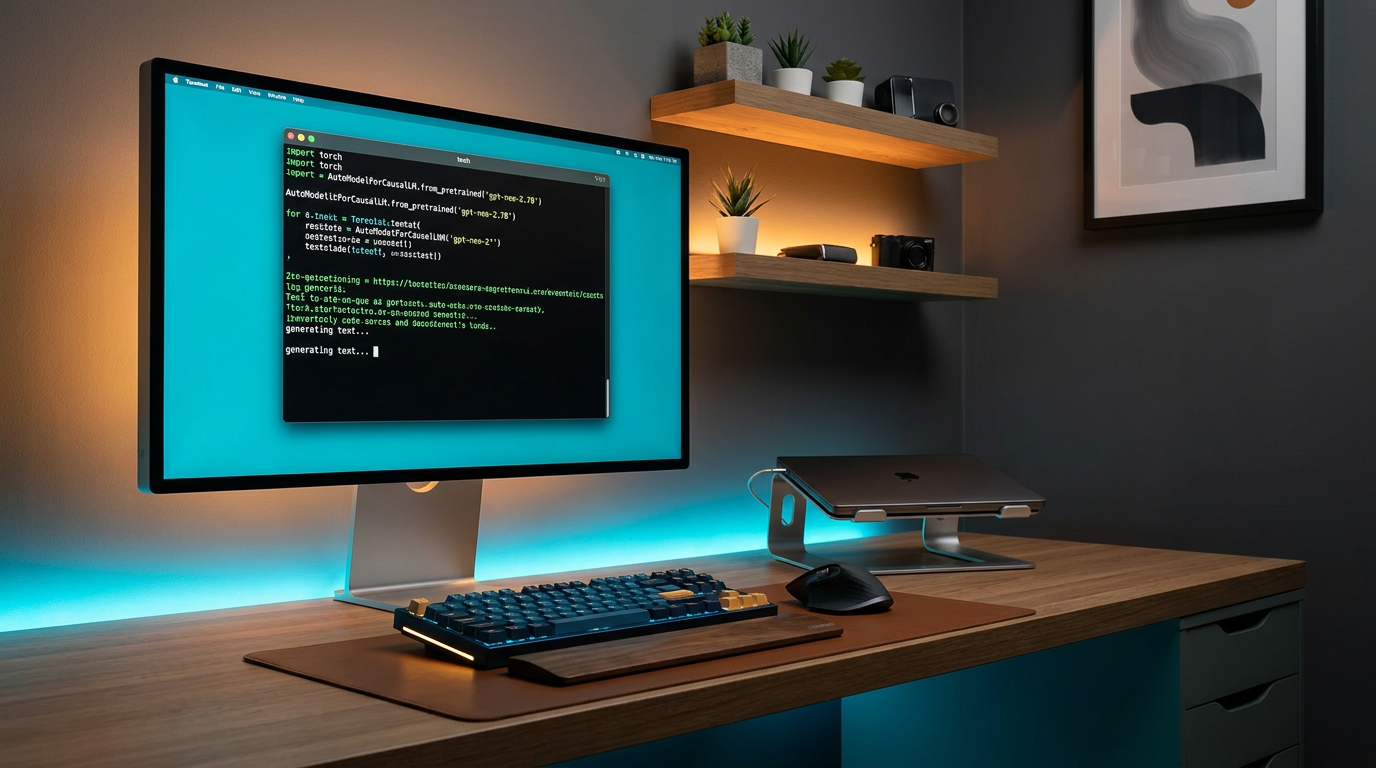
Software tools have evolved rapidly to handle these GGUF files, acting essentially as "Docker for AI." Ollama, a highly popular open-source command-line tool, allows users to download and run models with a single terminal command, such as pulling the Llama 3 model. It automatically handles the environment setup, allocates memory, and launches an interactive chat interface right in the terminal. For developers, Ollama also exposes a local REST API, allowing them to plug the local model directly into their own applications without changing their underlying code structure.[2][5]
It automatically handles the environment setup, allocates memory, and launches an interactive chat interface right in the terminal.
For users who prefer graphical interfaces over the command line, LM Studio has emerged as the premier desktop application. Available for Windows, Mac, and Linux, LM Studio provides a built-in browser to search and download models directly from open-source repositories like Hugging Face. It offers a familiar, user-friendly chat interface and granular controls over parameters like context length and temperature. This reduces the previously daunting setup process to something that feels closer to installing and using a standard desktop application.[4]
Despite the software advancements, local AI remains bound by the physical realities of computer hardware. The most critical bottleneck is Random Access Memory (RAM), specifically Video RAM (VRAM) if using a dedicated graphics card. A general rule of thumb in 2026 is that an 8-gigabyte system can comfortably run smaller 7-billion parameter models. However, 16 to 32 gigabytes of memory are generally required to run the "sweet spot" of highly capable 14-to-32-billion parameter models without crashing or slowing to a crawl.[3][5]

Apple Silicon has proven uniquely suited for this demanding task. Because M-series chips (M1 through M4) use a unified memory architecture, the central processor and the graphics processor share the exact same pool of high-bandwidth RAM. This allows a standard MacBook Pro with 32GB of unified memory to run massive models that would otherwise require expensive, specialized NVIDIA graphics cards on a PC. On Windows and Linux machines, users typically rely on NVIDIA GPUs utilizing CUDA acceleration, or AMD GPUs using ROCm, to achieve acceptable token generation speeds.[3][4]
The trade-offs of local AI are primarily centered around sheer capability and speed. A local 8-billion parameter model running on a laptop simply cannot match the encyclopedic knowledge or complex reasoning of a trillion-parameter frontier model running in a billion-dollar data center. Users must calibrate their expectations accordingly: local models excel at drafting emails, summarizing documents, and writing boilerplate code, but they may hallucinate or struggle with highly complex, multi-step logical deductions that require massive context windows.[3][7]
Speed is another crucial factor to consider. While cloud APIs can generate hundreds of tokens per second, a local setup might generate 15 to 60 tokens per second, depending heavily on the hardware and model size. However, local users benefit from zero network latency. An API call must cross the public internet at least twice, whereas a local call crosses the internal memory bus almost instantaneously, making the time-to-first-token incredibly fast and creating a highly responsive user experience.[1][5]

The ecosystem of available models has exploded, giving users unprecedented choice and flexibility. Meta's Llama series, Google's Gemma, Microsoft's Phi, and Mistral's open-weight models are all readily available for local download. This diversity ensures that users are not locked into a single vendor's ecosystem. It also protects users from the risk of a corporate entity suddenly changing a model's behavior, altering its safety filters, or deprecating an older version that a business relies on for a specific workflow.[2][5]
Looking ahead, the trajectory of local LLMs points toward smaller, highly specialized models rather than monolithic generalists. Researchers are discovering that high-quality training data and targeted fine-tuning can produce 3-billion parameter models that outperform the massive 70-billion parameter models of just two years ago. This rapid efficiency curve suggests that local AI will only become more capable on standard consumer hardware, lowering the barrier to entry for students, researchers, and small businesses worldwide who cannot afford massive cloud computing budgets.[7]
Ultimately, the choice between cloud and local AI is no longer a zero-sum game. Many developers and enterprises are adopting a pragmatic hybrid approach: using local models for sensitive, proprietary data processing and routing complex, non-sensitive queries to powerful cloud APIs. As the software tools become more refined and hardware continues to optimize specifically for neural processing, running a local LLM is shifting from a niche hobbyist pursuit to a fundamental component of modern digital literacy, ensuring users maintain ultimate control over their own data sovereignty.[6][7]
How we got here
Late 2022
Cloud-based LLMs like ChatGPT popularize generative AI, relying entirely on massive data centers.
Early 2023
The release of LLaMA weights sparks a grassroots movement to run models on consumer hardware.
Mid 2023
The GGUF format and llama.cpp make it possible to run compressed models efficiently on standard CPUs and GPUs.
2024-2025
Tools like Ollama and LM Studio introduce one-click, user-friendly interfaces, removing the need for complex command-line setups.
2026
Local AI becomes a standard workflow for privacy-conscious developers and enterprises, supported by highly capable small-parameter models.
Viewpoints in depth
Privacy Advocates
Argue that local models are essential for digital sovereignty.
For journalists, legal professionals, and privacy advocates, sending sensitive data to cloud providers is a non-starter. They argue that true digital sovereignty requires the ability to process information on hardware you physically control. Local LLMs ensure that proprietary code, personal journals, and confidential client data remain entirely offline, immune to data breaches or corporate policy changes.
Enterprise IT & Security
Focus on compliance and predictable cost structures.
Corporate IT departments view local LLMs through the lens of risk management and budget predictability. By deploying models on internal infrastructure, they bypass the regulatory hurdles of HIPAA and GDPR associated with cloud APIs. Furthermore, while the upfront capital expenditure for GPU servers is high, it eliminates the unpredictable, scaling costs of per-token API billing, making long-term budgeting much easier.
Open-Source Developers
Value the freedom to tinker, modify, and build without restrictions.
The developer community champions local LLMs for the sheer freedom they provide. Without rate limits or restrictive safety filters imposed by corporate API providers, developers can fine-tune models for highly specific tasks, experiment with different sampling methods, and integrate AI into offline applications. They view tools like Ollama and LM Studio as the foundational building blocks for a decentralized AI ecosystem.
What we don't know
- How quickly hardware manufacturers will optimize consumer chips specifically for local LLM inference.
- Whether future regulatory frameworks will mandate local processing for certain types of sensitive enterprise data.
- The exact performance ceiling of highly quantized, small-parameter models as training techniques evolve.
Key terms
- Inference
- The process where a trained artificial intelligence model takes an input prompt and generates a response.
- Quantization
- A technique that compresses a large AI model by reducing the precision of its numbers, allowing it to run on consumer hardware with less memory.
- GGUF
- A file format that bundles an AI model's weights and configuration into a single, easily downloadable file optimized for local hardware.
- Unified Memory
- A hardware architecture (like in Apple Silicon) where the CPU and GPU share the same pool of RAM, highly beneficial for running large AI models.
- Parameters
- The internal variables or 'knowledge connections' a model learned during training; more parameters generally mean a smarter but more hardware-intensive model.
Frequently asked
Do I need an internet connection to use a local LLM?
No. You only need an internet connection to initially download the model and the software. Once downloaded, the entire inference process runs completely offline.
Is a local LLM as smart as ChatGPT?
Generally, no. Local models running on consumer hardware are smaller (typically 7B to 32B parameters) than frontier cloud models. They are excellent for coding, summarizing, and drafting, but may struggle with highly complex reasoning.
Can I run this on a standard laptop?
Yes, provided you have enough RAM. A modern laptop with 16GB of RAM can comfortably run smaller models. Apple Silicon Macs (M1-M4) are particularly well-suited due to their unified memory architecture.
Is it really free?
The software (like Ollama and LM Studio) and open-weight models are free to download and use. Your only costs are the hardware you already own and the electricity required to run the processor.
Sources
Source coverage
7 outlets
3 viewpoints surfaced







[1]LM Studio DocumentationEveryday Tech Users
LM Studio local LLM: running large language models offline
Read on LM Studio Documentation →[2]OllamaOpen-Source Developers
Ollama: Get up and running with large language models locally
Read on Ollama →[3]MediumEveryday Tech Users
How to Run LLMs Locally with LM Studio: Complete Guide 2026
Read on Medium →[4]DataCampEveryday Tech Users
LM Studio Tutorial: Get Started with Local LLMs
Read on DataCamp →[5]DEV CommunityOpen-Source Developers
The Complete Guide to Ollama: Run Large Language Models Locally
Read on DEV Community →[6]Neil SahotaPrivacy & Security Advocates
Local LLM Setup, Costs & Risks
Read on Neil Sahota →[7]Factlen Editorial TeamPrivacy & Security Advocates
Synthesis by Factlen editorial team
Read on Factlen Editorial Team →

Every angle. Every day.
Get guides stories with full source coverage and perspective breakdowns delivered to your inbox.