
How to Run a Local LLM on Your Laptop: A Complete Guide
Running Large Language Models directly on personal hardware offers enhanced privacy, offline access, and zero subscription fees. Here is how to set up a local AI on a standard laptop.
By Factlen Editorial Team

- Local AI Enthusiasts
- Advocate for decentralized, accessible AI that runs on consumer hardware without subscription fees.
- Enterprise Security Professionals
- View local AI primarily as a necessary tool for maintaining data privacy and regulatory compliance.
- Hardware Optimizers
- Focus on the technical challenges of compressing and accelerating neural networks on limited silicon.
What's not represented
- · Cloud Infrastructure Providers
- · AI Safety Regulators
Why this matters
Running AI locally gives users complete control over their data, eliminates monthly subscription fees, and ensures access to powerful tools even without an internet connection. It represents a major shift from renting AI from tech giants to owning it on your own device.
Key points
- Local LLMs allow users to run powerful AI models directly on their own laptops without relying on cloud servers.
- Techniques like quantization compress massive neural networks so they can run efficiently on consumer hardware.
- Running AI locally ensures absolute data privacy, making it ideal for handling sensitive medical, legal, or financial information.
- Local models eliminate monthly subscription fees and provide guaranteed offline access during internet outages.
- User-friendly tools like Ollama and LM Studio have made local AI accessible to beginners without programming knowledge.
The artificial intelligence boom has largely been a cloud-based phenomenon. For years, interacting with a Large Language Model (LLM) meant sending your prompts to remote servers owned by tech giants, paying monthly subscription fees, and trusting third parties with your personal data. But a quiet revolution is shifting the balance of power back to the user. Today, running a powerful AI directly on a standard laptop is not just possible—it has become remarkably accessible. This shift from massive server farms to personal devices represents a fundamental democratization of technology, allowing individuals to harness generative AI entirely on their own terms.[7]
The secret behind this shift is a mathematical technique called quantization. Massive AI models naturally require hundreds of gigabytes of memory, far beyond the capacity of consumer hardware. Quantization compresses these models by reducing the precision of their internal numbers—shrinking a massive neural network into a file small enough to fit on a standard hard drive without catastrophic losses in intelligence. This compression allows highly capable open-source models, such as Meta's LLaMA 3 or Mistral, to run efficiently without requiring a multi-million-dollar data center.[1][2][5]
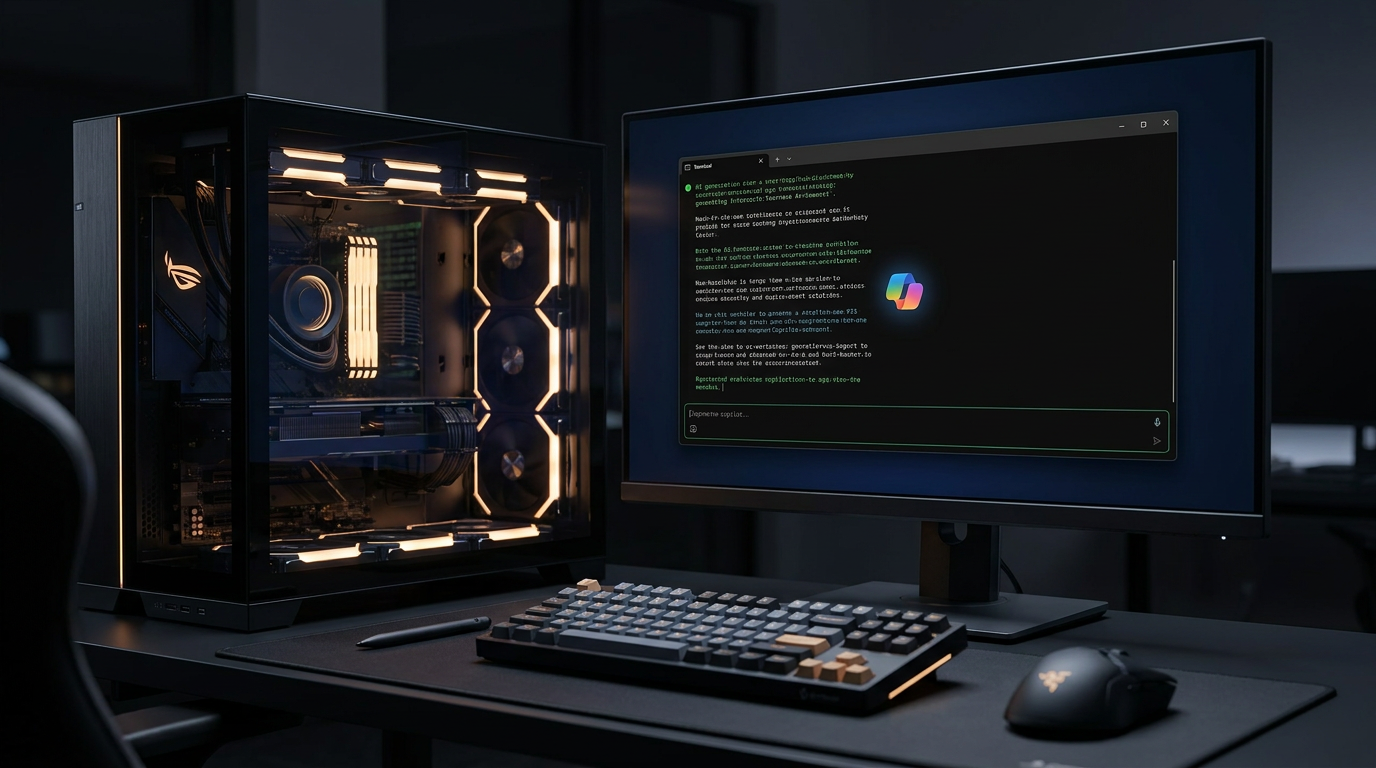
Running a local LLM might sound intimidating, but the hardware barrier to entry is lower than many expect. While a high-end graphics card (GPU) accelerates the process, it is no longer strictly necessary. For basic usage, a modern laptop with at least 16 gigabytes of RAM and 50 gigabytes of storage is sufficient to get started. Apple's M-series chips perform exceptionally well due to their unified memory architecture, which allows the CPU and GPU to share RAM seamlessly. For PC users, entry-level dedicated graphics cards like the Nvidia RTX 3060 with 8GB of Video RAM (VRAM) provide a massive performance boost for generating text quickly.[1][2][5]

The software ecosystem has also matured rapidly, replacing complex code repositories with user-friendly applications that require zero programming knowledge. For beginners, a tool called Ollama has emerged as the standard entry point. Available for Windows, Mac, and Linux, Ollama operates through a simple terminal command. Typing a phrase like "ollama run llama3" automatically downloads the model, configures the hardware, and opens a chat interface, handling all the complex routing under the hood.[1][6]
The software ecosystem has also matured rapidly, replacing complex code repositories with user-friendly applications that require zero programming knowledge.
For users who prefer a visual interface over a command line, LM Studio offers a clean, desktop-based graphical user interface that resembles popular cloud chatbots. It allows users to browse a directory of open-source models, download them with a click, and test different AI personalities without ever opening a command prompt. Meanwhile, advanced users and developers often turn to llama.cpp, the underlying C++ engine that powers many of these tools. This framework offers maximum performance and deep customization for integrating AI directly into custom applications.[1][2][5]

The primary driver for local AI adoption is absolute data privacy. When an LLM runs locally, the internet connection can be completely severed, ensuring that sensitive information never leaves the device. This is particularly crucial for healthcare professionals analyzing patient records, lawyers reviewing confidential contracts, or businesses protecting their intellectual property. Because the data processing happens entirely on-premise, organizations can utilize advanced AI analysis to spot trends or summarize documents while maintaining strict compliance with data sovereignty laws and regulations like HIPAA.[3][4]
Beyond privacy, local models offer financial and operational independence. They eliminate the recurring monthly subscription fees associated with premium cloud AI services, which can quickly scale into massive costs for heavy users or large organizations. Furthermore, local LLMs provide guaranteed uptime and reliability. Whether a user is working on a remote flight, facing a regional internet outage, or operating in a secure, air-gapped facility, the AI remains fully functional and ready to assist without relying on external servers.[3][4]

Despite these significant advantages, local AI is not a perfect replacement for frontier cloud models. A compressed model squeezed onto a laptop cannot match the vast reasoning capabilities, massive context windows, or multimodal features of cloud-based giants. Users must balance their need for privacy and control against the raw intelligence and speed of server-backed systems. Yet, as open-source models grow smarter and consumer hardware becomes more powerful, the gap between the cloud and the laptop continues to close, permanently changing how we interact with artificial intelligence.[4][7]
How we got here
Early 2023
Meta leaks the original LLaMA model, inadvertently sparking the open-source local AI movement.
March 2023
Developer Georgi Gerganov releases llama.cpp, allowing massive AI models to run on standard MacBooks.
Mid 2023
User-friendly wrappers like Ollama and LM Studio launch, removing the need for complex command-line setups.
2024–2026
Open-source models become highly capable, making local inference a viable alternative to cloud subscriptions.
Viewpoints in depth
Local AI Enthusiasts
Advocate for decentralized, accessible AI that runs on consumer hardware without subscription fees.
This community views the reliance on centralized cloud providers as a bottleneck for innovation and a significant privacy risk. They argue that AI should be a personal utility, much like a calculator or a word processor, rather than a rented service. By championing open-source models and user-friendly wrappers like Ollama, they aim to empower individuals to experiment freely without worrying about per-token costs or corporate surveillance.
Enterprise Security Professionals
View local AI primarily as a necessary tool for maintaining data privacy and regulatory compliance.
For hospitals, law firms, and financial institutions, sending sensitive client data to a third-party cloud API is often a non-starter due to strict regulations like HIPAA or GDPR. Security professionals in these sectors see local LLMs as the only viable path to safely leveraging generative AI. Their focus is less on avoiding subscription fees and more on ensuring that proprietary data and trade secrets never leave the organization's secure network.
Hardware Optimizers
Focus on the technical challenges of compressing and accelerating neural networks on limited silicon.
This group consists of core developers and engineers who prioritize the underlying math that makes local inference possible. They focus on techniques like quantization, memory mapping, and optimizing C++ bindings to squeeze massive neural networks onto everyday laptops. For them, the goal is maximizing tokens-per-second and efficiency, proving that specialized server racks are not strictly necessary for advanced computation.
What we don't know
- How quickly consumer hardware manufacturers will adapt their base-model laptops to include the massive amounts of unified memory required for next-generation local AI.
- Whether future regulatory frameworks will attempt to restrict the distribution of powerful open-source models that can be run locally without oversight.
Key terms
- Local LLM
- A large language model that runs directly on a user's personal computer or private server rather than in the cloud.
- Quantization
- A compression technique that reduces the precision of an AI model's internal numbers, allowing massive models to fit on consumer hardware.
- VRAM (Video RAM)
- The dedicated memory on a graphics card (GPU), which is crucial for loading and running AI models quickly.
- Inference
- The process of an AI model generating a response or prediction based on a user's prompt.
Frequently asked
Do I need an internet connection to use a local LLM?
No. Once the software and the model file are downloaded, the AI runs entirely offline on your device's hardware.
Is a local LLM as smart as ChatGPT?
Generally, no. Local models are smaller and optimized for consumer hardware, making them great for coding and summarization, but they lack the vast reasoning power of massive cloud models.
What happens to my data when I use a local model?
Your data remains completely private. Because the processing happens on your own machine, no prompts or files are sent to external servers.
Sources
Source coverage
7 outlets
3 viewpoints surfaced







[1]GoInsight AILocal AI Enthusiasts
How to Run a Local LLM: Step-by-Step Guide
Read on GoInsight AI →[2]LocalLLM.inLocal AI Enthusiasts
Choosing the Right Framework for Local LLMs
Read on LocalLLM.in →[3]DataNorth AIEnterprise Security Professionals
Benefits of using a Local LLM: Privacy, Latency, and Offline Access
Read on DataNorth AI →[4]Plain EnglishEnterprise Security Professionals
Local LLMs vs Cloud LLMs: Control and Privacy First
Read on Plain English →[5]GitHub (ggml-org)Hardware Optimizers
llama.cpp: Port of Facebook's LLaMA model in C/C++
Read on GitHub (ggml-org) →[6]OllamaLocal AI Enthusiasts
Get up and running with large language models locally
Read on Ollama →[7]Factlen Editorial TeamHardware Optimizers
Synthesis by Factlen editorial team
Read on Factlen Editorial Team →
Every angle. Every day.
Get guides stories with full source coverage and perspective breakdowns delivered to your inbox.