
The End of the Password: How Passkeys Work and Why You Should Use Them
Passkeys are rapidly replacing traditional passwords across major tech platforms. By leveraging public key cryptography and biometrics, they offer a login method that is both frictionless and mathematically immune to phishing.
By Factlen Editorial Team
- Security & Standards Organizations
- Focuses on the mathematical elimination of phishing and the structural flaws of shared secrets.
- Platform Ecosystems
- Prioritizes seamless user experience, cross-device synchronization, and rapid mainstream adoption.
- Consumer Tech Advocates
- Emphasizes practical setup tutorials, convenience, and the end of password fatigue for everyday users.
What's not represented
- · Privacy advocates concerned about ecosystem lock-in
- · Enterprise IT administrators managing legacy systems
Why this matters
Passwords are the weakest link in digital security, responsible for the vast majority of data breaches and identity theft. Transitioning to passkeys protects your most sensitive accounts from phishing while eliminating the need to memorize complex character strings.
Key points
- Passkeys replace traditional passwords with a cryptographic key pair.
- Your private key never leaves your device, making server breaches harmless.
- Passkeys are mathematically immune to phishing attacks.
- Apple, Google, and Microsoft have integrated passkeys into their operating systems.
- Cloud synchronization ensures you don't lose access if your device is lost.
The password is a fundamentally broken concept. For decades, internet security has relied on a shared secret—a string of characters you memorize and hand over to a website, hoping they keep it safe. But human memory is flawed, and server databases are highly vulnerable to breaches. When a password is stolen, it can be used by anyone, anywhere in the world.[6]
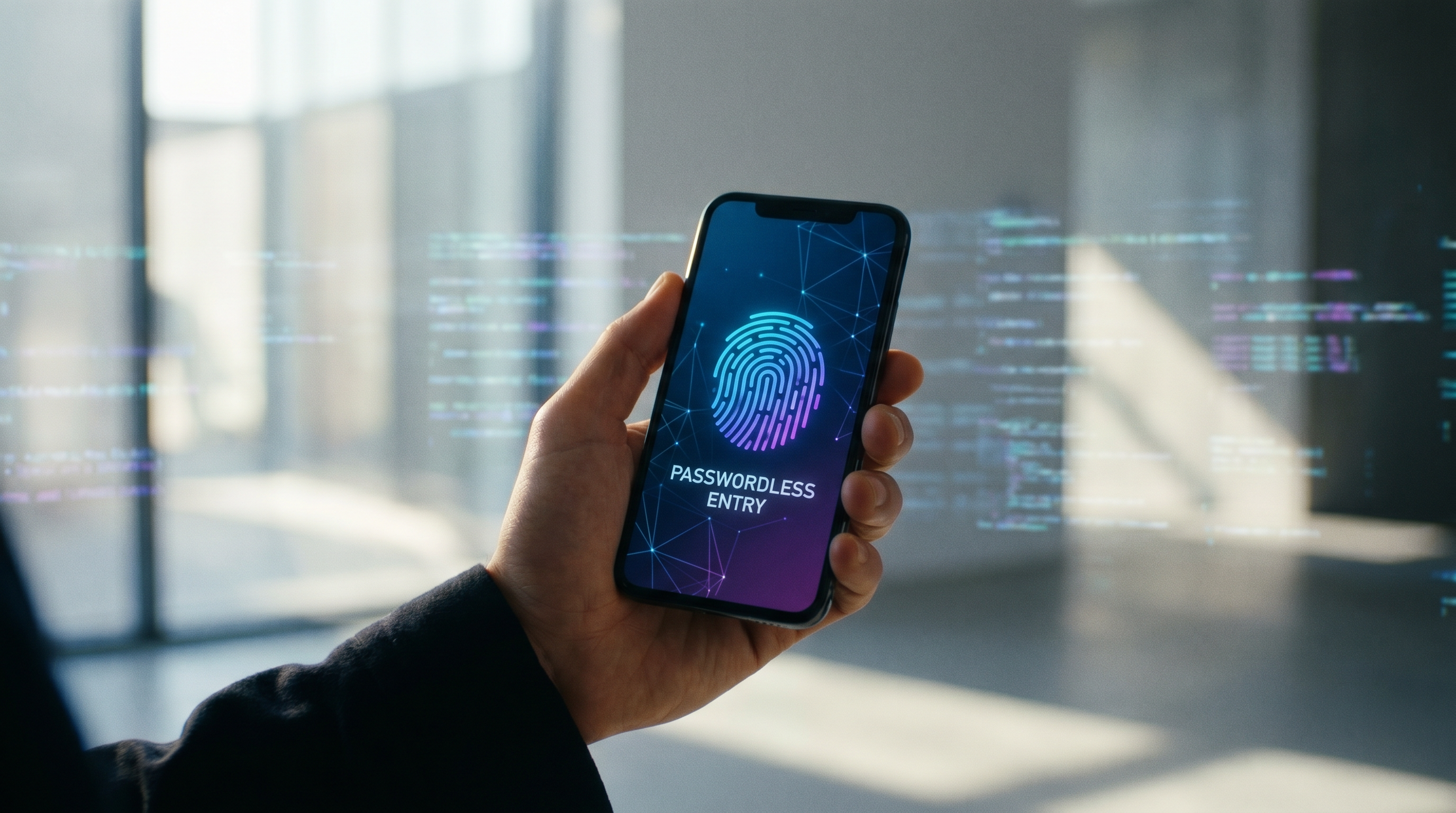
Enter the passkey. Developed by the FIDO Alliance and backed by tech giants like Apple, Google, and Microsoft, passkeys are a cryptographic replacement for passwords. They allow users to sign into accounts using the exact same biometric method—Face ID, Touch ID, or a PIN—that they use to unlock their phones.[5][7]
The shift is already underway. In recent years, major platforms have rolled out native support, making passkeys the default authentication method for millions of users. The promise is a frictionless internet where credential stuffing and phishing attacks are mathematically obsolete.[1][8]
To understand why passkeys are revolutionary, you have to look at the underlying mechanism: public key cryptography. When you create a passkey for a website, your device generates a unique pair of mathematically linked digital keys.[2][7]

One of these keys is public, and the other is private. The public key is sent to the website's server and stored in their database. It is not a secret; even if a hacker steals it during a massive data breach, the public key is entirely useless on its own.[2][6]
The private key, however, never leaves your device. It is locked inside a secure hardware component, such as Apple's Secure Enclave or a Windows Trusted Platform Module (TPM). When you attempt to log in, the website sends a digital "challenge" to your device.[7]
It is locked inside a secure hardware component, such as Apple's Secure Enclave or a Windows Trusted Platform Module (TPM).
Your device then asks you to authenticate—usually via a fingerprint or facial scan. Once verified, the device uses the private key to sign the challenge and sends the signature back to the website. The server verifies the signature using the public key, granting you access without any sensitive data ever crossing the internet.[6][7]
This architecture completely neutralizes phishing. Because the private key is cryptographically bound to the specific domain where it was created, a passkey simply will not work on a fake, lookalike website designed to steal your credentials.[5][6]

Setting up a passkey is remarkably straightforward. On an iPhone or Mac, the process is integrated directly into iCloud Keychain. When a supported app or website prompts you to create a passkey, you simply confirm with Face ID or Touch ID, and the credential is saved and synced across all your Apple devices.[1][2]
The Android and Google ecosystem operates similarly. Users can save passkeys to their Google Password Manager, which synchronizes the credentials across Android phones and Chrome browsers. When logging in, a quick fingerprint scan is all it takes to bypass the traditional password field.[3]
Windows users are not left behind. Microsoft has integrated passkey support into Windows Hello. By navigating to account security settings, users can register their device's PIN, facial recognition, or fingerprint scanner as a passkey for their Microsoft accounts and other supported web services.[4]

A common fear is what happens if a device is lost, stolen, or destroyed. Fortunately, consumer passkeys are designed to be "synced." Because they are backed up to end-to-end encrypted cloud services like iCloud or Google Password Manager, recovering your passkeys is as simple as signing into your cloud account on a new device.[2][3]
While passkeys represent a massive leap forward, the transition will not happen overnight. We are currently in a hybrid era where websites offer passkeys as an alternative rather than a strict replacement. As the Factlen editorial team notes, the industry is bridging the gap by allowing modern password managers to store passkeys alongside legacy passwords, ensuring users are not left stranded during the migration.[6][8]

Ultimately, the widespread adoption of passkeys marks the beginning of the end for the password. By removing the burden of memorization and eliminating the vulnerabilities of shared secrets, the tech industry is building a digital landscape that is simultaneously more secure and vastly easier to navigate.[5][8]
How we got here
2012
The FIDO Alliance is founded to develop open standards that reduce reliance on passwords.
2019
WebAuthn becomes an official W3C web standard, laying the groundwork for passkeys.
2022
Apple, Google, and Microsoft commit to expanded support for the passkey standard.
2026
Passkeys become the default authentication method across major consumer platforms.
Viewpoints in depth
Security & Standards Organizations
Advocating for the elimination of shared secrets to stop phishing at the source.
Groups like the FIDO Alliance and cybersecurity firms emphasize that human behavior is the weakest link in digital security. By removing the 'shared secret'—the password—passkeys take the burden of security off the user. Because the private key is cryptographically bound to a specific domain, it is mathematically impossible for a user to accidentally hand over their passkey to a lookalike phishing site.
Platform Ecosystems
Focusing on seamless synchronization and user convenience to drive mass adoption.
Tech giants like Apple, Google, and Microsoft view passkeys as a way to drastically reduce login friction and support costs associated with password resets. By integrating passkeys directly into iCloud Keychain, Google Password Manager, and Windows Hello, these platforms ensure that users can seamlessly sync their credentials across devices and easily recover them if a phone or laptop is lost.
Consumer Tech Advocates
Highlighting the practical benefits of passwordless logins while managing the transition period.
Consumer advocates celebrate the end of password fatigue, noting that passkeys are not only more secure but significantly faster to use. However, they also point out that we are in a transitional phase. Until every website supports the standard, users must rely on modern password managers to bridge the gap, storing both legacy passwords and new passkeys in a single, accessible vault.
What we don't know
- How quickly smaller, independent websites and legacy enterprise systems will adopt the passkey standard.
- Whether the dominance of Apple, Google, and Microsoft in passkey storage will lead to long-term ecosystem lock-in for consumers.
Key terms
- Public Key Cryptography
- A security method using two mathematically linked keys—one public and one private—to authenticate identity without sharing secrets.
- WebAuthn
- The underlying web standard that allows websites to communicate securely with your device's passkeys.
- Phishing
- A cyberattack where scammers trick users into handing over their login credentials on fake websites.
- Authenticator
- The device or software (like a smartphone or password manager) that stores your private key and verifies your identity.
Frequently asked
What happens if I lose my phone?
Your passkeys are securely backed up to your cloud account, such as iCloud Keychain or Google Password Manager. You can recover them by signing into your account on a new device.
Can a passkey be stolen in a data breach?
No. Websites only store your public key, which is useless to hackers. Your private key never leaves your device.
Do I still need a password manager?
Yes, for now. Many password managers now store passkeys alongside traditional passwords for websites that haven't upgraded yet.
Is a passkey the same as two-factor authentication?
No. Passkeys replace both the password and the second factor, combining 'something you have' (your device) and 'something you are' (your biometric) into a single, faster step.
Sources
Source coverage
8 outlets
3 viewpoints surfaced








[1]PCMagConsumer Tech Advocates
How to Use and Manage Passkeys
Read on PCMag →[2]ApplePlatform Ecosystems
About the security of passkeys
Read on Apple →[3]GooglePlatform Ecosystems
Introduction to passkeys
Read on Google →[4]MicrosoftPlatform Ecosystems
How to create and save a passkey for your Microsoft personal account
Read on Microsoft →[5]FIDO AllianceSecurity & Standards Organizations
What is a passkey?
Read on FIDO Alliance →[6]DashlaneSecurity & Standards Organizations
Passkeys Explained: What Is a Passkey and How Do Passkeys Work?
Read on Dashlane →[7]AkamaiSecurity & Standards Organizations
How do FIDO passkeys work?
Read on Akamai →[8]Factlen Editorial TeamConsumer Tech Advocates
Synthesis by Factlen editorial team
Read on Factlen Editorial Team →
More in guides
See all 17 stories →Next-Gen Geothermal
How Enhanced Geothermal Systems Are Unlocking 24/7 Clean Energy Anywhere
7 sources

Longevity Science
The Science of Zone 2: Why the Easiest Workout Is the Most Important for Longevity
7 sources

Digital Estate Planning
The Digital Legacy Checklist: How to Secure Your Online Life for Your Heirs
8 sources

Right to Repair
The 2026 Guide to the Right to Repair: How New Laws Are Changing Consumer Tech
8 sources
Every angle. Every day.
Get guides stories with full source coverage and perspective breakdowns delivered to your inbox.