
How to Run Powerful AI Models Locally on Your Own Computer
Advances in model compression and consumer hardware now allow anyone to run advanced AI assistants entirely offline, ensuring absolute data privacy and zero subscription costs.
By Factlen Editorial Team

- Privacy Advocates
- Argue that local AI is essential for protecting sensitive personal and corporate data from being ingested by tech giants.
- Open-Source Developers
- Focus on the democratization of AI, building tools and compression techniques that make models accessible to anyone with a computer.
- Hardware & Platform Makers
- View local AI as the next major driver for hardware upgrades, emphasizing the need for NPUs and unified memory in modern PCs.
What's not represented
- · Cloud Infrastructure Providers
- · Enterprise IT Security Teams
Why this matters
Running AI locally means your sensitive data—whether it's proprietary code, medical notes, or personal journals—never leaves your device to be ingested by a corporate server. It also democratizes access to cutting-edge technology by removing monthly subscription fees and the need for a constant internet connection.
Key points
- Local AI allows users to run advanced chatbots entirely offline, ensuring absolute data privacy.
- A technique called quantization compresses massive AI models so they can fit on standard consumer laptops.
- Tools like Ollama and LM Studio have made installing local AI as easy as downloading a regular app.
- Apple's unified memory and new Windows AI PCs are driving the hardware capable of running these models.
- Small Language Models (SLMs) are proving that highly curated data can produce powerful AI with a fraction of the computational cost.
For the past few years, interacting with artificial intelligence has meant renting time on a distant supercomputer. Services like ChatGPT and Claude rely on massive, centralized server farms packed with enterprise-grade graphics processing units (GPUs). Every prompt you type is sent over the internet, processed in the cloud, and beamed back. But a quiet revolution in software engineering and consumer hardware has fundamentally shifted this paradigm, allowing everyday users to run highly capable AI models entirely offline on their own laptops and desktops.[1][4]
The appeal of local AI is rooted in three distinct advantages: absolute privacy, zero recurring costs, and offline availability. When a model runs locally, the data never leaves the physical machine. This is a game-changer for professionals handling sensitive information—such as lawyers analyzing case files, doctors summarizing patient notes, or developers working on proprietary codebases—who are legally or ethically barred from pasting data into cloud-based chatbots.[4]

To understand how this became possible, we have to look at the open-source AI boom. When companies like Meta (with Llama) and Mistral began releasing the "weights"—the core mathematical files that make up an AI's brain—freely to the public, they provided the raw intelligence. However, these models were initially far too massive for standard computers. A standard 70-billion parameter model requires over 140 gigabytes of memory just to load into a computer's RAM, placing it far out of reach for a standard consumer device.[1][2]
The technical hurdle was solved by a mathematical breakthrough known as quantization. In simple terms, quantization is a form of extreme compression. Neural networks are essentially massive collections of numbers (parameters) that represent the connections between concepts. Originally, these numbers were stored in high-precision 16-bit floating-point formats. Researchers discovered that by rounding these numbers down to 4-bit or even 3-bit integers, they could drastically shrink the file size of the model.[2][3]
The result of quantization is staggering. A model that once required 140GB of memory can be compressed by up to 70%, fitting comfortably into 40GB or less, with only a negligible drop in its actual reasoning capability. This compression birthed new file formats, most notably GGUF (GPT-Generated Unified Format), which allows these squished models to be read efficiently by standard consumer processors rather than requiring specialized data-center hardware.[2][3]

Simultaneously, consumer hardware caught up to the software's demands. Apple's transition to Apple Silicon (the M-series chips) introduced "unified memory" to laptops. Unlike traditional PCs where the CPU and GPU have separate, isolated pools of memory, Apple's architecture allows the built-in graphics processor to access the system's entire pool of RAM. A MacBook with 64GB of unified memory suddenly became an accidental AI powerhouse, capable of holding massive models that would otherwise require multiple expensive Nvidia graphics cards.[5][6]
Simultaneously, consumer hardware caught up to the software's demands.
On the Windows and Linux side, the hardware ecosystem adapted differently. High-end gamers and 3D artists with discrete Nvidia RTX cards found that their hardware was perfectly suited for local AI inference. Furthermore, the introduction of "AI PCs" featuring dedicated Neural Processing Units (NPUs) began offloading the mathematical heavy lifting from the main processor, allowing smaller models to run efficiently in the background without draining the battery or slowing down other applications.[5]
But raw hardware and compressed files are useless without accessible software. A year ago, running a local model required navigating complex command-line interfaces, installing Python environments, and troubleshooting obscure error codes. Today, the software layer has been entirely abstracted away by user-friendly applications like LM Studio, Ollama, and GPT4All. These tools operate much like a traditional app store for AI.[1][5]
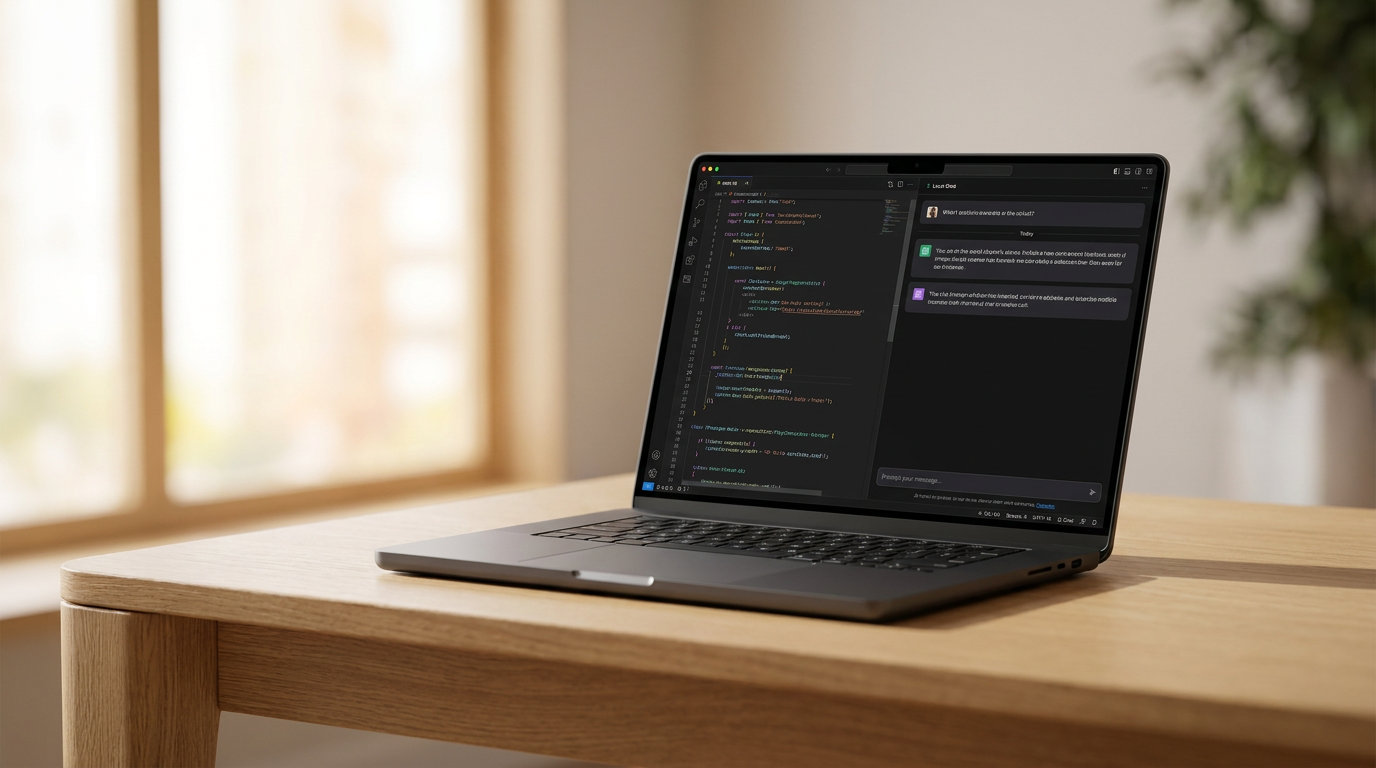
The user experience is now remarkably frictionless. You download an application like LM Studio, open it, and are greeted with a search bar. You can type in the name of a model—perhaps Meta's Llama 3 or Microsoft's Phi-3—click download, and immediately start chatting in a familiar, ChatGPT-style interface. The software automatically detects your computer's hardware, selects the correct level of quantization, and optimizes the performance behind the scenes.[5]
The ecosystem is also being driven by the rapid evolution of Small Language Models (SLMs). While the industry initially obsessed over massive models with hundreds of billions of parameters, researchers realized that training smaller models on highly curated, textbook-quality data could yield incredible results. Microsoft's Phi series and Google's Gemma are prime examples: models with just 3 to 8 billion parameters that can run on a standard smartphone, yet possess the reasoning capabilities of the massive models from just two years prior.[7]

Despite the rapid progress, local AI still faces genuine limitations. Running complex neural networks requires immense computational power, which translates directly to heat and rapid battery drain on laptops. Furthermore, local models generally generate text slower than their cloud-based counterparts, which are powered by racks of specialized silicon. They also struggle with massive "context windows"—while a cloud model might be able to read a 500-page book in one prompt, a local model on consumer hardware will quickly run out of memory if fed too much text at once.[1][6]
The future of local AI is currently splitting into two distinct paths. On one side is the open-source, tinkerer community, constantly pushing the boundaries of what can be squeezed onto consumer hardware via tools like Apple's MLX framework and Hugging Face's libraries. On the other side is seamless OS-level integration, where Apple and Microsoft are baking small, invisible AI models directly into macOS and Windows to handle background tasks like sorting emails and summarizing notifications without the user ever interacting with a chat window.[5][6]

Ultimately, the rise of local AI represents a crucial re-decentralization of computing power. By proving that advanced artificial intelligence does not require a billion-dollar data center to function, the open-source community and hardware manufacturers have ensured that the most transformative technology of the decade remains accessible, private, and under the direct control of the individual user.[1][4]
How we got here
Early 2023
Meta's LLaMA model weights leak online, sparking a massive open-source AI movement.
Mid 2023
Researchers develop advanced quantization techniques, allowing massive models to run on standard consumer hardware.
Late 2023
The GGUF file format is introduced, standardizing how compressed models are shared and executed.
2024
User-friendly applications like LM Studio and Ollama launch, removing the need for complex command-line setups.
2025-2026
Tech giants release highly capable Small Language Models (SLMs) specifically designed for local, offline inference.
Viewpoints in depth
Privacy Advocates
Argue that local AI is the only secure way to utilize artificial intelligence for sensitive tasks.
For privacy advocates and enterprise security teams, the cloud-based AI model is fundamentally flawed. When a user pastes proprietary code, medical records, or sensitive legal documents into a cloud chatbot, that data is transmitted to corporate servers where it may be logged, reviewed by human moderators, or even used to train future iterations of the model. Local AI solves this by keeping the entire computational process on the physical device. This air-gapped approach ensures compliance with strict data privacy laws like HIPAA and GDPR, allowing professionals to leverage AI without compromising client confidentiality.
Open-Source Developers
Focus on the democratization of technology, ensuring AI isn't controlled by a few massive corporations.
The open-source community views local AI as a necessary counterweight to the centralization of power by companies like OpenAI and Google. By developing highly efficient compression techniques like quantization and building open frameworks, these developers are ensuring that anyone with a standard laptop can experiment with, modify, and deploy AI models. This community thrives on platforms like Hugging Face, constantly iterating on smaller, faster models that prove you don't need a billion-dollar data center to achieve state-of-the-art reasoning capabilities.
Hardware & Platform Makers
See local AI as the catalyst for the next major cycle of consumer hardware upgrades.
For companies like Apple, Microsoft, and Nvidia, the shift toward local AI is a massive commercial opportunity. The computational demands of running models offline are driving a new category of 'AI PCs' equipped with dedicated Neural Processing Units (NPUs) and massive pools of unified memory. These manufacturers are heavily incentivized to make local AI as seamless as possible, integrating small models directly into the operating system to handle background tasks, thereby convincing consumers that their older, non-AI hardware is obsolete and in need of an upgrade.
What we don't know
- Whether open-source local models will be able to keep pace with the reasoning capabilities of the next generation of massive, trillion-parameter cloud models.
- How upcoming regulations regarding AI safety and copyright might impact the open distribution of model weights on the internet.
- If operating system developers will eventually lock down local AI execution to their own proprietary, built-in models, limiting third-party tools.
Key terms
- Quantization
- A compression technique that reduces the precision of the numbers making up an AI model, drastically shrinking its file size and memory requirements with minimal loss in performance.
- Parameters
- The internal variables or 'weights' that an AI model learns during training; a rough indicator of a model's size and complexity (e.g., a 7-billion parameter model).
- GGUF
- A popular file format designed specifically for running quantized AI models efficiently on standard consumer processors (CPUs) and graphics cards.
- Unified Memory
- A hardware architecture, notably used in Apple Silicon, where the CPU and GPU share the same pool of RAM, allowing laptops to load massive AI models that would normally require specialized graphics cards.
- Inference
- The actual process of an AI model generating a response or prediction based on a user's prompt, distinct from the initial 'training' phase.
Frequently asked
Do I need an internet connection to use local AI?
No. Once you download the model file and the application to run it, the AI functions entirely offline without any internet connection.
Is a local AI as smart as ChatGPT?
It depends on the model and your hardware. While massive cloud models are still superior at highly complex reasoning, modern open-source models running locally are highly capable of coding, writing, and summarizing at a level comparable to the best models from a year ago.
Will running AI damage my laptop?
No, but it is computationally intensive. It will cause your computer's fans to spin up, generate heat, and drain your battery significantly faster than normal web browsing.
What kind of computer do I need?
A modern Apple Silicon Mac (M1 or newer) with at least 16GB of unified memory is highly recommended. For Windows, a PC with a dedicated Nvidia RTX graphics card or a newer processor with a built-in NPU works best.
Sources
Source coverage
7 outlets
3 viewpoints surfaced







[1]Factlen Editorial Team
Synthesis by Factlen editorial team
Read on Factlen Editorial Team →[2]Hugging FaceOpen-Source Developers
GGUF and Local Inference: A Guide to Running Models Anywhere
Read on Hugging Face →[3]arXivOpen-Source Developers
AWQ: Activation-aware Weight Quantization for LLM Compression and Acceleration
Read on arXiv →[4]WiredPrivacy Advocates
Why You Should Be Running Your AI Chatbots Offline
Read on Wired →[5]The VergeHardware & Platform Makers
The beginner's guide to running local AI models on your PC or Mac
Read on The Verge →[6]Apple Machine Learning ResearchHardware & Platform Makers
MLX: An array framework for Apple silicon
Read on Apple Machine Learning Research →[7]Microsoft ResearchHardware & Platform Makers
Phi-3: Small language models with big potential
Read on Microsoft Research →
Every angle. Every day.
Get ai stories with full source coverage and perspective breakdowns delivered to your inbox.