
How to Run Local AI Models on Your Laptop: The Complete 2026 Guide
Running advanced AI models locally on consumer hardware is now accessible, offering complete privacy, zero subscription fees, and offline capabilities.
By Factlen Editorial Team
- Privacy Advocates
- Argue that sensitive corporate and personal data should never be sent to third-party cloud servers.
- Open-Source Developers
- Value the freedom to tinker, build, and run AI applications without paying recurring API costs.
- Cloud AI Providers
- Maintain that the most complex reasoning tasks still require the massive compute power of centralized data centers.
What's not represented
- · Hardware Manufacturers
- · Cybersecurity Attackers
Why this matters
By moving AI processing from the cloud to your own device, you protect sensitive data from third-party servers, eliminate monthly subscription fees, and gain the ability to use advanced AI entirely offline.
Key points
- Local AI allows users to run large language models directly on their personal computers without an internet connection.
- Tools like LM Studio and Ollama have replaced complex command-line setups with user-friendly interfaces.
- Processing data locally ensures absolute privacy, making it ideal for legal, medical, and proprietary business workflows.
- Quantization compresses massive AI models into smaller files, allowing them to run efficiently on standard consumer hardware.
- A minimum of 8GB of RAM is required, though 16GB is recommended for smooth performance with capable models.
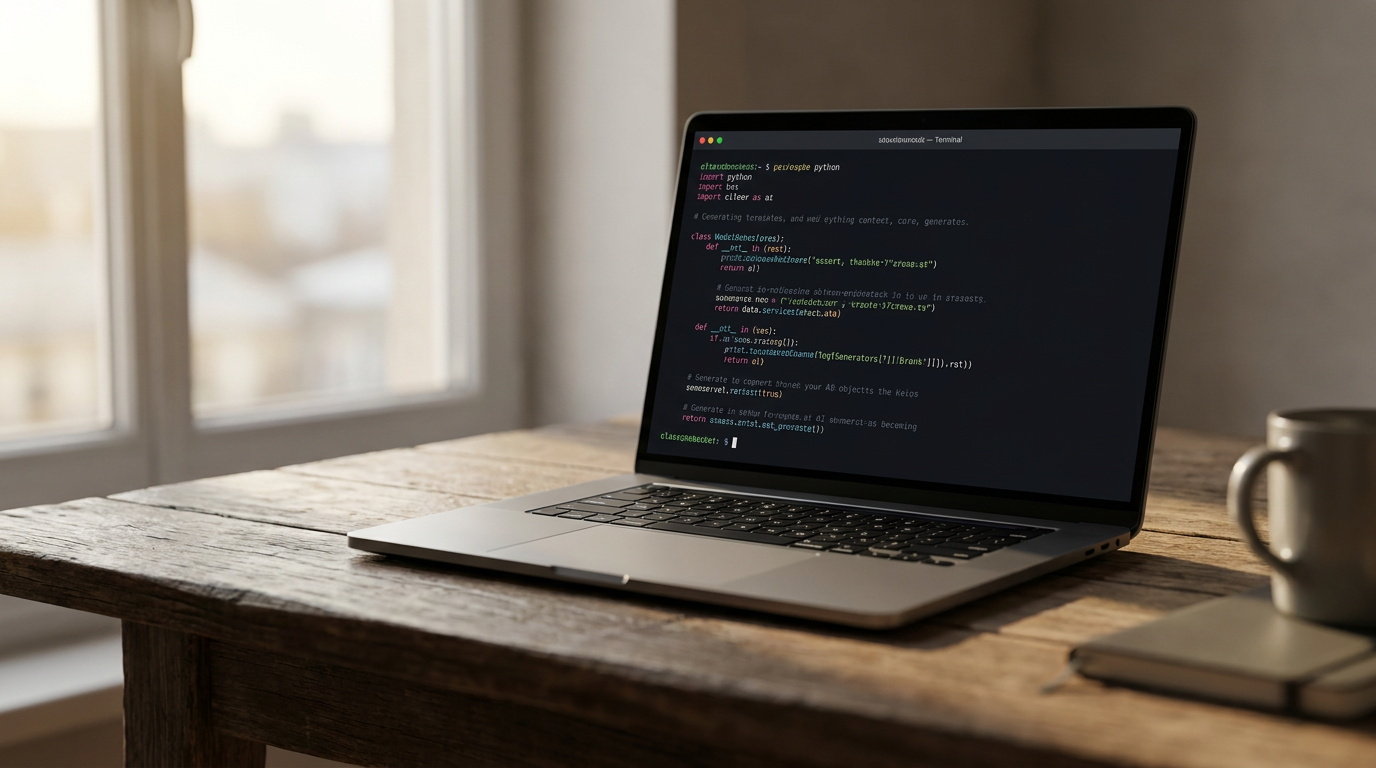
The era of relying exclusively on cloud-based artificial intelligence is quietly ending for a growing segment of power users. For the past three years, interacting with a large language model meant sending prompts to servers owned by tech giants, paying monthly subscription fees, and hoping sensitive data remained secure. Today, a thriving ecosystem of open-source tools allows anyone to run highly capable AI models directly on their own laptop.[7]
This shift, known as "local AI" or "edge AI," is democratizing access to machine learning. By moving the inference process—the actual computation that generates text—from a remote data center to the processor sitting on your desk, users gain complete control over their digital assistants.[1][7]
The primary driver for this migration is absolute data privacy. When a query is sent to a cloud provider, it travels across the public internet, is processed on external servers, and is often logged for future model training. For casual queries, this is a minor trade-off. But for legal professionals handling client data, medical staff bound by HIPAA regulations, or developers working on proprietary code, sending data to the cloud is a non-starter.[1][2]
Local AI solves the privacy equation entirely. Because the model's weights live on the user's solid-state drive and the computation happens on local silicon, no network packets ever cross the firewall. "The safest data is the data that never leaves your hands," notes the AI Journal, highlighting how decentralized models mitigate the risk of third-party breaches.[1][6]

Beyond privacy, the financial incentives are compelling. Cloud AI subscriptions typically cost between $20 and $100 per month, adding up to hundreds or thousands of dollars annually. Local AI, by contrast, requires zero recurring fees. Once the software is installed and the model is downloaded, generating unlimited text, code, or summaries costs nothing beyond the electricity required to power the computer.[2]
Furthermore, local models operate entirely offline. Whether on an airplane, in a remote location, or during an internet outage, the AI remains fully functional. This offline capability ensures that critical workflows are never interrupted by server downtime or rate limits imposed by cloud providers.[2]
Making this possible is a quiet revolution in software optimization, spearheaded by an open-source project called llama.cpp. Originally developed to run Meta's Llama models on standard processors, llama.cpp rewrote the rules of AI inference. It proved that massive AI models did not strictly require arrays of expensive data-center GPUs to function.[3]
Making this possible is a quiet revolution in software optimization, spearheaded by an open-source project called llama.cpp.
The secret to this efficiency lies in a technique called quantization, paired with the GGUF file format. Neural networks are typically trained using high-precision floating-point numbers, which consume massive amounts of memory. Quantization compresses these numbers into lower-precision formats—often 4-bit integers—drastically reducing the model's file size and memory footprint while retaining the vast majority of its reasoning capabilities.[3][4][6]

Thanks to GGUF, a model that once required 30 gigabytes of memory can be squeezed into just 5 or 6 gigabytes, allowing it to run comfortably on consumer hardware. This breakthrough paved the way for user-friendly applications that abstract away the command-line complexity.[6]
For users who prefer a visual interface, LM Studio has emerged as a leading solution. Operating much like a standard desktop application, it allows users to search for models directly from Hugging Face, download them with a click, and chat in a familiar, ChatGPT-style window. LM Studio automatically handles the underlying GGUF configurations and provides real-time metrics on memory usage and generation speed.[4][6]
Alternatively, developers often gravitate toward Ollama, a lightweight tool that functions similarly to Docker but for AI models. With a single terminal command, Ollama downloads the model, allocates the necessary memory, and starts a local server. This makes it incredibly easy to swap out different models or integrate them into custom scripts.[5]
Both tools offer a crucial feature: local API endpoints. By running a local server on port 11434 (Ollama) or 1234 (LM Studio), users can point their existing software—such as coding assistants or automation scripts—to their local machine instead of OpenAI's servers. This drop-in compatibility means developers can build and test complex AI applications entirely offline.[4][5]
Despite the software magic, hardware still dictates the ceiling of what is possible. AI models live in Random Access Memory (RAM) during operation. If a computer lacks sufficient RAM, the system will attempt to use the hard drive as overflow memory, slowing generation speeds to an unusable crawl.[4]
The general rule of thumb for 2026 is that 8 gigabytes of RAM is the absolute minimum, sufficient for running smaller, highly optimized models with 1 to 3 billion parameters. The "sweet spot" for most users is 16 gigabytes of RAM, which comfortably handles highly capable 7-to-8-billion-parameter models at speeds of 25 to 60 tokens per second.[2][4]

For larger, workstation-grade models (ranging from 30 to 70 billion parameters), 32 to 64 gigabytes of memory is required. Apple's M-series MacBooks have become particularly popular for local AI because of their "unified memory" architecture, which allows the CPU and GPU to share a massive pool of high-speed RAM, bypassing the limitations of traditional graphics cards.[3][4]
While local AI is empowering, it is not without limitations. Running heavy computations locally will drain a laptop battery significantly faster than browsing the web. Furthermore, while local models are highly capable at coding, writing, and summarizing, they cannot yet match the sheer encyclopedic breadth and complex reasoning of massive frontier models like GPT-4 or Claude 3.5 Opus, which run on supercomputers.[7]
Yet, for the vast majority of daily tasks, the gap between cloud and local AI has closed dramatically. As open-source models continue to shrink in size and grow in intelligence, the personal computer is reclaiming its role not just as a terminal for cloud services, but as an independent, intelligent machine.[7]
How we got here
Early 2023
The release of Llama and the creation of llama.cpp prove that large models can run on consumer CPUs.
Late 2023
The GGUF file format standardizes model compression, making it easier to share and run quantized models.
2024
User-friendly tools like Ollama and LM Studio launch, removing the need for complex command-line setups.
2026
Local AI becomes mainstream for developers and privacy-conscious professionals, with 16GB RAM becoming the new hardware standard.
Viewpoints in depth
Privacy & Compliance Advocates
Professionals who handle sensitive data view local AI as a mandatory security measure.
For lawyers, doctors, and corporate strategists, sending client data to a cloud API is often a violation of confidentiality agreements or regulations like HIPAA. This camp views local AI not as a cost-saving measure, but as a fundamental requirement for using machine learning in professional environments. By keeping the inference engine on local silicon, they eliminate the risk of third-party data breaches or accidental inclusion in future model training datasets.
Open-Source Developers
Builders who want to integrate AI into applications without being tethered to corporate APIs.
Independent developers and researchers champion local AI for its economic and creative freedom. Relying on cloud APIs means paying per-token costs that scale with usage, which can quickly bankrupt a small project. Local tools like Ollama allow developers to spin up local endpoints, test code infinitely for free, and modify the underlying models without asking for permission or worrying about a cloud provider suddenly deprecating an API.
Cloud AI Proponents
Users and providers who argue that the most advanced reasoning still requires data centers.
While acknowledging the benefits of local execution, this perspective emphasizes the capability gap. A 7-billion-parameter model running on a laptop is highly capable of summarization and basic coding, but it cannot match the deep reasoning, vast knowledge base, and multimodal capabilities of frontier models like GPT-4 or Claude 3.5 Opus. For complex, multi-step problem solving, cloud proponents argue that the subscription cost is well worth the access to supercomputer-grade intelligence.
What we don't know
- How quickly the capability gap between massive cloud models and compressed local models will close.
- Whether future operating systems will integrate local AI engines natively, rendering third-party tools like Ollama obsolete.
Key terms
- Local AI
- Artificial intelligence models that run directly on a user's personal device rather than on a remote cloud server.
- Quantization
- A compression technique that reduces the precision of a model's numbers, drastically shrinking its file size and memory requirements.
- GGUF
- A file format specifically designed for running quantized AI models efficiently on standard consumer hardware.
- Inference
- The actual process of an AI model calculating and generating a response to a user's prompt.
- Parameters
- The internal variables a model uses to make decisions; a higher parameter count generally means a smarter but more memory-intensive model.
Frequently asked
Can I run GPT-4 locally on my laptop?
No. GPT-4 is a proprietary model that requires massive data centers to run. Local AI uses open-source models like Llama 3 or Mistral.
Will running local AI drain my laptop battery?
Yes. AI inference requires heavy CPU and GPU usage, which will drain a laptop battery significantly faster than normal web browsing.
Do I need an internet connection to use local AI?
Only for the initial download of the software and the model file. Once downloaded, the AI runs entirely offline.
What is the difference between Ollama and LM Studio?
Ollama is a command-line tool favored by developers for its simplicity, while LM Studio provides a graphical, ChatGPT-like interface for easier visual interaction.
Sources
Source coverage
7 outlets
3 viewpoints surfaced







[1]AI JournalPrivacy Advocates
Benefits of Using Local AI Models for Data Privacy
Read on AI Journal →[2]Local AI MasterOpen-Source Developers
Why Run AI Locally? (Top 5 Reasons)
Read on Local AI Master →[3]MediumOpen-Source Developers
What Is llama.cpp? How to Run Local LLMs on a Laptop
Read on Medium →[4]DataCampCloud AI Providers
How to Run LLMs Locally with LM Studio
Read on DataCamp →[5]Ollama DocumentationOpen-Source Developers
Ollama: Get up and running with large language models
Read on Ollama Documentation →[6]LM StudioCloud AI Providers
LM Studio: Discover, download, and run local LLMs
Read on LM Studio →[7]Factlen Editorial TeamPrivacy Advocates
Synthesis by Factlen editorial team
Read on Factlen Editorial Team →

More in guides
See all 6 stories →Local AI
How to Run AI Locally: The Complete Guide to Private, Offline Models in 2026
7 sources
Digital Hygiene
The 2026 Digital Declutter and Cybersecurity Checklist
8 sources

Electrified Driving
Electric Vehicles vs. Plug-in Hybrids: Which Is Right for You in 2026?
8 sources

Agrivoltaics
How Agrivoltaics Work: The Dual-Use Future of Solar and Farming
6 sources

Every angle. Every day.
Get guides stories with full source coverage and perspective breakdowns delivered to your inbox.