
How to Run AI Locally: The Complete Guide to Privacy-First LLMs
Running Large Language Models on your own hardware offers complete privacy, zero subscription fees, and offline capabilities. Here is how to get started with tools like Ollama and LM Studio.
By Factlen Editorial Team
- Privacy & Enterprise Compliance
- Organizations prioritizing data sovereignty and regulatory adherence.
- Open-Source Developers
- Engineers building custom applications and automated workflows.
- Everyday Consumers
- Users seeking to avoid subscription fatigue and maintain offline access.
What's not represented
- · Hardware Manufacturers
- · Cloud AI Providers
Why this matters
By moving AI processing from the cloud to your own computer, you gain absolute control over your sensitive data while eliminating recurring subscription fees. This shift empowers individuals and businesses to use cutting-edge technology without compromising privacy or relying on an internet connection.
Key points
- Running AI locally ensures complete data privacy, as information never leaves your device.
- Local deployment eliminates recurring cloud subscription fees.
- Quantization techniques compress massive models to fit on consumer hardware.
- LM Studio offers a beginner-friendly graphical interface for running models.
- Ollama provides a lightweight, command-line tool ideal for developers and automation.
- A minimum of 8GB of VRAM is generally recommended for entry-level models.
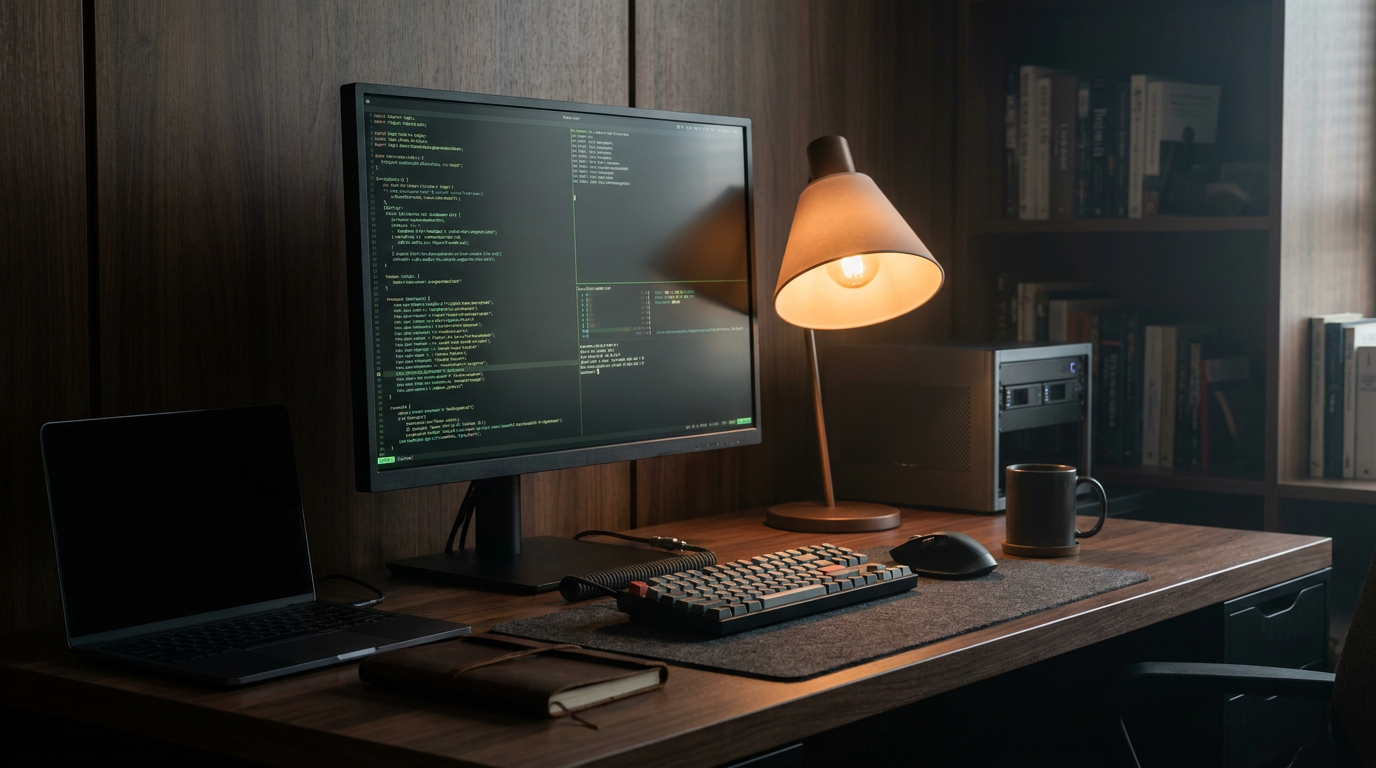
The artificial intelligence landscape has shifted. For years, interacting with a powerful large language model meant sending your thoughts, code, and proprietary data to a distant server owned by a tech giant. But in 2026, a quiet revolution is happening on the desks of developers, writers, and privacy advocates: running AI entirely locally.[6]
The appeal of this decentralized approach is straightforward. Cloud-based subscriptions like ChatGPT Plus or Claude Pro can cost upwards of $240 a year, and enterprise API usage can run into the thousands of dollars. By shifting inference to your own hardware, the ongoing cost drops to zero. More importantly, your data never leaves your machine, which is a critical feature for anyone handling sensitive or confidential information.[1][5]
But how exactly does a model that cost millions of dollars to train fit onto a consumer laptop? The secret lies in a mathematical technique called quantization. In simple terms, quantization shrinks the numerical weights of a neural network, reducing its precision just enough to save massive amounts of storage space without destroying its core intelligence.[4]
This compression is what makes local AI possible for the average user. A model that would normally require a server farm can be squeezed into a highly optimized file format known as GGUF. These files can be downloaded directly to your computer and run using specialized software engines that optimize the math for consumer-grade processors.[3]

However, the digital mind still requires a capable physical body. The single most important hardware component for running local AI is VRAM, or Video RAM, which is located on your graphics card. When you load an AI model, it needs to sit entirely in this high-speed memory to generate text quickly and fluidly.[4]
For entry-level models with 7 to 8 billion parameters, experts generally recommend a minimum of 8GB of VRAM, making graphics cards like the Nvidia RTX 3060 a popular starting point. Larger, more capable models require 16GB, 24GB, or even multiple GPUs running in parallel to function efficiently.[4]
There is one notable exception to the strict graphics card rule: Apple Silicon. Because modern Mac processors use an architecture called "unified memory," they can allocate massive chunks of their standard system RAM directly to graphics and AI tasks. This architectural quirk has made high-end MacBooks surprisingly formidable machines for local AI development.[3]

Once the hardware is sorted, the next hurdle is software. In 2026, two dominant tools have emerged to make local deployment highly accessible: LM Studio and Ollama. While both applications run the exact same models at the exact same speeds under the hood, they cater to entirely different workflows.[3]
In 2026, two dominant tools have emerged to make local deployment highly accessible: LM Studio and Ollama.
LM Studio is the graphical powerhouse of the local AI world. Designed for beginners and visual learners, it operates like a standard, polished desktop application. Users can search for models, download them with a single click, and immediately start chatting in a familiar interface, hiding complex command-line arguments behind intuitive sliders and drop-down menus.[5]
Ollama, on the other hand, is the developer's champion. It is a lightweight, command-line tool that runs quietly in the background as a system service. Users interact with it by typing simple commands into a terminal, such as instructing the system to pull and run a specific model version.[3]
The true power of Ollama lies in its API integration. Because it exposes a local endpoint on your machine, developers can easily plug local models into their own applications, coding assistants, or automation scripts. It acts as invisible infrastructure rather than a standalone chat application.[3]

The models themselves have also reached a tipping point in quality. Open-weights releases from major tech companies and independent research labs have flooded the ecosystem, providing users with an abundance of choices. Models like Meta's Llama series, Alibaba's Qwen, and Google's Gemma are freely available to download and run.[4]
These local models are no longer just experimental toys. For specific, bounded tasks like writing code, summarizing dense documents, or drafting emails, a quantized 8-billion parameter model running locally can often match the performance of massive cloud models from just a year or two ago.[4]
The stakes go far beyond hobbyist tinkering. For enterprises, local AI is rapidly becoming a strict compliance necessity. Organizations in healthcare, finance, and law face stringent regulations like HIPAA and GDPR, making it legally perilous to send patient records or client files to third-party cloud providers.[1][2]
By deploying models on-premise, these companies achieve "compliance by design." The sensitive data never traverses the open internet, completely eliminating the risk of third-party breaches and ensuring absolute data sovereignty. Furthermore, local deployment offers predictable, fixed hardware costs compared to the unpredictable billing of pay-per-token cloud APIs.[2]

Local AI also offers a distinct operational advantage: zero latency from network travel. While cloud models might take 500 to 1000 milliseconds just to send and receive data across the internet, a local model can begin generating tokens in as little as 100 milliseconds, a speed difference that is transformative for real-time applications.[2]
Finally, there is the simple, undeniable benefit of offline capability. Whether you are a researcher on a remote field site, a developer working on an airplane, or simply dealing with a neighborhood internet outage, local AI remains fully functional, severing the tether to the cloud.[5]
The future of artificial intelligence is unlikely to be entirely local or entirely cloud-based. Instead, it will be a hybrid ecosystem. We will rely on massive cloud models for heavy reasoning and complex problem-solving, while delegating our daily, private, and repetitive tasks to the capable, quiet models running right on our desks.[6]
How we got here
2023
Early local AI required complex Python environments and massive hardware.
2024
Quantization techniques like GGUF popularized, shrinking model sizes.
2025
Open-weights models like Llama 3 and Qwen match cloud performance for specific tasks.
2026
GUI tools like LM Studio make local AI accessible to non-developers.
Viewpoints in depth
Privacy & Enterprise Compliance
Organizations prioritizing data sovereignty and regulatory adherence.
For law firms, hospitals, and financial institutions, sending sensitive data to third-party cloud providers is a non-starter due to strict regulations like HIPAA and GDPR. This camp views local AI not as a cost-saving measure, but as a mandatory security architecture. By keeping all inference on-premise, they achieve 'compliance by design,' ensuring that proprietary data and client records never traverse the open internet.
Open-Source Developers
Engineers building custom applications and automated workflows.
Developers favor tools like Ollama that operate quietly in the background and expose local APIs. This perspective values the ability to script, automate, and integrate AI directly into their own software pipelines without relying on external rate limits or unpredictable cloud outages. For them, local AI is about absolute control and the freedom to tinker with open-weights models.
Everyday Consumers
Users seeking to avoid subscription fatigue and maintain offline access.
For the average user, the appeal of local AI is largely economic and practical. With cloud subscriptions costing upwards of $20 a month, running models locally offers a free, unlimited alternative. This camp gravitates toward user-friendly graphical interfaces like LM Studio, which remove the technical friction of the command line and provide a polished, plug-and-play chat experience.
What we don't know
- How quickly consumer hardware will scale to handle the next generation of massive 100B+ parameter models natively.
- Whether cloud providers will lower API costs aggressively to compete with the rise of free local inference.
Key terms
- Quantization
- The process of compressing a large AI model by reducing the precision of its numbers, allowing it to run on consumer hardware.
- VRAM (Video RAM)
- The dedicated memory on a graphics card, crucial for loading and running AI models quickly.
- GGUF
- A popular file format optimized for running quantized language models efficiently on standard CPUs and GPUs.
- Inference
- The actual process of the AI generating a response to a user's prompt.
- CLI (Command Line Interface)
- A text-based interface used to interact with software by typing commands, favored by developers.
Frequently asked
Can I run a local LLM without a dedicated GPU?
Yes, but it will be significantly slower. The exception is Apple Silicon Macs, which use unified memory to run models highly efficiently without a separate graphics card.
Is local AI as smart as ChatGPT?
For specific tasks like summarization or coding, smaller local models are highly capable. However, massive cloud models still hold an edge in broad, complex reasoning.
What does quantization mean?
Quantization is a compression technique that reduces the mathematical precision of an AI model, allowing massive neural networks to fit on standard consumer hardware.
Is running local AI completely free?
The software (like Ollama and LM Studio) and the open-weights models are free. Your only cost is the hardware you already own and the electricity to run it.
Sources
Source coverage
6 outlets
3 viewpoints surfaced






[1]The AI JournalPrivacy & Enterprise Compliance
How To Use Local AI Models To Improve Data Privacy
Read on The AI Journal →[2]Digital AppliedPrivacy & Enterprise Compliance
Local LLM Deployment: Privacy-First AI Complete Guide
Read on Digital Applied →[3]PromptQuorumOpen-Source Developers
Ollama vs LM Studio 2026: Speed, Features & Setup Guide
Read on PromptQuorum →[4]LocalLLM.inEveryday Consumers
How to Run a Local LLM: A Comprehensive Guide for 2025
Read on LocalLLM.in →[5]MediumOpen-Source Developers
9 Powerful Tools for Privacy-First AI: The Complete Guide
Read on Medium →[6]Factlen Editorial TeamEveryday Consumers
Synthesis by Factlen editorial team
Read on Factlen Editorial Team →

Every angle. Every day.
Get guides stories with full source coverage and perspective breakdowns delivered to your inbox.