
The Ultimate Guide to Passkeys: How to Ditch Passwords for Good in 2026
Passkeys have officially moved from a tech experiment to the mainstream standard for online security. Here is exactly how the cryptography works, why it makes you immune to phishing, and how to set up passwordless login across all your devices.
By Factlen Editorial Team
- Security Architects
- Focus on the architectural elimination of shared secrets to prevent mass data breaches.
- Consumer Advocates
- Emphasize the usability benefits and the reduction of password-related anxiety.
- Enterprise Compliance Teams
- Prioritize strict control over credential portability using device-bound passkeys.
What's not represented
- · Legacy System Administrators
- · Users without smart devices
Why this matters
Eighty-one percent of data breaches stem from stolen passwords. Transitioning to passkeys is the single most effective step you can take to secure your digital identity, finances, and personal data against phishing and server hacks.
Key points
- Passkeys replace traditional passwords with cryptographic key pairs, eliminating shared secrets from servers.
- Because the private key never leaves your device, passkeys are inherently immune to phishing attacks.
- Apple, Google, and Microsoft have integrated native passkey support across their operating systems.
- Synced passkeys back up to the cloud for easy recovery, while device-bound passkeys offer strict enterprise security.
- Users authenticate locally using biometrics like Face ID or fingerprint scanners, making logins faster and more secure.
The era of "password123" and complex strings of special characters is finally drawing to a close. For decades, internet security has relied on a fundamental flaw: asking humans to memorize and type shared secrets. In 2026, the technology industry has coalesced around a superior standard that eliminates the password entirely, replacing anxiety-inducing login screens with a simple biometric scan.[7]
The core vulnerability of a traditional password is that it is a shared secret. You type it into your device, and the website's server checks it against a stored database. If that server is breached by hackers, or if you are tricked into typing your password on a convincing counterfeit website—a tactic known as phishing—the secret is compromised. This architectural weakness is responsible for the vast majority of modern cyberattacks.[2]
Enter the passkey. Developed by the FIDO Alliance—an open industry consortium that includes tech giants like Apple, Google, and Microsoft—passkeys replace the shared secret with a cryptographic key pair. Instead of relying on human memory, passkeys leverage the advanced security hardware already built into modern smartphones and laptops.[1]
When you create a passkey for a new service, your device generates two mathematically linked keys. The "public key" is transmitted to the website's server and stored there. The "private key," however, never leaves your device. It is locked securely inside your phone or computer's encrypted hardware enclave, inaccessible to both the website and potential attackers.[1][2]

The login process flips the traditional model on its head. When you attempt to sign in, the website does not ask you for a secret. Instead, it sends a unique digital challenge to your device. Your device then prompts you to verify your identity locally, typically using Face ID, Touch ID, or a device PIN.[2]
Once you authenticate with your biometrics, your device uses the hidden private key to mathematically sign the challenge, sending only the signature back to the server. The server uses your public key to verify that the signature is authentic. Because the private key itself is never transmitted over the internet, there is absolutely nothing for a hacker to intercept or steal in a server breach.[2]
This mechanism makes passkeys inherently immune to phishing. Passkeys are cryptographically bound to the specific domain where they were created. If a scammer sends you a fraudulent link to "paypa1.com" instead of "paypal.com," your device will simply refuse to hand over the signature, because the domain does not match the original public key. The human error of falling for a fake website is removed from the equation entirely.[1][2]
This mechanism makes passkeys inherently immune to phishing.
By 2026, the infrastructure supporting this technology has reached critical mass. Over 15 billion accounts now support passkeys, with native integration baked directly into iOS, Android, and Windows operating systems. What began as an experimental feature for security enthusiasts has become the default onboarding flow for major financial institutions, retailers, and enterprise software platforms.[2]

For the average consumer, the transition is powered by "synced passkeys." Apple's iCloud Keychain and Google's Password Manager automatically back up and synchronize your passkeys across all your devices. If you create a passkey on your iPhone, it is instantly available on your iPad and Mac. This cloud synchronization ensures that you do not lose access to your accounts if you upgrade your hardware.[2][4]
However, relying solely on Apple or Google can create walled gardens, making it difficult to log into a Windows PC using an iPhone's passkey. To bridge this gap, third-party password managers like 1Password and Bitwarden have evolved into cross-platform passkey vaults. These tools allow users to store their passkeys independently of the operating system, providing seamless biometric logins regardless of the device combination being used.[5][6]
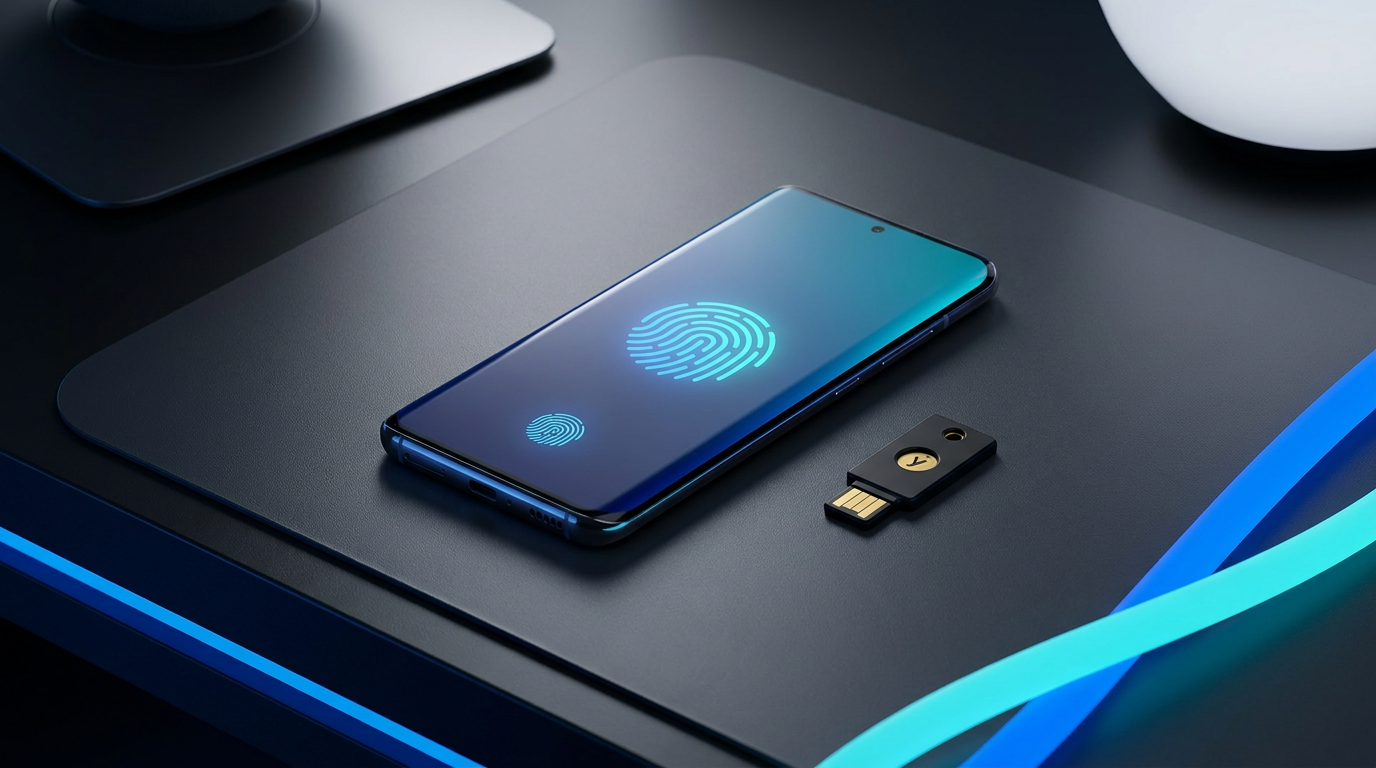
While synced passkeys offer incredible convenience, highly regulated industries view cloud synchronization as a potential liability. For these environments, organizations deploy "device-bound passkeys." In this model, the private key is permanently locked to a single piece of hardware—such as a physical YubiKey or within the Microsoft Authenticator app—and cannot be copied, exported, or synced to the cloud.[4]
Setting up a passkey today is remarkably straightforward. On an Apple device, simply navigate to your password settings or tap "Create Passkey" when prompted by a supported application. Your device will ask for Face ID or Touch ID to authorize the creation, and the credential is automatically saved to your iCloud Keychain.[7]

The process is nearly identical across other ecosystems. Android users rely on Google Password Manager or their preferred third-party app, using their fingerprint to secure the key. Windows 11 users leverage Windows Hello, which stores the passkey locally on the PC's Trusted Platform Module (TPM) or syncs it via their Microsoft account.[3][7]
The most common hesitation users have is the fear of losing their device. If you drop your phone in a lake, what happens to your logins? For the vast majority of users relying on synced passkeys, the answer is simple: restoring your cloud backup onto a new device automatically restores your cryptographic keys, granting you immediate access to your accounts.[2][4]
If you lose access to your cloud account entirely, websites still maintain traditional fallback methods. You can usually recover an account via an email verification loop or SMS text message. However, security experts warn that these legacy recovery methods remain the weakest link in the chain, as SIM-swapping attacks and compromised email accounts can still bypass passkey protections.[3]
We are currently navigating a hybrid era. Most services still offer traditional passwords alongside passkey options to accommodate users on older hardware. Security professionals recommend keeping legacy two-factor authentication active during this transition period, but strongly advise migrating primary logins to passkeys wherever the option is available.[5]
Ditching passwords requires a slight mental shift—treating your physical phone or laptop as the literal key to your digital life. But by removing the shared secret from the internet, passkeys offer the rare technological upgrade that is simultaneously vastly more secure and significantly easier to use. The password is dead; long live the passkey.[1][7]
How we got here
2012
The FIDO Alliance is formed to create open standards for passwordless authentication.
May 2022
Apple, Google, and Microsoft announce joint support for the FIDO passkey standard.
2023-2024
Major platforms like Amazon, PayPal, and GitHub begin rolling out passkey support to users.
2025
Microsoft mandates multi-factor authentication or passkeys for all Azure and Entra ID logins.
2026
Passkeys reach mainstream adoption, supported natively across iOS, Android, Windows, and major password managers.
Viewpoints in depth
Security Architects
Focus on the architectural elimination of shared secrets to prevent mass data breaches.
For security architects, the primary value of passkeys lies in the eradication of shared secrets. Traditional passwords require the server to store a hash of the user's secret, creating a massive honeypot for hackers. By shifting to public-key cryptography, passkeys ensure that even if a company's database is completely compromised, the attackers only obtain public keys, which are mathematically useless without the user's physical device. This architectural shift neutralizes credential stuffing and phishing at the protocol level.
Consumer Advocates
Emphasize the usability benefits and the reduction of password-related anxiety.
Consumer advocates celebrate passkeys for solving the human-factors problem of cybersecurity. For decades, users have been burdened with conflicting advice to create complex, unique passwords for hundreds of accounts, leading to fatigue and poor security habits. Synced passkeys remove this cognitive load entirely. By allowing users to log in with the same biometric scan they use to unlock their phones, the technology aligns high-grade security with frictionless convenience.
Enterprise Compliance Teams
Prioritize strict control over credential portability using device-bound passkeys.
In highly regulated sectors like finance and healthcare, compliance teams view the cloud synchronization of passkeys with skepticism. If a passkey can be synced across devices, it can potentially be exported or accessed on an unmanaged personal device. Therefore, these teams mandate device-bound passkeys—such as hardware security keys or Microsoft Authenticator deployments—ensuring that the cryptographic credential remains permanently locked to a single, company-issued piece of hardware.
What we don't know
- How quickly legacy enterprise software and smaller websites will update their infrastructure to support the WebAuthn standard.
- Whether the industry will eventually phase out vulnerable fallback recovery methods like SMS verification entirely.
Key terms
- Passkey
- A digital credential tied to your device that uses public-key cryptography to log you in without a password.
- FIDO2 / WebAuthn
- The open industry standards created by the FIDO Alliance that make passkeys work seamlessly across different browsers and operating systems.
- Public Key
- The half of the cryptographic key pair that is stored on the website's server, which cannot be used to log in on its own.
- Private Key
- The half of the key pair that never leaves your device and is unlocked via your biometrics to prove your identity.
- Synced Passkey
- A passkey that is backed up to a cloud service, like iCloud or Google Password Manager, so it can be recovered if you lose your device.
- Device-Bound Passkey
- A high-security passkey locked to a single piece of hardware, like a YubiKey, incapable of being copied or synced.
Frequently asked
What happens to my passkeys if I lose my phone?
If you use synced passkeys via Apple, Google, or a password manager, your passkeys are backed up to the cloud and will automatically restore when you sign into your new device.
Can a website leak my passkey in a data breach?
No. Websites only store your public key, which is completely useless to hackers without the private key that remains securely locked on your physical device.
Do I still need to use a password manager?
Yes. Password managers like 1Password and Bitwarden now store and sync passkeys across different operating systems, while also managing your remaining legacy passwords during the transition.
Sources
Source coverage
7 outlets
3 viewpoints surfaced







[1]FIDO AllianceSecurity Architects
Passkeys Explained
Read on FIDO Alliance →[2]AuthgearSecurity Architects
Passkey vs Password: Why Passkeys Are the Future of Security
Read on Authgear →[3]PCMagEnterprise Compliance Teams
Time to Switch: How to Set Up Passkeys Before Microsoft Ditches SMS 2FA Logins
Read on PCMag →[4]MSEndpointMgrSecurity Architects
Passkeys and the Personal Phone Problem – An MFA Update for 2026
Read on MSEndpointMgr →[5]BitwardenConsumer Advocates
Get started with passkeys
Read on Bitwarden →[6]CybersecToolsConsumer Advocates
1Password Passkeys vs Bitwarden: Side-by-Side Comparison (2026)
Read on CybersecTools →[7]Factlen Editorial TeamConsumer Advocates
Synthesis by Factlen editorial team
Read on Factlen Editorial Team →

Every angle. Every day.
Get guides stories with full source coverage and perspective breakdowns delivered to your inbox.