
How to Transition to Passkeys and Eliminate Passwords
Passkeys replace vulnerable passwords with cryptographic keys stored on your device, offering a faster, phishing-resistant, and passwordless login experience.
By Factlen Editorial Team
- Platform Ecosystems
- Prioritizes user convenience, biometric integration, and seamless syncing across consumer devices.
- Security Architects
- Focuses on the elimination of shared secrets and the architectural impossibility of phishing.
- Enterprise IT
- Highlights the challenges of multi-user environments, device-bound keys, and access control on shared workstations.
What's not represented
- · Users without modern smartphones or biometric-capable devices
- · Administrators of legacy systems unable to support WebAuthn
Why this matters
With billions of stolen passwords circulating on the dark web, traditional logins are the weakest link in personal cybersecurity. Passkeys fundamentally eliminate the risk of phishing and server breaches, making your digital life both significantly more secure and easier to manage.
Key points
- Passkeys replace traditional passwords with a pair of cryptographic keys, eliminating the need to memorize complex character strings.
- The private key remains securely on your device, while the public key is stored on the website's server.
- Because passkeys use domain binding, they are mathematically resistant to phishing attacks and fake websites.
- Major platforms like Apple, Google, and Microsoft now sync passkeys across your devices to prevent lockouts if a phone is lost.
Passwords are a 60-year-old technology that is fundamentally failing modern security needs. With over 6 billion stolen credentials currently circulating on the dark web, traditional logins represent the single largest vulnerability in personal cybersecurity.[4]
The technology industry's definitive solution has arrived, and it is called the passkey. Backed by the FIDO Alliance—a consortium that includes Apple, Google, and Microsoft—passkeys are designed to replace passwords entirely with a system that is both faster and mathematically immune to standard hacking techniques.[6]
Unlike passwords, which require users to memorize complex strings of characters or rely on third-party generators, passkeys are invisible to the user. They leverage the devices people already own, turning a smartphone, tablet, or laptop into the authentication token itself.[2]
The underlying mechanism relies on asymmetric public-key cryptography. While this concept has secured internet traffic and financial networks for decades, it is now being applied directly to consumer logins to eliminate the concept of a shared secret.[3][5]
When a user registers for a passkey-enabled service, their device generates two mathematically linked cryptographic keys: a public key and a private key.[5]

The public key is sent to the website's server and stored in its database. This key is not a secret; even if hackers breach the server and steal the public key, it is entirely useless on its own.[1][5]
The private key, however, never leaves the user's device. It is stored securely within the device's hardware, such as a Trusted Platform Module (TPM) on a PC or a secure enclave on a smartphone.[3]
During the login process, the website sends a unique cryptographic challenge—a large random number—to the user's device. The device uses the private key to sign this challenge and sends the signature back to the server.[3][4]
During the login process, the website sends a unique cryptographic challenge—a large random number—to the user's device.
The server then uses the public key to verify the signature. Because only the corresponding private key could have generated that specific valid signature, the server knows the user is authentic and grants access.[3]
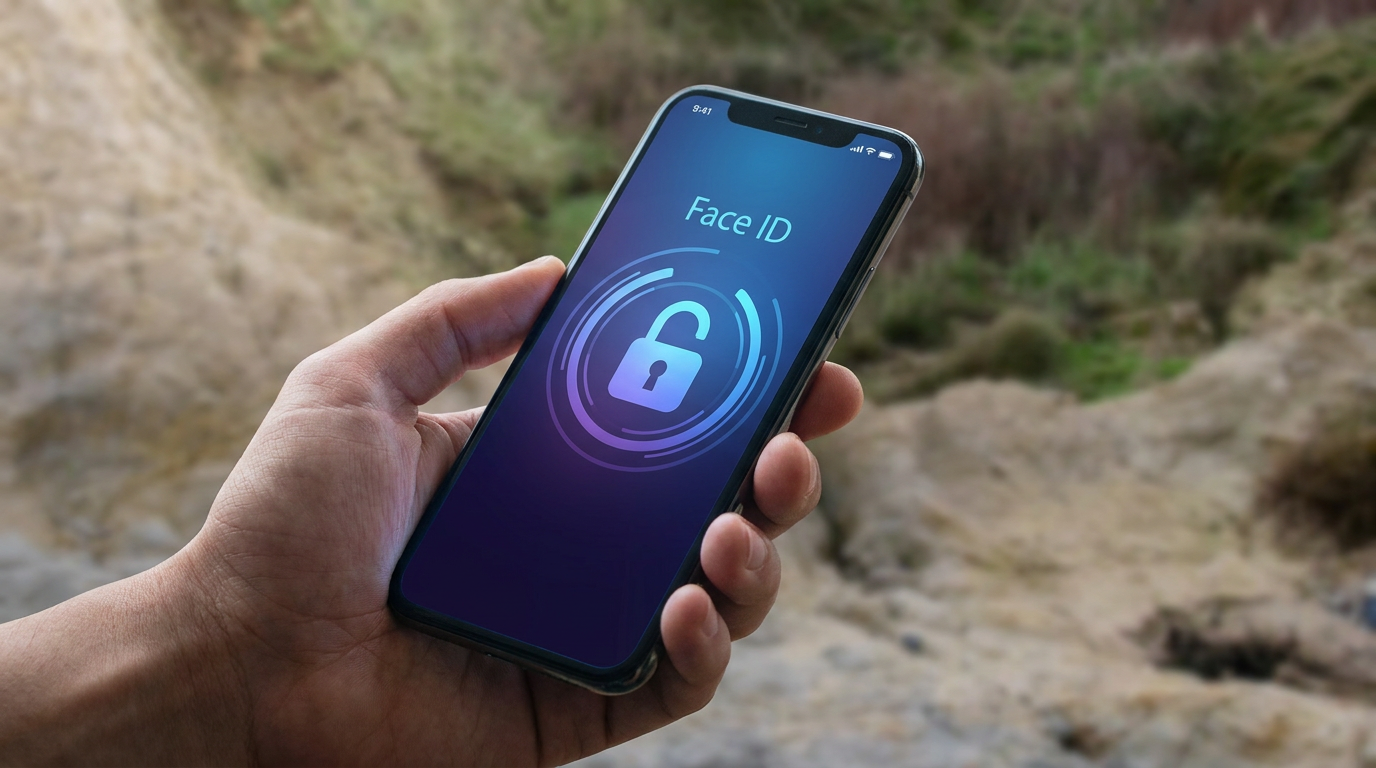
To authorize this signing process, the user simply uses their device's built-in biometric authentication. A quick glance for Apple's Face ID, a fingerprint scan for Windows Hello, or a local device PIN is all that is required.[1][2]
Crucially, the biometric data never leaves the device. The fingerprint or face scan simply unlocks the local secure enclave so the private key can sign the challenge, ensuring absolute privacy.[1][4]
This architecture makes passkeys entirely resistant to phishing. Passkeys utilize domain binding, meaning the cryptographic signature is tied directly to the legitimate website's exact URL.[3]

If a user is tricked into clicking a link to a fake website designed to look exactly like their bank, the passkey will simply refuse to authenticate because the domain origin does not match the registered key.[3]
Historically, one of the biggest hurdles to passwordless adoption was device loss. If a private key is bound exclusively to a single phone, losing that phone means permanently losing access to the account.[1]
To solve this, modern consumer passkeys are typically synced. Services like Apple's iCloud Keychain, Google Password Manager, and third-party managers like Dashlane securely synchronize passkeys across a user's ecosystem.[1][4]
This synchronization means a user can create a passkey on their iPhone and immediately use it to log in on their Mac or iPad, providing seamless redundancy if one device is lost or broken.[1]

For cross-ecosystem logins—such as logging into a Windows PC using an iPhone—passkeys support a standardized proximity check. The computer displays a QR code, the user scans it with their phone, and the devices communicate securely via Bluetooth to authenticate the session.[6]
While consumer adoption is accelerating rapidly, enterprise environments face different challenges. Shared workstations, such as those in hospitals or retail, require specialized multi-tenant credential stores so that multiple employees can securely use passkeys on a single terminal without mixing private keys.[3]
How we got here
2013
The FIDO Alliance is founded to develop open standards for passwordless authentication.
2019
The WebAuthn standard becomes an official web recommendation, laying the groundwork for browser-based passkeys.
May 2022
Apple, Google, and Microsoft announce expanded support for the FIDO standard, introducing multi-device synced credentials.
Late 2023
Major platforms roll out native passkey support in iOS, macOS, Windows, and Android.
Viewpoints in depth
Security Architects
Focuses on the elimination of shared secrets and the architectural impossibility of phishing.
For cybersecurity professionals, the primary appeal of passkeys is the eradication of the 'shared secret' model. Because a password must be known by both the user and the server, a breach on the server side exposes the user. Passkeys solve this by storing only a public key on the server, which is useless to attackers. Furthermore, the cryptographic domain binding ensures that even if a user is tricked into visiting a sophisticated phishing site, the passkey will not authenticate, closing the largest attack vector in modern hacking.
Platform Ecosystems
Prioritizes user convenience, biometric integration, and seamless syncing across consumer devices.
Tech giants like Apple, Google, and Microsoft view passkeys as a way to drastically reduce user friction. By integrating passkeys directly into their operating systems and cloud keychains, they allow users to authenticate using the biometric sensors they already use dozens of times a day. Their focus is on ensuring that passkeys sync seamlessly across a user's devices, preventing the catastrophic lockouts that would occur if a private key were permanently bound to a single, easily lost smartphone.
Enterprise IT
Highlights the challenges of multi-user environments, device-bound keys, and access control on shared workstations.
While consumer passkeys prioritize syncing and convenience, enterprise IT administrators face a different set of requirements. In environments like hospitals or retail floors, multiple employees often share a single terminal. Synced consumer passkeys are inappropriate here; instead, enterprises require hardware-bound keys (like YubiKeys) or specialized multi-tenant credential stores that partition private keys securely on a shared device. Their focus is on maintaining strict access control and ensuring credentials cannot be easily exported or synced to an employee's personal device.
What we don't know
- How quickly legacy websites and smaller applications will update their infrastructure to support the WebAuthn standard.
- How cross-ecosystem syncing (e.g., moving a passkey permanently from Apple's iCloud to Google's ecosystem) will be standardized to prevent vendor lock-in.
- The long-term enterprise solutions for shared-device environments where individual smartphones are prohibited.
Key terms
- Public Key Cryptography
- A security system that uses two mathematically linked keys—one public and one private—to encrypt and verify data without sharing secrets.
- WebAuthn
- The web standard that allows browsers and operating systems to securely communicate with passkeys.
- FIDO Alliance
- An open industry association launched to develop and promote authentication standards that reduce reliance on passwords.
- Domain Binding
- A security feature where a passkey is cryptographically locked to a specific website URL, making it impossible to use on a fake phishing site.
Frequently asked
What happens if I lose my phone?
If your passkeys are synced via a cloud service like iCloud Keychain or Google Password Manager, you can recover them by logging into your account on a new device.
Does the website get my fingerprint or face scan?
No. Your biometric data never leaves your device; it is only used locally to unlock the private key.
Can I use a passkey on a public computer?
Yes. You can choose to sign in with another device, which displays a QR code on the public screen that you scan with your phone to authenticate securely.
Do I still need a password manager?
Yes. Modern password managers now store and sync passkeys alongside traditional passwords, bridging the gap during the transition period.
Sources
Source coverage
7 outlets
3 viewpoints surfaced







[1]ApplePlatform Ecosystems
About the security of passkeys
Read on Apple →[2]MicrosoftPlatform Ecosystems
Passkeys in Windows
Read on Microsoft →[3]SentinelOneSecurity Architects
What Is Passwordless Authentication? Fundamentals Explained
Read on SentinelOne →[4]DashlaneSecurity Architects
Passkeys Explained: What Is a Passkey and How Do Passkeys Work?
Read on Dashlane →[5]BitwardenEnterprise IT
What are Passkeys?
Read on Bitwarden →[6]ManageEngineEnterprise IT
How to use passkeys
Read on ManageEngine →[7]Factlen Editorial Team
Synthesis by Factlen editorial team
Read on Factlen Editorial Team →

More in guides
See all 39 stories →E-Ink Productivity
Top E-Ink Tablets of 2026: Comparing reMarkable, Boox, and Kindle Scribe
6 sources

Home Electrification
The 2026 Guide to Home Heat Pumps: Air-Source vs. Ground-Source vs. Dual-Fuel
6 sources

Clean Energy
How Next-Generation Geothermal Energy is Unlocking 24/7 Clean Power
7 sources

Next-Gen Geothermal
How Enhanced Geothermal Systems Are Unlocking 24/7 Clean Power
9 sources

Every angle. Every day.
Get guides stories with full source coverage and perspective breakdowns delivered to your inbox.