
How to Run AI Models Locally: The 2026 Guide to Offline Intelligence
Advances in model compression and user-friendly software have made it possible to run powerful artificial intelligence entirely on consumer laptops. This shift toward local AI offers users absolute data privacy, zero subscription costs, and offline access.
By Factlen Editorial Team
- Open-Source Developers
- Values the flexibility, zero API costs, and rapid innovation of self-hosted models.
- Privacy & Security Advocates
- Argues that local AI is the only secure way to handle sensitive personal and corporate data.
- Enterprise IT & Hardware Vendors
- Focuses on the operational control and hardware demands of edge computing.
What's not represented
- · Cloud AI Providers
- · Non-technical consumers who prefer managed services
Why this matters
Relying on cloud AI means paying recurring fees and surrendering sensitive data to third-party servers. Running models locally empowers users to keep their proprietary work private while eliminating per-token API costs.
Key points
- Local AI tools like Ollama and LM Studio allow users to run powerful models offline with zero API costs.
- Quantization compresses massive models by up to 75%, enabling them to run on standard consumer laptops.
- Running models locally ensures absolute data privacy, as prompts and documents never leave the physical machine.
- Apple Silicon's unified memory architecture has made Macs highly efficient platforms for loading large AI models.
- While local models excel at everyday tasks, cloud APIs still hold an edge in highly complex reasoning.
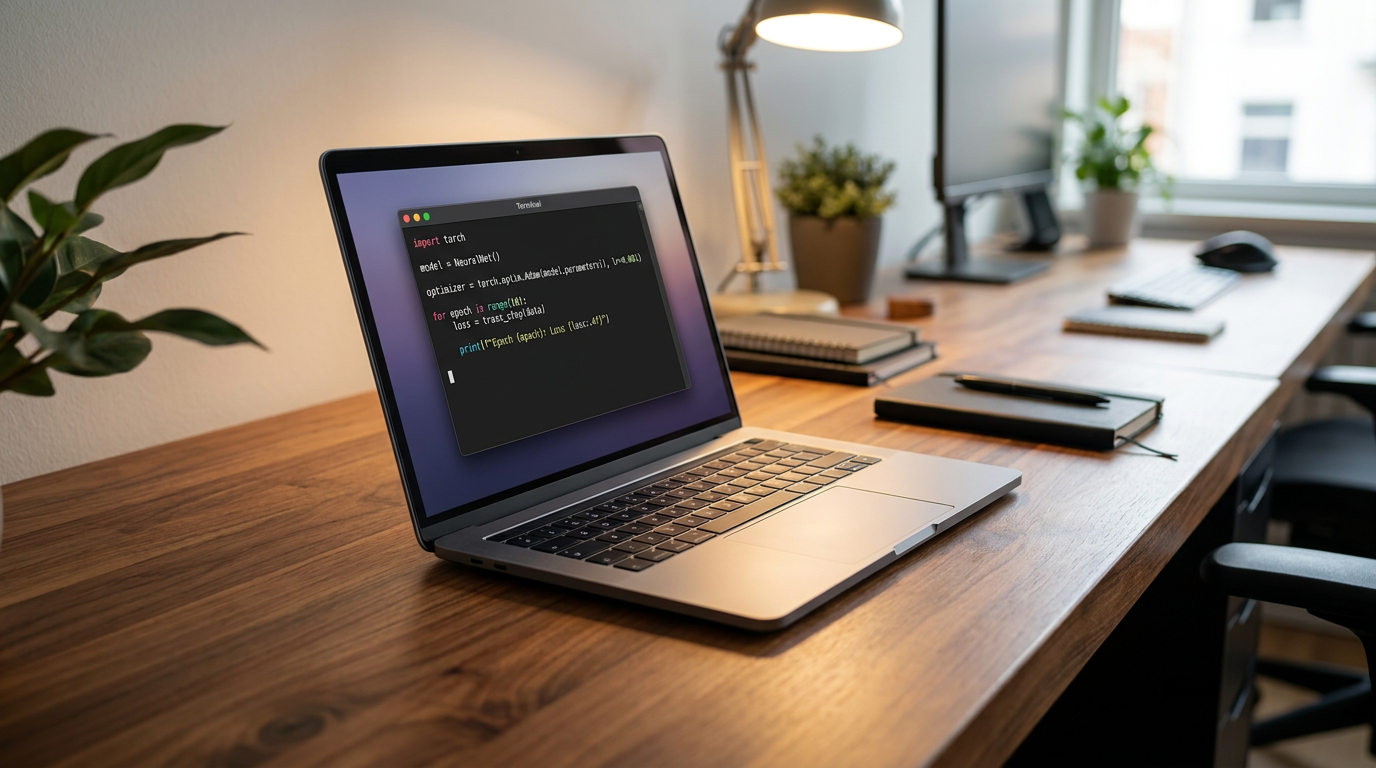
The era of the cloud-only AI monopoly is quietly ending. Since the generative AI boom began, the default paradigm has been to rent intelligence: users send prompts to massive data centers owned by OpenAI, Google, or Anthropic, and wait for the servers to beam back an answer. But in 2026, a quiet revolution is happening on the desks of developers, researchers, and privacy-conscious professionals. They are severing the cord. Thanks to highly efficient "open-weight" models—where the underlying neural architecture is freely available—and streamlined consumer software, running powerful artificial intelligence entirely on local hardware is no longer a niche hobbyist stunt. It has become a practical, everyday utility.[1][3]
The shift is driven by a fundamental change in how AI is packaged and consumed. Just a few years ago, running a capable Large Language Model (LLM) required specialized server racks and deep technical expertise. Today, the barrier to entry has plummeted. Tools like Ollama and LM Studio have transformed the deployment process into a simple, one-click installation. Users can now download a model, disconnect from the internet, and generate text, code, or analysis with zero latency and zero recurring subscription fees. According to industry tracking, local LLM adoption among developers has tripled year-over-year, signaling a broader migration toward decentralized computing.[2][7]
For many adopters, the primary catalyst for this migration is absolute data privacy. In a cloud-first workflow, every prompt, pasted document, and line of proprietary code is transmitted to a third-party server. Even with enterprise data agreements, compliance frameworks in healthcare, law, and defense often prohibit sending sensitive information off-premises. Local AI offers a "zero-trust" guarantee: the model runs entirely on the user's physical CPU or GPU. Once the initial software is downloaded, nothing the user types ever touches the internet, effectively eliminating the risk of data leaks or unauthorized model training.[1][3]
Beyond privacy, the economics of local AI are reshaping how businesses and individuals use machine learning. Cloud APIs charge per token—a micro-transaction for every word read or generated. For high-volume tasks like analyzing massive codebases, summarizing hundreds of legal documents, or powering internal chatbots, these costs compound rapidly. Running models locally converts this variable operational expense into a one-time hardware investment. Once the machine is purchased, the inference is effectively free, limited only by the cost of electricity and the hardware's lifespan.[2][4]

The engine making this local revolution possible is a mathematical compression technique known as quantization. In their raw, uncompressed state, frontier AI models require massive amounts of memory—often hundreds of gigabytes—to store the billions of parameters that dictate their behavior. Quantization reduces the precision of these internal numbers, typically shifting them from 16-bit floating-point values to 4-bit integers. This process shrinks the model's file size by 60 to 75 percent. Crucially, the degradation in the model's actual intelligence is minimal, usually under five percent, allowing massive neural networks to fit comfortably within the constraints of consumer laptops.[1][4]
This compression is standardized through formats like GGUF, which are specifically designed to run efficiently on standard processors rather than requiring expensive, specialized AI accelerators. Because of GGUF and quantization, the hardware requirements for local AI have been radically democratized. The single most important metric for running a local model in 2026 is no longer raw processing speed, but Random Access Memory (RAM). The AI community refers to this as the "RAM Ladder," where the amount of available memory dictates the size and capability of the model a user can run.[1][3]
At the entry level of this ladder, a standard laptop with just 8 gigabytes of RAM can comfortably run highly capable 7-billion to 8-billion parameter models, such as Meta's Llama 3.3 8B or Microsoft's Phi-4-mini. These models are more than sufficient for casual drafting, grammar correction, and basic coding assistance. Moving up to 16 gigabytes of RAM unlocks heavier, more sophisticated models like Alibaba's Qwen 3.6 or DeepSeek R1, which excel at complex reasoning and multi-language translation. For power users and enterprise teams, machines with 32 to 128 gigabytes of memory can run massive, near-frontier models that rival the best cloud APIs available.[1][4]
These models are more than sufficient for casual drafting, grammar correction, and basic coding assistance.
The hardware landscape has also evolved to support this trend, with Apple Silicon emerging as a dominant platform for local AI. Unlike traditional PC architectures that separate system RAM from graphics memory (VRAM), Apple's M-series chips utilize a "unified memory" architecture. This allows the built-in graphics processor to access the entire pool of system memory, meaning a Mac Studio with 192 gigabytes of RAM can load colossal AI models that would otherwise require tens of thousands of dollars in dedicated Nvidia server GPUs. On the PC side, consumer graphics cards like the RTX 4090 and the newer 50-series remain the gold standard for sheer generation speed, but they are no longer a strict requirement for entry.[2][4]

The software ecosystem powering these models has bifurcated to serve different types of users. For developers and power users, Ollama has become the de facto standard. Operating primarily as a command-line tool and background service, Ollama allows users to download and run models with a single terminal command. It also exposes a local API, meaning developers can seamlessly plug local models into their existing coding environments, text editors, or custom applications, replacing cloud API keys with a local host address.[1][2]
For non-technical users, LM Studio offers a highly polished, graphical alternative. Functioning much like an app store for AI, LM Studio provides a clean desktop interface where users can search for models, read community reviews, and download them with a click. It features a familiar chat window that mimics the experience of using ChatGPT, complete with settings to tweak the model's creativity and system prompts. Tools like GPT4All take this a step further, bundling pre-configured models into a straightforward desktop application designed for absolute beginners who want local AI without touching a configuration file.[1][2]
This localized approach is part of a broader industry pivot toward "Edge AI"—the deployment of artificial intelligence directly onto physical devices rather than centralized servers. As the semiconductor industry optimizes chips for power efficiency, AI inference is moving to where the data is actually generated. In 2026, this means embedding AI into autonomous robots, industrial sensors, smart wearables, and local enterprise servers. By processing data on-site, these systems achieve the real-time, low-latency decision-making required for physical automation, avoiding the network delays inherent in cloud computing.[5][6]
Organizations are increasingly adopting "on-prem GPT" solutions, pulling their AI workloads out of the public cloud and into their own data centers. This hybrid approach allows companies to route everyday tasks—like internal document search, customer support drafting, and routine code generation—through free, locally hosted open-weight models. They reserve expensive cloud APIs only for the most complex, reasoning-heavy edge cases. This strategy not only slashes operational costs but also builds resilience against cloud outages and fluctuating vendor pricing.[5][7]

Despite the rapid advancements, local AI is not without its trade-offs and uncertainties. The most significant limitation is the intelligence ceiling. While open-weight models have closed the gap dramatically, the absolute frontier of AI reasoning—represented by the largest proprietary models from OpenAI and Anthropic—still holds an edge in highly complex, multi-step logic puzzles and nuanced creative writing. Users expecting a 7-billion parameter model running on a laptop to perfectly match the output of a trillion-parameter cloud behemoth will encounter hallucinations and degraded logic.[3][4]
Furthermore, running AI locally is computationally intensive. When a local model is generating text, it maximizes CPU or GPU usage, which can rapidly drain a laptop's battery and cause the system's cooling fans to spin loudly. Users must also manage their own context windows—the amount of text the AI can "remember" in a single conversation. If a user pastes a document that exceeds the model's memory allocation, the software may crash or simply forget earlier instructions, requiring a level of technical troubleshooting that cloud services abstract away.[4][7]
Nevertheless, the trajectory of local AI is clear. The combination of hyper-efficient open-weight models, aggressive quantization techniques, and user-friendly software has permanently altered the AI landscape. Intelligence is no longer a metered utility controlled exclusively by a handful of tech giants. By bringing AI inference back to personal hardware, developers and everyday users are reclaiming ownership of their data, their workflows, and their digital capabilities, proving that the future of computing might not be in the cloud after all, but right on the desk.[1][7]

How we got here
Early 2023
The generative AI boom begins, heavily reliant on cloud-based APIs like OpenAI's ChatGPT.
Mid 2023
Meta releases the LLaMA model weights, sparking a massive community effort to run models on consumer hardware.
Late 2023
The GGUF format and llama.cpp project mature, allowing large models to run efficiently on standard CPUs.
2024-2025
Tools like Ollama and LM Studio launch, replacing complex command-line setups with one-click desktop installations.
2026
Local AI becomes mainstream for developers and SMBs, driven by highly efficient models like Llama 3.3 and DeepSeek R1.
Viewpoints in depth
Privacy & Security Advocates
Argues that local AI is the only secure way to handle sensitive data.
For professionals handling proprietary code, legal documents, or patient records, cloud AI presents an unacceptable security risk. Privacy advocates argue that even with enterprise 'zero data retention' agreements, transmitting sensitive information to third-party servers violates compliance frameworks. By running models locally, users create a 'zero-trust' environment where data never leaves the physical machine, effectively eliminating the risk of external breaches or unauthorized model training.
Open-Source Developers
Values the flexibility and cost-efficiency of self-hosted models.
The open-source community views local AI as a necessary democratization of computing power. Developers highlight that relying on cloud APIs creates vendor lock-in and unpredictable costs, as providers charge per token generated. By utilizing open-weight models and quantization, developers can prototype, build internal tools, and run high-volume tasks with zero recurring fees, all while maintaining the freedom to modify the underlying models to suit their specific needs.
Enterprise IT & Hardware Vendors
Focuses on the operational control and hardware demands of edge computing.
For enterprise IT departments and semiconductor manufacturers, the shift to local AI represents a massive structural change in infrastructure. IT leaders are increasingly deploying 'on-prem GPT' solutions to maintain sovereignty over corporate data and insulate their operations from cloud outages. Concurrently, hardware vendors see edge AI as a major growth driver, pushing for the integration of Neural Processing Units (NPUs) and unified memory architectures into everyday consumer and industrial devices.
What we don't know
- Whether future frontier models will become too large for consumer hardware to keep pace.
- How upcoming AI regulations might impact the distribution of open-weight models.
Key terms
- Local LLM
- A Large Language Model that runs entirely on a user's own computer or server, rather than relying on an internet connection to a cloud provider.
- Quantization
- A compression technique that reduces the precision of an AI model's internal numbers, shrinking its file size and memory requirements so it can run on consumer hardware.
- GGUF
- A popular file format designed specifically for running quantized AI models efficiently on standard CPUs and Apple Silicon.
- Open-weight model
- An AI model where the underlying architecture and trained parameters are publicly available for anyone to download and run.
- Unified Memory
- A hardware architecture where the CPU and GPU share the same pool of RAM, making it highly efficient for loading large AI models.
Frequently asked
Do I need an expensive graphics card to run AI locally?
No. While a dedicated GPU speeds up response times, modern tools and quantization allow capable models to run entirely on a standard CPU with 8GB of RAM.
Does local AI require an internet connection?
Only once, to download the model file and the software. After that, the AI runs completely offline.
Are local models as smart as ChatGPT?
The largest cloud models still hold an edge in complex reasoning, but for everyday tasks like drafting emails, summarizing documents, or writing code, 2026's local models are highly capable.
Sources
Source coverage
7 outlets
3 viewpoints surfaced







[1]AIThinkerLabPrivacy & Security Advocates
How to Run AI Models Locally in 2026 (8 Tested Offline Tools)
Read on AIThinkerLab →[2]DualiteOpen-Source Developers
Best Local LLM Tools (2026): Top 5 Picks to Run AI Models Locally
Read on Dualite →[3]AIViewerPrivacy & Security Advocates
Understanding Local LLMs: Why Run AI on Your Own Hardware in 2026?
Read on AIViewer →[4]WTF In TechOpen-Source Developers
Your GPU Determines Your LLM
Read on WTF In Tech →[5]Paradigma DigitalEnterprise IT & Hardware Vendors
From Conversation to Execution: 7 AI Trends for 2026
Read on Paradigma Digital →[6]Edge AI and Vision AllianceEnterprise IT & Hardware Vendors
Key Trends Shaping the Semiconductor Industry in 2026
Read on Edge AI and Vision Alliance →[7]Factlen Editorial TeamEnterprise IT & Hardware Vendors
Synthesis by Factlen editorial team
Read on Factlen Editorial Team →



Every angle. Every day.
Get ai stories with full source coverage and perspective breakdowns delivered to your inbox.