
The End of the Password: Why Passkeys Are Taking Over Your Smartphone in 2026
Tech giants and security experts are urging users to abandon traditional passwords in favor of passkeys, a biometric login method that promises to eliminate phishing and data breaches.
By Factlen Editorial Team
- Security Advocates
- Argue that passkeys are a necessary cryptographic upgrade to eliminate phishing and data breaches.
- Implementation Realists
- Focus on the user experience challenges and the complexities of account recovery during the transition phase.
- Everyday Users
- Express skepticism and confusion over replacing complex passwords with simple biometric scans.
What's not represented
- · Elderly users who may struggle with biometric device lockouts
- · Small business developers lacking resources to implement passkey infrastructure
Why this matters
Passwords are the weakest link in digital security, responsible for the vast majority of identity theft and hacked accounts. Transitioning to passkeys protects your personal data, finances, and private communications from remote cyberattacks without requiring you to memorize complex codes.
Key points
- Passkeys replace traditional passwords with cryptographic keys stored securely on your device.
- The technology uses biometric authentication, like Face ID or a fingerprint, to verify your identity.
- Because the private key never leaves your device, passkeys are immune to server-side data breaches.
- Passkeys are inherently resistant to phishing because they only function on verified, legitimate websites.
- Major tech companies sync passkeys across devices to prevent lockouts if a phone is lost.
- Physical hardware keys can be used as an offline backup for maximum security.
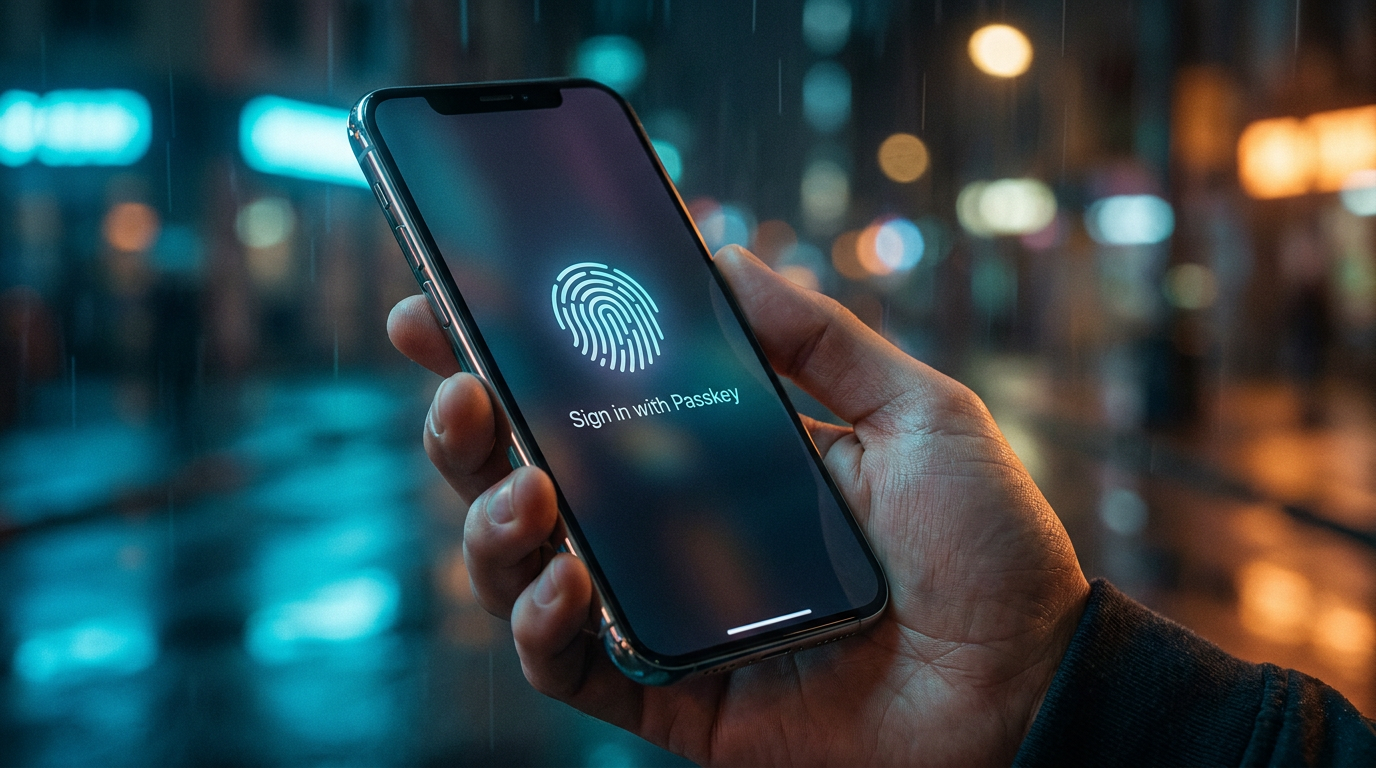
The era of the password is drawing to a close, and the smartphone in your pocket is the weapon delivering the final blow. Across the internet in 2026, users are increasingly encountering prompts from major platforms like Google, Amazon, and Apple urging them to "create a passkey." This shift represents the most significant overhaul of digital identity since the dawn of the consumer internet. Instead of relying on users to memorize complex strings of characters—or reuse the same weak password across dozens of sites—the tech industry is moving toward a system where your device handles the authentication behind the scenes. By leveraging the biometric sensors already built into modern hardware, passkeys promise to eliminate the friction of logging in while simultaneously closing the security loopholes that have fueled decades of data breaches and cybercrime.[7]
Despite the aggressive rollout by major tech companies, many consumers remain hesitant to abandon the familiar, albeit flawed, password system. As highlighted by reader inquiries in The Guardian, a common source of confusion is how a simple four-digit device PIN or a quick facial scan can possibly provide more security than a complex, sixteen-character password paired with two-factor authentication. The skepticism is understandable; for years, security experts have drilled the importance of long, unguessable passwords into the public consciousness. To the average user, replacing a highly complex secret with a quick glance at their phone feels counterintuitive, almost like leaving the front door unlocked.[1]
The answer to this confusion lies in a fundamental misunderstanding of what a passkey actually is. Passkeys do not simply replace a typed password with a biometric scan; they replace the entire underlying architecture of the "shared secret." In the traditional password model, you give a website your secret code, and you trust their servers to keep it safe. When those servers are inevitably breached, your secret is exposed. Passkeys, however, operate on the principles of public-key cryptography, shifting the burden of proof away from a shared secret and toward cryptographic verification that never requires your device to hand over the keys to the castle.[5][7]
The mechanics of this system are elegant and highly secure. When a user creates a passkey for a new service, their smartphone or computer generates a unique pair of mathematically linked cryptographic keys. As PCWorld explains, one of these is a "public key," which acts like a digital padlock and is sent to the website's server. The other is a "private key," which is the actual secret. Crucially, this private key never leaves the user's device. It remains permanently locked inside the hardware's secure enclave, completely inaccessible to the website, the open internet, and even the user themselves.[2]

When it is time to log in, the authentication process happens through a digital challenge-and-response mechanism. The website's server sends a unique cryptographic puzzle to the user's device. The device then prompts the user for biometric verification—such as Face ID, a fingerprint scan, or a local PIN—to unlock the secure enclave. Once unlocked, the private key signs the digital challenge, proving possession of the key, and sends only this cryptographic signature back to the server. The server uses the public key to verify the signature, granting access without ever seeing or storing the private key.[3][4]
When it is time to log in, the authentication process happens through a digital challenge-and-response mechanism.
This architecture elegantly solves the internet's most catastrophic security flaw: server-side data breaches. If a malicious actor successfully hacks into a company's database and steals its user records, they will only walk away with a database full of public keys. Because a public key is mathematically useless without its corresponding private key—which remains safely in the user's pocket—the stolen data cannot be used to compromise accounts. This renders massive credential-stuffing attacks, where hackers use stolen passwords from one site to break into others, entirely obsolete.[5]
Furthermore, passkeys are inherently resistant to phishing, the most common vector for targeted cyberattacks. In a traditional phishing scam, a hacker creates a fake website that looks identical to a legitimate service, tricking the user into typing their password into a fraudulent login box. Passkeys neutralize this threat entirely. Because the cryptographic exchange is strictly tied to the verified domain name of the website, a passkey simply will not function on a spoofed URL. Even if a user is completely fooled by a fake login page, their device will refuse to hand over the cryptographic signature, stopping the attack in its tracks.[2][4]

The security benefits are so profound that government agencies are now actively pushing for widespread adoption. The UK's National Cyber Security Centre recently updated its guidance to recommend that passkeys become the default login method wherever they are available. This endorsement signals that the technology has matured past the early-adopter phase and is now robust enough for the general public. For businesses, the transition is equally appealing; Okta reports that users who authenticate with passkeys are four times more likely to successfully complete the login process, drastically reducing the friction that often leads to abandoned shopping carts and frustrated customers.[3][6]
However, the transition to a passwordless future is not without its operational hurdles. While the day-to-day user experience of logging in is vastly simplified, the architecture introduces new complexities around account recovery. As implementation guides from LoginRadius point out, the traditional recovery method of clicking a "forgot password" link and receiving an email reset is deeply ingrained in user behavior. Because passkeys rely on the physical possession of a device or access to a cloud-synced ecosystem, losing a phone can create a daunting lock-out scenario if proper fallback mechanisms are not established in advance.[4]
To mitigate this risk, tech giants have integrated passkeys into their broader cloud ecosystems. Apple's iCloud Keychain, Google Password Manager, and Microsoft's account services now automatically sync passkeys across all of a user's trusted devices. If a user loses their smartphone, they can still access their accounts by logging into a new device with their core Apple ID or Google account. This makes the security of that primary cloud account the single most critical vulnerability in the passkey ecosystem. Security experts stress that users must ensure their recovery emails and phone numbers for these foundational accounts are strictly up to date before fully committing to passkeys.[6]
For users who require the absolute highest level of security, or those who wish to avoid relying entirely on cloud-synced ecosystems, physical hardware keys offer an ultimate failsafe. Devices like the YubiKey can be registered as an additional passkey for critical accounts. Because these physical keys do not sync through the cloud, they provide a tangible, offline backup. If a user were to lose both their phone and their laptop simultaneously, they could simply plug their physical security key into a new device to securely authenticate and restore access to their digital life.[5][7]

Ultimately, the shift toward passkeys represents a rare moment in consumer technology where security and convenience are perfectly aligned. For decades, users have been forced to choose between the friction of complex, unique passwords and the vulnerability of simple, reused ones. By offloading the cryptographic heavy lifting to the silicon inside our smartphones, the tech industry is finally offering a way out of the password trap. While the transition period will require users to adapt to new recovery workflows, the destination—an internet immune to phishing and credential theft—is well worth the journey.[3][7]
How we got here
2012
The FIDO Alliance is formed to develop open standards for passwordless authentication.
2022
Apple, Google, and Microsoft announce expanded support for the FIDO standard, paving the way for consumer passkeys.
2023
Major platforms like WhatsApp, Amazon, and TikTok begin rolling out passkey support to their global user bases.
April 2026
The UK's National Cyber Security Centre officially recommends passkeys as the default login method for consumers.
Viewpoints in depth
Security Advocates
Argue that passkeys are a necessary cryptographic upgrade to eliminate phishing and data breaches.
This camp, comprising cybersecurity researchers and identity providers, views the traditional password as an irredeemable vulnerability. They emphasize that human behavior—reusing passwords and falling for phishing scams—cannot be patched through education. By removing the "shared secret" entirely, they argue passkeys solve the root cause of credential theft, making server breaches mathematically irrelevant to user security.
Implementation Realists
Focus on the user experience challenges and the complexities of account recovery during the transition phase.
While acknowledging the security benefits, this group warns that the shift away from passwords introduces significant friction in edge cases. They point out that users are accustomed to simple email reset links. If a user loses access to their primary cloud ecosystem (like an Apple ID or Google account), recovering passkey-locked accounts can become a bureaucratic nightmare. They advocate for slower rollouts and robust, highly visible fallback options.
Everyday Users
Express skepticism and confusion over replacing complex passwords with simple biometric scans.
Represented in consumer forums and reader columns, this perspective highlights the counterintuitive nature of passkeys. For decades, users were trained to believe that security meant complexity—long strings of special characters. The idea that a quick glance at a phone camera is somehow more secure feels inherently wrong to many, leading to hesitation in adopting the new standard despite industry assurances.
What we don't know
- How quickly small and medium-sized businesses will be able to afford and implement passkey infrastructure.
- Whether a new form of cyberattack will emerge that specifically targets the cloud ecosystems where passkeys are synced.
Key terms
- Passkey
- A digital credential tied to a user's device that uses public-key cryptography to authenticate logins without a password.
- Public-Key Cryptography
- A security method using two mathematically linked keys—one public and one private—to securely verify identity without sharing the actual secret.
- Phishing
- A cyberattack where scammers trick users into revealing sensitive information by pretending to be a legitimate entity or website.
- Secure Enclave
- A dedicated, isolated subsystem within a smartphone or computer designed to safely store sensitive data like biometric information and cryptographic keys.
Frequently asked
What happens if I lose my phone?
If your passkeys are synced via a cloud service like iCloud or Google Password Manager, you can recover them by logging into your account on a new device. You can also use a physical security key as a backup.
Can a hacker steal my passkey from a website?
No. Websites only store your public key, which is useless on its own. Your private key never leaves your device and cannot be stolen in a server breach.
Do I still need a password manager?
Yes, for the foreseeable future. While passkeys are growing, many websites still require traditional passwords. Modern password managers are now updating to store both passwords and passkeys.
Is my fingerprint sent to the website?
No. Your biometric data never leaves your device. It is only used locally to unlock the private cryptographic key, which then authenticates you with the server.
Sources
Source coverage
7 outlets
3 viewpoints surfaced







[1]The GuardianEveryday Users
Readers reply: Experts say we should use passkeys, but can a smartphone pin really be safer than a password?
Read on The Guardian →[2]PCWorldSecurity Advocates
Stop changing weak passwords. Start replacing them with passkeys
Read on PCWorld →[3]OktaSecurity Advocates
Passkeys 101: What they are and how they will replace passwords
Read on Okta →[4]LoginRadiusImplementation Realists
Passkeys Authentication: A Complete Guide to Implementation
Read on LoginRadius →[5]RealeyesSecurity Advocates
Passkeys Explained: The Ultimate 2026 Guide
Read on Realeyes →[6]Marple Tech Help HubImplementation Realists
Passkeys: The New Login Method That's Replacing Passwords
Read on Marple Tech Help Hub →[7]Factlen Editorial Team
Synthesis by Factlen editorial team
Read on Factlen Editorial Team →

Every angle. Every day.
Get technology stories with full source coverage and perspective breakdowns delivered to your inbox.