
How to Run Powerful AI Models Locally on Your Laptop (and Why You Should)
Running advanced artificial intelligence directly on your own device is no longer just for developers. With new hardware and streamlined software, anyone can now run private, offline AI assistants for free.
By Factlen Editorial Team

- Privacy and Security Advocates
- Argue that cloud AI is a fundamental security risk and champion local processing for data sovereignty.
- Hardware Enthusiasts
- Focus on the reality of specifications, noting that true local AI still requires massive VRAM and dedicated GPUs despite NPU marketing.
- Open-Source Developers
- Believe that free, downloadable models democratize technology and break the monopoly of centralized tech giants.
What's not represented
- · Cloud infrastructure providers losing subscription revenue
- · Enterprise IT administrators managing local AI deployments
Why this matters
Running AI locally eliminates monthly subscription fees, protects your most sensitive data from corporate servers, and allows you to use powerful digital assistants entirely offline.
Key points
- Advances in hardware and software now allow powerful AI models to run entirely on consumer laptops.
- Local AI offers absolute privacy, zero latency, and eliminates monthly subscription fees.
- While NPUs handle light AI tasks, heavy inference still relies heavily on system memory and GPUs.
- Apple's unified memory architecture makes MacBooks particularly effective for running large models.
- Apps like Ollama and LM Studio have made downloading and running models as easy as using an app store.
- Quantization compresses massive models to fit on standard hardware without losing significant intelligence.
For the past three years, interacting with artificial intelligence meant sending your thoughts, code, and private data to a server farm hundreds of miles away. But a quiet revolution is shifting the center of gravity in the AI world. Thanks to breakthroughs in hardware and software, powerful Large Language Models (LLMs) can now run entirely on consumer laptops.[1][8]
This shift from cloud-based AI to "on-device" or local AI is driven by a combination of privacy concerns, subscription fatigue, and the desire for zero-latency performance. When an AI model runs locally, it requires no internet connection, meaning users are no longer at the mercy of server outages or slow Wi-Fi.[4][7]
The immediate and most profound benefit is absolute privacy. Because the data never leaves the machine, users can feed the AI sensitive financial documents, proprietary code, or personal health records without violating corporate compliance or risking a data breach. For professionals in healthcare, law, and finance, this unlocks AI capabilities that were previously off-limits.[1][7]

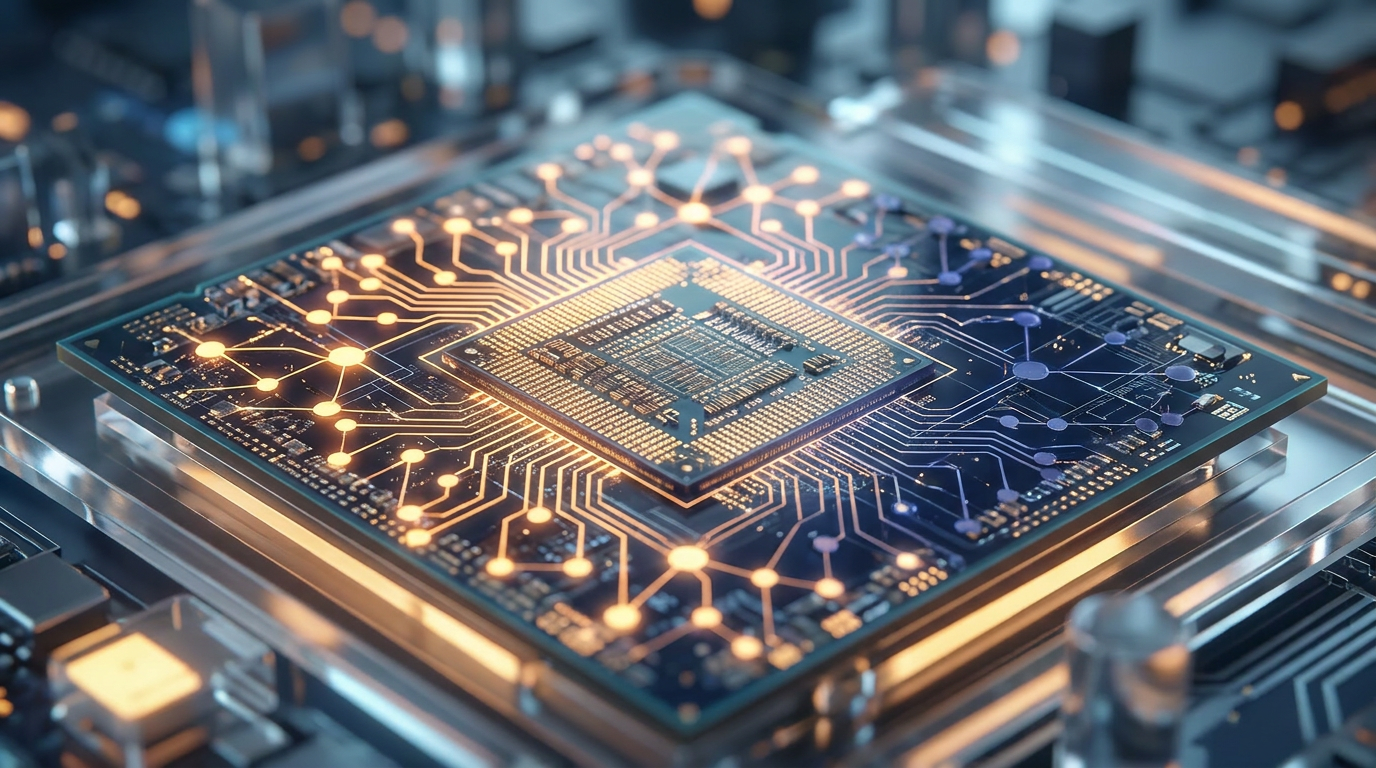
To make this possible, the computer industry has introduced a new piece of hardware: the Neural Processing Unit, or NPU. Built directly into modern processors from Intel, AMD, and Apple, the NPU is a dedicated accelerator designed specifically for the matrix math required by machine learning, allowing laptops to process AI tasks without draining the battery.[2][3]
However, hardware experts warn against the marketing hype surrounding "AI PCs." While NPUs are excellent for lightweight, background tasks like blurring your video background or transcribing a meeting in real-time, they are not yet powerful enough to run massive, highly intelligent LLMs on their own.[3][5]
For heavy-duty local AI, the true bottleneck is memory—specifically Video RAM (VRAM). Large models take up enormous amounts of space, and if a model cannot fit into the computer's working memory, it simply will not run. System RAM is often more critical than raw processor speed for these workloads.[5][6]

For heavy-duty local AI, the true bottleneck is memory—specifically Video RAM (VRAM).
This memory requirement has given Apple's M-series MacBooks a unique advantage in the local AI space. Unlike traditional Windows laptops that separate system RAM from GPU VRAM, Apple uses a "unified memory" architecture. A MacBook with 64GB of unified memory can allocate almost all of it to an AI model, allowing it to run massive open-source models that would otherwise require a specialized desktop workstation.[5][6]
But hardware is only half the story. The software ecosystem has evolved rapidly to make local AI accessible to non-programmers. Just a year ago, running a local model required navigating complex command-line interfaces, installing Python dependencies, and troubleshooting driver errors.[1][8]
Today, desktop applications like Ollama, LM Studio, and AnythingLLM operate much like a standard app store. Users can browse a catalog of open-source models—such as Meta's Llama 3, Google's Gemma, or Mistral—click download, and immediately start chatting in a familiar, user-friendly interface.[1][8]
The secret sauce enabling these massive models to fit on consumer laptops is a mathematical compression technique called "quantization." By reducing the precision of the numbers that make up the AI's neural network, developers can shrink a model's file size by up to 80% with only a negligible drop in its actual intelligence.[3][5]

Advanced users are taking this a step further by using techniques like Retrieval-Augmented Generation (RAG). By pointing a local AI at a folder of PDFs or Word documents, the model can instantly search, summarize, and answer questions based entirely on the user's private files, acting as a highly secure, personalized research assistant.[1][8]
Ultimately, the future of AI is likely hybrid. Your smartphone or laptop will handle everyday tasks—drafting emails, translating text, and organizing notes—instantly and privately using local models. Only when a task requires massive computational reasoning will the device seamlessly hand the request off to the cloud.[4][7]
How we got here
2023
Early open-source models like LLaMA leak to the public, sparking developer interest in local AI.
2024
Apple's unified memory architecture proves highly capable of running large models, shifting hardware preferences.
2025
User-friendly applications like Ollama and LM Studio launch, removing the need for command-line coding to run models.
2026
NPUs become standard in consumer laptops, enabling always-on, battery-efficient AI features.
Viewpoints in depth
Privacy and Security Advocates
Focus on data sovereignty and the risks of cloud-based processing.
For privacy advocates, the shift to local AI is a necessary correction to the massive data harvesting of the early generative AI boom. They argue that sending sensitive corporate documents, personal health queries, or proprietary code to a third-party server is a fundamental security risk. By keeping the processing entirely on-device, local AI ensures that data cannot be intercepted, used for future model training, or exposed in a corporate breach.
Hardware Enthusiasts
Focus on the technical realities and limitations of current consumer hardware.
Hardware experts are quick to cut through the marketing hype surrounding 'AI PCs.' They point out that while Neural Processing Units (NPUs) are great for battery efficiency during light tasks, they lack the raw power needed for heavy AI inference. This camp emphasizes that true local AI performance still relies on massive amounts of Video RAM (VRAM) and dedicated GPUs, making unified memory systems like Apple's M-series chips currently superior to standard Windows laptops for these specific workloads.
Open-Source Developers
Champion the democratization of artificial intelligence technology.
The open-source community views local AI as a crucial counterbalance to the monopolies of massive tech corporations. By optimizing models through techniques like quantization and building user-friendly runtimes, these developers are ensuring that cutting-edge intelligence remains accessible to everyone, free of charge and free of corporate censorship or subscription paywalls.
What we don't know
- Whether dedicated NPUs will eventually catch up to the raw power of discrete GPUs for heavy AI inference.
- How hardware manufacturers will solve the battery drain associated with running massive models on laptops.
Key terms
- Local LLM
- A Large Language Model that is downloaded and run entirely on a user's personal computer rather than on a remote server.
- NPU (Neural Processing Unit)
- A specialized hardware component built into modern processors designed specifically to accelerate artificial intelligence tasks efficiently.
- VRAM (Video RAM)
- The dedicated memory used by a computer's graphics card, which is crucial for loading and running large AI models.
- Quantization
- A compression technique that reduces the file size and memory requirements of an AI model by lowering the mathematical precision of its parameters.
- RAG (Retrieval-Augmented Generation)
- A method of giving an AI model access to external, private documents so it can answer questions based on specific files rather than just its general training.
Frequently asked
Do I need an internet connection to use local AI?
No. You only need the internet to download the model initially. Once downloaded, it runs 100% offline.
Can my current laptop run these models?
Most modern laptops with at least 8GB to 16GB of RAM can run smaller, compressed models. For larger, more capable models, 32GB or 64GB of RAM is recommended.
Are local models as smart as ChatGPT?
While they may not match the absolute cutting-edge reasoning of the largest cloud models, top-tier local models are highly capable at coding, writing, and summarizing.
What is an NPU?
A Neural Processing Unit is a specialized chip designed to handle AI tasks efficiently without draining the battery, though heavy tasks still rely on the GPU.
Sources
Source coverage
8 outlets
3 viewpoints surfaced








[1]Northwestern UniversityPrivacy and Security Advocates
Getting Started: A Novice-Friendly Guide to Running Local AI
Read on Northwestern University →[2]HPHardware Enthusiasts
AI PC vs Traditional PC: What's the Difference?
Read on HP →[3]Dev.toHardware Enthusiasts
The current AI PC and NPU laptop market
Read on Dev.to →[4]Brainy RoutesPrivacy and Security Advocates
Phones and laptops can now run compact AI models locally
Read on Brainy Routes →[5]AI Dev DayHardware Enthusiasts
Best Laptops for Running Local LLMs (April 2026)
Read on AI Dev Day →[6]MediumHardware Enthusiasts
In-Depth Performance Review: Running Real AI Workflows
Read on Medium →[7]QualcommPrivacy and Security Advocates
On-device AI processing offers must-have benefits
Read on Qualcomm →[8]Factlen Editorial TeamOpen-Source Developers
Synthesis by Factlen editorial team
Read on Factlen Editorial Team →
More in ai
See all 6 stories →Local AI
How Local AI Tools Are Putting Private, Uncensored Intelligence on Your Laptop
0 sources
Local AI
How to Run AI Locally: The Rise of Privacy-First, Offline LLMs
0 sources
Self-Driving Labs
How Self-Driving Labs Are Automating Scientific Discovery
0 sources

Local AI
The Rise of Local AI: How to Run Powerful LLMs on Your Own Device
0 sources

Every angle. Every day.
Get ai stories with full source coverage and perspective breakdowns delivered to your inbox.