
How to Run AI Models Locally: The 2026 Guide to Privacy, Hardware, and Setup
Running powerful Large Language Models entirely on personal hardware has become a mainstream reality in 2026. This guide explores the privacy benefits, hardware requirements, and software tools needed to bring AI offline.
By Factlen Editorial Team

- Privacy-Conscious Developers
- Focuses on data security, GDPR compliance, and keeping proprietary code off corporate servers.
- Budget-Minded Creators
- Values the economics of uncapped usage and escaping the metered API billing model.
- Hardware Enthusiasts
- Prioritizes VRAM optimization, memory bandwidth, and squeezing maximum performance out of consumer hardware.
What's not represented
- · Enterprise IT Administrators
Why this matters
By running AI locally, users reclaim ownership of their data and eliminate recurring subscription costs. It transforms AI from a rented cloud service into a private, uncapped digital tool available anywhere, even offline.
Key points
- Local AI tools like Ollama and LM Studio allow users to run powerful language models entirely offline.
- Running models locally ensures 100% data privacy and eliminates recurring API subscription costs.
- Video RAM (VRAM) is the most critical hardware requirement, with 8GB being the minimum for capable 7B models.
- Quantization techniques compress massive AI models so they can fit efficiently on standard consumer laptops.
The era of renting artificial intelligence by the token is facing a formidable challenger. By mid-2026, running large language models (LLMs) entirely on personal laptops and desktops has transitioned from a niche hacker hobby to a mainstream workflow. Driven by rapid advancements in model efficiency and consumer hardware, users are increasingly downloading AI directly to their machines, bypassing cloud giants entirely.[4][5][10]
For years, the standard AI workflow required an internet connection and a subscription or API key. Every prompt, code snippet, and sensitive document was beamed to remote servers, processed, and sent back. While frontier cloud models remain the gold standard for sheer reasoning power, the daily utility of AI—drafting emails, summarizing texts, and generating boilerplate code—no longer requires a round-trip to a data center.[3][4][10]
The primary catalyst for this shift is privacy. When an LLM runs locally, the processing happens entirely on the user's CPU or GPU. The data never leaves the device, making it a GDPR-compliant fortress for enterprises and a safe haven for developers handling proprietary code. For professionals working with sensitive legal, medical, or corporate documents, local execution eliminates the risk of their data being used to train future corporate models.[1][2][4]

Beyond security, the economics of local AI are fundamentally altering how creators and developers work. Cloud-based AI relies on a metered model, where users pay per token generated. This creates a psychological friction—a ticking meter that discourages heavy, experimental usage. Running a model locally incurs zero marginal cost per generation. Once the hardware is in place, users can generate, rewrite, and chat endlessly without watching an API bill climb.[2][3][4]
This uncapped usage is particularly transformative for heavy users like novelists, researchers, and software engineers. A writer can have a local AI rewrite a chapter dozens of times, or a developer can leave an AI coding assistant running continuously in the background, all without triggering rate limits or subscription tiers. Furthermore, this offline capability means AI assistance is now available on airplanes, in rural areas, or during network outages.[2][3][5]
However, bringing AI in-house requires navigating the realities of consumer hardware. The single most critical specification for local AI is not the processor speed, but Video RAM (VRAM) and memory bandwidth. Every time a model generates a word, the system must stream the model's massive neural weights through its memory. The faster the memory, the faster the AI types.[5][7]
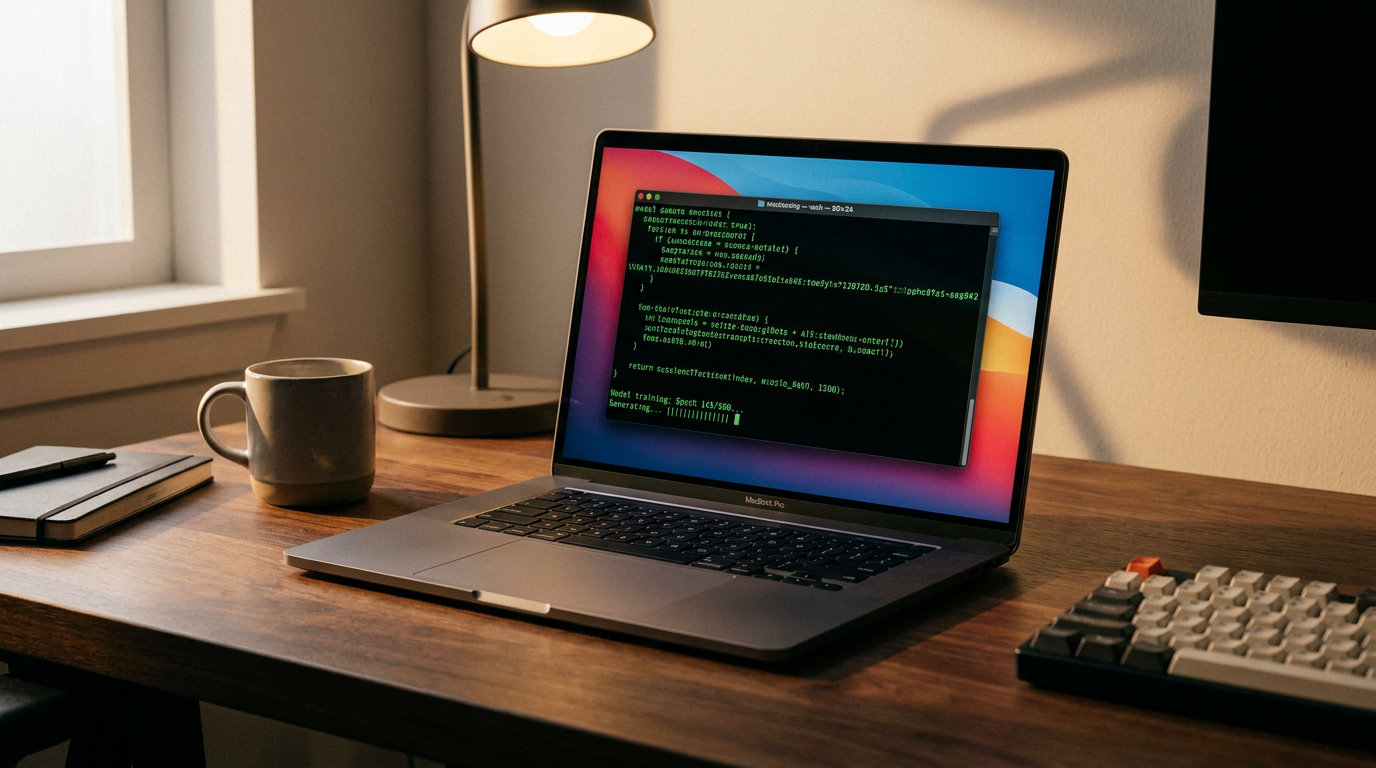
This hardware bottleneck has made Apple Silicon Macs an unexpected powerhouse in the local AI community. Because M-series chips use a unified memory architecture, the GPU can access the system's entire pool of RAM. A standard Mac with 16GB or 32GB of unified memory can comfortably run models that would otherwise require expensive, specialized NVIDIA graphics cards on a PC.[5][7]
This hardware bottleneck has made Apple Silicon Macs an unexpected powerhouse in the local AI community.
For Windows and Linux users, dedicated NVIDIA GPUs remain the standard. An RTX 4060 or 4070 with 8GB to 12GB of VRAM is the current sweet spot for running 7-billion to 8-billion parameter models. On these machines, users can expect generation speeds of 30 to 60 tokens per second—often faster than the free tiers of cloud-based chatbots, because there is no network latency.[3][5][7]

The magic that makes these models fit onto consumer hardware is a technique called quantization. In their raw state, AI models store their neural weights with high numerical precision, making them massive and memory-hungry. Quantization compresses these weights—often shrinking a model's footprint by 60 percent or more—with only a negligible drop in the AI's actual intelligence. Thanks to quantization, a highly capable 8-billion parameter model that would normally require 16GB of VRAM can be squeezed into just 4.5GB.[5][7][8]
On the software side, the ecosystem has matured rapidly, replacing complex Python scripts with user-friendly applications. The undisputed favorite among developers is Ollama. Functioning much like Docker for AI, Ollama allows users to download and run models with a single terminal command. It handles the complex hardware acceleration in the background and instantly spins up a local API server.[3][4][6]
For users who prefer a graphical interface over a command line, LM Studio has emerged as the premier desktop application. It offers an intuitive, iTunes-like interface where users can search for models, download them with a click, and chat with them in a familiar window. Both tools are entirely free and have democratized the setup process, reducing it to a five-minute installation.[1][4][6][8]

The models themselves have also crossed a critical threshold of competence. Open-weight models like Meta's Llama 3.2, Mistral, and DeepSeek Coder are freely available on platforms like Hugging Face. While they may not write a flawless symphony, models in the 7B to 14B parameter range are now highly adept at the daily tasks that make up the vast majority of AI usage: summarizing long PDFs, formatting data, and explaining code.[4][5][8][9]
The true power of these local tools unlocks when they are integrated into existing workflows. Because tools like Ollama provide an OpenAI-compatible API, developers can point their existing software to their local machine instead of the cloud. This means popular tools like VS Code, Obsidian, and various writing apps can suddenly be powered by a free, private, local brain.[2][3][4][6]
As 2026 progresses, the line between local and cloud AI is blurring into a hybrid approach. Users are increasingly routing simple, privacy-sensitive tasks to their local hardware, while reserving complex, heavy-duty reasoning for frontier cloud models. This routing gives users the cost efficiency and privacy of local AI, combined with the raw power of the cloud when it truly counts.[2][5]

Ultimately, the rise of local LLMs represents a fundamental shift in digital ownership. By untethering intelligence from the cloud, users are reclaiming control over their data, their tools, and their compute budgets. In a world increasingly reliant on artificial intelligence, the ability to run that intelligence on your own terms is becoming the ultimate digital superpower.[4][8][10]
How we got here
Early 2023
The release of LLaMA by Meta sparks the open-source AI movement, leading to the creation of tools like llama.cpp to run models on standard CPUs.
Late 2024
Tools like Ollama and LM Studio launch, replacing complex command-line setups with user-friendly, one-click installations.
Mid 2026
Highly capable 7B and 14B parameter models become the standard, running efficiently on consumer laptops via optimized quantization.
Viewpoints in depth
Privacy-Conscious Developers
Focuses on data security, GDPR compliance, and keeping proprietary code off corporate servers.
For developers and enterprise security teams, the primary appeal of local AI is absolute data sovereignty. When code snippets, API keys, or proprietary algorithms are pasted into a cloud-based chatbot, that data is transmitted to external servers, creating a potential vector for leaks or unauthorized training. Local models operate in a completely sandboxed environment. Because the inference happens entirely on the host machine's GPU, the workflow is inherently GDPR-compliant and immune to network interception, allowing developers to utilize AI assistance in highly regulated industries like finance and healthcare.
Budget-Minded Creators
Values the economics of uncapped usage and escaping the metered API billing model.
Writers, researchers, and independent creators view local AI as a way to escape the 'ticking meter' of cloud APIs. Cloud providers charge per token, meaning every prompt and generation incurs a micro-transaction. For heavy users who rely on AI for iterative rewriting, brainstorming, or processing massive document libraries, these costs quickly compound. By investing upfront in capable hardware, creators reduce their marginal cost per generation to zero. This financial freedom encourages more experimental, continuous use of AI tools without the anxiety of hitting a monthly billing cap.
Hardware Enthusiasts
Prioritizes VRAM optimization, memory bandwidth, and squeezing maximum performance out of consumer hardware.
The hardware community approaches local AI as a complex optimization puzzle. Rather than relying on massive data centers, enthusiasts focus on maximizing tokens-per-second through precise hardware configurations. This camp closely tracks the memory bandwidth of Apple's M-series chips versus NVIDIA's RTX series, debating the trade-offs between unified memory architectures and dedicated VRAM. They are the primary drivers behind quantization techniques, constantly testing new compression formats (like GGUF) to squeeze increasingly intelligent models onto standard consumer laptops without sacrificing generation speed.
What we don't know
- Whether future open-source models will require fundamentally different hardware architectures as they scale beyond current parameter counts.
- How cloud providers will adjust their pricing models to compete with the growing popularity of free, local alternatives.
Key terms
- LLM (Large Language Model)
- An artificial intelligence system trained on vast amounts of text, capable of understanding and generating human-like language.
- VRAM (Video RAM)
- The dedicated memory on a graphics card (GPU) used to rapidly store and access the data needed to render images or, in this case, process AI models.
- Quantization
- A compression technique that reduces the precision of an AI model's neural weights, allowing massive models to run on consumer hardware with minimal quality loss.
- Parameters
- The internal variables (often measured in billions, e.g., 7B or 14B) that an AI model uses to make decisions and generate text; generally, more parameters mean a smarter model.
- Tokens per second
- The standard metric for measuring the speed of an AI model, representing how many pieces of words it can generate in one second.
Frequently asked
Do I need an internet connection to use local AI?
No. Once the software and the model files are downloaded to your machine, the AI operates entirely offline without needing to ping a remote server.
Is running local AI completely free?
Yes, the software tools (like Ollama) and the open-weight models (like Llama 3.2) are free to download and use. The only cost is the hardware you run them on.
Can local models replace cloud models like ChatGPT?
For daily tasks like summarizing texts, drafting emails, and basic coding, local models are highly capable. However, for complex reasoning or massive context windows, frontier cloud models still hold an advantage.
Will running local AI drain my laptop battery?
Yes. Generating tokens requires heavy GPU and CPU usage, which will drain a laptop battery significantly faster than standard web browsing or word processing.
Sources
Source coverage
10 outlets
3 viewpoints surfaced









[1]MediumPrivacy-Conscious Developers
Deep Dive: Privacy and Offline Realities of Local LLMs
Read on Medium →[2]Novel MageBudget-Minded Creators
Run fully offline with local LLMs
Read on Novel Mage →[3]DEV CommunityPrivacy-Conscious Developers
Introduction to Ollama: Running LLMs Locally
Read on DEV Community →[4]Yuv.aiBudget-Minded Creators
Running Local LLMs: The 2026 Guide
Read on Yuv.ai →[5]Daily.devPrivacy-Conscious Developers
Practical developer guide to running local LLMs
Read on Daily.dev →[6]TechsyHardware Enthusiasts
8 Best Tools to Run LLMs Locally in 2026, Ranked
Read on Techsy →Hardware-tier guide for local LLMs in 2026
Read on Medium →[8]Pasquale PillitteriBudget-Minded Creators
What is Ollama and how to get started running local LLMs
Read on Pasquale Pillitteri →[9]Hugging FaceHardware Enthusiasts
Use AI Models Locally
Read on Hugging Face →[10]Factlen Editorial TeamHardware Enthusiasts
Synthesis by Factlen editorial team
Read on Factlen Editorial Team →


Every angle. Every day.
Get guides stories with full source coverage and perspective breakdowns delivered to your inbox.