
How to Replace Your Passwords With Passkeys in 2026
Passkeys have officially reached mainstream adoption, offering a faster, phishing-proof alternative to traditional passwords. Here is how the technology works and how you can transition your accounts today.
By Factlen Editorial Team
- Security & Cryptography Experts
- Argue that origin-bound public-key cryptography is the only reliable defense against modern phishing and AI-driven credential attacks.
- Enterprise IT Leaders
- Focus on the massive reduction in help-desk costs from password resets and the improved login success rates for employees.
- Privacy Advocates
- Emphasize that biometric data never leaves the local device, ensuring user privacy is maintained during authentication.
What's not represented
- · Users without modern smartphones or biometric-capable devices
- · Elderly populations struggling with new authentication paradigms
Why this matters
Passwords are the root cause of most digital security breaches and daily login frustrations. Transitioning to passkeys permanently protects your accounts from phishing while making the login process as simple as unlocking your phone.
Key points
- Passkeys replace traditional passwords with secure, public-key cryptography.
- The FIDO Alliance reports 5 billion passkeys are now in active use globally.
- Passkeys are inherently phishing-resistant because they are mathematically tied to specific domains.
- Biometric data used to unlock passkeys never leaves the user's local device.
- Passkeys can be securely synced across devices using cloud ecosystems or password managers.
For decades, the password has been the internet’s most universally despised security mechanism—a fragile string of characters that users inevitably forget, reuse, or accidentally hand over to hackers. But in 2026, the technology industry has finally turned the page. According to the FIDO Alliance, an estimated 5 billion passkeys are now in active use worldwide, marking a decisive shift away from legacy credentials. With 90 percent of consumers now aware of the technology and 75 percent having enabled it on at least one account, the passwordless future is no longer a theoretical concept; it is the new standard for digital life.[1]
The fundamental flaw of the traditional password is that it relies on a shared secret. When you create an account, you hand over a password to a company’s server, trusting them to keep it safe. If that server is breached, your secret is exposed. Furthermore, because humans are terrible at memorizing dozens of unique, complex strings, we tend to reuse them across multiple sites. This allows automated bots to execute credential-stuffing attacks, testing stolen passwords across thousands of services until they find a match. The entire system is structurally unsound, relying entirely on human memory and server-side security.[3][4]
Enter the passkey. Built upon the WebAuthn standard—a protocol jointly developed by the World Wide Web Consortium (W3C) and the FIDO Alliance—a passkey completely eliminates the concept of a shared secret. Instead of a password, the system utilizes public-key cryptography, a mathematical framework that has long secured the backbone of the internet but is now being placed directly in the hands of consumers. By removing the secret string from the equation, passkeys solve the root cause of credential theft, offering a login method that is simultaneously more secure and vastly easier to use.[2]

Under the hood, the cryptographic process is elegant and invisible to the user. When you register for a passkey on a website, your device—acting as an authenticator—generates a unique, mathematically linked key pair. The 'public key' is sent to the website's server, where it is stored like a public address. The 'private key,' however, never leaves your device. It is locked securely inside your smartphone or computer's hardware enclave. Because the server only holds the public key, a data breach at the company yields absolutely nothing of value to a hacker.[2][3]
The actual login process relies on a challenge-and-response mechanism. When you attempt to sign in, the website's server sends a cryptographic challenge down to your device. Your device then prompts you to verify your identity locally—typically using a biometric sensor like Apple's Face ID, Android's fingerprint reader, or a local device PIN. Once you verify, your device uses the hidden private key to sign the challenge and sends the mathematical signature back to the server. The server uses its stored public key to verify the signature, granting you access in milliseconds.[3]
The actual login process relies on a challenge-and-response mechanism.
Perhaps the most critical security feature of a passkey is a concept known as origin binding. When a passkey is generated, the private key is mathematically tied to the exact domain of the website where it was created. If a hacker sends you a convincing phishing email that directs you to a fake login page—say, 'paypa1.com' instead of 'paypal.com'—your device will instantly recognize the discrepancy. The authenticator will simply refuse to sign the challenge for the wrong domain, rendering the phishing attempt completely useless without any conscious effort from the user.[2]
Historically, the main barrier to public-key cryptography was device loss; if you lost the hardware key holding your private keys, you lost access to your accounts. Today, the ecosystem has solved this through secure syncing. Passkeys are now seamlessly backed up and synchronized across your devices via encrypted cloud ecosystems like Apple's iCloud Keychain, Google Password Manager, or dedicated third-party vaults such as Dashlane and 1Password. If you buy a new phone or laptop, your passkeys automatically travel with you, ensuring you are never locked out of your digital life.[3][4]

The shift is not just happening at the consumer level; enterprise adoption is accelerating rapidly. According to 2026 workforce data, 68 percent of organizations have either deployed or are actively rolling out passkeys for employee sign-ins. For IT departments, the motivation is largely financial and operational. Traditional passwords generate a massive volume of help-desk tickets for resets and account lockouts. By transitioning to passkeys, companies are seeing measurable improvements in employee productivity, alongside a drastic reduction in successful phishing incidents and credential-based network breaches.[1][4]
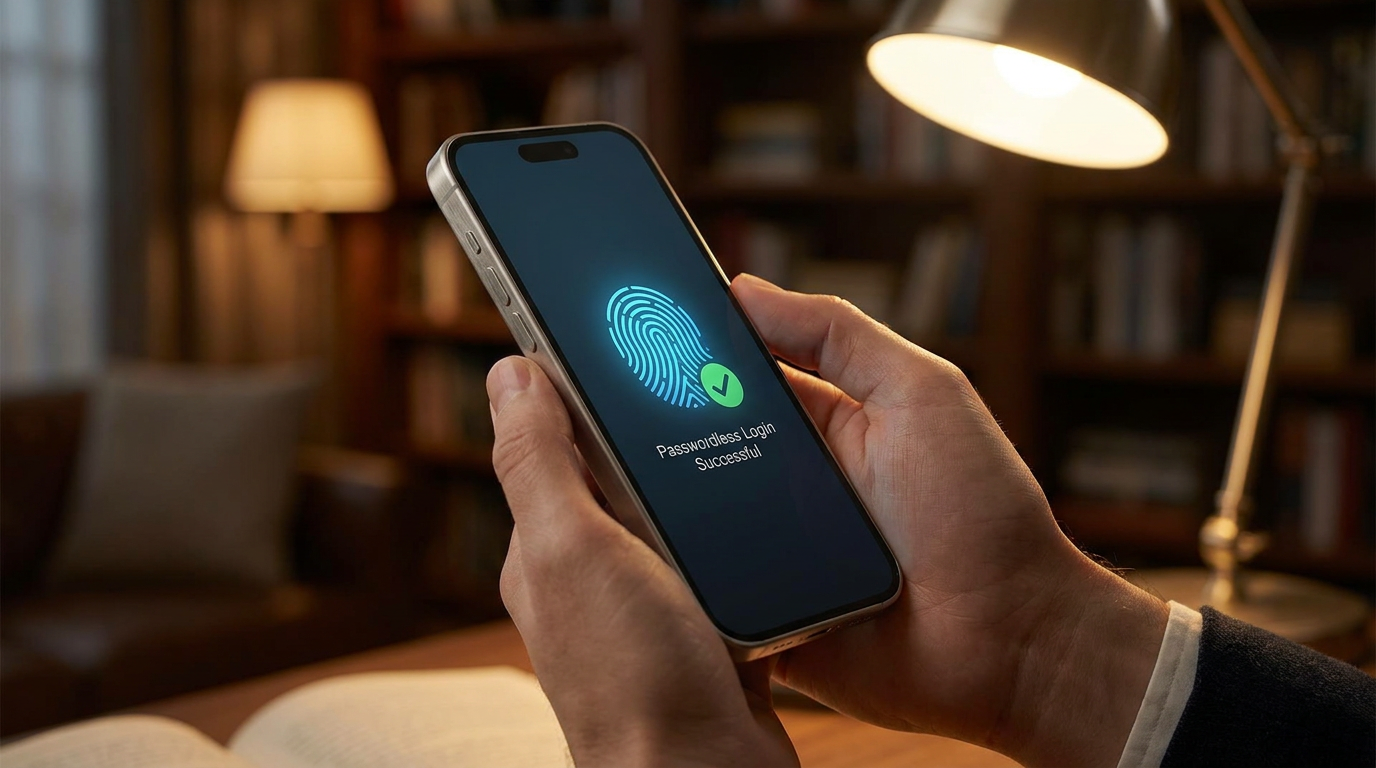
Setting up your first passkey is remarkably straightforward. To begin the transition, log into a supported service—such as Google, Amazon, or your bank—using your traditional username and password. Navigate to the account's security or sign-in settings and look for the option to 'Create a passkey.' When you click it, your operating system will take over, prompting you for a quick biometric scan to authorize the creation of the key pair. From that moment on, the website will default to asking for your fingerprint or face scan instead of a password.[5]

While passwords will likely linger as legacy fallback options for a few more years, the internet has decisively crossed the tipping point. The data speaks for itself: passkey sign-ins currently achieve a 93 percent success rate, compared to just 63 percent for traditional authentication methods. Users are no longer abandoning shopping carts or locking themselves out of critical accounts because they forgot a special character. By replacing human memory with seamless cryptography, passkeys have finally delivered on the promise of a secure, frictionless internet.[1][4]
How we got here
2012
The FIDO Alliance is founded with the goal of reducing reliance on passwords.
2018
WebAuthn is officially recognized as a W3C standard, laying the technical groundwork for passwordless logins.
2022
Major tech companies introduce the consumer-friendly term 'passkey' and enable cross-device syncing.
May 2026
The FIDO Alliance reports that 5 billion passkeys are now in active use worldwide.
Viewpoints in depth
Security & Cryptography Experts
Emphasize that origin-bound public-key cryptography is the only reliable defense against modern phishing and AI-driven credential attacks.
Security researchers argue that removing the shared secret entirely is a structural fix to the internet's oldest vulnerability. Because passkeys are mathematically bound to the specific domain they were created for, they neutralize the threat of phishing. Even if a user is tricked into visiting a perfectly replicated fake website, the underlying authenticator will refuse to hand over the cryptographic signature, rendering the attack useless.
Privacy Advocates
Focus on the local nature of biometric verification and the protection of personal data.
Privacy advocates highlight that fingerprints and face scans never leave the user's device during a passkey login. The server only receives a mathematical proof of identity generated by the private key. This architecture ensures that even as authentication becomes more seamless and tied to our physical traits, tech companies and third-party websites are not accumulating massive databases of sensitive biometric information.
Enterprise IT Leaders
View passkeys through the lens of operational efficiency and workforce productivity.
For corporate IT departments, the transition to passkeys is driven by cost savings and reduced friction. Enterprise leaders point to the massive reduction in help-desk tickets generated by forgotten passwords and account lockouts. By adopting passkeys, organizations are seeing improved login success rates for employees, arguing that security must be frictionless to be truly effective at scale.
What we don't know
- How quickly legacy systems and smaller websites will adopt the WebAuthn standard.
- The long-term impact of quantum computing on the underlying public-key cryptography used by passkeys.
Key terms
- Passkey
- A digital credential that uses public-key cryptography to let you sign into accounts without a password.
- WebAuthn
- The official web standard developed by the W3C that allows browsers and operating systems to create and use passkeys.
- Public-Key Cryptography
- A security system that uses two mathematically linked keys—a public one stored on a server and a private one kept on your device.
- Origin Binding
- A security feature where a passkey is mathematically tied to a specific website domain, making it impossible to use on a fake phishing site.
Frequently asked
What happens to my passkeys if I lose my phone?
If you use a cloud ecosystem like Apple iCloud, Google Password Manager, or a third-party manager, your passkeys are securely backed up and will automatically sync to your new device when you sign in.
Does the website get a copy of my fingerprint or face scan?
No. Your biometric data never leaves your device. The fingerprint or face scan is only used locally to unlock the private key, which then sends a mathematical signature to the website.
Can a passkey be stolen in a data breach?
No. Websites only store your public key, which is useless to hackers on its own. Your private key remains securely locked inside your device's hardware.
Sources
Source coverage
5 outlets
3 viewpoints surfaced





[1]FIDO AllianceEnterprise IT Leaders
The State of Passkeys 2026: Global Consumer and Workforce Report
Read on FIDO Alliance →[2]WebAuthn.meSecurity & Cryptography Experts
Web Authentication and Passkeys Explained
Read on WebAuthn.me →[3]DashlaneSecurity & Cryptography Experts
Passkeys Explained: What Is a Passkey and How Do Passkeys Work?
Read on Dashlane →[4]AuthsignalEnterprise IT Leaders
The passkey adoption numbers and market maturity
Read on Authsignal →[5]Factlen Editorial TeamPrivacy Advocates
Synthesis by Factlen editorial team
Read on Factlen Editorial Team →


Every angle. Every day.
Get guides stories with full source coverage and perspective breakdowns delivered to your inbox.