
The 2026 Guide to Buying an AI PC: NPUs, TOPS, and Copilot+ Explained
As AI hardware becomes standard in 2026, understanding NPUs, TOPS, and memory requirements is essential for choosing the right laptop. This explainer cuts through the marketing to reveal what actually powers on-device AI.
By Factlen Editorial Team
- Productivity & Mobility Users
- Prioritize battery life, real-time transcription, and Copilot+ features.
- Creative Professionals & Developers
- Require discrete GPUs and high RAM for local model execution.
- Cloud-Reliant Users
- Rely on browser-based AI and avoid hardware upgrade premiums.
What's not represented
- · Enterprise IT Managers
- · Environmental Sustainability Advocates
Why this matters
Buying a laptop in 2026 requires navigating a minefield of AI marketing jargon. Understanding the actual hardware requirements ensures you invest in a machine that genuinely improves your workflow, protects your privacy, and extends your battery life, rather than overpaying for a sticker.
Key points
- An AI PC includes a Neural Processing Unit (NPU) designed to handle machine learning tasks locally.
- NPU performance is measured in TOPS (Trillions of Operations Per Second).
- Microsoft's Copilot+ standard requires a minimum of 40 TOPS and 16GB of RAM.
- Offloading AI tasks to the NPU significantly improves battery life and system responsiveness.
- Cloud-based AI tools like ChatGPT do not require an AI PC and run on traditional hardware.
The "AI PC" sticker is plastered across nearly every laptop box in 2026. For consumers, the marketing barrage promises a revolution in computing, but it also introduces a confusing alphabet soup of new acronyms and technical specifications that can make choosing a new device feel overwhelming.[2]
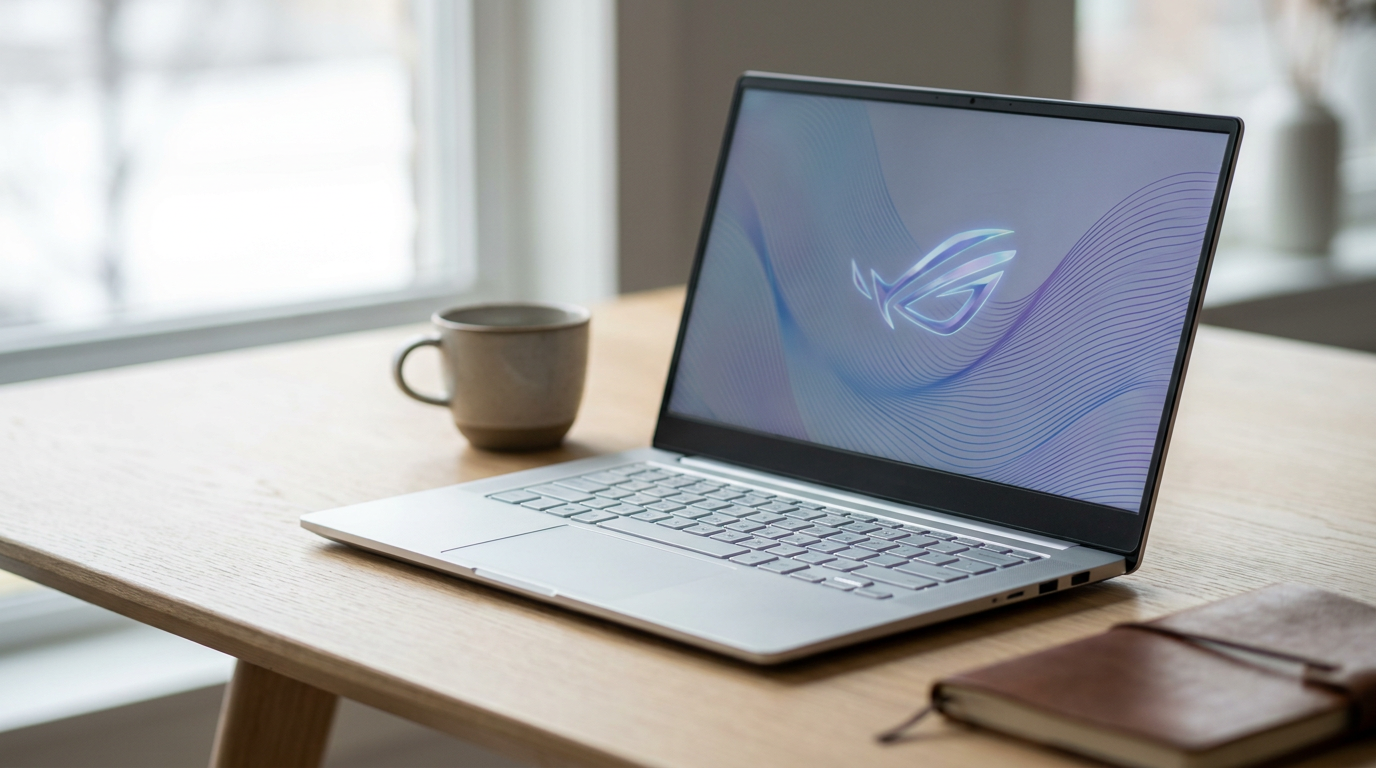
Stripping away the marketing, an AI PC is simply a computer equipped with a dedicated Neural Processing Unit (NPU) alongside the traditional CPU and GPU. This specialized silicon is designed to handle artificial intelligence workloads directly on the device, rather than sending data across the internet to a remote cloud server.[1][2][7]
To understand why this architectural shift matters, it helps to look at how computers divide their labor. The CPU acts as the general manager, handling everyday tasks, system operations, and application logic. The GPU serves as the visual specialist, rendering graphics and parallel workloads. The NPU, however, is purpose-built specifically for the complex matrix math required by machine learning models.[1][6]

By offloading AI tasks to the NPU, the system achieves two massive benefits: speed and efficiency. Features like real-time meeting transcription, live language translation, and video call background blur can run continuously without draining the battery or causing the laptop's fans to spin up, which would inevitably happen if the CPU or GPU were forced to handle the load.[1][2][7]
The performance of an NPU is measured in a metric called TOPS, or Trillions of Operations Per Second. In 2026, TOPS has become the single most important number to check on a laptop spec sheet if you care about future-proofing your machine for artificial intelligence workflows.[1][3]
Microsoft has drawn a hard line in the sand with its "Copilot+ PC" standard. To qualify for Windows 11's most advanced local AI features—such as the Recall timeline, Live Captions, and Studio Effects—a laptop must feature an NPU capable of at least 40 TOPS.[1][5][7]
Laptops with older chips that deliver only 10 to 15 TOPS might still carry an "AI-ready" sticker on the box, but they will struggle to run modern on-device models efficiently and will not qualify for Microsoft's official Copilot+ certification.[2]
The silicon landscape in 2026 offers several distinct flavors of 40+ TOPS performance. Qualcomm's Snapdragon X Elite and X Plus processors, built on ARM architecture, have redefined expectations for Windows battery life, often pushing past 18 hours of real-world use while delivering up to 45 TOPS of neural processing power.[2][4][6]
The silicon landscape in 2026 offers several distinct flavors of 40+ TOPS performance.
For users who need traditional x86 compatibility for legacy software, Intel and AMD have answered the call. Intel's Core Ultra 200V series (Lunar Lake) and AMD's Ryzen AI 300 series both integrate powerful NPUs that comfortably clear the 40 TOPS hurdle, ensuring older Windows applications run flawlessly alongside next-generation AI tools.[2][6]

Apple, meanwhile, continues to refine its ecosystem with the M4 chip family. While Apple focuses less on raw TOPS marketing, its integrated Neural Engine and massive unified memory bandwidth make modern MacBooks exceptionally capable for running local AI models smoothly.[6]
Speaking of memory, the era of the 8GB laptop is officially over. Because local AI models must be loaded directly into system memory to function, 16GB of RAM is the absolute minimum requirement for a Copilot+ PC, and it is the baseline recommendation for any modern workflow.[3][5]
For developers or creative professionals planning to run local Large Language Models (LLMs) or generate high-resolution images on-device, 32GB of RAM should be considered a hard requirement rather than a luxury upgrade.[2][3]
It is crucial to match the hardware to the actual use case. For users who only interact with AI through web browsers—like using ChatGPT, Claude, or cloud-based Google Gemini—any modern laptop will suffice, as the remote cloud servers do all the heavy lifting.[5]
Productivity users are the primary target for Copilot+ PCs. If your day involves endless video calls, document summarization, and local file searching, a thin-and-light laptop with a 40+ TOPS NPU will dramatically improve your workflow while preserving all-day battery life.[2][5]

How we got here
Late 2023
Intel and AMD begin integrating early-generation NPUs into standard laptop processors, introducing the 'AI PC' concept.
May 2024
Microsoft announces the Copilot+ PC standard, requiring a minimum of 40 TOPS for advanced local AI features.
Mid 2024
Qualcomm launches the Snapdragon X Elite, bringing high-performance ARM architecture and multi-day battery life to Windows AI PCs.
Late 2024
Intel and AMD release their next-generation Lunar Lake and Strix Point chips, meeting the 40 TOPS Copilot+ requirement on x86 architecture.
2026
AI PCs become the market standard, with NPUs integrated into nearly all mid-range and premium laptops.
Viewpoints in depth
Productivity & Mobility Users
Users focused on battery life and everyday AI assistance.
For business professionals, students, and remote workers, the primary appeal of an AI PC is efficiency. This camp prioritizes ARM-based processors like the Snapdragon X Elite, which offer multi-day battery life while effortlessly handling background AI tasks like live transcription, intelligent file search, and video call enhancements. They view the NPU as a tool for extending battery life rather than running complex local models.
Creative Professionals & Developers
Power users who run heavy local AI models and require maximum compute.
This group views the 40 TOPS NPU as merely a starting point. Because they run demanding local workloads like Stable Diffusion for image generation or uncensored Large Language Models (LLMs), they require discrete GPUs (like the NVIDIA RTX 4070) and massive amounts of RAM (32GB to 64GB). For them, memory bandwidth and raw parallel processing power trump the power-efficiency benefits of a standalone NPU.
Cloud-Reliant Users
Everyday consumers who rely on web-based AI tools.
Many budget-conscious buyers and casual users argue that the 'AI PC' premium is unnecessary for their needs. Because tools like ChatGPT, Google Gemini, and cloud-based Copilot process their data on remote servers, these users can access cutting-edge AI on older, traditional hardware. For this camp, upgrading to an NPU-equipped machine only makes sense when their current laptop physically breaks down.
What we don't know
- How quickly third-party software developers will fully optimize their legacy applications to take advantage of the NPU.
- Whether Microsoft will increase the 40 TOPS Copilot+ requirement for future iterations of Windows 12.
Key terms
- NPU (Neural Processing Unit)
- A specialized computer chip designed specifically to accelerate artificial intelligence and machine learning tasks efficiently.
- TOPS
- Trillions of Operations Per Second; the standard measurement for an NPU's processing speed.
- Copilot+ PC
- A certification from Microsoft for laptops that include an NPU with at least 40 TOPS, 16GB of RAM, and specific on-device AI capabilities.
- Local AI (On-Device AI)
- Artificial intelligence tasks that are processed entirely on your computer's hardware, rather than sending data to a remote cloud server.
- LLM (Large Language Model)
- A complex AI system trained on vast amounts of text, capable of understanding and generating human-like language.
Frequently asked
What does TOPS stand for in an AI PC?
TOPS stands for Trillions of Operations Per Second. It is the standard metric used to measure how fast a Neural Processing Unit (NPU) can handle artificial intelligence workloads.
Do I need an AI PC to use ChatGPT?
No. ChatGPT and similar web-based AI tools process data in the cloud, meaning they run perfectly fine on older, traditional computers with a standard internet connection.
Why do Copilot+ PCs require 16GB of RAM?
Local AI models must be loaded directly into the system's memory to function. 16GB is the minimum required to run these models smoothly while still leaving enough memory for Windows and other applications.
Will an NPU improve my laptop's battery life?
Yes, if you use AI features. Offloading tasks like video call background blur or live transcription to the NPU uses significantly less power than running them on the CPU or GPU.
Sources
Source coverage
8 outlets
3 viewpoints surfaced








[1]HP Tech TakesProductivity & Mobility Users
What Is An AI PC Everything You Need To Know in 2026
Read on HP Tech Takes →[2]NeweggCreative Professionals & Developers
AI PC Buying Guide: What to Look for in 2026
Read on Newegg →[3]JoybuyCreative Professionals & Developers
AI Laptop Buying Guide 2026: Models for Professionals and Creatives
Read on Joybuy →[4]PCMag UKProductivity & Mobility Users
The Best Copilot+ Laptops for 2026
Read on PCMag UK →[5]Vision ComputersCloud-Reliant Users
AI PC Requirements 2026: What You Need to Run AI Locally
Read on Vision Computers →[6]Local AI MasterCreative Professionals & Developers
NPU Comparison 2026: Intel vs Qualcomm vs AMD vs Apple
Read on Local AI Master →[7]MicrosoftProductivity & Mobility Users
AI PC Features in 2026: Beginner's Guide
Read on Microsoft →[8]Factlen Editorial TeamCloud-Reliant Users
Synthesis by Factlen editorial team
Read on Factlen Editorial Team →

Every angle. Every day.
Get shopping stories with full source coverage and perspective breakdowns delivered to your inbox.