
How to Run Powerful AI Models Locally on Everyday Hardware
Advances in software and hardware now allow anyone to run large language models directly on their laptop or desktop, offering complete privacy and offline access without cloud subscription fees.
By Factlen Editorial Team
- Privacy Advocates
- Argue that local AI is essential for protecting sensitive data, trade secrets, and personal communications from corporate surveillance and server breaches.
- Developers & MLOps
- Value local AI for its API compatibility, zero latency, and the ability to seamlessly integrate models into automated coding workflows without paying usage fees.
- Hardware Enthusiasts
- Focus on the technical challenge of maximizing inference speed and memory efficiency, comparing Apple Silicon's unified memory against high-end NVIDIA GPUs.
What's not represented
- · Cloud AI Providers
- · Enterprise IT Administrators
Why this matters
Running AI locally shifts control from massive tech corporations back to the individual. It allows professionals to use powerful AI tools on confidential documents without risking data leaks, while eliminating monthly subscription fees and the need for an internet connection.
Key points
- Local AI allows users to run large language models on their own hardware, ensuring complete data privacy.
- Quantization compresses massive AI models so they can fit into the memory of consumer laptops and desktops.
- Tools like LM Studio and Ollama have made installing and chatting with local models a simple, one-click process.
- Video RAM (VRAM) is the primary hardware bottleneck for running models quickly.
- Apple Silicon's unified memory allows Macs to run massive models that would normally require expensive, specialized PC graphics cards.
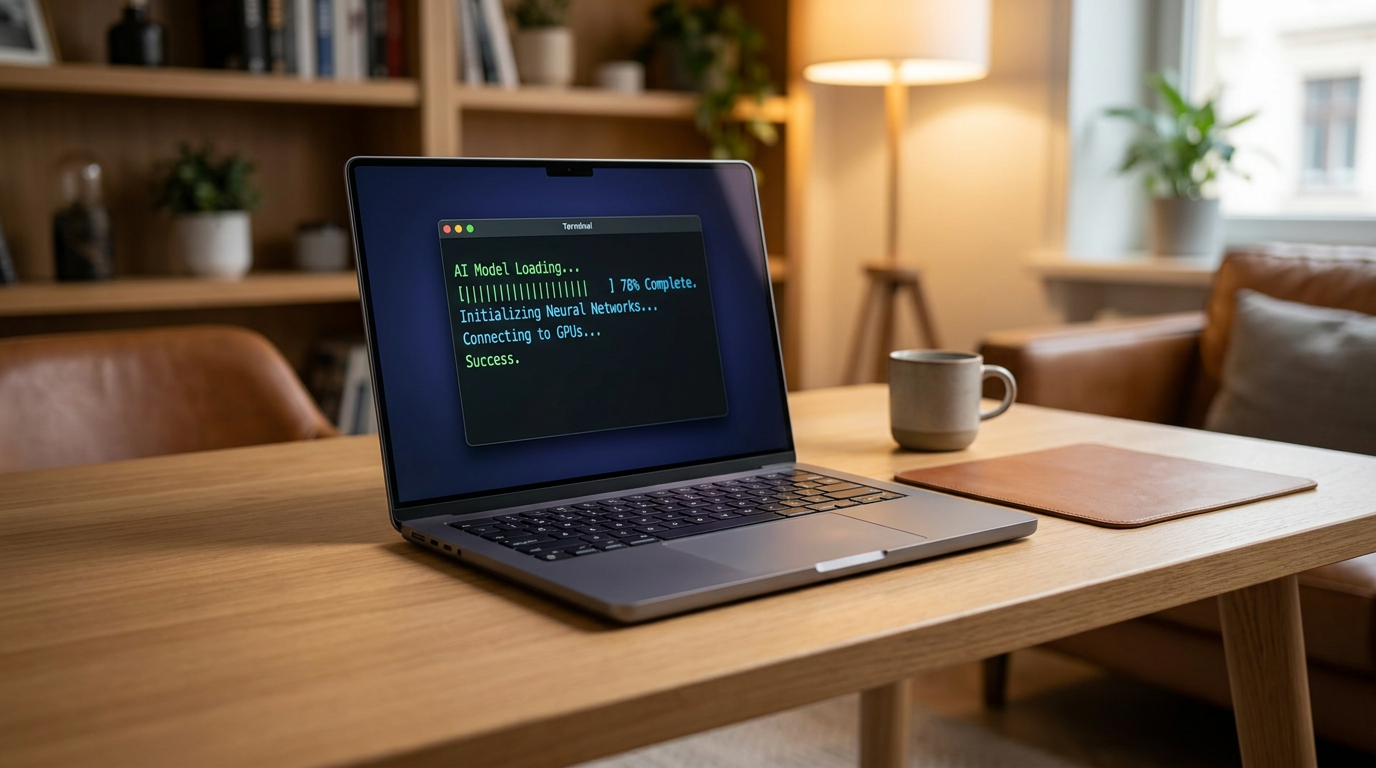
For years, artificial intelligence has been synonymous with massive cloud data centers. When you type a prompt into a commercial service, your data travels to a remote server farm, processes, and returns. But a quiet revolution has inverted this model. Today, you can run highly capable Large Language Models (LLMs) entirely on your own laptop or desktop computer, bypassing the cloud altogether.[8]
This shift from cloud to local computing is driven by two parallel breakthroughs: highly optimized open-source models and software that drastically reduces the computing power needed to run them. The result is "local AI"—a setup where your personal device acts as its own private server, generating text, code, and analysis without ever connecting to the internet.[1][8]
The primary catalyst for this movement is privacy. Cloud-based AI services inherently require sending your thoughts, proprietary code, or sensitive business documents over the web. For privacy-conscious individuals, healthcare workers, and enterprises handling confidential data, transmitting this information to third-party servers is often a non-starter due to compliance risks and the threat of data breaches.[4][5]
Local AI solves the privacy gap entirely. Because the model runs strictly on your hardware, your data never leaves your machine. There is no telemetry, no corporate data collection, and no risk of a server breach exposing your chat history. Once the model is downloaded, you can disconnect from Wi-Fi and the AI will continue to function flawlessly in an airplane or a remote cabin.[4][5]

Beyond security, running models locally eliminates recurring API subscription costs and network latency. It also offers complete control over the AI's behavior, allowing users to swap between specialized models for coding, creative writing, or data analysis without relying on a single corporate provider's ecosystem or content filters.[2][4]
To make these massive models fit on consumer hardware, developers rely on a mathematical technique called "quantization." In simple terms, quantization compresses the neural network's weights—often from 16-bit precision down to 4-bit—significantly shrinking the file size and memory footprint while preserving the vast majority of the model's intelligence and reasoning capabilities.[1][6]
These compressed models are typically distributed in a file format called GGUF, which is specifically designed for efficient local execution. A model that might have required 30 gigabytes of memory in its raw, uncompressed form can be squeezed down to just 5 or 6 gigabytes, making it accessible to everyday computers rather than just enterprise server racks.[2][6]
When it comes to the software running these models, two dominant tools have emerged to make the process frictionless: Ollama and LM Studio. While both are built on the same underlying inference engine, they cater to entirely different workflows and user preferences.[3]
When it comes to the software running these models, two dominant tools have emerged to make the process frictionless: Ollama and LM Studio.
Ollama is the tool of choice for developers and power users. Operating primarily through the command line, it mimics the philosophy of Docker: users can download and run a model with a single terminal command. Ollama runs quietly in the background and exposes a local API, making it incredibly easy to plug local AI into custom scripts, coding assistants, or automated workflows.[2][3]
LM Studio, on the other hand, is designed for accessibility and visual interaction. It offers a polished, graphical desktop interface that feels instantly familiar to anyone who has used a web-based chatbot. Users can search for models directly within the app, download them with a click, and start chatting immediately. It even allows users to load multiple models side-by-side to compare their responses in real-time.[2][3]

Despite these software advancements, hardware remains the ultimate bottleneck for local AI. Specifically, the limiting factor is Video RAM (VRAM)—the dedicated memory on a graphics card. LLMs require the entire model to be loaded into memory simultaneously to generate text at readable speeds, making VRAM capacity more important than raw processing power.[6][7]
For entry-level users, running smaller models (around 7 to 8 billion parameters) requires a minimum of 16GB of system RAM and a GPU with at least 8GB of VRAM. Popular mid-range graphics cards like the NVIDIA RTX 3060 or 4060 handle this tier comfortably, generating text faster than most people can read.[1][6]
Stepping up to mid-size models (14 to 32 billion parameters) requires more serious hardware. These models offer deeper reasoning and better coding capabilities but demand 16GB to 24GB of VRAM. The NVIDIA RTX 3090 and 4090, which feature 24GB of VRAM, have become the gold standard for enthusiasts in this category.[6][7]

The most fascinating hardware development in the local AI space, however, comes from Apple. Unlike traditional PCs that separate system RAM and GPU VRAM, Apple Silicon (the M-series chips) uses "unified memory." This architectural difference means the Mac's GPU can access the entire pool of system RAM as if it were VRAM.[7]
Because of unified memory, a Mac Studio or MacBook Pro with 64GB or 128GB of RAM can run massive 70-billion-parameter models that would otherwise require multiple expensive NVIDIA GPUs. While high-end NVIDIA cards still generate tokens faster, Apple Silicon has democratized access to running flagship-tier AI models at home without building a dedicated server.[6][7]

For those looking to build the ultimate local AI workstation in 2026, the newly released NVIDIA RTX 5090, with its 32GB of VRAM, has shifted the landscape again. Dual RTX 5090 setups can now match the performance of enterprise data-center chips for a fraction of the cost, bringing unprecedented AI power to the consumer desktop.[7]
Setting up local AI today is remarkably straightforward compared to just a year ago. A user simply downloads LM Studio or Ollama, selects a quantized model from a repository like Hugging Face, and waits for the download to finish. Within ten minutes, a fully private, highly capable AI assistant is ready to use.[1][3]
As open-source models continue to close the capability gap with proprietary cloud services, local AI is moving from a niche hobby to a standard computing utility. By placing artificial intelligence directly on the user's hardware, the technology is becoming more private, more resilient, and fundamentally more personal.[8]
How we got here
Early 2023
The weights for Meta's original LLaMA model leak online, sparking a grassroots movement to run AI on consumer hardware.
Late 2023
The release of llama.cpp allows developers to run models efficiently on standard MacBooks and CPUs without needing specialized data-center GPUs.
2024
User-friendly tools like LM Studio and Ollama launch, turning local AI deployment from a complex coding task into a simple software installation.
2025–2026
The arrival of high-VRAM consumer GPUs and high-memory Apple Silicon chips makes running massive 70-billion-parameter models viable for home users.
Viewpoints in depth
Privacy Advocates
Argue that local AI is the only way to guarantee data security in an era of corporate surveillance.
For privacy advocates and security professionals, the cloud-based AI model is fundamentally flawed. Whenever a user pastes proprietary code, medical symptoms, or confidential business strategy into a web-based chatbot, that data is transmitted to a third-party server where it may be logged, analyzed, or exposed in a breach. Local AI eliminates this attack vector entirely. By processing the data directly on the user's hardware with no internet connection required, local models ensure that sensitive information remains strictly under the user's control, making it the only viable option for highly regulated industries.
Developers & MLOps
Value the flexibility, zero latency, and cost-free API access that local models provide.
Software developers view local AI not just as a chatbot replacement, but as a foundational building block for automation. Tools like Ollama expose a local API that perfectly mimics cloud providers, allowing developers to point their existing scripts and applications at a local model instead of paying per-token fees to a corporation. This zero-latency, cost-free environment is ideal for running coding assistants, parsing large local datasets, or building complex multi-agent workflows that would be prohibitively expensive to run in the cloud.
Hardware Enthusiasts
Focus on the technical arms race of maximizing inference speed and memory efficiency on consumer budgets.
For the hardware community, local AI has created a new benchmark for system performance, shifting the focus from raw processing power to memory bandwidth and VRAM capacity. This camp closely tracks the performance differences between dual NVIDIA RTX setups and Apple's M-series chips. While they acknowledge that Apple's unified memory offers an incredible value for running massive models, they often favor NVIDIA architectures for their superior token generation speeds and broader compatibility with the latest experimental AI frameworks.
What we don't know
- Whether future flagship models will grow too large for even high-end consumer hardware to run locally.
- How quickly hardware manufacturers will increase baseline VRAM on entry-level laptops to accommodate built-in AI.
Key terms
- VRAM (Video RAM)
- The dedicated memory on a graphics card, which is the most critical hardware component for loading and running AI models quickly.
- Quantization
- A compression technique that shrinks the file size and memory requirements of an AI model by reducing the mathematical precision of its weights.
- GGUF
- A popular file format specifically designed for running quantized AI models efficiently on consumer hardware.
- Parameters
- The variables a model learned during training (often measured in billions, like 8B or 70B). More parameters generally mean a smarter model, but require more memory to run.
- Unified Memory
- Apple's hardware architecture where the CPU and GPU share the same pool of memory, allowing Macs to load massive AI models without needing a specialized graphics card.
Frequently asked
Can I run local AI without an internet connection?
Yes. Once you have downloaded the software and the model file, the AI runs entirely on your computer's hardware. You can disconnect from the internet completely and it will still function.
Is local AI as smart as cloud-based AI?
It depends on your hardware. While local models are highly capable and often match the performance of mid-tier cloud models, the absolute largest flagship models still require data-center hardware to run.
Do I need a dedicated graphics card?
Not necessarily. While a dedicated NVIDIA GPU is ideal for Windows and Linux users, modern Apple Silicon Macs (M1 through M4) can run models excellently using their unified memory. You can also run small models on a standard CPU, though it will be significantly slower.
What is the difference between Ollama and LM Studio?
Ollama is a command-line tool designed for developers who want to run models in the background and connect them to other apps. LM Studio is a visual desktop application designed for users who want a simple, ChatGPT-like interface.
Sources
Source coverage
8 outlets
3 viewpoints surfaced








[1]LocalLLM.in
How to Run Local LLMs: The Ultimate Guide
Read on LocalLLM.in →[2]IntelliasDevelopers & MLOps
How to Run Local LLMs: A Guide for Enterprises Exploring Secure AI Solutions
Read on Intellias →[3]Atomic ChatDevelopers & MLOps
Ollama vs LM Studio: How to Run Local LLMs (2026)
Read on Atomic Chat →[4]Enclave AIPrivacy Advocates
The Benefits of Keeping AI Local
Read on Enclave AI →[5]Local AI MasterPrivacy Advocates
Is Local AI Private? (Privacy Benefits)
Read on Local AI Master →[6]OverchatHardware Enthusiasts
Local LLM Hardware Requirements Guide
Read on Overchat →[7]The AI RealistHardware Enthusiasts
What to Buy for Local LLMs (April 2026)
Read on The AI Realist →[8]Factlen Editorial Team
Synthesis by Factlen editorial team
Read on Factlen Editorial Team →

Every angle. Every day.
Get guides stories with full source coverage and perspective breakdowns delivered to your inbox.