
How to Run a Private AI on Your Own Hardware: A Complete Guide to Local LLMs
Running a Large Language Model locally offers unparalleled privacy and eliminates API fees. Here is how to turn your laptop or desktop into a secure, offline AI powerhouse.
By Factlen Editorial Team
- Privacy & Security Advocates
- Argue that local AI is a necessary defense against corporate data harvesting and potential security breaches.
- Open-Source Developers
- Value the ability to tinker, modify, and build upon state-of-the-art models without asking for permission or paying API fees.
- Enterprise IT Leaders
- Balance the privacy benefits of local models against the hardware costs and the superior reasoning capabilities of cloud APIs.
What's not represented
- · Hardware Manufacturers
- · Regulatory Bodies
Why this matters
As AI becomes integrated into daily life, relying entirely on cloud providers means surrendering your personal data, code, and corporate secrets to third-party servers. Running models locally restores digital sovereignty, allowing you to harness state-of-the-art intelligence without sacrificing privacy or paying monthly subscription fees.
Key points
- Local LLMs allow users to run powerful AI models entirely offline, ensuring absolute data privacy.
- Quantization techniques shrink massive models by up to 73%, allowing them to run on consumer laptops.
- The GGUF file format standardizes local AI, optimizing performance across CPUs and GPUs.
- Tools like Ollama and LM Studio have eliminated the need for complex coding to set up a local model.
- While local models save money on API fees, they require capable hardware, ideally with 16GB of RAM.
For the past few years, interacting with artificial intelligence meant sending your thoughts, code, and sensitive data to a server owned by a massive tech corporation. Every prompt typed into cloud-based chatbots is processed remotely, raising profound questions about data sovereignty and privacy. But a quiet revolution has fundamentally altered the landscape of computing. Today, you no longer need a billion-dollar data center to run a state-of-the-art Large Language Model (LLM).[1][5]
The open-source community has rapidly democratized access to artificial intelligence, optimizing massive neural networks to run on consumer-grade hardware. This shift from centralized cloud APIs to decentralized, local execution empowers individuals and businesses to host their own AI assistants. By running an LLM directly on a laptop or desktop, users gain complete control over their digital environment, transforming a standard computer into a private intelligence node.[1][6]
The most immediate and compelling advantage of local AI is absolute privacy. When an LLM operates entirely offline, the text generated and the prompts submitted never leave the physical machine. This air-gapped security is essential for healthcare professionals handling patient records, developers writing proprietary code, or individuals journaling deeply personal thoughts. Regulatory frameworks like HIPAA and GDPR are far easier to navigate when third-party data processors are removed from the equation entirely.[5][7]
Beyond data security, local deployment radically alters the economics of artificial intelligence. Cloud providers typically charge per token—a fraction of a word—which can quickly accumulate into thousands of dollars for heavy enterprise users or developers building automated agents. While local AI requires an upfront investment in capable hardware, the ongoing operational cost drops to zero, save for the electricity required to power the machine. Furthermore, local models function flawlessly without an internet connection, ensuring uninterrupted access during travel or network outages.[5][7]

The technical breakthrough that made this local revolution possible is a mathematical compression technique known as quantization. Neural networks are essentially massive collections of numbers, or weights, traditionally stored in high-precision 16-bit or 32-bit floating-point formats. A standard 7-billion parameter model in 16-bit precision requires roughly 14 gigabytes of memory just to load, placing it out of reach for most standard laptops.[2]
Quantization solves this memory bottleneck by rounding these highly precise weights down to lower-precision formats, such as 4-bit integers. This compression shrinks the model's memory footprint by up to 73 percent, allowing a massive LLM to fit comfortably within the RAM of a consumer device. Remarkably, advanced quantization algorithms preserve the model's underlying logic and linguistic capabilities, resulting in a compressed AI that is nearly indistinguishable from its uncompressed counterpart in everyday tasks.[2][3]
To standardize this compressed ecosystem, the open-source community rallied around a file format called GGUF (GPT-Generated Unified Format). Developed by the creators of the llama.cpp project, a single GGUF file contains the model's architecture, its quantized weights, and the tokenizer needed to process text. GGUF is specifically optimized for hybrid inference, meaning it can intelligently split the computational workload between a computer's central processor and its graphics card, maximizing performance on whatever hardware is available.[2]

To standardize this compressed ecosystem, the open-source community rallied around a file format called GGUF (GPT-Generated Unified Format).
While quantization works miracles, running an LLM still requires capable hardware. System memory is the most critical component; a minimum of 16 gigabytes of RAM is recommended for basic 7-billion parameter models, while 32 gigabytes provides comfortable breathing room for larger models and multitasking. For optimal generation speed, a dedicated GPU with at least 8 gigabytes of Video RAM is highly desirable, as graphics cards are purpose-built for the parallel matrix math that powers neural networks.[6]
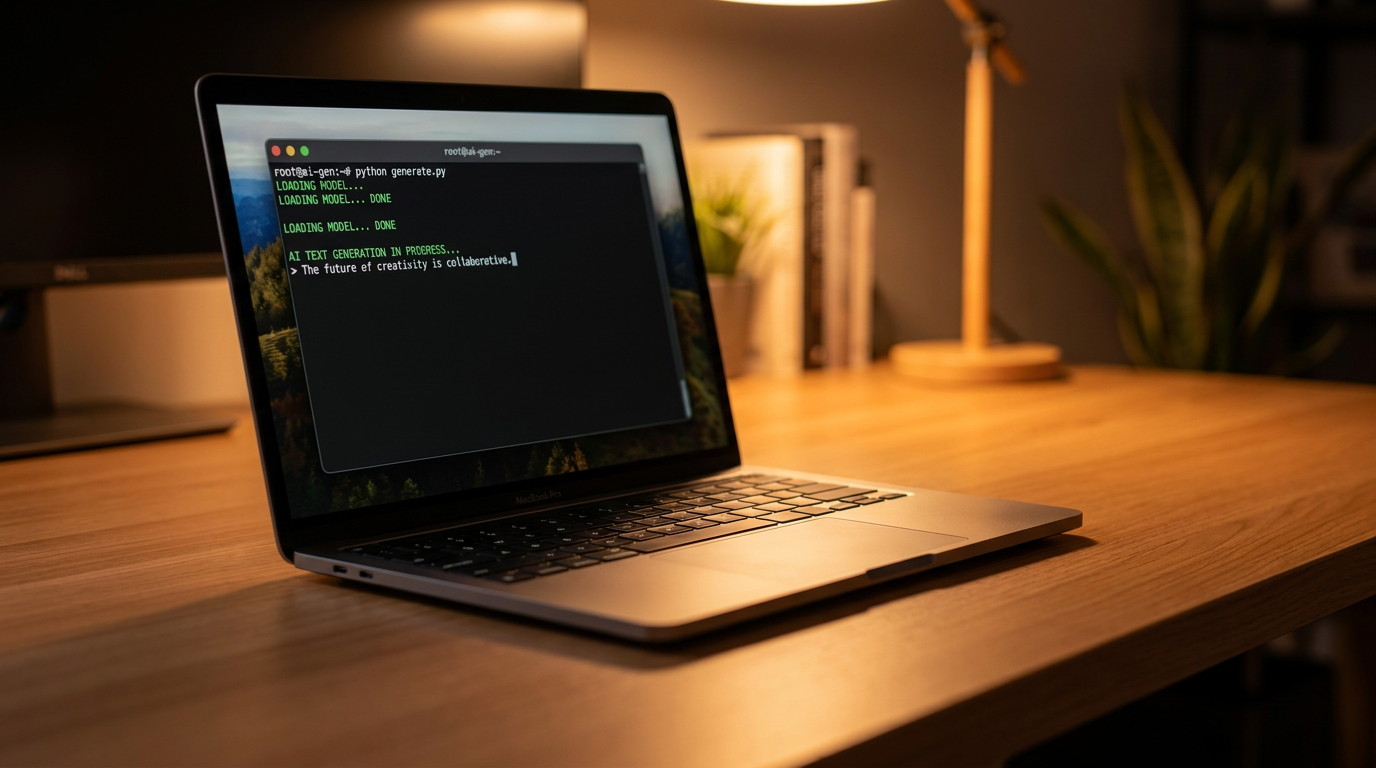
Setting up a local LLM used to require complex Python environments and compiling code from source, but modern software has reduced the process to a few clicks. The most popular tool for developers is Ollama, a lightweight command-line application available for Windows, macOS, and Linux. Once installed, running a state-of-the-art model is as simple as opening a terminal and typing a single command, such as 'ollama run llama3'. The software automatically downloads the correct GGUF file and launches a chat interface directly in the console.[4][6]
For users who prefer a graphical interface over a terminal window, LM Studio offers a polished, all-in-one desktop application. LM Studio provides a built-in browser to search the Hugging Face model repository, allowing users to download different AI models with a single click. Once loaded, it presents a familiar chat interface that looks and feels exactly like popular cloud-based chatbots, complete with system prompt customization and hardware monitoring tools.[4]

Teams and small businesses looking to host an internal AI often turn to Open WebUI. This open-source project connects to a local Ollama instance and serves a beautiful, collaborative web interface across a local network. It allows multiple users on the same Wi-Fi network to chat with the locally hosted LLM from their own browsers, effectively creating a private, self-hosted alternative to enterprise cloud AI subscriptions.[4]
The ecosystem of available models is vast and constantly evolving. Meta's Llama 3 family serves as the gold standard for general-purpose reasoning, while models like Mistral and Qwen offer exceptional performance in highly compressed sizes. Microsoft's Phi-3 series is specifically engineered for resource-constrained devices, proving that even a 3-billion parameter model can write coherent code and answer complex questions if trained on high-quality data.[1][6]
Despite the immense benefits, local AI is not without its trade-offs. The models that fit on a laptop are inherently smaller than the trillion-parameter behemoths running in corporate data centers, meaning they may struggle with highly complex logic puzzles or niche factual recall. Additionally, managing a local deployment means taking responsibility for software updates, hardware maintenance, and system security—burdens that cloud providers typically handle behind the scenes.[6][7]

Because of these trade-offs, many enterprises are adopting a hybrid approach to artificial intelligence. Routine tasks, code generation, and the processing of highly sensitive internal documents are routed to local, privately hosted LLMs to ensure data sovereignty. Meanwhile, edge-case queries requiring massive reasoning capabilities are selectively escalated to cloud-based frontier models, balancing the need for privacy with the demand for raw computational power.[5][7]
Ultimately, the ability to run a Large Language Model locally represents a profound shift in the balance of technological power. It ensures that the most transformative technology of the decade is not locked behind corporate firewalls or monthly subscription paywalls. By downloading a model and running it on personal hardware, users are not just protecting their privacy—they are taking ownership of their own digital intelligence.[1]
How we got here
Feb 2023
Meta's LLaMA model weights are leaked, sparking the open-source AI movement.
Mar 2023
The llama.cpp project is released, allowing LLMs to run efficiently on MacBooks and CPUs.
Aug 2023
The GGUF format is introduced, standardizing how local model files are stored and executed.
2024–2025
User-friendly tools like Ollama and LM Studio make local AI accessible to non-developers.
2026
Local LLMs become a standard privacy-preserving alternative for enterprises and individuals.
Viewpoints in depth
Privacy & Security Advocates
View local AI as a necessary defense against surveillance capitalism and corporate data harvesting.
For privacy advocates, the cloud-based AI model is fundamentally flawed because it requires users to transmit their most sensitive data—from proprietary code to personal health queries—to third-party servers. They argue that local LLMs restore digital sovereignty. By keeping all processing on-device, users protect themselves from potential corporate data breaches, unauthorized training on their inputs, and government surveillance requests directed at cloud providers.
Open-Source Developers
Champion local AI as a democratizing force that allows anyone to build and innovate without gatekeepers.
The developer community views local LLMs as the ultimate sandbox. Without the restrictions, rate limits, and API costs imposed by massive tech companies, developers are free to tinker, fine-tune, and integrate AI into novel applications. They point to the rapid evolution of tools like Ollama and the GGUF format as proof that decentralized, community-driven engineering can match or exceed the pace of corporate AI research.
Enterprise IT Leaders
Take a pragmatic approach, balancing the privacy benefits of local models against hardware costs and capability limits.
While enterprise IT leaders acknowledge the security benefits of local AI, they remain cautious about the logistical overhead. Deploying local models across a company requires significant investments in high-end laptops or dedicated GPU servers, alongside ongoing maintenance. Furthermore, they note that highly compressed local models often cannot match the advanced reasoning capabilities of frontier cloud models, leading many to adopt a hybrid architecture where only the most sensitive data is processed locally.
What we don't know
- How small models can ultimately get before they lose their reasoning capabilities entirely.
- Whether future consumer hardware will include dedicated AI chips powerful enough to run 70-billion parameter models natively.
- How cloud providers will adjust their pricing models as local AI becomes more accessible and competitive.
Key terms
- LLM (Large Language Model)
- An artificial intelligence system trained on vast amounts of text to understand and generate human-like language.
- Quantization
- A compression technique that reduces the memory footprint of an AI model by lowering the mathematical precision of its internal weights.
- GGUF
- A standardized file format that packages an AI model's weights and architecture into a single file optimized for running on consumer hardware.
- VRAM (Video RAM)
- The dedicated memory on a graphics card, which is crucial for loading and running AI models quickly.
- Parameters
- The internal variables (or 'weights') that an AI model learns during training; more parameters generally mean a smarter but larger model.
Frequently asked
Can I run an LLM without a graphics card?
Yes. Tools like Ollama and LM Studio can run models entirely on your computer's CPU and system RAM, though the text generation speed will be noticeably slower than on a dedicated GPU.
Is a local LLM as smart as ChatGPT?
Smaller local models (like Llama 3 8B) are highly capable for coding and writing, but they generally fall short of massive frontier models like GPT-4 when it comes to complex logic puzzles or niche factual recall.
Does running a local LLM cost money?
Only the electricity and the upfront cost of your hardware. The software tools and the open-weights models themselves are completely free to download and use.
Sources
Source coverage
7 outlets
3 viewpoints surfaced







[1]Factlen Editorial Team
Synthesis by Factlen editorial team
Read on Factlen Editorial Team →[2]Enclave AIOpen-Source Developers
What is LLM quantization? A plain-English guide
Read on Enclave AI →[3]Cast AIEnterprise IT Leaders
LLM quantization explained: accuracy, latency, and memory tradeoffs
Read on Cast AI →[4]Liran TalOpen-Source Developers
Offline-first approach to running LLMs locally
Read on Liran Tal →[5]IgnesaPrivacy & Security Advocates
The fundamental advantages of local LLM deployment
Read on Ignesa →[6]AnadeaEnterprise IT Leaders
Local LLM Setup Guide
Read on Anadea →[7]Neil SahotaPrivacy & Security Advocates
Local LLMs: Key Takeaways
Read on Neil Sahota →

Every angle. Every day.
Get guides stories with full source coverage and perspective breakdowns delivered to your inbox.