
How to Run AI Models Locally: The 2026 Guide to Digital Independence
Running powerful language models on your own hardware is no longer just for developers. New tools and optimized frameworks make local, private AI accessible to anyone with a modern computer.
By Factlen Editorial Team
- Privacy & Security Advocates
- Argue that local inference is a strict necessity for handling proprietary code, sensitive corporate documents, and personal data without risking compliance breaches.
- Open-Source Developers
- Value local AI for its zero-cost experimentation, allowing them to build, test, and integrate OpenAI-compatible APIs into applications without incurring token fees.
- Everyday Enthusiasts
- Focus on the accessibility and digital independence provided by polished GUIs, enjoying the ability to use capable AI completely offline.
What's not represented
- · Cloud infrastructure providers losing API revenue
- · Hardware manufacturers benefiting from the local AI boom
Why this matters
Relying entirely on cloud-based AI means paying subscription fees and sending your private data to external servers. Learning to run models locally gives you complete privacy, zero ongoing costs, and the ability to use AI completely offline.
Key points
- Running AI locally ensures complete data privacy, as prompts and documents never leave your device.
- Local inference eliminates subscription fees and per-token API costs.
- Apple Silicon's unified memory makes modern Macs uniquely efficient at running large models.
- Tools like Ollama provide a simple command-line interface and local API server.
- LM Studio offers a polished desktop GUI for users who prefer visual controls.
- Quantization techniques allow massive models to run smoothly on consumer laptops.
For the past few years, using artificial intelligence meant renting intelligence. You typed a prompt into a browser, it traveled to a massive server farm owned by a tech giant, and the answer was beamed back. It was convenient, but it came with trade-offs: monthly subscription fees, rate limits, and the reality that your personal data, proprietary code, or sensitive documents were being processed on someone else's computer.[7]
In 2026, that paradigm has fundamentally shifted. Running a Large Language Model (LLM) locally—meaning the entire inference pipeline happens on the processor inside the computer sitting in front of you—is no longer a weekend project reserved for software engineers. Thanks to a convergence of highly optimized software tools and increasingly capable consumer hardware, local AI has become a practical, accessible reality for everyday users.[2][7]
The primary driver for this shift is privacy. When a model runs locally, the inference engine executes entirely on your device. No prompt text, no generated output, and no model file ever leaves your machine during a session. For professionals analyzing sensitive financial documents, developers working on proprietary codebases, or individuals who simply want a private sounding board, this absolute data sovereignty is not just a perk—it is a strict requirement.[3][4]

Beyond privacy, local AI offers total digital independence. Cloud AI APIs charge based on tokens, meaning every word generated costs a fraction of a cent, which adds up quickly during heavy development or research. Local models, once downloaded, are entirely free to use. They operate without an internet connection, never suffer from peak-hour server outages, and cannot be suddenly deprecated or altered by a corporate policy change.[1][6]
The historical bottleneck for local AI has always been hardware, specifically Video RAM (VRAM). When you load a language model, its billions of parameters must be held in memory. On standard PC architectures, loading a model means copying gigabytes of weights from the system's standard RAM into the discrete GPU's VRAM. If the model is larger than the GPU's VRAM capacity, the system must offload the excess to the much slower system RAM, resulting in a sluggish, frustrating experience.[2][4]

Apple Silicon fundamentally altered this equation with its unified memory architecture. On modern Macs (M1 through M4), the CPU and GPU share the exact same pool of memory. This eliminates the data transfer bottleneck entirely. Recognizing this hardware advantage, Apple introduced the MLX framework, an open-source array framework designed specifically to optimize machine learning on Apple Silicon. MLX allows local models to run with unprecedented speed and efficiency on consumer laptops, shrinking the performance gap between local machines and cloud servers.[4]

But hardware is only half the story; the software layer is where the real revolution has occurred. Just a few years ago, running a local model required navigating complex Python environments, compiling code from source, and troubleshooting obscure dependency errors. Today, the ecosystem is dominated by polished, user-friendly applications that handle the heavy lifting invisibly.[2][7]
But hardware is only half the story; the software layer is where the real revolution has occurred.
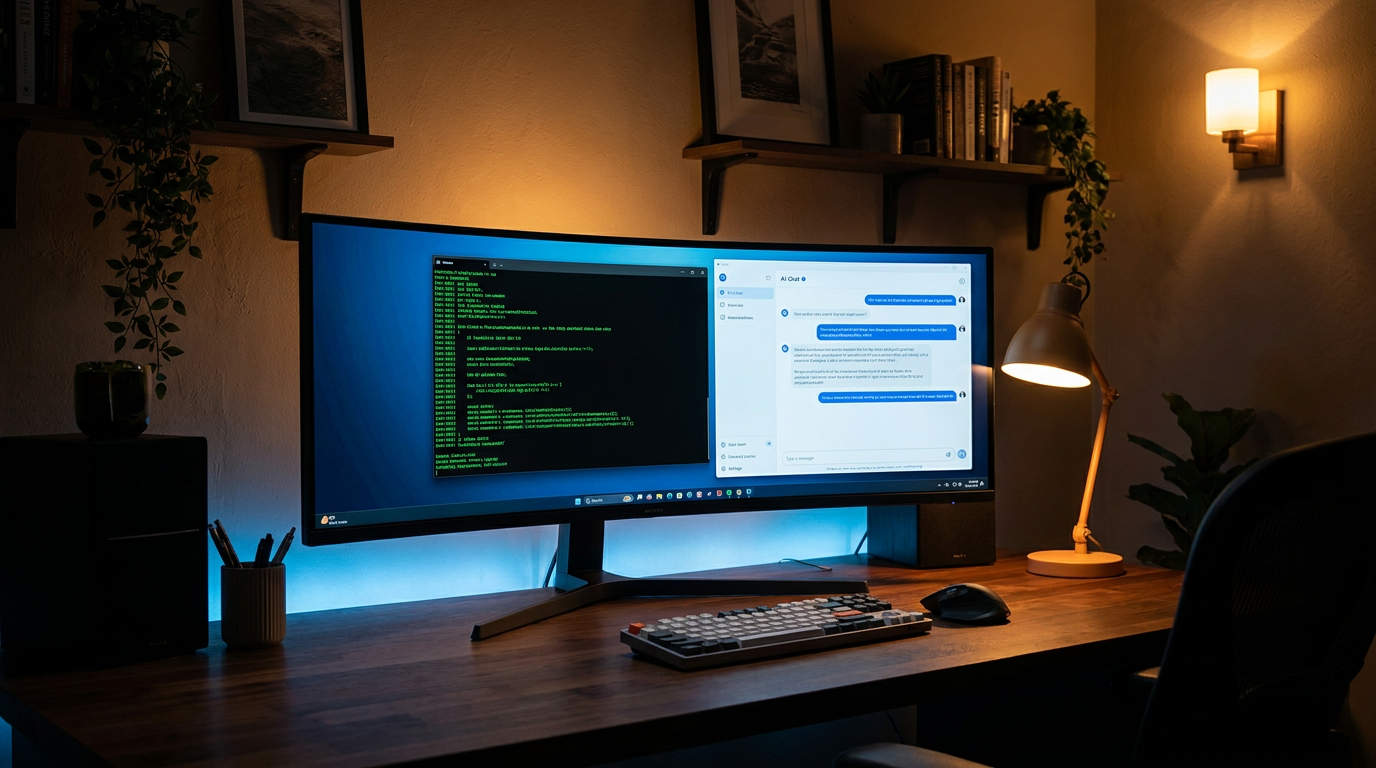
For developers and power users, Ollama has become the undisputed standard. Often described as "Docker for AI models," Ollama is a lightweight, command-line tool that packages model weights, configurations, and the runtime engine into a single, easily manageable format. With a single command—like `ollama run llama3.1`—the tool automatically downloads the model, sets up the environment, and launches an interactive chat interface right in the terminal.[1][6]
Crucially, Ollama also spins up a local API server that perfectly mimics the OpenAI API structure. This means that any existing software, plugin, or script designed to talk to ChatGPT can be pointed at your local Ollama instance simply by changing the web address to `localhost` and skipping the authentication step. It allows developers to build and test complex AI applications with zero cloud costs.[1][2]

For users who prefer a graphical interface, LM Studio offers a remarkably polished desktop experience. Available across Windows, Mac, and Linux, LM Studio looks and feels like a premium consumer app. It features a built-in model browser connected directly to Hugging Face, allowing users to search, download, and manage models with a few clicks. The application provides a familiar ChatGPT-style interface, complete with conversation history and visual sliders for adjusting technical parameters like context length and GPU offloading.[2][3]
The magic that allows these massive models to fit on consumer hardware is a technique called quantization, typically packaged in the GGUF file format. Quantization compresses the model's weights—reducing their precision from 16-bit to 4-bit or 8-bit—which drastically shrinks the file size and RAM requirements with only a negligible drop in the model's actual intelligence. A model that originally required 30GB of VRAM can often be compressed to run comfortably on a machine with just 8GB to 16GB of memory.[3][4]
The models themselves have also seen a staggering leap in capability. In 2026, the open-weight ecosystem is vibrant and highly competitive. Meta's Llama family, Google's Gemma, Mistral, and DeepSeek offer models ranging from 7 billion to 70 billion parameters. The smaller models (under 10 billion parameters) are incredibly fast and capable of handling everyday tasks like summarization, coding assistance, and drafting emails, all while running smoothly on standard laptops.[1][6]
Once the basic setup is running, many users take the next step into Retrieval-Augmented Generation (RAG). Using tools like AnythingLLM or Open WebUI, users can connect their local language models to their own folders of PDFs, Word documents, and text files. The system indexes these documents locally, allowing the user to "chat" with their own private archives, extracting insights and summaries without ever uploading a single file to the internet.[2][5]
There are still trade-offs to consider. Running complex inference locally consumes significant battery power on laptops and generates heat. Furthermore, while local models are highly capable, the absolute bleeding-edge frontier models housed in massive data centers still hold an edge in complex, multi-step logical reasoning and massive context windows. For the most demanding tasks, the cloud remains necessary.[4][7]
However, the trajectory is clear. The future of everyday AI is hybrid. We will rely on cloud APIs for massive, computationally intensive tasks, but we will use local, private models for our daily workflows, personal data analysis, and desktop automation. By taking an hour to install a tool like LM Studio or Ollama, anyone can claim their own piece of this intelligence, running it on their own terms, on their own hardware.[3][7]
How we got here
Early 2023
The leak of Meta's original LLaMA weights sparks a massive open-source movement to run models on consumer hardware.
Late 2023
Apple introduces the MLX framework, specifically optimizing machine learning workloads for Apple Silicon's unified memory.
2024
Tools like Ollama and LM Studio gain massive popularity, replacing complex Python setups with simple, one-click installations.
2025
The release of highly capable 8B to 32B parameter models makes local AI competitive with paid cloud services for everyday tasks.
2026
Local AI becomes a standard workflow for developers and privacy-conscious enterprises, integrated directly into desktop environments.
Viewpoints in depth
Privacy & Security Advocates
Argue that local inference is the only acceptable way to use AI in sensitive contexts.
For corporate compliance officers, healthcare professionals, and developers working on proprietary code, the cloud is a non-starter. Sending sensitive data to an external API endpoint introduces unacceptable risks of data leakage, unauthorized training, or interception. This camp views local AI not as a cost-saving measure, but as a fundamental security requirement. By keeping the model weights and the inference engine entirely on-device, organizations can utilize the power of generative AI while maintaining absolute data sovereignty and complying with strict data protection regulations.
Open-Source Developers
Value the flexibility and zero-cost experimentation that local models provide.
Developers building the next generation of AI applications rely heavily on local tools like Ollama. Because these tools provide APIs that perfectly mimic industry standards (like OpenAI's endpoints), developers can build, test, and iterate on complex software architectures without racking up massive cloud bills. This camp champions the open-weight ecosystem, arguing that the ability to freely modify, fine-tune, and run models locally democratizes AI development and prevents a few massive tech companies from monopolizing the foundational layer of the internet.
Everyday Enthusiasts
Focus on the accessibility, offline capabilities, and digital independence of local AI.
For the general consumer, the appeal of local AI lies in its independence from corporate ecosystems. Tools like LM Studio have lowered the barrier to entry so significantly that anyone with a modern laptop can have a private, highly capable assistant available at all times, even on an airplane without Wi-Fi. This camp values the assurance that their AI tools cannot be suddenly paywalled, degraded by a silent update, or taken offline by a server outage, viewing local AI as a return to the era of software you truly own.
What we don't know
- Whether future frontier models will become too massive for consumer hardware to ever run locally.
- How aggressively cloud providers will lower API costs to compete with the rise of free local inference.
- The long-term impact of continuous local inference on laptop battery degradation and hardware lifespans.
Key terms
- Inference
- The actual process of a machine learning model taking your prompt, calculating the probabilities, and generating a response.
- VRAM (Video RAM)
- The specialized memory on a graphics card used to store image data and, crucially for AI, the massive weight files of language models.
- Quantization
- A compression technique that reduces the precision of a model's data, drastically shrinking its file size and memory requirements with minimal loss in intelligence.
- GGUF
- A popular file format designed specifically for running quantized language models efficiently on consumer hardware.
- Unified Memory
- A hardware architecture (notably used in Apple Silicon) where the CPU and GPU share the same pool of memory, eliminating the need to copy data between them.
- RAG (Retrieval-Augmented Generation)
- A technique that connects an AI model to a database of external documents, allowing it to search those files and use them to answer questions accurately.
Frequently asked
Do I need an internet connection to use local AI?
You only need an internet connection initially to download the software and the model files. Once downloaded, the AI runs entirely offline.
Can I run these models without a dedicated GPU?
Yes. While a dedicated GPU (or Apple Silicon) makes generating text much faster, tools like Ollama and LM Studio will automatically fall back to using your computer's CPU if necessary, though the response time will be slower.
Are local models as smart as ChatGPT?
It depends on the model size. Massive cloud models still hold an edge in complex reasoning, but mid-sized local models (like Llama 3.1 8B or Mistral) are highly competitive for everyday tasks like drafting, summarizing, and coding.
Is it free to use?
Yes. The open-weight models and the primary software tools (like Ollama and LM Studio) are completely free to download and use, with zero per-message or subscription costs.
Sources
Source coverage
7 outlets
3 viewpoints surfaced







[1]MindStudioOpen-Source Developers
What Ollama Is (and What It Isn't)
Read on MindStudio →[2]TechsyPrivacy & Security Advocates
8 Best Tools to Run LLMs Locally in 2026, Ranked
Read on Techsy →[3]DataCampEveryday Enthusiasts
LM Studio gives you a clean, practical interface to work with LLMs locally
Read on DataCamp →[4]MediumPrivacy & Security Advocates
Apple Silicon and MLX - Running ML Models Locally Without Cloud APIs
Read on Medium →[5]Northwestern UniversityEveryday Enthusiasts
Getting Started: A Novice-Friendly Guide to Running Local AI
Read on Northwestern University →[6]PinggyOpen-Source Developers
Top 5 Local LLM Tools in 2026
Read on Pinggy →[7]Factlen Editorial Team
Synthesis by Factlen editorial team
Read on Factlen Editorial Team →

More in guides
See all 52 stories →Exercise Science
The Science of Zone 2 Training: Why the Slowest Cardio Builds the Strongest Engine
7 sources

Battery Tech
How Solid-State Batteries Work—And Why They Are Finally Ready to Change EVs
7 sources

AI Developer Tools
Cursor vs. GitHub Copilot vs. Codeium: The 2026 AI Coding Assistant Trade-Offs
8 sources
Battery Tech
How Solid-State Batteries Work: The Breakthrough Reshaping the Future of Energy
6 sources

Every angle. Every day.
Get guides stories with full source coverage and perspective breakdowns delivered to your inbox.