
How to Choose a Laptop in 2026: ARM, x86, and the Rise of the NPU
The 2026 laptop market has moved beyond the simple Intel vs. AMD rivalry. Here is how to navigate the new landscape of ARM processors, AI chips, and shifting memory requirements.
By Factlen Editorial Team
- ARM Adopters
- Argues that the future of laptops lies in ARM architecture due to its superior performance-per-watt.
- x86 Traditionalists
- Prioritizes universal software compatibility, raw multicore power, and gaming performance.
- AI Hardware Advocates
- Focuses less on the CPU architecture and more on the inclusion of a powerful NPU.
What's not represented
- · Enterprise IT Managers
- · Budget ChromeOS Users
Why this matters
Buying a laptop is a multi-year investment. Understanding the shift to ARM architecture and the necessity of an NPU ensures you don't accidentally purchase obsolete technology that will struggle with tomorrow's software.
Key points
- The laptop market is now split between traditional x86 chips (Intel/AMD) and highly efficient ARM chips (Apple/Qualcomm).
- Neural Processing Units (NPUs) are now standard, offloading AI tasks to save battery and improve privacy.
- 16GB of RAM and 512GB of SSD storage are the new baseline requirements for a smooth 2026 computing experience.
- ARM laptops offer superior battery life, but Windows users must ensure their specific software runs natively without emulation.
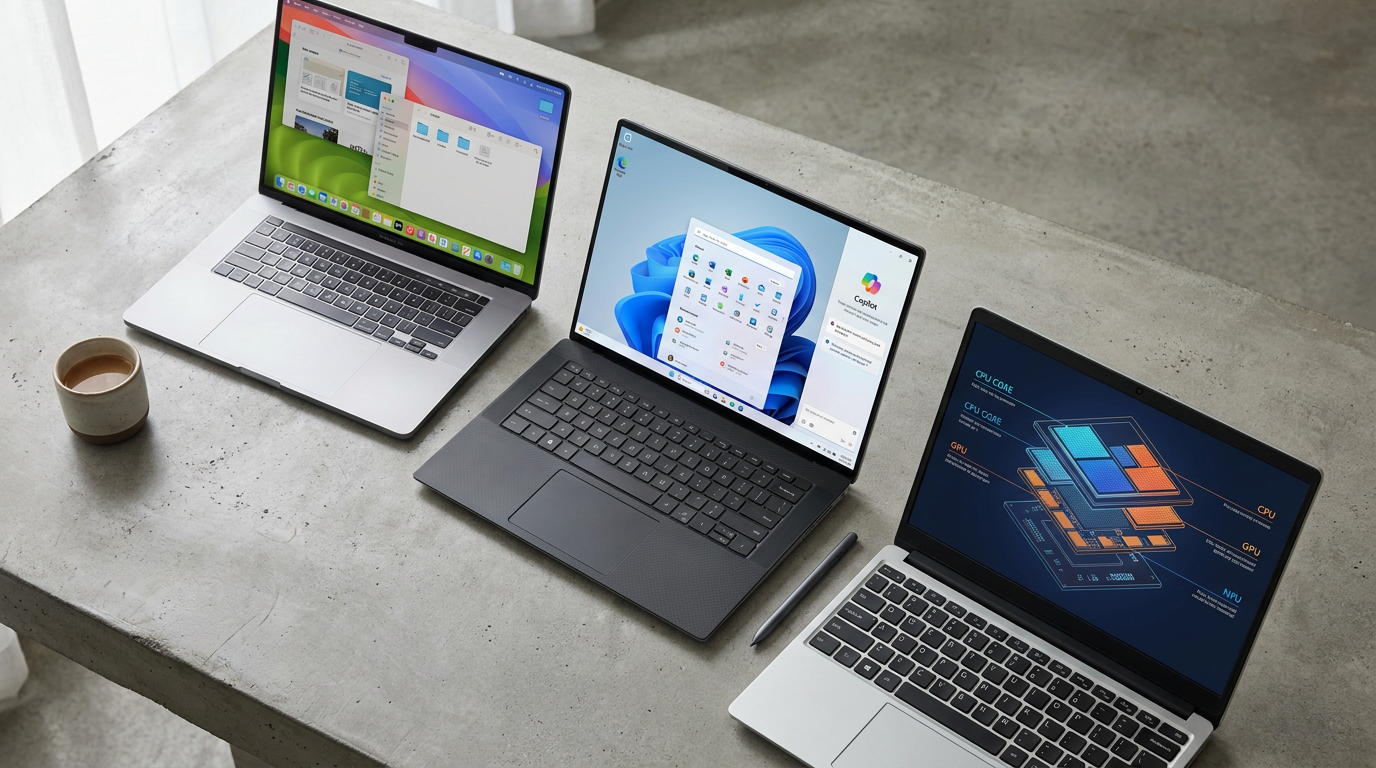
The laptop buying experience in 2026 has fundamentally shifted. For decades, the decision was a simple binary choice between Intel and AMD. Today, the market has fractured into a complex matrix of architectures, with ARM-based chips challenging traditional x86 dominance, and a new silicon component—the Neural Processing Unit (NPU)—becoming standard across the industry.[7]
This architectural shift means that raw clock speeds and core counts no longer tell the whole story. Instead, buyers must navigate terms like "Copilot+ PC," "Snapdragon X Elite," and "Apple M4," while weighing the trade-offs between legacy software compatibility and unprecedented battery life.[5][8]
The most significant disruption is the maturation of ARM architecture for mainstream computing. While Apple pioneered this transition years ago, 2026 marks the era where Windows on ARM has finally crossed from curiosity to credibility.[3]
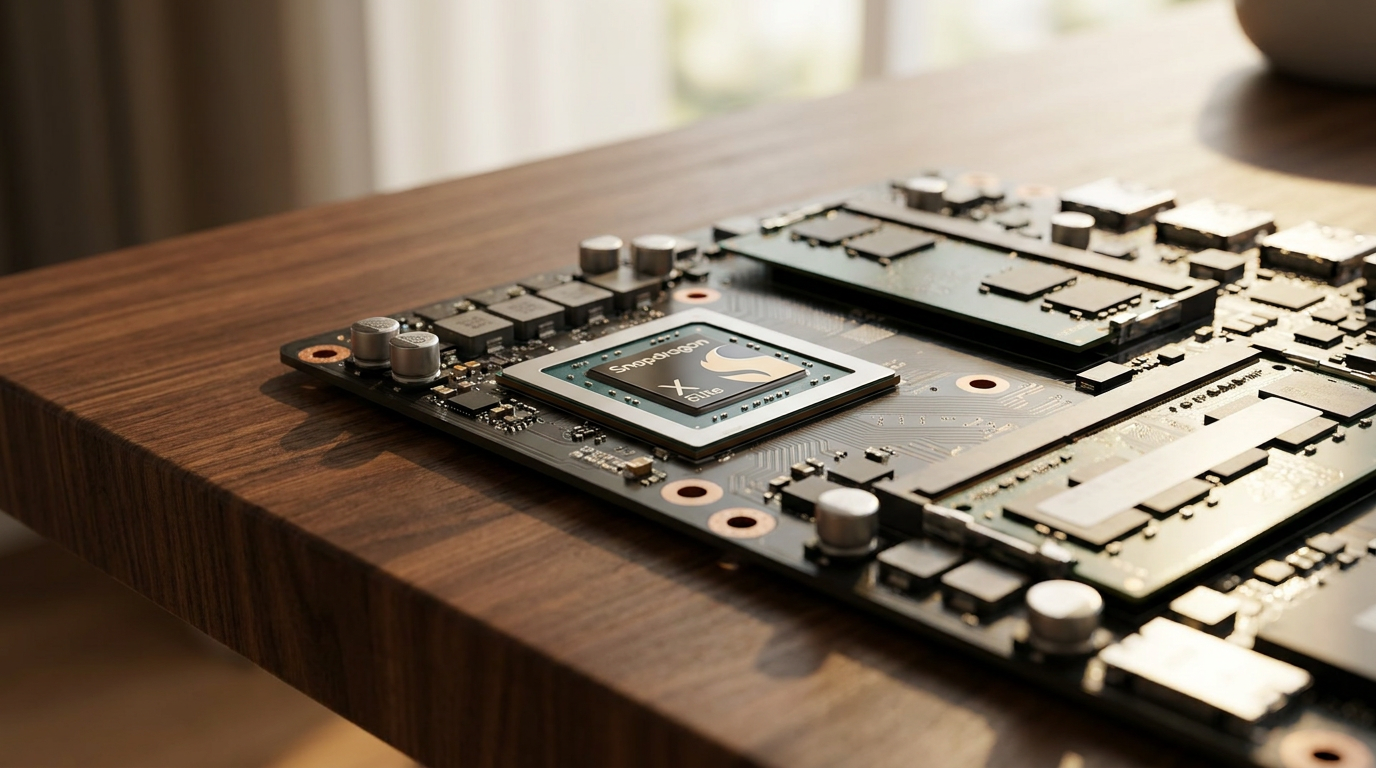
Qualcomm's Snapdragon X Elite represents the vanguard of this Windows revolution. By utilizing high-performance Oryon cores, these chips deliver multi-core performance that rivals or beats traditional x86 processors while maintaining silent operation and all-day battery life.[1][3]

However, the Windows ARM experience still carries a probability curve of friction. While mainstream applications run natively, niche software, older plugins, and specialized enterprise drivers must run through emulation layers, which can occasionally tank performance or cause compatibility hiccups.[1][3]
On the other side of the ARM divide sits Apple's M4. Apple is no longer chasing dramatic generational leaps; instead, the M4 strategy focuses on compressing uncertainty. Because macOS and most major applications are optimized specifically for Apple Silicon, the platform delivers unmatched single-core speed and predictable, frictionless performance.[1][3]
Traditional x86 manufacturers are not conceding the market. Intel's Core Ultra and AMD's Ryzen AI processors have aggressively closed the efficiency gap. High-end chips like the Intel Core Ultra 9 continue to outperform ARM competitors in heavy multicore workloads like video compression, while guaranteeing absolute compatibility with decades of legacy Windows software and PC games.[2][5]
Intel's Core Ultra and AMD's Ryzen AI processors have aggressively closed the efficiency gap.
Beyond the CPU architecture wars, the defining hardware trend of 2026 is the ubiquitous inclusion of the Neural Processing Unit. If the CPU is a generalist and the GPU is a graphics specialist, the NPU is a dedicated AI accelerator designed specifically for matrix and tensor mathematics.[4][6]
Instead of processing data sequentially, NPUs handle massive vectors of values simultaneously. This parallel processing allows the chip to execute pattern-matching tasks—like voice recognition, real-time transcription, and facial tracking—with a fraction of the energy required by a traditional processor.[4][6]

For the average user, the NPU is not about theoretical benchmark wars; it is about tangible quality-of-life improvements. By offloading tasks like background blur and noise cancellation during video calls, the NPU prevents the laptop from overheating and can extend battery life by 15 to 20 percent during AI-heavy workloads.[4][9]
Furthermore, dedicated NPUs allow sensitive AI computations to happen locally on the device rather than being sent to a cloud server. This on-device processing drastically reduces latency and ensures that personal data remains private.[9]
The baseline requirements for memory and storage have also shifted to accommodate these new workloads. In 2026, purchasing a laptop with 8 gigabytes of RAM is widely considered a mistake. The overhead of modern operating systems, combined with memory-hungry browsers and local AI assistants, makes 16 gigabytes the new non-negotiable minimum for smooth performance.[5][8]
Storage expectations have similarly evolved. While 256 gigabytes was once acceptable for budget machines, 512 gigabytes of NVMe SSD storage is now the recommended starting point, providing comfortable breathing room for local files, applications, and the increasingly large cache files generated by AI tools.[5][8]
Display technology has also seen a massive democratization. High-refresh-rate screens—typically 120Hz—are no longer reserved for gaming laptops, offering significantly smoother scrolling and motion clarity for everyday office work.[5]

OLED panels have also become the standard for mid-range and premium devices, delivering perfect contrast and vibrant colors. While battery life on OLED screens has improved, buyers who leave static elements on screen for hours may still prefer high-quality IPS or Mini-LED displays to mitigate burn-in risks.[5]
Ultimately, buying a laptop in 2026 requires matching the silicon to the workflow. Users who prioritize absolute ecosystem reliability and battery life are best served by Apple's M4, while Windows users seeking a similar thin-and-light experience can confidently adopt Snapdragon X Elite—provided their software needs are mainstream.[3][5]
How we got here
Nov 2020
Apple introduces the M1 chip, proving ARM architecture can outperform traditional x86 laptops in efficiency.
Oct 2023
Qualcomm announces the Snapdragon X Elite, signaling a serious push for high-performance Windows on ARM.
Mid 2024
Microsoft launches the 'Copilot+ PC' standard, mandating a 40 TOPS NPU for advanced local AI features.
Early 2026
NPUs become standard across mid-range and premium laptops from all major silicon vendors.
Viewpoints in depth
The ARM Efficiency Camp
Argues that the future of laptops lies in ARM architecture due to its superior performance-per-watt.
Proponents of Apple Silicon and Qualcomm's Snapdragon X Elite argue that traditional x86 chips run too hot and consume too much power for modern mobile computing. They point to the ability of ARM laptops to deliver peak performance even when unplugged, alongside multi-day standby times and silent, fanless operation. For this camp, the minor friction of software emulation is a temporary hurdle on the path to a fundamentally better hardware paradigm.
The x86 Compatibility Camp
Prioritizes universal software compatibility, raw multicore power, and gaming performance.
Advocates for Intel Core Ultra and AMD Ryzen AI emphasize that a laptop is only as good as the software it can run natively. They highlight that x86 architecture remains the undisputed standard for PC gaming, heavy enterprise software, and legacy drivers. Furthermore, they argue that the latest generation of x86 chips has closed the efficiency gap enough that users no longer need to risk ARM compatibility issues just to get all-day battery life.
The AI-First Pragmatists
Focuses less on the CPU architecture and more on the inclusion of a powerful NPU.
This perspective argues that the CPU wars are largely irrelevant for the average consumer, as both ARM and x86 chips are now overwhelmingly fast. Instead, they focus on the NPU as the true differentiator. By offloading background tasks, audio filtering, and local AI generation to a dedicated processor, users gain tangible benefits in battery life and privacy, making the NPU the most critical spec to check on a 2026 spec sheet.
What we don't know
- How quickly niche enterprise software and legacy PC games will be natively compiled for Windows on ARM.
- Whether future operating system updates will make 16GB of RAM feel as restrictive as 8GB does today.
Key terms
- NPU (Neural Processing Unit)
- A specialized processor designed to handle the matrix mathematics required for artificial intelligence tasks efficiently.
- x86 Architecture
- The traditional processor instruction set used by Intel and AMD, known for universal compatibility with decades of Windows software.
- ARM Architecture
- A highly efficient processor design, originally used in smartphones, that now powers Apple Silicon and Qualcomm Snapdragon laptops.
- Emulation
- A software translation layer that allows applications built for one architecture (like x86) to run on another (like ARM), sometimes at the cost of performance.
- TOPS (Tera Operations Per Second)
- A metric used to measure the performance of an NPU, indicating how many trillions of AI calculations it can perform per second.
Frequently asked
What is an NPU and do I really need one?
An NPU (Neural Processing Unit) is a dedicated chip for AI tasks like background blur and noise cancellation. It saves battery life and improves performance, making it highly recommended for future-proofing.
Is 8GB of RAM enough for a laptop in 2026?
No. With the demands of modern operating systems, web browsers, and local AI features, 16GB is the new minimum requirement for a smooth experience.
Can Snapdragon X Elite laptops run all Windows apps?
Most mainstream apps run natively, but niche software, older plugins, and some games rely on emulation, which can reduce performance or cause compatibility issues.
Should I choose OLED or IPS for my laptop screen?
OLED offers superior contrast and colors for media and creative work. However, if you display static images for long hours, high-quality IPS or Mini-LED avoids the slight risk of burn-in.
Sources
Source coverage
9 outlets
3 viewpoints surfaced









[1]XDA DevelopersARM Adopters
Snapdragon X Elite vs Intel Core Ultra vs Apple M4
Read on XDA Developers →[2]Laptop Magx86 Traditionalists
Intel Core Ultra 9 vs Apple M4 vs Snapdragon X Elite
Read on Laptop Mag →[3]VibetricARM Adopters
ARM laptop processor comparison: M4 vs Snapdragon X Elite
Read on Vibetric →[4]HP Tech TakesAI Hardware Advocates
What is an NPU in a laptop?
Read on HP Tech Takes →[5]Tech.blogx86 Traditionalists
Laptop Buying Guide 2026: How to Choose the Right One for You
Read on Tech.blog →[6]University of PennsylvaniaAI Hardware Advocates
What is a neural processing unit? A Penn expert explains
Read on University of Pennsylvania →[7]Factlen Editorial TeamAI Hardware Advocates
Synthesis by Factlen editorial team
Read on Factlen Editorial Team →[8]Newegg InsiderAI Hardware Advocates
Laptop Buying Guide 2026
Read on Newegg Insider →[9]EvetechAI Hardware Advocates
What Is an NPU and Why Does Your Next Laptop Need One?
Read on Evetech →

Every angle. Every day.
Get shopping stories with full source coverage and perspective breakdowns delivered to your inbox.