
ARM vs. x86: How to Choose the Right Laptop Processor in 2026
The 2026 laptop market is defined by a fierce architectural battle between highly efficient ARM chips and powerful traditional x86 processors. With the rise of AI-focused NPUs and massive leaps in battery life, choosing the right laptop now requires matching the underlying silicon to your specific daily workflow.
By Factlen Editorial Team
- ARM Efficiency Advocates
- Argue that battery life, fanless designs, and mobile-first architecture are the most important factors for modern computing.
- x86 Traditionalists
- Emphasize raw multi-core performance, guaranteed legacy software compatibility, and superior gaming capabilities.
- AI Integration Proponents
- Focus on NPU TOPS, local inference capabilities, and the transition to Copilot+ AI workflows regardless of the underlying architecture.
What's not represented
- · Budget laptop buyers
- · Linux open-source developers
Why this matters
The processor inside your next laptop will dictate whether it lasts two days on a charge or excels at heavy gaming. Understanding the architectural shift between ARM and x86 ensures you don't overpay for power you don't need or sacrifice the battery life your workflow demands.
Key points
- The 2026 laptop market is split between highly efficient ARM chips and powerful x86 processors.
- ARM laptops (Snapdragon, Apple M4) offer 15 to 24 hours of battery life and fanless designs.
- x86 laptops (Intel, AMD) maintain an edge in legacy software compatibility and heavy gaming.
- All major 2026 platforms feature NPUs exceeding 40 TOPS for local AI processing.
- Windows on ARM uses the Prism emulator to run older apps, though native support is growing rapidly.
For decades, buying a laptop meant choosing between Intel and AMD. In 2026, that duopoly has been shattered. The laptop market is now defined by a three-way architectural war between traditional x86 processors and the rapidly ascending ARM architecture, championed by Apple and Qualcomm.[1][4]
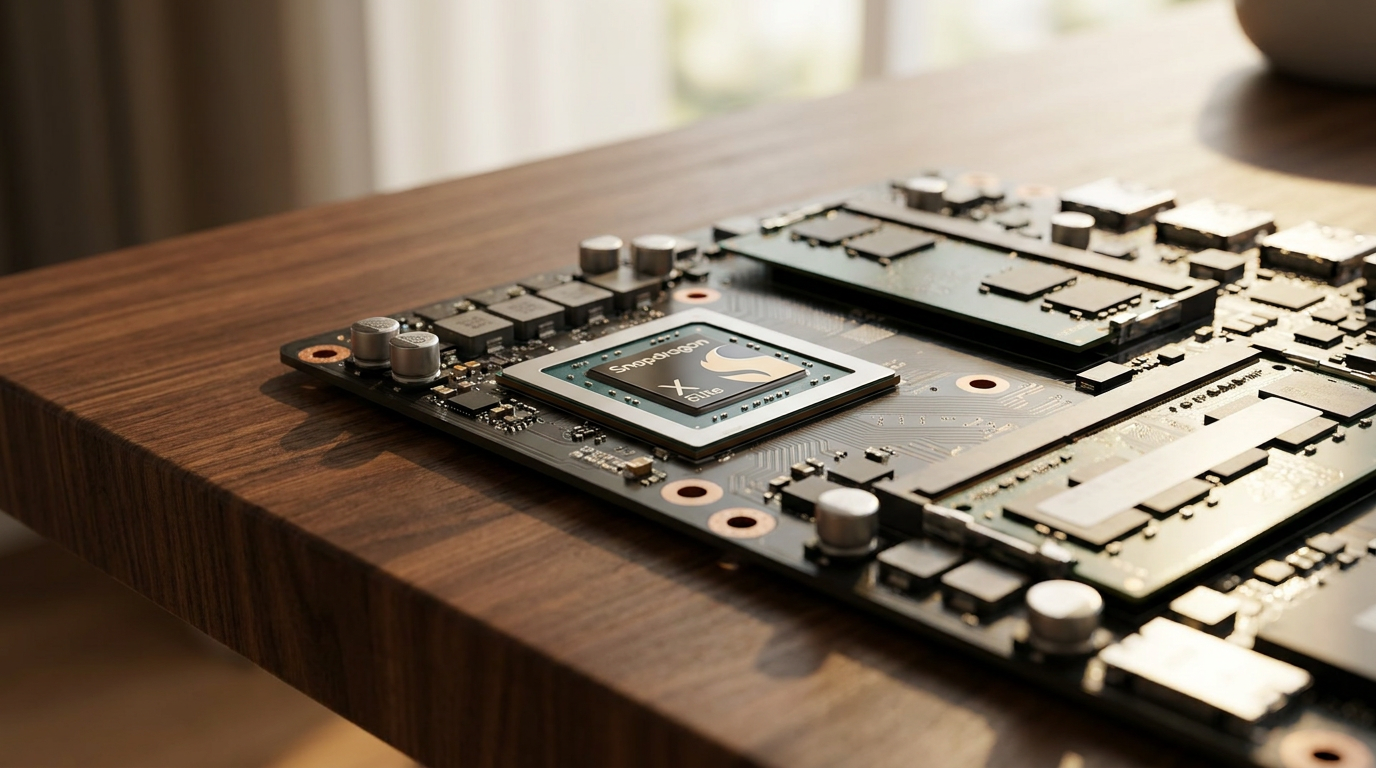
The catalyst for this shift on the Windows side is Qualcomm's Snapdragon X Elite and the newer X2 series. These ARM-based chips have finally brought the kind of power efficiency that Apple MacBook users have enjoyed since the M1 chip to the broader PC ecosystem, fundamentally changing what consumers expect from a portable machine.[3][5]
The core difference lies in how the chips process instructions. Traditional x86 chips from Intel and AMD use Complex Instruction Set Computing (CISC), designed for heavy lifting, maximum compatibility, and raw power. ARM chips use Reduced Instruction Set Computing (RISC), which executes simpler, fixed-length instructions in parallel to maximize efficiency.[2][3]
This architectural difference translates directly into battery life. ARM-based laptops routinely deliver 15 to 24 hours of real-world usage on a single charge. Because they draw significantly less power, many of these machines operate without cooling fans, remaining completely silent even during video calls or heavy web browsing.[3][6]

However, the x86 camp has not stood still. Intel's Core Ultra series and AMD's Ryzen AI 300 series represent a massive leap in efficiency. While they still trail ARM in pure multi-day endurance, modern x86 laptops can now comfortably cross the 14-hour mark, closing the gap enough to satisfy most workday requirements without sacrificing legacy compatibility.[5][7]
Beyond battery life, the 2026 laptop market is dominated by the "AI PC" narrative. Microsoft's Copilot+ standard requires a laptop to have a Neural Processing Unit (NPU) capable of at least 40 Trillion Operations Per Second (TOPS) to qualify for its advanced local features.[4][7]
Beyond battery life, the 2026 laptop market is dominated by the "AI PC" narrative.
This dedicated silicon allows laptops to run generative AI tasks, live translation, and advanced background blurring locally, without relying on cloud servers. Qualcomm's Snapdragon X Elite hits 45 TOPS, Intel's Lunar Lake reaches 48 TOPS, and AMD's Ryzen AI pushes past 50 TOPS, making all three highly capable AI machines.[2][7]

The biggest hurdle for ARM-based Windows laptops remains software compatibility. Because decades of Windows software were written specifically for x86 chips, ARM laptops must use a translation layer called Prism to run older, legacy applications.[6][9]
While Prism is highly effective, emulated applications can suffer a 15% to 25% penalty in performance and battery efficiency. Fortunately, the ecosystem has matured rapidly by 2026, with core applications like Google Chrome, Adobe Creative Cloud, and Microsoft 365 all running natively on ARM without emulation overhead.[6][9]
Gaming and heavy 3D rendering are where the architectural divide is starkest. x86 processors, paired with discrete GPUs from NVIDIA or AMD, remain the undisputed champions for AAA gaming and intensive creative workflows. ARM's integrated graphics struggle with complex Windows game libraries, many of which lack native ARM ports.[3][6][8]

In the premium tier, Apple's M4 chip continues to set the benchmark for single-core performance. Benchmarks show the M4 beating its closest competitors by nearly 40% in single-threaded tasks, making MacBooks incredibly snappy for everyday use, though the Snapdragon X Elite often matches or slightly edges it out in multi-core workloads due to its 12 high-performance cores.[8]
For enterprise IT departments, the 2026 landscape forces a calculated choice. Deploying ARM laptops means fewer helpdesk tickets related to thermal throttling and dead batteries, but requires auditing legacy software to ensure it runs smoothly through emulation before rolling out a fleet.[2][9]

Cost-to-value also plays a significant role in the purchasing decision. Snapdragon-powered machines often command a premium but include built-in 5G connectivity and ultra-light chassis designs. AMD Ryzen AI systems frequently offer the best performance-per-dollar, while Intel Core Ultra remains the safest bet for guaranteed enterprise compatibility.[7]
Ultimately, the right choice in 2026 depends entirely on the user's workflow. Buyers prioritizing multi-day battery life and modern web-based applications are best served by ARM. Those who rely on specialized legacy software, heavy gaming, or maximum raw power should stick with the refined x86 offerings.[1][3][4]
How we got here
Late 2020
Apple introduces the M1 chip, proving ARM architecture can deliver desktop-level performance with exceptional battery life.
October 2023
Qualcomm announces the Snapdragon X Elite, signaling a serious push to bring high-performance ARM chips to Windows.
Mid 2024
Microsoft launches the Copilot+ PC standard, requiring powerful NPUs for local AI processing.
Early 2026
Intel and AMD release highly efficient x86 chips to counter the ARM battery life advantage.
Viewpoints in depth
ARM Efficiency Advocates
Argue that battery life, fanless designs, and mobile-first architecture are the most important factors for modern computing.
This camp, heavily supported by mobile professionals and students, argues that the era of carrying a laptop charger is over. They point to the 15-to-24-hour battery life of Apple's M-series and Qualcomm's Snapdragon chips as the new baseline for mobile computing. For these users, the slight performance hit in emulated legacy apps is a worthwhile trade-off for fanless, silent operation and a machine that never thermal-throttles during a long meeting or cross-country flight.
x86 Traditionalists
Emphasize raw multi-core performance, guaranteed legacy software compatibility, and superior gaming capabilities.
Traditionalists maintain that a PC's primary value is its versatility. They argue that while ARM is efficient, x86 processors from Intel and AMD still hold the crown for heavy lifting—specifically in 3D rendering, complex data modeling, and AAA gaming. This camp highlights that x86 chips have closed the efficiency gap significantly in 2026, offering 'good enough' 14-hour battery life without the risk of encountering an incompatible driver or a failing legacy enterprise application.
AI Integration Proponents
Focus on NPU TOPS, local inference capabilities, and the transition to Copilot+ AI workflows.
For this group, the underlying instruction set (ARM vs. x86) is secondary to the NPU's capabilities. They view the laptop as a vessel for local AI processing, prioritizing chips that can clear the 40 TOPS hurdle to run Microsoft's Copilot+ features natively. They argue that the future of productivity lies in real-time translation, local image generation, and AI-assisted coding, making the NPU the most critical component in any 2026 laptop purchase.
What we don't know
- Whether PC game developers will begin porting major AAA titles natively to ARM architecture.
- How quickly enterprise IT departments will fully transition their legacy software stacks to support ARM deployments.
Key terms
- ARM (Advanced RISC Machine)
- A highly efficient processor architecture originally designed for smartphones, now powering laptops with multi-day battery life.
- x86
- The traditional processor architecture used by Intel and AMD, known for high performance and universal compatibility with legacy PC software.
- NPU (Neural Processing Unit)
- A dedicated chip designed specifically to accelerate artificial intelligence and machine learning tasks locally on the device.
- TOPS (Trillions of Operations Per Second)
- A metric used to measure the processing power of an NPU for AI workloads.
- Prism
- Microsoft's emulation layer that allows Windows on ARM laptops to run older applications designed for x86 processors.
Frequently asked
Can an ARM laptop run normal Windows programs?
Yes. Most legacy Windows applications run smoothly through a translation layer called Prism, though they may experience a slight drop in performance and battery efficiency compared to native apps.
Are Snapdragon laptops good for gaming?
No. While they can handle light or cloud gaming, ARM laptops lack the discrete GPUs and native software support required for heavy AAA Windows gaming.
What does Copilot+ PC actually mean?
It is a Microsoft certification for laptops equipped with an NPU capable of at least 40 TOPS, allowing them to process AI tasks locally rather than relying on the cloud.
Sources
Source coverage
9 outlets
3 viewpoints surfaced









[1]Factlen Editorial Team
Synthesis by Factlen editorial team
Read on Factlen Editorial Team →[2]OrdinaryTechx86 Traditionalists
ARM vs x86 PCs in 2026: Performance, Efficiency, and the Future of PC
Read on OrdinaryTech →[3]Laptop OutletARM Efficiency Advocates
ARM vs x86 Laptops: Performance and Efficiency Showdown
Read on Laptop Outlet →[4]NeweggAI Integration Proponents
What Processor Should I Look for in a Laptop? A 2026 Buyer's Guide
Read on Newegg →[5]MintARM Efficiency Advocates
Snapdragon X2 Elite vs Intel Ultra 3: Which 'all-day' laptop actually lasts a full day?
Read on Mint →[6]ASUS Globalx86 Traditionalists
Qualcomm vs Intel vs AMD Laptop SoC: Which Should You Choose
Read on ASUS Global →[7]HP Tech TakesAI Integration Proponents
Choosing The Right AI Laptop Snapdragon X Elite Vs AMD Ryzen AI Vs Intel Core Ultra
Read on HP Tech Takes →[8]LaptopMediax86 Traditionalists
Apple M4 vs Snapdragon X Elite - The Next-Gen CPU Battle
Read on LaptopMedia →[9]WiTechPediaAI Integration Proponents
Windows On ARM App Compatibility Guide: The 2026 Tier List
Read on WiTechPedia →
Every angle. Every day.
Get shopping stories with full source coverage and perspective breakdowns delivered to your inbox.