
The Rise of Local AI: How to Run Powerful Language Models on Your Own Hardware
Advances in model compression and user-friendly software are allowing anyone to run powerful AI models entirely offline, guaranteeing privacy and eliminating subscription fees.
By Factlen Editorial Team
- Privacy & Security Advocates
- Argue that sending sensitive corporate or personal data to cloud providers is an unacceptable risk, making local execution a mandatory compliance feature.
- Open-Source Developers
- Value the ability to modify model weights, build custom integrations without API rate limits, and avoid vendor lock-in.
- Enterprise IT & Operations
- Focus on the bottom line, viewing local AI as a predictable capital expenditure rather than an escalating operational cost.
What's not represented
- · Cloud AI Providers
- · Hardware Manufacturers
Why this matters
Running AI locally empowers you to process sensitive documents, write code, and brainstorm ideas without paying monthly subscriptions or surrendering your private data to tech giants. It transforms AI from a rented cloud service into a private tool you own.
Key points
- Local LLMs allow users to run AI models entirely offline on consumer hardware.
- Tools like Ollama and LM Studio have made installation as simple as downloading a desktop app.
- 4-bit quantization reduces model memory requirements by 75%, enabling them to run on standard laptops.
- Running models locally guarantees data privacy, making it ideal for healthcare, legal, and enterprise use.
- High-volume users can break even on hardware costs within 6 to 12 months compared to cloud API fees.
The artificial intelligence revolution may have started in massive, billion-dollar cloud data centers, but its next phase is happening quietly on your desk. In 2026, running powerful Large Language Models (LLMs) locally on consumer hardware has shifted from a niche hacker's weekend project to a mainstream enterprise strategy. Users are realizing that they no longer need to rely exclusively on proprietary cloud services to access frontier-grade intelligence.[7]
This shift is being driven by a convergence of highly optimized open-weight models, remarkably user-friendly software, and a growing realization that sending every keystroke to a third-party server presents an unacceptable privacy risk. Even the world's largest consumer tech companies have validated this approach; Apple has made "on-device processing" a core pillar of Apple Intelligence, explicitly marketing the fact that personal data never leaves the user's iPhone or Mac.[5][7]
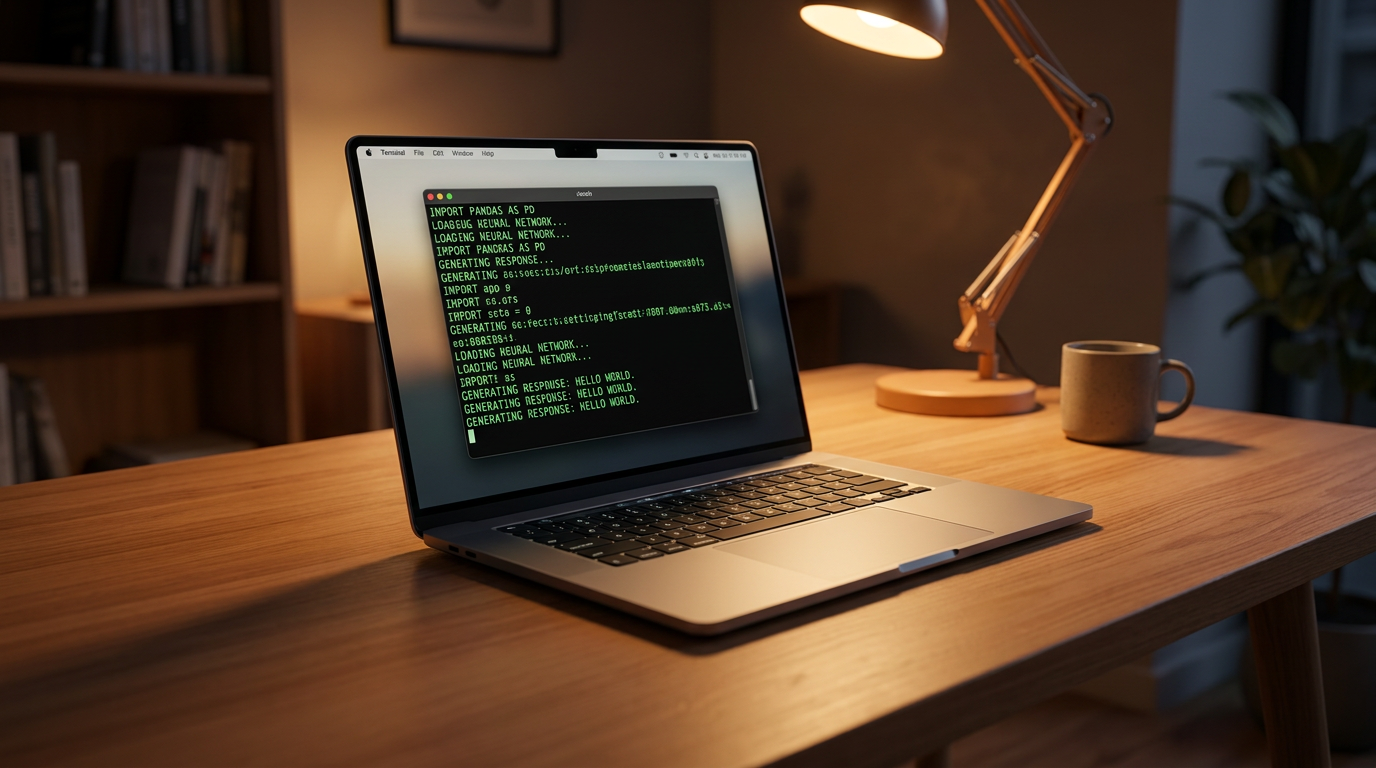
What exactly does it mean to run a local LLM? Instead of paying a subscription fee to query servers owned by OpenAI or Anthropic, users download the model's "weights"—the massive mathematical matrices that make up the AI's brain—directly to their own hard drive. The processing, or "inference," happens entirely on the user's local CPU and graphics card (GPU). Once the model is downloaded, the internet connection can be severed completely.[7]
The primary catalyst pushing organizations toward this local-first approach is data privacy. For network engineers, healthcare workers, and legal professionals, pasting sensitive diagnostic data or proprietary code into a cloud chatbot violates strict compliance protocols like HIPAA or GDPR. Local models ensure that prompts, internal documents, and generated outputs remain strictly within the organization's firewall.[3]

Digital forensics researchers have rigorously confirmed the offline nature of these tools. Studies analyzing the disk and memory artifacts of popular local LLM clients demonstrate that while the software leaves local footprints—such as JSON-formatted prompt histories on the hard drive—it does not transmit telemetry, usage logs, or user data to external servers, eliminating the evidentiary blind spots that plague cloud AI usage.[4]
Beyond the absolute guarantee of privacy, the economics of artificial intelligence are pushing heavy users toward local hardware. Cloud-based AI APIs charge per token—a fraction of a cent for every word sent and received. For an enterprise processing millions of documents, analyzing massive codebases, or running automated AI agents, those fractions of a cent compound rapidly into exorbitant monthly bills.[2]
A thorough cost-benefit analysis reveals a compelling financial case for hardware ownership. While local AI requires a significant upfront capital investment—often a high-end Mac Studio or a workstation equipped with multiple NVIDIA GPUs—the break-even point typically arrives between six and twelve months for high-volume users. After that hardware is paid off, every subsequent query costs essentially nothing beyond the electricity required to run the machine.[2]
A thorough cost-benefit analysis reveals a compelling financial case for hardware ownership.
The software ecosystem enabling this transition has matured dramatically over the past two years. Previously, running a local model required compiling complex C++ code, managing fragile Python environments, and troubleshooting hardware drivers. Today, a new generation of applications has democratized the process, making it as simple as installing a standard desktop program.[6]
LM Studio is one of the most popular tools for beginners, operating as a polished desktop application with a graphical interface. Users can browse a built-in directory of open-source models, click a download button, and start chatting immediately in a familiar interface. It even features a local server mode that mimics the OpenAI API, allowing developers to seamlessly plug their local, private models into existing applications that were originally built for ChatGPT.[6]
Ollama, by contrast, has become the "developer's darling." Operating primarily through a streamlined command-line interface, it functions similarly to Docker for AI. A simple terminal command like `ollama run llama3` handles the downloading, hardware configuration, and execution entirely in the background, making it incredibly easy to integrate AI into automated scripts and complex developer workflows.[6]

But how do massive artificial intelligence models, which originally required racks of specialized servers, fit onto a standard consumer laptop? The secret lies in a mathematical compression technique known as "quantization." Language models are typically trained using highly precise 16-bit floating-point numbers, which take up enormous amounts of memory. Quantization compresses these weights down to less precise 4-bit integers.[1]
This aggressive compression reduces the model's memory footprint by roughly 75 percent, with only a negligible drop in its actual reasoning quality. As a result, an 8-billion parameter model that would normally require a dedicated data-center GPU can run comfortably on a standard laptop equipped with just 8 gigabytes of unified memory.[1]

The models themselves have also become astonishingly efficient. Open-weight releases like Meta's Llama 3.3, Google's Gemma 4, and Mistral's Small series punch far above their weight class. These models have been trained on trillions of high-quality tokens, allowing them to match the performance of much larger, older models while requiring a fraction of the computational horsepower.[1]
Furthermore, many of these newer models utilize a "Mixture of Experts" (MoE) architecture. Instead of activating every single parameter for every word it generates, an MoE model routes the user's query to a specialized subset of parameters. This architectural breakthrough allows a massive 100-billion parameter model to run with the speed and active memory footprint of a much smaller system.[1]
There are, of course, practical limitations to the local AI approach. Consumer hardware cannot match the raw, brute-force compute of a cloud server farm. Running a heavy 70-billion parameter model locally will drain a laptop battery rapidly, and the generation speed—measured in tokens per second—may lag noticeably behind cloud APIs on older or less powerful machines.[7]

Additionally, the very largest frontier models—those boasting over a trillion parameters and massive multi-modal reasoning capabilities—still require enterprise-grade server racks and are out of reach for the average desktop. But for 90 percent of daily professional tasks, including coding assistance, document summarization, and drafting emails, today's optimized local models are more than sufficient.[7]
As the performance gap between open-weight models and proprietary cloud APIs continues to narrow, the fundamental definition of "personal computing" is expanding. Artificial intelligence is no longer just a remote service that we rent by the word; it is rapidly becoming a foundational, private tool that we own and operate on our own terms.[7]
How we got here
March 2023
The release of the llama.cpp library proves large language models can run efficiently on standard consumer CPUs.
July 2023
Meta releases Llama 2, sparking a massive wave of open-source local AI development.
June 2024
Apple announces Apple Intelligence, validating the 'on-device' privacy model for mainstream consumers.
April 2026
A new generation of highly efficient MoE models like Gemma 4 and Mistral Small 4 close the capability gap with cloud APIs.
Viewpoints in depth
Privacy & Security Advocates
Argue that sending sensitive corporate or personal data to cloud providers is an unacceptable risk.
For industries bound by strict compliance frameworks like HIPAA, GDPR, or defense contracting rules, cloud-based AI is often a non-starter. Privacy advocates point out that even with enterprise data agreements, sending proprietary code or patient diagnostics to a third-party server creates an unnecessary attack vector. By running models locally, organizations retain absolute data sovereignty, ensuring that their internal knowledge never becomes part of a tech giant's training corpus or telemetry logs.
Open-Source Developers
Value the ability to modify model weights, build custom integrations, and avoid vendor lock-in.
The developer community views local AI as a return to the foundational principles of computing: owning your tools. By running models via Ollama or llama.cpp, developers can fine-tune weights for highly specific tasks, run automated agents 24/7 without worrying about API rate limits, and build applications that function perfectly in air-gapped environments. They argue that relying on proprietary cloud APIs creates a fragile dependency on a single vendor's pricing and acceptable-use policies.
Enterprise IT & Operations
Focus on the bottom line, viewing local AI as a predictable capital expenditure.
For IT departments managing massive AI workloads, the math heavily favors local execution. While purchasing high-end workstations or server racks requires a significant upfront capital expenditure, it eliminates the unpredictable, escalating operational costs of token-based cloud pricing. Operations managers argue that once the hardware pays for itself—typically within a year—the marginal cost of generating millions of AI responses drops to zero, fundamentally changing the economics of deploying AI at scale.
What we don't know
- How quickly consumer hardware manufacturers will increase base RAM to accommodate larger local models.
- Whether future frontier models will become too massive to ever compress for consumer devices.
- How cloud providers will adjust their pricing models to compete with the rise of free local inference.
Key terms
- Quantization
- The process of compressing an AI model's mathematical weights to use less memory, typically shrinking them from 16-bit to 4-bit precision.
- VRAM (Video RAM)
- The dedicated memory on a graphics card, which is the primary bottleneck for running large AI models quickly.
- Mixture of Experts (MoE)
- An AI architecture that activates only a small, specialized fraction of its neural network for any given prompt, saving massive amounts of compute power.
- GGUF
- A popular file format used to distribute quantized language models so they can run efficiently on standard consumer hardware.
Frequently asked
Do I need an internet connection to use a local LLM?
No. Once you have downloaded the model weights and the software (like Ollama or LM Studio), the AI runs entirely offline.
Can a local AI model see my personal files?
Only if you explicitly provide them. The models operate in an isolated environment and cannot independently crawl your hard drive.
Do I need a massive desktop PC to run these?
Not necessarily. Thanks to quantization, smaller 8-billion parameter models run very well on modern laptops with just 8GB of RAM.
Are local models as smart as ChatGPT?
For daily tasks like coding and writing, yes. However, they lack the massive multi-modal reasoning capabilities of the absolute largest frontier cloud models.
Sources
Source coverage
7 outlets
3 viewpoints surfaced







[1]AI-TLDROpen-Source Developers
Open Source AI Models and Consumer Hardware in 2026
Read on AI-TLDR →[2]MediumEnterprise IT & Operations
Running Local LLMs: A Cost-Benefit Analysis
Read on Medium →[3]CiscoPrivacy & Security Advocates
Secure & Private AI: Running Local LLMs for Network Engineers
Read on Cisco →[4]arXivPrivacy & Security Advocates
Digital Forensics of Local Large Language Models
Read on arXiv →[5]ApplePrivacy & Security Advocates
Our longstanding privacy commitment with Siri and Apple Intelligence
Read on Apple →[6]DEV CommunityOpen-Source Developers
Ollama vs LM Studio: Choosing your local AI runner
Read on DEV Community →[7]Factlen Editorial TeamEnterprise IT & Operations
Synthesis by Factlen editorial team
Read on Factlen Editorial Team →
More in ai
See all 6 stories →Materials Science
AI is Designing the Next Generation of Batteries and Solar Cells. Here is the Evidence.
0 sources

On-Device AI
How to Run Local AI Models on Your Own Hardware (and Why It Matters)
0 sources

Edge AI
The Rise of Small Language Models: How Edge AI is Rewriting Enterprise Economics
0 sources
Agentic AI
How AI Agents Actually Work: The Shift From Chatbots to Action Models
0 sources

Every angle. Every day.
Get ai stories with full source coverage and perspective breakdowns delivered to your inbox.