
How to Run AI Models Locally: The 2026 Guide to Offline Intelligence
Running powerful language models on your own hardware has shifted from a complex hobby to a streamlined, everyday workflow, offering unmatched privacy and zero API costs.
By Factlen Editorial Team
- Privacy & Security Advocates
- Value local execution primarily to keep sensitive data, proprietary code, and personal queries completely offline and out of corporate clouds.
- Hardware Enthusiasts
- Focus on the technical challenge of maximizing tokens-per-second, debating the merits of Apple's unified memory versus NVIDIA's raw CUDA performance.
- Workflow Integrators
- Prioritize frictionless software tools like Ollama and LM Studio to seamlessly connect local models to existing coding environments and apps.
What's not represented
- · Cloud AI Providers
- · Non-Technical Consumers
Why this matters
Running AI locally gives you complete control over your data, eliminates recurring subscription costs, and allows you to build powerful, offline-capable tools without relying on corporate cloud infrastructure.
Key points
- Running AI locally ensures complete data privacy and eliminates recurring cloud API costs.
- Apple's unified memory architecture allows consumer Macs to run massive models that traditional PCs cannot fit.
- Quantization shrinks model sizes, making them accessible to standard laptops and desktops.
- Tools like Ollama and LM Studio have simplified installation to a single click or command.
- Local models can be connected to private document folders for offline, secure search and synthesis.
In 2026, running artificial intelligence on your own hardware has transitioned from a weekend hobbyist project to a professional necessity. Driven by rising cloud API costs and strict data privacy mandates, an estimated 55 percent of enterprise AI inference has moved on-premises. Developers and everyday users are realizing that renting intelligence by the token is no longer the only option. Instead, a mature ecosystem of open-weight models and streamlined software has made it possible to host powerful AI assistants directly on consumer laptops and desktop workstations.[8]
The primary driver of this shift is digital sovereignty. When a user queries a cloud-based model, sensitive intellectual property, proprietary codebases, and personal data are transmitted to external servers. Local execution severs that dependency entirely. The data never leaves the physical machine, inherently complying with strict privacy frameworks like GDPR and HIPAA. Furthermore, local inference eliminates the recurring financial drain of subscription fees and unpredictable API rate limits, replacing them with the fixed, one-time cost of the hardware itself.[7][10]
The physics of running a Large Language Model (LLM) locally comes down to a strict mathematical reality: memory capacity and memory bandwidth. An AI model is essentially a massive collection of numerical weights that must be loaded into high-speed memory for the processor to generate text. If a model's size exceeds the available memory, the system is forced to offload data to the slower system storage, causing generation speeds to plummet from dozens of words per second to a crawl slower than human typing.[4]
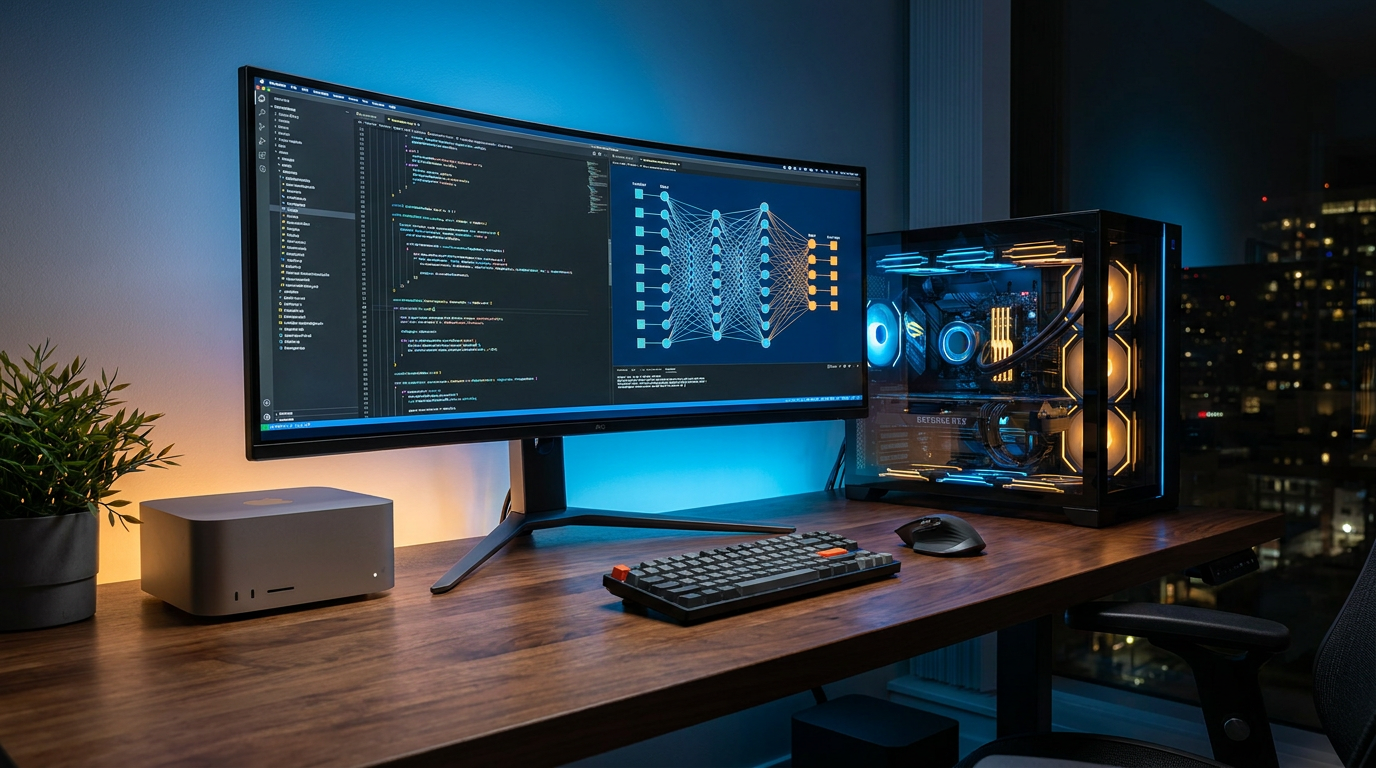
This memory bottleneck has created a fascinating divide in the hardware landscape, with Apple Silicon emerging as an unexpected powerhouse. Apple's M-series chips utilize a "unified memory" architecture, meaning the central processor and the graphics processor share the exact same pool of RAM. A modern Mac Studio equipped with 128 gigabytes of unified memory can dedicate almost all of it to housing a massive, 70-billion-parameter model, bypassing the traditional limitations of consumer hardware.[2][4]

In contrast, traditional PC builds rely on discrete graphics cards, which separate system RAM from dedicated video memory (VRAM). Even a top-tier consumer NVIDIA RTX 4090 card is hard-capped at 24 gigabytes of VRAM. While the NVIDIA card can process smaller models at blistering speeds—often exceeding 150 tokens per second—it simply cannot fit a 70-billion-parameter model without complex, multi-GPU setups that cost thousands of dollars and consume upwards of 450 watts of power.[4]
To bridge the gap between massive models and limited consumer hardware, the open-source community relies heavily on a technique called quantization. In their original state, model weights are stored in high-precision formats that require immense storage. Quantization compresses these weights—often down to a 4-bit format—drastically shrinking the model's memory footprint. A model that would normally require 140 gigabytes of RAM can be squeezed into roughly 40 gigabytes, retaining the vast majority of its reasoning capabilities while becoming accessible to standard workstations.[2][5]
To bridge the gap between massive models and limited consumer hardware, the open-source community relies heavily on a technique called quantization.
The software orchestrating this localized intelligence has also undergone a radical simplification. The most prominent tool in 2026 is Ollama, an open-source framework that operates much like Docker, but specifically tailored for AI. Instead of wrestling with Python dependencies and complex driver installations, users can download and run a model with a single terminal command. Ollama automatically handles the intricacies of memory management, hardware acceleration, and background execution.[1][9]

Crucially, Ollama exposes a local REST API that perfectly mimics the industry-standard OpenAI format. This allows developers to point their existing applications, coding assistants, and automated workflows at their local machine instead of a cloud server, requiring almost zero changes to their underlying code. The AI simply runs quietly in the background, serving requests instantly without network latency.[7][8]
For users who prefer a visual interface over the command line, LM Studio has become the premier desktop application. It provides a polished, user-friendly graphical interface that connects directly to model repositories like Hugging Face. Users can search for specific models, download the highly optimized GGUF files, and adjust technical parameters—like the context window size and hardware offloading limits—through simple sliders and dropdown menus.[5][6]
LM Studio also includes built-in chat interfaces and the ability to spin up local servers, making it incredibly easy to experiment with different model families. Whether testing Meta's Llama series, Alibaba's Qwen, or Google's open-weight Gemma models, the software abstracts away the technical friction, allowing users to focus entirely on the prompt and the output.[5]

On Apple hardware, developers are increasingly turning to MLX, a machine learning framework designed specifically by Apple to exploit the unified memory architecture at a lower level than standard graphics APIs. While Ollama and LM Studio offer unmatched convenience, routing inference through the MLX framework can yield a 20 to 30 percent increase in generation speed, making it the preferred choice for performance-critical tasks like real-time code completion.[8][10]
The true power of local LLMs unlocks when they are connected to personal data through Retrieval-Augmented Generation, or RAG. Using desktop applications like AnythingLLM, users can point their local model at folders containing thousands of PDFs, internal company documents, or personal notes. The system indexes these files locally, allowing the AI to search and synthesize answers based strictly on the user's private knowledge base, completely offline.[3]
Despite these massive leaps, running AI locally is not without its trade-offs and uncertainties. The most capable open-weight models still trail slightly behind the absolute bleeding-edge, trillion-parameter cloud models in complex, multi-step logical reasoning. Users must also manage their own storage, as a library of quantized models can easily consume hundreds of gigabytes of solid-state drive space.[8]

Furthermore, the hardware landscape remains highly volatile. While Apple currently dominates the high-memory frontier and NVIDIA rules raw speed, upcoming silicon releases from AMD and Intel threaten to disrupt the balance of power. For now, however, the ability to run a highly capable, completely private digital brain on a machine sitting on a desk represents one of the most empowering technological shifts of the decade.[4][12]
How we got here
Early 2023
Llama.cpp is released, proving that large language models can run efficiently on standard consumer CPU hardware.
Mid 2023
Ollama launches, introducing a Docker-like command-line interface that drastically simplifies local model management.
Late 2024
Desktop applications like LM Studio gain massive traction, bringing local AI to users who prefer graphical interfaces.
Early 2026
Apple's MLX framework and advanced quantization techniques make running 70-billion-parameter models viable on consumer workstations.
Viewpoints in depth
The Privacy & Security Camp
Prioritizing data sovereignty over absolute model size.
For enterprise developers and privacy advocates, the primary draw of local LLMs is absolute data sovereignty. When querying a cloud provider, every line of proprietary code, customer record, or personal thought is transmitted to external servers. By running models locally, this camp ensures compliance with strict data regulations like GDPR and HIPAA by default. They argue that for 90 percent of daily tasks—like summarizing documents or writing boilerplate code—a smaller, private model is vastly superior to a smarter model that compromises security.
The Hardware Optimization Camp
Chasing maximum inference speed and memory efficiency.
Hardware enthusiasts view local AI as a physical engineering challenge. This camp is deeply divided between two architectures. One side champions NVIDIA's discrete GPUs, utilizing the CUDA framework to achieve blistering generation speeds for smaller models. The other side advocates for Apple Silicon, leveraging the unified memory architecture of the M-series chips to load massive, 70-billion-parameter models that would otherwise require thousands of dollars in dedicated PC hardware. For this group, success is measured in tokens-per-second and thermal efficiency.
The Workflow Integration Camp
Focusing on seamless software and API compatibility.
Rather than obsessing over hardware specs, workflow integrators care about how easily a local model fits into their existing daily routines. This camp relies heavily on tools like Ollama and LM Studio, which abstract away the command-line complexity and expose local REST APIs. Their goal is to seamlessly swap out paid cloud APIs for local endpoints in tools like VS Code, AnythingLLM, and autonomous coding agents, achieving a zero-cost, offline development environment without changing how they actually work.
What we don't know
- Whether upcoming consumer hardware from AMD and Intel will successfully challenge Apple's dominance in unified memory.
- How quickly local open-weight models will close the final reasoning gap with trillion-parameter cloud models.
Key terms
- Quantization
- The process of compressing an AI model's weights to drastically reduce the amount of RAM needed to run it, with minimal loss in intelligence.
- Unified Memory
- A hardware architecture where the CPU and GPU share the same pool of RAM, allowing massive AI models to load without being bottlenecked by dedicated video memory limits.
- GGUF
- A highly optimized file format designed specifically for running quantized language models efficiently on standard consumer hardware.
- Inference
- The actual process of a trained AI model generating text, code, or predictions based on a user's prompt.
- RAG (Retrieval-Augmented Generation)
- A technique that connects a language model to a private database or document folder, allowing it to search your files before answering.
Frequently asked
Can I run a local LLM on a standard laptop?
Yes. While massive models require heavy hardware, smaller, highly optimized models like Gemma 3 (4B parameters) run comfortably on standard laptops with 8GB to 16GB of RAM.
Does running a local model require an internet connection?
No. Once the model file is downloaded to your machine, all processing happens entirely offline, ensuring complete privacy and zero latency.
How do local models compare to cloud APIs like ChatGPT?
Local open-weight models are highly capable for coding, writing, and document analysis, though the absolute largest cloud models still hold a slight edge in complex, multi-step logical reasoning.
Sources
Source coverage
12 outlets
3 viewpoints surfaced











[1]MindStudioWorkflow Integrators
How to Use Ollama to Run AI Models Locally: A Beginner's Setup Guide
Read on MindStudio →[2]ApX Machine LearningHardware Enthusiasts
Best Local LLMs to Run On Every Apple Silicon Mac in 2026
Read on ApX Machine Learning →[3]AnythingLLM DocumentationPrivacy & Security Advocates
Getting Started: A Novice-Friendly Guide to Running Local AI
Read on AnythingLLM Documentation →[4]PromptQuorumHardware Enthusiasts
Apple Silicon for Local LLMs 2026: M1 to M5 Max Complete Guide
Read on PromptQuorum →[5]MediumWorkflow Integrators
How to Run LLMs Locally with LM Studio: Complete Guide 2026
Read on Medium →[6]DataCampWorkflow Integrators
LM Studio Tutorial: Get Started with Local LLMs
Read on DataCamp →[7]DEV CommunityPrivacy & Security Advocates
Run LLM locally using Ollama: Offline, Private AI with Open-Source LLMs
Read on DEV Community →[8]TECHSYHardware Enthusiasts
Run LLMs Locally 2026: 5-Minute Setup, Any GPU
Read on TECHSY →[9]Pasquale Pillitteri BlogWorkflow Integrators
What Is Ollama and How to Get Started: 2026 Local LLM Guide
Read on Pasquale Pillitteri Blog →[10]ATNOPrivacy & Security Advocates
Ollama + Open Source Models: Your Complete Guide to Running AI Locally
Read on ATNO →[11]UnslothWorkflow Integrators
How to Run Local LLMs with Claude Code
Read on Unsloth →[12]Factlen Editorial Team
Synthesis by Factlen editorial team
Read on Factlen Editorial Team →

Every angle. Every day.
Get guides stories with full source coverage and perspective breakdowns delivered to your inbox.