
How to Run Open-Source AI Models Locally on Your Own Hardware
Running large language models directly on your own hardware offers unparalleled privacy, cost savings, and control. Here is a complete guide to the tools, hardware, and setups needed to run AI locally in 2026.
By Factlen Editorial Team
- Privacy & Open-Source Advocates
- Views local AI as a necessary defense against corporate consolidation and data harvesting.
- Enterprise IT & Compliance Teams
- Focuses on data sovereignty, regulatory compliance, and predictable infrastructure costs.
- Pragmatic Hybrid Builders
- Advocates for mixing local and cloud models based on the specific task requirements.
What's not represented
- · Hardware Manufacturers
- · Cloud AI Providers
Why this matters
Relying entirely on cloud AI providers exposes users to unexpected price hikes, privacy risks, and vendor lock-in. Running models locally guarantees that your sensitive data never leaves your machine while providing free, unlimited access to highly capable AI.
Key points
- Local AI runs entirely on your own hardware, ensuring complete data privacy and offline capability.
- Quantization allows highly capable models to run on consumer-grade GPUs with as little as 8 GB of VRAM.
- Tools like Ollama and LM Studio have eliminated the complex coding previously required to set up local models.
- Apple Silicon Macs are uniquely suited for local AI due to their massive pools of unified memory.
The AI industry has a consolidation problem. A handful of companies control the frontier models that millions depend on, setting prices, dictating content policies, and occasionally changing the rules overnight. For developers and businesses, building entirely on closed APIs introduces a massive dependency risk.[1][2]
The antidote to this vendor lock-in is local AI. Running open-weight large language models directly on your own hardware has transitioned from a hobbyist experiment into a viable, production-ready infrastructure decision in 2026.[7]
Local AI means the model inference executes on compute infrastructure you own or lease—whether that is a laptop, a desktop workstation, or an on-premise server. No API call leaves your machine, and no data touches a third-party server.[3][6]
The primary driver for this shift is data privacy and sovereignty. For regulated industries like healthcare, legal, and finance, sending sensitive client data or protected health information to external APIs is often a strict compliance violation.[4]

By running models locally, organizations automatically satisfy data residency requirements and eliminate cross-border data transfer concerns. The data never leaves the network perimeter, enabling GDPR, HIPAA, and SOC 2 compliance by design.[4][6]
Beyond privacy, the economics of local AI become highly favorable at scale. While cloud AI is cheaper for low-volume exploratory work, high-volume workloads quickly rack up massive per-token API fees that can cripple a growing project.[7]
The barrier to entry for local AI is hardware, specifically Video Random Access Memory (VRAM). Model parameters live in GPU VRAM during inference, and a lack of sufficient memory will bottleneck performance, forcing the system to offload to the much slower system CPU.[6][8]
As a rough rule of thumb, an uncompressed model requires roughly 2 gigabytes of VRAM for every billion parameters. However, the open-source community has widely adopted a technique called quantization, which compresses the model weights to 4-bit or 8-bit precision.[6]
As a rough rule of thumb, an uncompressed model requires roughly 2 gigabytes of VRAM for every billion parameters.
Quantization shrinks the memory footprint by up to 4x with only a modest, often imperceptible, trade-off in output quality. Thanks to this compression, a highly capable 8-billion parameter model can run comfortably on a consumer GPU with just 8 to 12 GB of VRAM.[4][8]

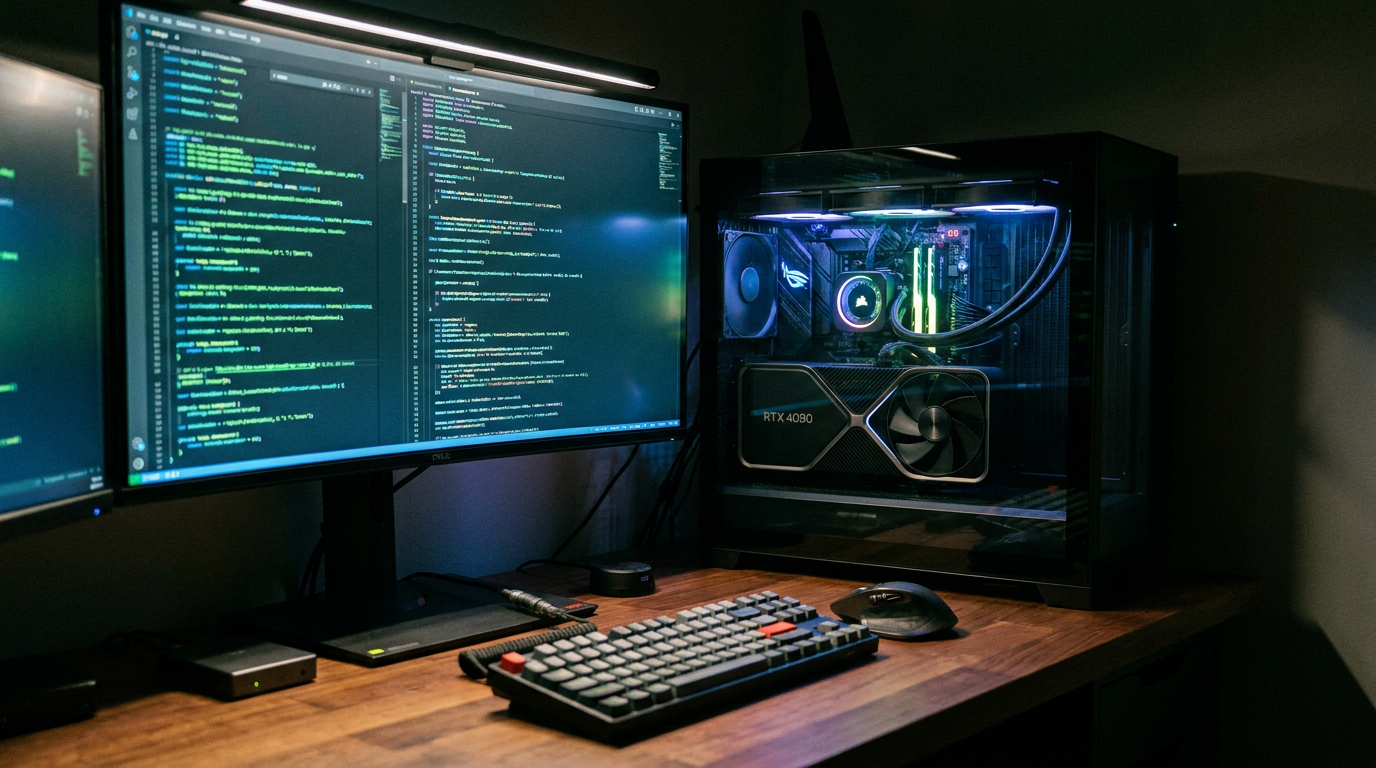
For larger, enterprise-grade models in the 32-billion to 70-billion parameter range, hardware requirements scale up. These typically require high-end consumer cards like the NVIDIA RTX 4090 with 24GB of VRAM, or professional-grade server GPUs like the A100.[4][7]
Apple Silicon has emerged as a surprisingly powerful platform for local inference. Because M-series chips use unified memory, the GPU can access the system's massive pool of RAM directly, allowing Mac users to run massive 70B models without needing discrete graphics cards.[7]
On the software side, the tooling has matured to the point where running a local model takes less than five minutes. The most popular framework is Ollama, a lightweight command-line tool that handles downloading, quantization, and execution under the hood.[1][9]
With a single terminal command—such as 'ollama run llama3.1'—the software pulls the model weights and drops the user into a local chat interface. Ollama also exposes a local REST API that perfectly mimics the OpenAI API format, making it a drop-in replacement for existing applications.[1][10]
For users who prefer a graphical interface over the command line, LM Studio offers a polished desktop application. It provides a visual browser for the Hugging Face model hub, allowing users to search, download, and chat with models entirely through a clean GUI.[9][10]

Once a model is running locally, it can be connected to a vast ecosystem of tools. Developers can point VS Code extensions like Continue.dev to their local instance for private AI code completion, or use Open WebUI to create a self-hosted, ChatGPT-like interface with document search capabilities.[1][10]
The open-weight models themselves have closed the quality gap significantly. Models like Meta's LLaMA 3.1, Mistral, and Qwen 2.5 can handle complex reasoning, coding, and summarization tasks that would have required GPT-4-class cloud APIs just 18 months ago.[1][7]
However, local AI is not a universal replacement for cloud services. Frontier cloud models still hold a meaningful lead in raw reasoning, massive context windows, and complex multimodal tasks.[3][7]

How we got here
Early 2023
The weights for Meta's original LLaMA model leak online, sparking a grassroots movement to run AI on consumer hardware.
Late 2023
The release of Llama.cpp allows developers to run large models efficiently on standard CPUs and Apple Silicon.
2024
User-friendly tools like Ollama and LM Studio launch, reducing the setup process from hours of coding to a single click.
2025–2026
Open-weight models match the performance of early GPT-4, making local AI a standard enterprise infrastructure choice.
Viewpoints in depth
Privacy & Open-Source Advocates
This camp views local AI as a necessary defense against corporate consolidation and data harvesting.
Open-source advocates argue that relying on a handful of mega-corporations for AI infrastructure creates a dangerous bottleneck. When models run locally, users are immune to sudden price hikes, API deprecations, or shifting content moderation policies. Furthermore, they emphasize that sending personal or proprietary data to cloud providers inherently compromises privacy, making local execution the only truly secure path forward.
Enterprise IT & Compliance Teams
This group focuses on the legal, regulatory, and economic realities of deploying AI at scale.
For enterprise architects, local AI is less about ideology and more about compliance. In regulated sectors like healthcare and finance, sending protected data to third-party APIs often violates HIPAA or SOC 2 requirements. By deploying models on air-gapped, on-premise servers, these teams achieve data sovereignty. They also point to the economics of scale: while cloud APIs are cheap for prototyping, the per-token costs of high-volume production workloads quickly eclipse the upfront capital expenditure of buying dedicated GPU hardware.
Pragmatic Hybrid Builders
This perspective advocates for mixing local and cloud models based on the specific task.
Hybrid builders acknowledge the privacy and cost benefits of local models but warn against ignoring the raw capability of frontier cloud AI. They argue that open-weight models, while impressive, still lag several months behind state-of-the-art proprietary models in complex reasoning and massive context processing. Their solution is a routing architecture: simple, high-volume, or privacy-sensitive tasks are sent to local hardware, while complex, low-volume reasoning tasks are escalated to premium cloud APIs.
What we don't know
- How upcoming hardware architectures, such as dedicated Neural Processing Units (NPUs), will shift the balance between CPU and GPU inference.
- Whether open-source models will eventually close the final reasoning gap with frontier cloud models, or if the massive compute required for training will maintain the cloud's edge.
Key terms
- VRAM (Video RAM)
- The dedicated memory on a graphics card where the massive mathematical matrices of an AI model are stored during operation.
- Quantization
- A compression technique that reduces the precision of an AI model's numbers, drastically shrinking its memory footprint with minimal loss in quality.
- Open-weight model
- An AI model where the core mathematical weights are publicly available to download and run, even if the original training data is kept private.
- Inference
- The actual process of an AI model generating a response or prediction based on a user's prompt, distinct from the initial training phase.
Frequently asked
Do I need an internet connection to use a local LLM?
No. Once the model weights and the runner software are downloaded to your machine, the AI operates entirely offline without sending or receiving any data.
Can a local model replace ChatGPT?
For many daily tasks like drafting emails, summarizing documents, and basic coding, yes. However, frontier cloud models still outperform local models in complex reasoning and advanced math.
Is it legal to use open-source models for commercial work?
Most popular open-weight models, such as Meta's LLaMA 3.1 and Mistral, come with permissive licenses that allow for commercial use, though some have revenue caps for massive enterprises.
Will running an LLM damage my computer?
No. Running an LLM is computationally intensive and will cause your CPU or GPU fans to spin up, similar to playing a high-end video game, but it will not harm modern hardware.
Sources
Source coverage
11 outlets
3 viewpoints surfaced











[1]AumiqxPrivacy & Open-Source Advocates
30+ Open Source AI Tools Beating Paid Ones (2026)
Read on Aumiqx →[2]Mean.ceoPragmatic Hybrid Builders
A simple founder playbook for May 2026
Read on Mean.ceo →[3]Zen Van RielPrivacy & Open-Source Advocates
What is local AI and how is it different?
Read on Zen Van Riel →[4]Digital AppliedEnterprise IT & Compliance Teams
Hardware Requirements for Private AI Deployment
Read on Digital Applied →[5]CouchbaseEnterprise IT & Compliance Teams
What is on-device AI?
Read on Couchbase →[6]VDF AIEnterprise IT & Compliance Teams
Local LLM, defined
Read on VDF AI →[7]MindStudioPragmatic Hybrid Builders
What 'Local AI' Actually Means in 2026
Read on MindStudio →[8]LocalLLM.inEnterprise IT & Compliance Teams
Recommended Production Architecture for Local LLM Applications in 2025
Read on LocalLLM.in →[9]GoInsightPragmatic Hybrid Builders
How to Run Local LLM With Ollama
Read on GoInsight →[10]Liran TalPrivacy & Open-Source Advocates
How to install Ollama
Read on Liran Tal →[11]Factlen Editorial TeamPragmatic Hybrid Builders
Synthesis by Factlen editorial team
Read on Factlen Editorial Team →

Every angle. Every day.
Get guides stories with full source coverage and perspective breakdowns delivered to your inbox.