
How Passkeys Are Replacing Passwords: A Complete Guide to Passwordless Security
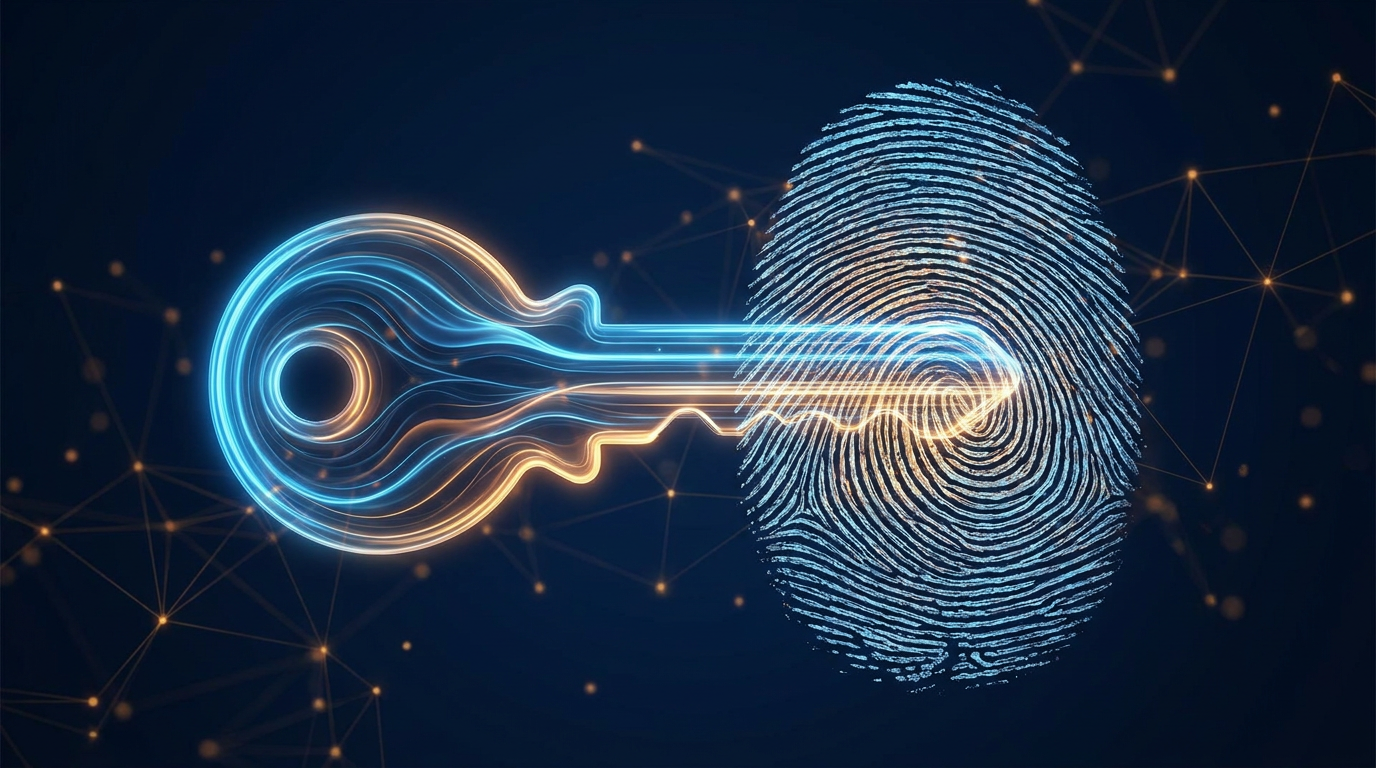
Passkeys use public key cryptography and local biometrics to eliminate the need for passwords, offering a faster and significantly more secure way to log in.
By Factlen Editorial Team
- Platform Providers
- Tech giants focusing on user convenience and seamless ecosystem integration.
- Security Standards Bodies
- Organizations prioritizing universal, open standards that eliminate shared secrets.
- Cybersecurity & Privacy Advocates
- Industry experts supporting local biometrics but cautious about ecosystem lock-in.
What's not represented
- · Password Manager Companies
- · Non-Technical End Users
Why this matters
Passwords are the weakest link in digital security, responsible for the vast majority of data breaches. Understanding and adopting passkeys protects your accounts from phishing and eliminates the anxiety of forgotten credentials.
Key points
- Passkeys replace traditional passwords with cryptographic key pairs, eliminating the risk of stolen credentials.
- The public key is stored on the website's server, while the private key remains securely on the user's device.
- Users authenticate locally using biometrics (fingerprint or face scan) or a device PIN.
- Because passkeys are cryptographically tied to specific websites, they are inherently resistant to phishing attacks.
For decades, the digital world has relied on a fundamentally flawed security mechanism: the shared secret. When you create a password, you are trusting that the website's server will store it safely and that no one will intercept it during transmission. Unfortunately, this trust is routinely broken. According to industry data, a staggering 81% of all hacking-related breaches leverage stolen, reused, or weak passwords. Users are forced to memorize complex strings of characters or rely on password managers, while developers must navigate the liabilities of safely storing sensitive credentials. The password has become the weakest link in modern cybersecurity, leaving individuals vulnerable to phishing, credential stuffing, and massive data leaks.[8]
The solution to this systemic vulnerability is the passkey. Developed collaboratively by the FIDO Alliance and the World Wide Web Consortium (W3C), passkeys are designed to replace passwords entirely. They offer a passwordless sign-in experience that is not only significantly more secure but also much faster and easier for the end user. By standardizing the Web Authentication (WebAuthn) API, these organizations have created a universal framework that allows websites to authenticate users without ever requiring them to type a password or answer a security question.[1][2]
Unlike traditional passwords, passkeys are built entirely on the principles of public key cryptography. When a user registers for a new service or converts an existing account to use a passkey, their smartphone or computer generates a unique, mathematically linked cryptographic key pair specifically for that website. This pair consists of two distinct components that work together to verify the user's identity without ever exposing a shared secret over the internet. This fundamental shift in digital architecture is what makes passkeys exponentially stronger than even the most complex, randomly generated password.[5][6]

One half of this cryptographic pair is the public key. As the name suggests, this key is not a secret. It is transmitted to the website's server and stored in their database. The public key is virtually useless on its own; it cannot be used to log into an account or access sensitive data. If a hacker manages to breach the website's servers and steal a database full of public keys, they gain nothing of value. The public key serves only one purpose: to verify the authenticity of the private key during the login process.[3][8]
The other half of the pair is the private key, which is the cornerstone of the system's security. The private key remains securely stored on the user's personal device, typically locked within a hardware-backed secure enclave. It is never transmitted over the internet, and the website's server never learns what the private key is. Because the server holds no secret data, a data breach on the company's end does not compromise the user's credentials. The private key is the ultimate proof of identity, and it never leaves the user's physical possession.[3][4]
The authentication mechanism itself operates seamlessly behind the scenes. When a user attempts to log in, the website's server sends a digital "challenge"—a randomly generated string of data—to the user's device. The device then uses the private key to mathematically sign this challenge. Once signed, the response is sent back to the server. The server uses the public key it has on file to verify the signature. If the signature matches, the server knows with absolute certainty that the user possesses the corresponding private key, and access is granted.[5][8]

To ensure that a stolen device does not lead to compromised accounts, the private key cannot be used automatically. Before the device will sign a challenge from a server, it requires local authorization from the user. This is where biometrics come into play. The device prompts the user to authenticate using built-in mechanisms like Apple's Face ID, Android's fingerprint scanner, or Windows Hello. If biometrics are unavailable, a local device PIN or screen pattern can be used as a fallback to authorize the cryptographic signature.[2][4]
To ensure that a stolen device does not lead to compromised accounts, the private key cannot be used automatically.
A common misconception is that using biometrics for passkeys means sharing fingerprints or face scans with tech companies. This is entirely false. The biometric data never leaves the user's device. It is used exclusively by the device's local operating system to unlock the secure enclave where the private key is stored. Neither Google, Apple, Microsoft, nor the website being accessed ever receives, stores, or processes the user's biometric information. The biometrics simply act as the local key to unlock the digital passkey.[3][4]
Perhaps the most significant security advantage of passkeys is their inherent resistance to phishing attacks. Traditional phishing relies on tricking a user into entering their password on a fraudulent website that looks legitimate—for example, a fake banking portal. Passkeys completely neutralize this threat because they are cryptographically scoped to the specific website origin where they were originally created. The private key generated for "google.com" is mathematically bound to that exact domain name. If a user is tricked into visiting "g00gle.com," the browser will recognize the mismatched domain and refuse to provide the passkey signature, stopping the attack instantly.[1][8]
To ensure users do not lose access to their digital lives if they drop their phone in a lake or upgrade to a new device, platform providers have implemented secure synchronization. Apple, Google, and Microsoft sync passkeys across a user's devices using end-to-end encrypted cloud keychains, such as iCloud Keychain or Google Password Manager. This means that a passkey created on an iPhone will automatically be available on the user's iPad or Mac, providing redundancy and convenience without sacrificing security.[3][4]
The security of these synchronization ecosystems is rigorously protected. Apple's iCloud Keychain, for example, escrows the data with strong encryption that even Apple cannot read. Recovering a keychain on a new device requires a strict set of conditions, including two-factor authentication and the user's device passcode. To protect against brute-force attacks, the system enforces a strict limit of 10 authentication attempts before the escrow record is permanently locked, ensuring that malicious actors cannot guess their way into a user's synced passkeys.[3]

For individuals with elevated security needs—such as government employees, activists, or journalists—passkeys offer an additional layer of flexibility. Instead of syncing passkeys to a cloud ecosystem, high-risk users can choose to bind their passkeys directly to a physical hardware token, such as a YubiKey. These device-bound passkeys provide the ultimate level of protection, as the private key physically resides on the USB token and cannot be copied, synced, or accessed without physical possession of the key itself.[6][8]
Setting up a passkey is designed to be a frictionless experience for the end user. On Google, for instance, users simply navigate to their account security settings, select the "Create a passkey" option, and follow the on-screen prompts. The system will ask the user to authenticate with their device's biometric sensor or screen lock. Once verified, the cryptographic key pair is generated instantly, and the user is enrolled in a passwordless sign-in experience for all future logins on that device.[4]

The transition away from passwords is a gradual process, and currently, passkeys are designed to work alongside traditional credentials. Most major websites that support passkeys still offer passwords as a fallback option to ensure users are not locked out during the transition period. However, as users become more comfortable with the technology and the underlying infrastructure matures, the industry's ultimate goal is to deprecate passwords entirely, removing the shared secret from the internet's security architecture once and for all.[2][7]
While some technical challenges remain—particularly regarding the seamless portability of passkeys between competing ecosystems like Apple's iOS and Google's Android—the trajectory of the industry is clear. The W3C and FIDO Alliance are actively developing secure import and export standards to prevent ecosystem lock-in. The widespread adoption of the WebAuthn standard by the world's largest technology companies marks a fundamental, irreversible shift in digital security. By replacing vulnerable passwords with cryptographic key pairs locked behind local biometrics, passkeys are making the internet simultaneously stronger against sophisticated cyberattacks and significantly easier for everyday people to navigate.[1][7]
How we got here
2013
The FIDO Alliance is founded to solve the password problem through open standards.
2019
The W3C publishes the WebAuthn Level 1 standard, laying the technical foundation for passkeys.
2022
Apple, Google, and Microsoft announce expanded support for the FIDO standard to accelerate passwordless sign-ins.
2026
Passkeys become the default authentication method for major consumer platforms, significantly reducing reliance on passwords.
Viewpoints in depth
Security Standards Bodies
Organizations like the FIDO Alliance and W3C prioritize creating universal, open standards that eliminate shared secrets.
These bodies argue that human behavior is the weakest link in cybersecurity. By removing the need for users to memorize or manage credentials, they aim to eradicate phishing and credential-stuffing attacks entirely. Their focus is on ensuring the WebAuthn protocol remains robust, interoperable, and cryptographically sound across all platforms.
Platform Providers
Tech giants like Apple, Google, and Microsoft focus on user convenience and seamless ecosystem integration.
For platform providers, the success of passkeys hinges on ease of use. They emphasize cloud synchronization—such as iCloud Keychain and Google Password Manager—to ensure users don't lose access to their accounts when they upgrade or lose a device. Their implementation prioritizes a frictionless user experience, integrating passkeys directly into existing biometric prompts like Face ID and Windows Hello.
Cybersecurity & Privacy Advocates
Privacy groups support the local storage of biometrics but remain cautious about ecosystem lock-in.
Privacy advocates praise passkeys for keeping biometric data strictly on the local device, ensuring tech companies cannot build centralized databases of fingerprints or face scans. However, they express concern that syncing passkeys through proprietary cloud services could make it harder for users to switch between competing ecosystems, urging faster development of secure, cross-platform export standards.
What we don't know
- How quickly smaller, independent websites and legacy enterprise systems will fully deprecate password fallbacks.
- The final timeline for seamless, standardized passkey portability between competing ecosystems like Apple's iOS and Google's Android.
Key terms
- Public Key Cryptography
- An encryption method using a paired public key (shared openly) and private key (kept secret) to verify identity.
- WebAuthn
- A web standard published by the W3C that defines an API for creating and using strong, public key-based credentials.
- FIDO Alliance
- An open industry association with a focused mission to reduce the world's reliance on passwords.
- Private Key
- The secret half of a cryptographic key pair, stored securely on a user's device and never shared over the internet.
- Phishing
- A cyber attack where scammers trick users into revealing sensitive information by pretending to be a legitimate entity.
Frequently asked
What happens if I lose my phone?
Passkeys are typically synced to your cloud account (like iCloud Keychain or Google Password Manager), so you can securely recover them on a new device by signing in and passing two-factor authentication.
Does Google or Apple get my fingerprint?
No. Biometric data is used only locally to unlock the device's secure enclave; it is never transmitted to the server or collected by tech companies.
Can I use a passkey on a device that isn't mine?
Yes, you can use your phone to scan a QR code displayed on the other device's screen, allowing you to authenticate securely without transferring the actual passkey.
Are passwords completely gone?
Not yet. Most services currently offer passkeys as an alternative alongside passwords, though the industry's long-term goal is a fully passwordless future.
Sources
Source coverage
8 outlets
3 viewpoints surfaced








[1]W3CSecurity Standards Bodies
Web Authentication: An API for accessing Public Key Credentials
Read on W3C →[2]FIDO AllianceSecurity Standards Bodies
Passkeys: A Passwordless Future
Read on FIDO Alliance →[3]ApplePlatform Providers
About the security of passkeys
Read on Apple →[4]GooglePlatform Providers
Sign in with a passkey instead of a password
Read on Google →[5]AkamaiCybersecurity & Privacy Advocates
What are FIDO passkeys and how do they work?
Read on Akamai →[6]PointsharpCybersecurity & Privacy Advocates
FIDO & Passkeys in practice
Read on Pointsharp →[7]Factlen Editorial TeamCybersecurity & Privacy Advocates
Synthesis by Factlen editorial team
Read on Factlen Editorial Team →[8]WebAuthn.guideSecurity Standards Bodies
Introduction to Web Authentication
Read on WebAuthn.guide →

Every angle. Every day.
Get guides stories with full source coverage and perspective breakdowns delivered to your inbox.