
How Passkeys Work: The Cryptographic Shift Replacing Passwords in 2026
As tech giants and regulators mandate passwordless logins, passkeys use public-key cryptography and device biometrics to eliminate phishing and credential theft.
By Factlen Editorial Team
- Security Standards Bodies
- Advocates for the complete elimination of passwords to close the largest vulnerability in digital security.
- Enterprise IT Leaders
- Focuses on the operational benefits of passkeys, such as reducing help desk tickets and preventing credential stuffing.
- Security Pragmatists
- Warns that while passkeys solve the login problem, they shift the risk to account recovery processes.
What's not represented
- · Everyday consumers who struggle with digital literacy and may find the concept of cryptographic keys confusing.
- · Privacy advocates concerned about the increasing reliance on biometric data (fingerprints and face scans) to access basic digital services.
Why this matters
With 81% of data breaches stemming from compromised passwords, switching to passkeys secures your digital identity against phishing and server leaks while eliminating the need to memorize complex character strings.
Key points
- Passkeys replace traditional passwords with cryptographic key pairs, eliminating the need to memorize or type secrets.
- Because the private key never leaves the user's device, passkeys are immune to server data breaches and credential stuffing.
- Passkeys are inherently phishing-resistant because the cryptographic signature is strictly bound to the legitimate website's domain.
- Major tech companies, including Apple, Google, and Microsoft, have deeply integrated passkeys into their ecosystems, driving a massive adoption wave in 2026.
- While passkeys secure the "front door" of an account, security experts warn that hackers are now targeting account recovery processes.
For over sixty years, the internet has forced humans to do something we are inherently bad at: memorize complex secrets, never reuse them, and never get tricked into giving them away. That fragile bargain is finally collapsing. In 2026, the technology industry has reached a tipping point where "passwordless" is no longer a buzzword, but a default standard. The replacement is the passkey, a cryptographic credential that fundamentally changes the math of digital security.[4][5]
The momentum behind passkeys has accelerated dramatically. As of early 2026, over 15 billion online accounts support passkey authentication, and consumer adoption has surged to nearly 69%. Major platforms like Apple, Google, and Microsoft have embedded the technology deeply into their operating systems, moving passkeys from an experimental feature to the primary way users access their digital lives.[3][7]
To understand why passkeys are revolutionary, you have to understand why passwords fail. Passwords are "shared secrets." You create a secret string, and the website stores a hashed version of it. If an attacker tricks you into typing it on a fake website—or if they breach the website's database—they have your secret. According to industry data, 81% of data breaches involve weak or stolen passwords, costing organizations billions and leaving individuals vulnerable to identity theft.[5][8]
Passkeys, developed by the FIDO Alliance and the World Wide Web Consortium (W3C), eliminate the shared secret entirely. Instead of a password, a passkey relies on public-key cryptography. When you register for an account, your device generates a unique pair of mathematically linked keys: a public key and a private key.[1][3]

The public key is sent to the website's server. It acts like a padlock. The private key never leaves your device—it is stored securely in your phone or computer's trusted hardware module. When you attempt to log in, the website sends a cryptographic challenge to your device. Your device uses the private key to sign the challenge, proving your identity, and sends the signature back. The website verifies it with the public key, and you are granted access.[2][4]
Because the private key never leaves your device, there is nothing for a hacker to steal from a server breach. If a cybercriminal compromises a company's database, they only get a list of public keys, which are useless on their own. This architecture effectively neutralizes credential stuffing, where attackers use stolen passwords from one site to break into others.[3][5]
More importantly, passkeys are inherently phishing-resistant. The cryptographic signature is strictly bound to the specific website's domain. If a scammer sends you a link to a fake login page (e.g., "paypa1.com" instead of "paypal.com"), your device's operating system will recognize the mismatch and refuse to provide the passkey signature. The authentication simply fails, protecting you even if you were fooled by the fake site.[4][6]
More importantly, passkeys are inherently phishing-resistant.
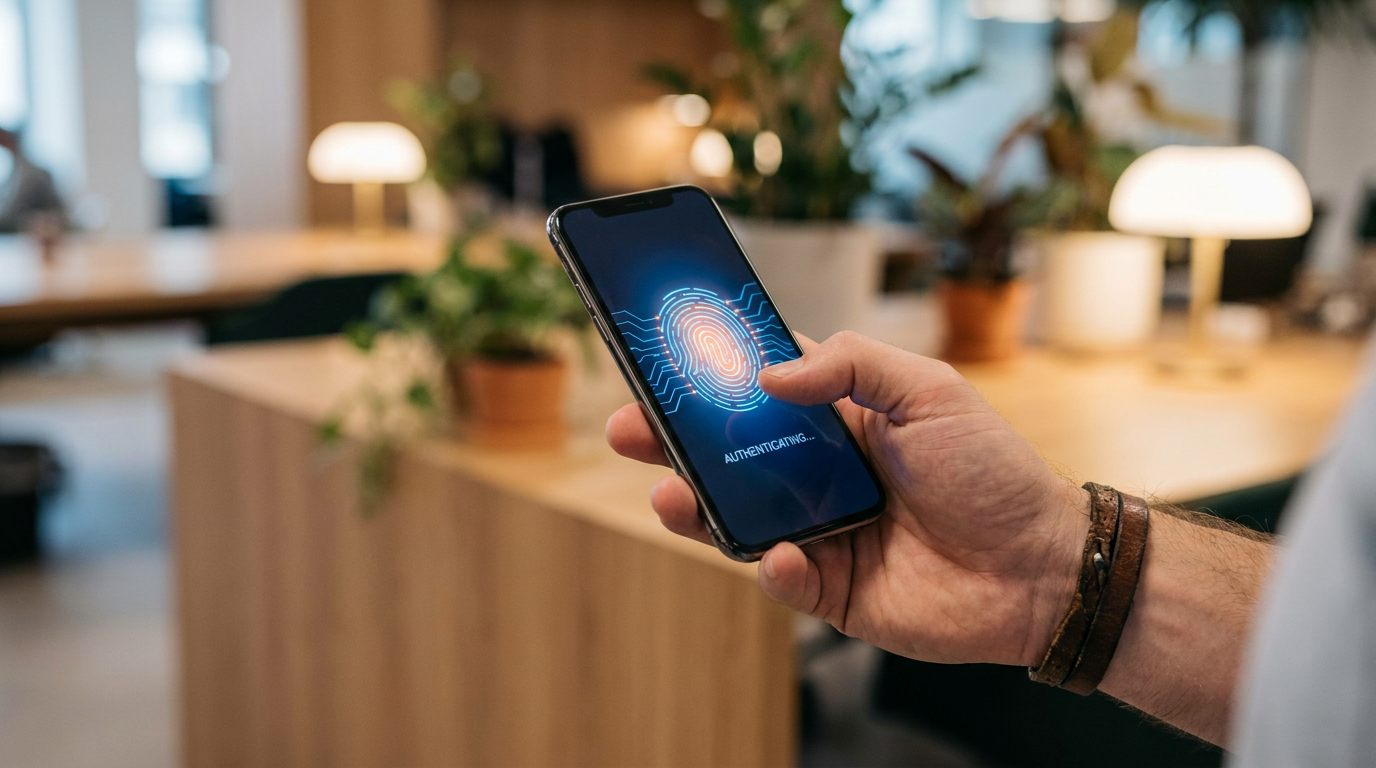
From a user perspective, the complex cryptography is entirely hidden. Using a passkey feels exactly like unlocking your phone. When a website prompts you to log in, you simply use your device's built-in biometric sensor—Face ID, Touch ID, Windows Hello, or a local PIN. You don't have to invent a password, remember it, or type it out.[2][5]
There are two main types of passkeys: synced and device-bound. Synced passkeys are managed by credential providers like Apple's iCloud Keychain, Google Password Manager, or third-party apps like Dashlane and LastPass. These passkeys automatically sync across all your devices within that ecosystem, meaning a passkey created on your iPhone will seamlessly work on your iPad or Mac.[2][8]
Device-bound passkeys, on the other hand, are locked to a single piece of hardware, such as a YubiKey or a specific corporate laptop. These are typically used in high-security enterprise environments where IT departments want strict control over which physical devices can access company networks.[1][2]
The enterprise shift is driving the massive 2026 adoption wave. In March 2026, Microsoft began auto-enabling passkey profiles across all Microsoft Entra ID tenants, forcing the largest enterprise migration to passwordless authentication in history. Organizations are realizing massive returns on investment, with some reporting a 77% reduction in help desk calls simply because employees no longer need to reset forgotten passwords.[4][7]

Regulators are also forcing the issue. The U.S. National Institute of Standards and Technology (NIST) has mandated phishing-resistant multi-factor authentication for federal agencies, effectively requiring passkeys. Internationally, institutions like the Philippines Central Bank have set strict mid-2026 deadlines for financial institutions to adopt FIDO-based passwordless authentication to combat online fraud.[7][8]
However, the transition is not without friction. As passkeys make the "front door" of accounts nearly impenetrable, cybercriminals are shifting their tactics. Security agencies like the UK's National Cyber Security Centre (NCSC) warn that attackers are increasingly targeting account recovery processes. If a hacker can compromise your email account or trick a customer support agent, they might be able to reset your passkey entirely.[6]

This raises the most common question for new users: what happens if you lose your phone? Because passkeys are tied to your devices, losing all your trusted devices can make account recovery tedious. Most services currently fall back to traditional recovery methods, such as emailing a reset link or requiring a pre-saved backup code. Ensuring your cloud account (like your Apple ID or Google Account) is highly secure is now more critical than ever, as it holds the keys to everything else.[3][6]
We are currently in a hybrid era. Passwords will not disappear overnight, and users will likely manage a mix of passkeys and legacy passwords for the next several years. But the trajectory is clear. By removing the human element from authentication, passkeys are closing the largest vulnerability in digital security, making the internet fundamentally safer for everyone.[5][6]
How we got here
1961
The first computer password system is developed at MIT to protect file access on shared mainframes.
2022
Apple, Google, and Microsoft announce joint support for the FIDO Alliance's passwordless standard.
2024
Major platforms like GitHub and Amazon roll out passkey support to hundreds of millions of users.
2025
The U.S. National Institute of Standards and Technology (NIST) mandates phishing-resistant MFA for federal agencies.
March 2026
Microsoft begins auto-enabling passkeys across all Entra ID enterprise tenants, marking a major tipping point in adoption.
Viewpoints in depth
Security Standards Bodies
Advocates for the complete elimination of passwords to close the largest vulnerability in digital security.
Organizations like the FIDO Alliance and NIST view passwords as an unfixable vulnerability. Because humans are fundamentally bad at managing secrets, these bodies argue that the only solution is to remove the shared secret entirely. By relying on public-key cryptography and device-bound biometrics, they believe the industry can eradicate phishing and credential stuffing, which currently account for the vast majority of digital breaches.
Enterprise IT Leaders
Focuses on the operational and financial benefits of deploying passkeys across large organizations.
For corporate IT departments, the push toward passkeys is driven as much by cost savings as by security. Password resets account for up to 50% of all IT support tickets at large enterprises. By adopting passkeys, companies are seeing massive reductions in help desk overhead and significant increases in employee productivity. The mandate by Microsoft to auto-enable passkeys in Entra ID reflects this corporate demand for frictionless, low-maintenance security.
Security Pragmatists
Warns that while passkeys solve the login problem, they shift the risk to account recovery processes.
Security researchers and agencies like the UK's NCSC acknowledge that passkeys are a massive upgrade, but they caution against treating them as a silver bullet. As the 'front door' of authentication becomes impenetrable, cybercriminals are adapting by targeting the 'locksmith'—the account recovery process. If a user loses their device, the fallback methods (like email resets or SMS codes) often remain vulnerable to social engineering, meaning the overall security of an account is only as strong as its weakest recovery option.
What we don't know
- How quickly smaller, legacy websites will be able to afford and implement the infrastructure required to support WebAuthn and passkeys.
- Whether the industry will standardize a universal, secure recovery method for users who lose access to all their synced devices.
- How cybercriminals will evolve their social engineering tactics to bypass passkeys by targeting customer support agents and account reset flows.
Key terms
- Public-Key Cryptography
- A security system that uses two mathematically linked keys—one public and one private—to encrypt and verify data.
- FIDO Alliance
- An open industry association whose mission is to develop and promote authentication standards that reduce reliance on passwords.
- Credential Stuffing
- A cyberattack where hackers use lists of compromised passwords from one breach to break into user accounts on other websites.
- Phishing-Resistant
- An authentication method that cannot be tricked by fake websites or intercepted by attackers, even if the user is fooled.
Frequently asked
What exactly is a passkey?
A passkey is a digital credential that uses public-key cryptography to log you into accounts without a password. It relies on your device's biometrics or PIN to verify your identity.
Can a passkey be stolen in a data breach?
No. Websites only store your public key, which is useless to hackers. Your private key never leaves your device, making passkeys immune to server breaches.
What happens if I lose my phone?
If your passkeys are synced via a cloud service like iCloud or Google Password Manager, you can recover them by logging into your account on a new device. Otherwise, you must use a fallback method like a recovery email.
Do passkeys work on all websites?
Not yet, but adoption is growing rapidly. In 2026, over 15 billion accounts and nearly half of the top 100 websites support passkeys, with major platforms making them the default.
Sources
Source coverage
8 outlets
3 viewpoints surfaced








[1]FIDO AllianceSecurity Standards Bodies
How to use passkeys
Read on FIDO Alliance →[2]DashlaneSecurity Pragmatists
Understanding Passkeys and Passwordless Authentication
Read on Dashlane →[3]AuthgearSecurity Pragmatists
Passkey vs Password: Why Passkeys Are the Future of Security
Read on Authgear →[4]LastPassEnterprise IT Leaders
Passkeys vs. passwords: Which is safer, easier, and better for your daily logins?
Read on LastPass →[5]Vision Training SystemsSecurity Standards Bodies
Security Comparison: Passkeys vs Passwords
Read on Vision Training Systems →[6]MediumSecurity Pragmatists
The hidden shift: you stop managing secrets and start managing devices
Read on Medium →[7]Deepak GuptaEnterprise IT Leaders
March 2026 marks passwordless tipping point
Read on Deepak Gupta →[8]Factlen Editorial TeamSecurity Standards Bodies
Synthesis by Factlen editorial team
Read on Factlen Editorial Team →

Every angle. Every day.
Get guides stories with full source coverage and perspective breakdowns delivered to your inbox.