
How Local AI Models Work and Why They Are Replacing Cloud AI for Everyday Tasks
Driven by privacy concerns and rising subscription costs, professionals are increasingly running Large Language Models directly on their own laptops. Here is how quantization and modern hardware make offline AI possible.
By Factlen Editorial Team
- Privacy Advocates & Professionals
- Argue that local AI is the only ethical and compliant way to use generative models for real work.
- Hardware Enthusiasts & Developers
- Focus on optimizing the performance, quantization, and hardware efficiency of open-weight models.
- Cloud AI Providers
- Maintain that cloud infrastructure remains necessary for frontier reasoning and frictionless user experiences.
What's not represented
- · Environmental advocates concerned about e-waste from hardware upgrades
- · Non-technical users intimidated by model selection
Why this matters
Running AI locally ensures your private documents, client data, and proprietary code never leave your device, eliminating the risk of cloud data breaches while saving hundreds of dollars in subscription fees.
Key points
- Local AI models run entirely on your own hardware, ensuring absolute data privacy.
- Quantization compresses massive AI models so they can run on standard 8GB or 16GB laptops.
- Local execution eliminates the expensive monthly subscription fees associated with cloud AI.
- Apple's unified memory architecture provides a significant hardware advantage for running large models.
- For daily drafting and coding tasks, mid-size local models now match the performance of cloud AI.
The promise of generative artificial intelligence has always come with a silent, structural compromise: to use the smartest tools, you had to hand over your data. For years, the industry standard dictated that every prompt, drafted email, and brainstorm had to be transmitted to server farms owned by Google, OpenAI, or Anthropic. While this cloud-first architecture enabled massive computational power, it also created a sprawling privacy vulnerability.[2][3]
By 2026, a quiet counter-revolution has matured into a mainstream computing standard. Welcome to the era of the Local LLM (Large Language Model). Running advanced artificial intelligence entirely on personal hardware is no longer a niche hobby reserved for developers tinkering in terminal windows. It has become a vital, accessible strategy for professionals, researchers, and everyday users who want the power of generative AI without the surveillance or the subscription fees.[1][2]
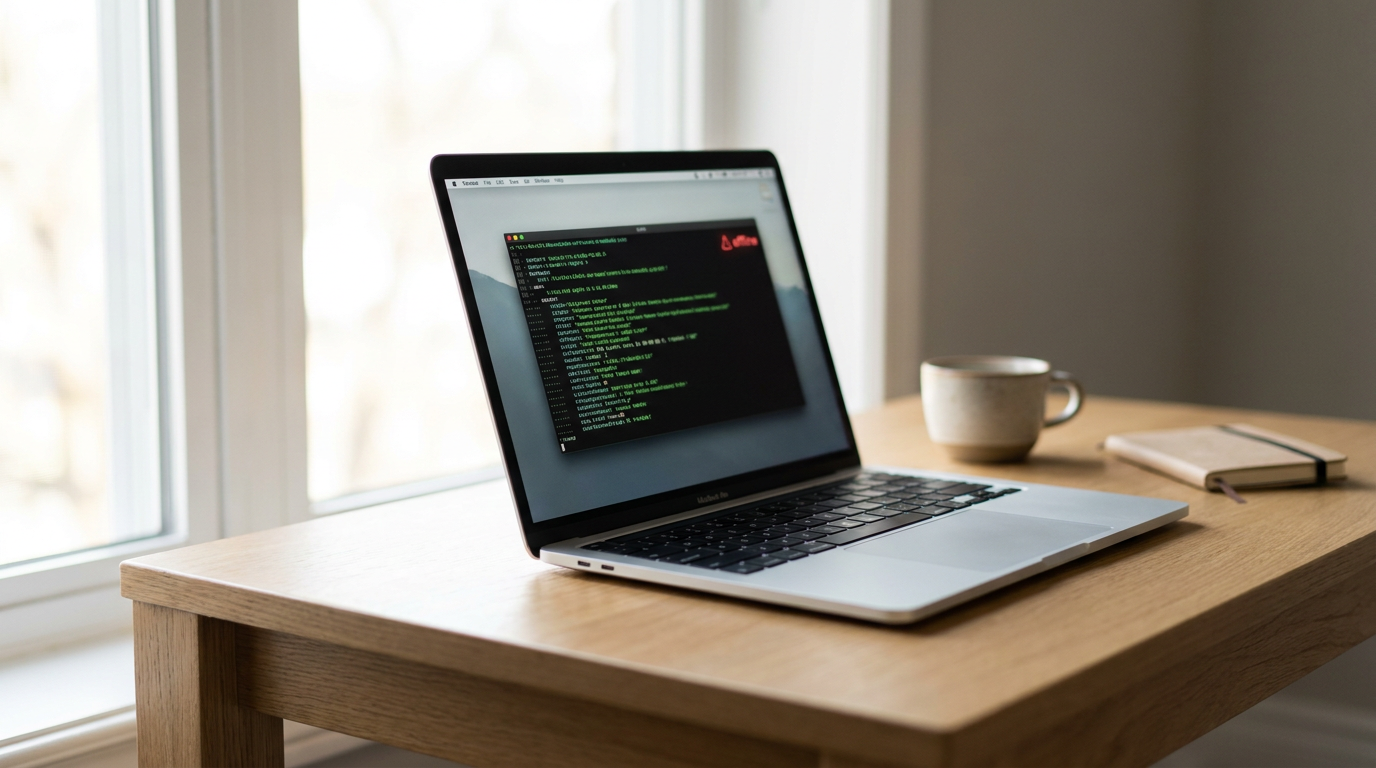
The primary catalyst for this shift is absolute data sovereignty. When an AI model runs locally, the software lives entirely on your device's storage, and all processing happens on your own silicon. You can physically disconnect your machine from the internet, and the assistant will still function flawlessly. For regulated industries—such as healthcare workers bound by HIPAA, lawyers handling privileged case files, or engineers writing proprietary code—this "air-gapped" security is not just a preference; it is a compliance requirement.[1][3]
The cautionary tales of cloud AI are well-documented, most notably the 2023 incident where Samsung engineers accidentally leaked proprietary source code by pasting it into ChatGPT. Today, corporate IT departments increasingly mandate local AI deployments to prevent this exact phenomenon, known as "Shadow AI." When the data physically never leaves the laptop, the risk of a third-party data breach drops to zero.[1][2]

Beyond privacy, the economics of local AI have become impossible to ignore. A capable cloud AI subscription typically costs between $20 and $50 per month, while heavy API users can easily rack up thousands of dollars in automated processing fees. In contrast, a local model costs nothing beyond the electricity required to run the machine. Once the initial hardware is purchased, the user enjoys unlimited, uncapped queries without ever hitting a rate limit or a paywall.[2][3]
To understand how this works in practice, it is crucial to separate the software into two distinct categories: the "tool" and the "model." The tool is the application you install on your computer—the user interface and the underlying engine that makes the AI run. Applications like Ollama, LM Studio, and Jan AI have emerged as the dominant players, offering simple, one-click installations that require zero coding knowledge.[1]
The model, on the other hand, is the actual neural network—the "brain" that contains the AI's knowledge and reasoning capabilities. Users download these models as standalone files, much like downloading a movie or a video game. In 2026, the open-weight ecosystem is thriving, with highly capable models like Meta's Llama 4, Google's Gemma 4, Microsoft's Phi-4, and DeepSeek R1 readily available for free download.[1][4]
But how does a model that originally required a warehouse of supercomputers fit onto a standard consumer laptop? The answer lies in a mathematical compression technique called quantization. In their raw form, AI models use high-precision 16-bit numbers to store their neural weights, resulting in massive file sizes that demand hundreds of gigabytes of memory.[1][6]
But how does a model that originally required a warehouse of supercomputers fit onto a standard consumer laptop?
Quantization mathematically rounds these weights down to lower precision—typically 4-bit or 5-bit formats, often packaged as GGUF files. This compression shrinks the model's file size by roughly 60 to 75 percent. Remarkably, this drastic reduction in size results in only a marginal, often imperceptible, loss in the AI's actual reasoning quality. Quantization is the magic trick that makes local AI viable for the masses.[1][6]
Because of quantization, the hardware requirements for local AI are far lower than most people assume. The single most important metric is no longer raw processing speed, but Random Access Memory (RAM). The industry has developed a "RAM Ladder" that dictates which models a machine can comfortably run. A standard laptop with just 8 gigabytes of RAM is now perfectly capable of running highly efficient models like Phi-4-mini or Gemma 4, which excel at drafting emails and summarizing documents.[1]

Stepping up to 16 or 32 gigabytes of RAM unlocks the ability to run mid-sized models like DeepSeek R1 or Qwen 3.6. These models offer sophisticated coding assistance and complex reasoning that rivals the flagship cloud models of just a year or two ago. For most professionals, this tier represents the sweet spot between hardware cost and AI capability.[1][4]
In the hardware landscape, Apple Silicon has emerged as a dominant force for local AI due to its "unified memory" architecture. Unlike traditional PCs, which separate system RAM from the Video RAM (VRAM) used by graphics cards, modern Macs pool their memory together. This allows a Mac Studio or MacBook Pro to allocate massive amounts of memory directly to the AI model, effectively turning consumer hardware into a desktop supercomputer capable of running massive 70-billion-parameter models.[2][6]
On the PC side, the landscape is divided between dedicated graphics cards with high VRAM and the new wave of "AI PCs" equipped with Neural Processing Units (NPUs). NPUs are specialized chips designed to handle continuous, low-power AI tasks in the background—like blurring your webcam background or running lightweight OS-level assistants—without draining the laptop's battery.[4][6]

However, hardware experts caution against the marketing hype surrounding NPUs. While they are highly efficient for small tasks, running a heavy, conversational Large Language Model still relies heavily on memory bandwidth and VRAM capacity. A machine with a powerful NPU but insufficient RAM will still struggle to run a complex model smoothly.[6]
A common mistake among new users is attempting to download the largest model available, assuming bigger is always better. If a model exceeds the machine's available RAM, the computer is forced to "swap" data to the hard drive, causing the AI's response time to crawl to less than one word per second. A smaller, well-quantized model running smoothly in RAM will always feel superior to a massive model choking on disk swap.[1][6]
The lingering question for many is whether local AI is truly as smart as ChatGPT or Claude. For the tasks that people actually run locally—drafting, rewriting, coding, and querying private documents—the current generation of mid-size open models operates at functional parity. The perceived "gap" in intelligence only appears in extreme edge cases, such as competition-level math or multi-step agentic reasoning.[1][2]

Where the cloud still undeniably wins is at the absolute frontier of artificial intelligence and in tasks that require live, real-time internet access to scrape current events. Cloud providers can update their models daily and throw virtually unlimited compute power at a single complex query, a luxury that a battery-powered laptop simply cannot match.[1][5]
Ultimately, the future of computing is not a zero-sum battle between local and cloud AI, but a hybrid architecture. Users will increasingly rely on local models for daily tasks, private documents, and offline work, while selectively calling out to cloud APIs for heavy-duty reasoning or web research. The era of assuming all intelligence must live on a remote server is over; the smartest technology has finally come home.[5][7]
How we got here
2023
Samsung bans ChatGPT internally after engineers accidentally leak proprietary source code to the cloud.
March 2023
The release of llama.cpp proves that large models can be quantized and run on consumer hardware.
January 2025
DeepSeek R1 and other open-weight models close the performance gap with proprietary cloud APIs.
2026
Local AI becomes a standard compliance requirement for regulated industries handling sensitive data.
Viewpoints in depth
Privacy Advocates & Professionals
Argue that local AI is the only ethical and compliant way to use generative models for real work.
For lawyers, therapists, and enterprise developers, the cloud is a non-starter. This camp points to the 2023 Samsung data leak as proof that 'Shadow AI' is a massive corporate liability. They argue that promises of cloud encryption are insufficient for HIPAA or attorney-client privilege, and that true data sovereignty only exists when the physical hardware is under the user's direct control.
Hardware Enthusiasts & Developers
Focus on optimizing the performance, quantization, and hardware efficiency of open-weight models.
This community treats local AI as a hardware optimization challenge. They are less concerned with corporate compliance and more focused on pushing the limits of consumer silicon. They advocate for aggressive quantization techniques like GGUF and heavily favor Apple Silicon's unified memory architecture, arguing that the true bottleneck for AI is memory bandwidth, not raw processing power.
Cloud AI Providers
Maintain that cloud infrastructure remains necessary for frontier reasoning and frictionless user experiences.
While acknowledging the privacy benefits of local execution, cloud advocates argue that the average user does not want to manage hardware, download gigabytes of model files, or worry about RAM limits. They emphasize that the absolute frontier of AI reasoning—along with features like live web scraping and massive multi-modal processing—will always require the centralized compute power of a server farm.
What we don't know
- Whether future open-weight models will continue to fit within consumer RAM limits as they grow more complex.
- How quickly PC manufacturers will close the unified memory gap currently dominated by Apple Silicon.
Key terms
- Local LLM
- A Large Language Model that runs entirely on your own device's hardware rather than on a remote server.
- Quantization
- A compression technique that reduces the precision of an AI model's weights (e.g., to 4-bit) so it can fit into standard laptop RAM.
- VRAM (Video RAM)
- Memory dedicated to graphics processing, crucial for loading and running large AI models quickly on a PC.
- Unified Memory
- Apple's architecture that allows the CPU and GPU to share the same pool of RAM, giving Macs a massive advantage for local AI.
- NPU (Neural Processing Unit)
- A specialized chip designed to run AI tasks efficiently in the background with low power consumption.
Frequently asked
Do I need an expensive graphics card to run AI locally?
No. While a dedicated GPU or Apple Silicon makes responses faster, modern tools like Ollama can run capable models entirely on a standard laptop's CPU.
Is local AI as smart as ChatGPT?
For everyday tasks like drafting emails, summarizing documents, and basic coding, 2026's mid-size local models operate at functional parity with cloud models. Cloud AI still wins at extreme, multi-step reasoning.
Does local AI require an internet connection?
Only once, to download the model file. After the initial download, the AI runs entirely offline, making it perfect for airplane mode or secure, air-gapped environments.
Is it legal to use local AI for company work?
Yes, and it is often preferred. Because the data never leaves your device, local AI complies with strict data privacy laws like HIPAA and prevents proprietary company data from leaking to third parties.
Sources
Source coverage
7 outlets
3 viewpoints surfaced







[1]AIThinkerLabPrivacy Advocates & Professionals
How to Run AI Models Locally in 2026 (8 Tested Offline Tools)
Read on AIThinkerLab →[2]Daily Reading HabitPrivacy Advocates & Professionals
The 2026 Guide to Local LLMs: Run Private AI on Your Hardware
Read on Daily Reading Habit →[3]Nalo SeedPrivacy Advocates & Professionals
Cloud AI vs Local AI (2026): Cost, Privacy & Performance Compared
Read on Nalo Seed →[4]Compute MarketHardware Enthusiasts & Developers
AI Hardware Blog 2026 — GPU Guides, Build Tutorials & Reviews
Read on Compute Market →[5]MindStudioCloud AI Providers
Local AI Inference with RTX Spark: What Changes When You Run LLMs On-Device
Read on MindStudio →[6]The Infinite UnknownHardware Enthusiasts & Developers
Picking hardware for local AI inference in 2026
Read on The Infinite Unknown →[7]Factlen Editorial TeamHardware Enthusiasts & Developers
Synthesis by Factlen editorial team
Read on Factlen Editorial Team →

Every angle. Every day.
Get ai stories with full source coverage and perspective breakdowns delivered to your inbox.