
Google Rolls Out Android 17: App Bubbles, Screen Reactions, and Foldable Gaming Lead the Update
Google has officially started rolling out Android 17 to Pixel devices, introducing system-wide floating app bubbles, dual-camera screen recording, and enhanced on-device privacy controls.
By Factlen Editorial Team
- Android Power Users
- Enthusiasts focused on maximizing productivity and multitasking capabilities.
- Privacy Advocates
- Security-conscious users focused on data protection and granular app permissions.
- Content Creators
- Video producers and influencers who rely on mobile tools for content generation.
What's not represented
- · Third-Party App Developers
- · Budget Smartphone Users
Why this matters
This update fundamentally changes how users multitask on mobile devices, bringing desktop-like window management to phones and tablets. It also grants users significantly tighter control over their personal data, making it harder for apps to harvest contacts or track locations in the background.
Key points
- Google has begun rolling out Android 17 to supported Pixel devices, with other brands following later in 2026.
- The update expands 'App Bubbles' to all applications, allowing any app to run in a floating, resizable window.
- A new 'Screen Reactions' feature enables simultaneous recording of the device's screen and the front-facing camera.
- Foldable phones receive a dedicated gaming mode that splits the screen into a game display and a digital controller.
- Privacy upgrades include session-based location permissions and a contact picker that limits data sharing to specific fields.
Google has officially begun rolling out Android 17, delivering a substantial wave of new multitasking capabilities, creator-focused tools, and granular privacy controls to its vast mobile ecosystem. The highly anticipated operating system update is currently available for supported Google Pixel devices, marking the beginning of a phased release cycle. While Pixel owners are the first to experience the overhauled interface, broader rollouts to third-party manufacturers—including Samsung, Motorola, and Xiaomi—are expected to follow throughout the remainder of 2026. This year's update represents a significant shift in how Google envisions mobile productivity, moving away from rigid full-screen applications toward a more fluid, desktop-like experience that adapts to the growing popularity of large-screen foldables and tablets.[1][3]
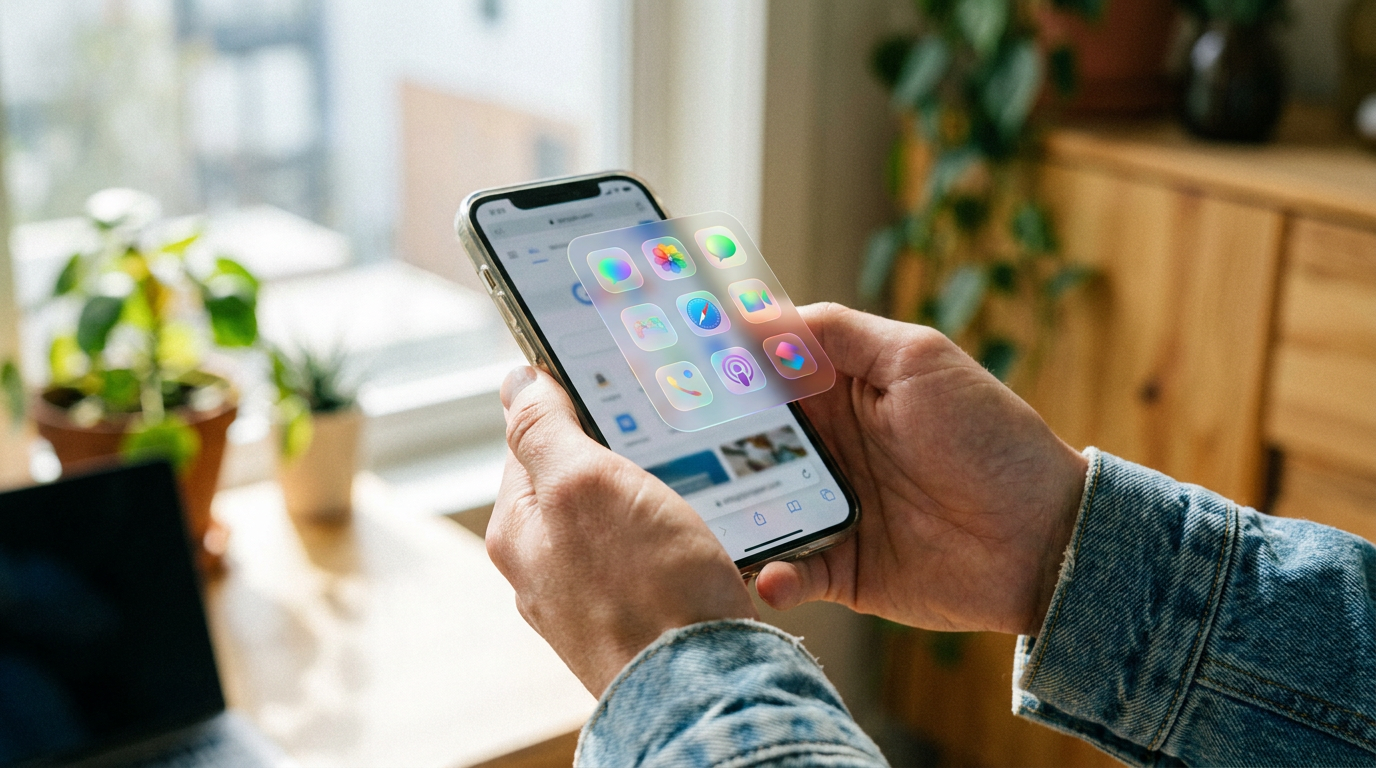
The standout feature for productivity enthusiasts is the system-wide expansion of "App Bubbles." In previous iterations of Android, this floating-window functionality was strictly reserved for messaging applications, allowing users to keep chat threads hovering over other tasks. With Android 17, Google has opened the floodgates, enabling users to transform virtually any application into a floating, resizable window simply by long-pressing its icon on the home screen. This fundamental change allows users to keep a calculator, a notes app, or a web browser hovering in the corner of their screen while they work in a primary application, drastically reducing the friction of constantly swiping between full-screen tasks.[4][5]
To accommodate this new paradigm on larger displays, Google has introduced a dedicated "Bubble Bar" specifically designed for tablets and foldable devices. Positioned at the bottom of the screen, this new taskbar acts as a command center for multitasking, organizing all active floating apps into a neat, accessible row. Users can seamlessly dock their bubbles, transition between multiple complex workflows, and recall specific apps without losing their place or cluttering the main viewing area. Developers are being encouraged to embrace this adaptive-first standard, ensuring their applications scale gracefully whether they are running in a compact bubble, a split-screen view, or expanded across a massive foldable canvas.[2][4]

Content creators and social media enthusiasts receive a major workflow boost with the introduction of the native "Screen Reactions" tool. As reaction videos, gameplay walkthroughs, and software tutorials continue to dominate platforms like YouTube and TikTok, Google is bringing professional-grade recording capabilities directly to the operating system level. The new feature enables true dual-camera recording, allowing users to capture high-quality footage of their device's screen while simultaneously recording their own facial expressions and commentary via the front-facing selfie camera. The resulting video automatically overlays the creator's face in a customizable picture-in-picture window.[1][2]
This native integration is a massive time-saver for the creator economy, effectively eliminating the need for cumbersome third-party editing software, complex green screen setups, or secondary recording devices. By baking Screen Reactions directly into the system's quick settings toolbar, anyone can instantly start producing engaging, multi-layered content with a single tap. Whether a user is demonstrating how to use a new app feature, reacting to a viral video, or streaming a mobile game, the built-in tool handles the heavy lifting of synchronizing the audio and video feeds perfectly in real time.[2][3]
By baking Screen Reactions directly into the system's quick settings toolbar, anyone can instantly start producing engaging, multi-layered content with a single tap.
Foldable phones, which represent the fastest-growing premium segment in the mobile market, are getting specialized attention with a brand-new dedicated gaming mode. Devices like the Google Pixel 10 Pro Fold can now leverage their unique form factors to deliver a console-like experience on the go. When a user launches a supported game and unfolds their device halfway—often referred to as "tabletop mode"—Android 17 automatically splits the display 50/50. The top half of the screen is entirely dedicated to rendering the game's visuals without any interface clutter, while the bottom half transforms into a built-in, fully customizable digital gamepad.[1][5]

On the privacy and security front, Android 17 makes a decisive shift toward session-based permissions, giving users unprecedented control over their personal data. Historically, applications often required broad, permanent permissions to access sensitive hardware like the GPS module. Now, users can grant apps temporary, one-time access to their precise location. Once the application is closed or the session ends, the permission is automatically revoked, ensuring that rogue apps cannot silently track a user's movements in the background. This granular approach forces developers to justify their data requests in the moment, rather than relying on blanket approvals granted during the initial installation.[4][5]
A newly implemented system-level Contact Picker further fortifies user privacy by fundamentally changing how applications interact with address books. Instead of presenting users with a binary choice to either hand over their entire contact list or deny access completely, Android 17 allows for surgical precision. Users can now select specific fields—such as a single email address or a specific phone number—to share with an application, keeping the rest of their contacts hidden. This is particularly useful for social networks or delivery apps that only need a single piece of information to function, eliminating the risk of mass data harvesting.[4]
Google has also significantly hardened the operating system's anti-theft measures to protect users in the event their device is stolen. The "Mark as lost" feature within the Find Hub has been upgraded to require biometric authentication, such as a fingerprint or facial scan. This critical update ensures that even if a thief manages to observe and steal a user's alphanumeric passcode, they cannot easily disable the phone's tracking capabilities or wipe the device. Coupled with improvements to Live Threat Detection, which actively scans for and blocks sophisticated scams, the update makes modern Android devices significantly less appealing targets for hardware thieves.[2][5]

Visually, the operating system incorporates Google's refined "Material Expressive" design language, which introduces fluid animations and subtle visual cues, particularly when interacting with the system's underlying artificial intelligence. When the Gemini AI is processing a complex request, listening to a voice command, or working in the background, the interface responds with colorful, non-distracting indicators that let the user know the system is active. Beyond aesthetics, the update paves the way for advanced generative features arriving later this summer, including Gemini Omni for text-prompted video editing and the Lyria 3 model for on-device music generation.[2][5]
The Android 17 rollout extends its benefits beyond smartphones, enhancing deep integration with the broader hardware ecosystem, particularly Wear OS 7. Users can now seamlessly control media playing on other Android devices directly from their smartwatch, or instantly view photos snapped with connected smartglasses on their wrist. More importantly, safety features have been tightly synchronized; if a Pixel Watch detects a severe fall, a car accident, or a sudden loss of pulse, it will instantly command the paired Pixel smartphone to contact emergency services and broadcast the user's location to designated emergency contacts, ensuring help is dispatched even if the user is incapacitated.[2]
How we got here
May 2026
Google previews Android 17 features at its annual developer conference.
June 16, 2026
Android 17 officially begins rolling out to supported Google Pixel devices.
Late Summer 2026
Advanced Gemini Intelligence features, including video and music generation, scheduled to arrive.
Late 2026
Third-party manufacturers expected to begin releasing their customized versions of Android 17.
Viewpoints in depth
Android Power Users
Enthusiasts who value maximum productivity and customization on their mobile devices.
For power users, the expansion of App Bubbles to all applications is the defining feature of Android 17. This demographic has long argued that mobile operating systems are too restrictive compared to desktop environments. By allowing any app to float and resize, and by introducing the Bubble Bar for tablets, they believe Google is finally unlocking the true multitasking potential of large-screen and foldable devices.
Content Creators
Social media influencers and video producers who rely on mobile hardware.
Creators view the native Screen Reactions feature as a transformative workflow upgrade. Previously, recording a tutorial or reaction video required juggling multiple apps, exporting footage to a computer, and manually syncing audio and video tracks. By baking dual-camera recording directly into the OS, creators argue that Android 17 drastically lowers the barrier to entry for producing high-quality, multi-layered video content on the go.
Privacy Advocates
Security researchers and users focused on data protection and app permissions.
Privacy advocates are praising the shift toward session-based location access and the new system-level Contact Picker. This camp has consistently warned about the dangers of apps harvesting entire address books or tracking users in the background. They argue that forcing apps to request temporary, specific data points not only protects user privacy but also fundamentally shifts the power dynamic back to the consumer.
What we don't know
- Exact release dates for Android 17 on third-party devices like Samsung Galaxy or Motorola Edge smartphones remain unannounced.
- It is unclear which older Pixel models will support the more hardware-intensive Gemini AI features arriving later this summer.
Key terms
- App Bubbles
- A multitasking feature that shrinks an active application into a floating, resizable window that hovers over other apps.
- Screen Reactions
- A native recording tool that captures both the device's screen and the user's face via the selfie camera simultaneously.
- Material Expressive
- Google's updated design language that incorporates fluid animations and visual cues, particularly when interacting with AI.
- Wear OS
- Google's operating system designed specifically for smartwatches and other wearable technology.
Frequently asked
When will my phone get Android 17?
The update is currently rolling out for supported Google Pixel devices. Other manufacturers like Samsung, Motorola, and Xiaomi will release their versions throughout 2026.
What are App Bubbles?
App Bubbles allow you to turn any application into a floating, resizable window on your screen, making it easier to multitask without closing your current app.
How does the new Screen Reactions feature work?
It allows you to record your phone's screen and your front-facing camera at the same time, which is ideal for creating tutorial or reaction videos directly on your device.
Does Android 17 improve phone security?
Yes, it introduces temporary location permissions, a new contact picker that limits data sharing, and requires biometric authentication to disable tracking if the phone is lost.
Sources
Source coverage
5 outlets
3 viewpoints surfaced





[1]TechRadarAndroid Power Users
7 of the best Android 17 features available now — from Bubbles to Screen Reactions
Read on TechRadar →[2]MashableContent Creators
Here are the three main new features available in Android 17
Read on Mashable →[3]Google BlogPrivacy Advocates
Android 17 is here
Read on Google Blog →[4]Android Developers BlogAndroid Power Users
Android 17 is here
Read on Android Developers Blog →[5]CNETPrivacy Advocates
Android 17 Gemini Intelligence... Foldable gameplay enhancements
Read on CNET →

Every angle. Every day.
Get technology stories with full source coverage and perspective breakdowns delivered to your inbox.