
How to Use Passkeys: The Complete Guide to Passwordless Security
Passkeys are replacing passwords across major platforms like Google, Apple, and Amazon. Here is how the FIDO2 technology works, why it is phishing-resistant, and how to set it up on your devices.
By Factlen Editorial Team
- Security Advocates & FIDO Alliance
- Argue that passkeys eliminate the human element of security vulnerabilities by removing shared secrets.
- Consumer Tech Platforms
- Focus on convenience and seamless syncing across their respective ecosystems to reduce login friction.
- Independent Password Managers
- Advocate for cross-platform portability so users are not locked into a single tech ecosystem.
- Enterprise IT & Shared-Device Users
- Highlight the challenges of deploying device-bound passkeys in environments where devices are shared among many workers.
What's not represented
- · Users with older or unsupported hardware who cannot utilize biometric passkeys.
Why this matters
Passwords are the weakest link in digital security, responsible for the vast majority of identity theft and data breaches. Transitioning to passkeys protects your most sensitive accounts from phishing while eliminating the need to remember complex character strings.
Key points
- Passkeys replace traditional passwords with cryptographic key pairs, eliminating the risk of server breaches.
- Users authenticate locally using their device's biometric sensors, such as Face ID or a fingerprint scanner.
- Because passkeys are mathematically bound to specific website domains, they are inherently resistant to phishing attacks.
- Passkeys can be synced to the cloud via native operating systems or third-party password managers to prevent account loss.
Passwords are a failing security model. According to industry data, over 80% of all data breaches stem from compromised, weak, or reused passwords. For decades, users have been trapped in a cycle of creating increasingly complex character strings, only to inevitably forget them or have them stolen in massive corporate server breaches.[1][8]
Enter the passkey. Backed by the FIDO Alliance and major tech platforms including Apple, Google, and Microsoft, passkeys are a passwordless authentication standard designed to be both easier to use and mathematically resistant to phishing. They are widely considered the next frontier in digital security.[1][5]
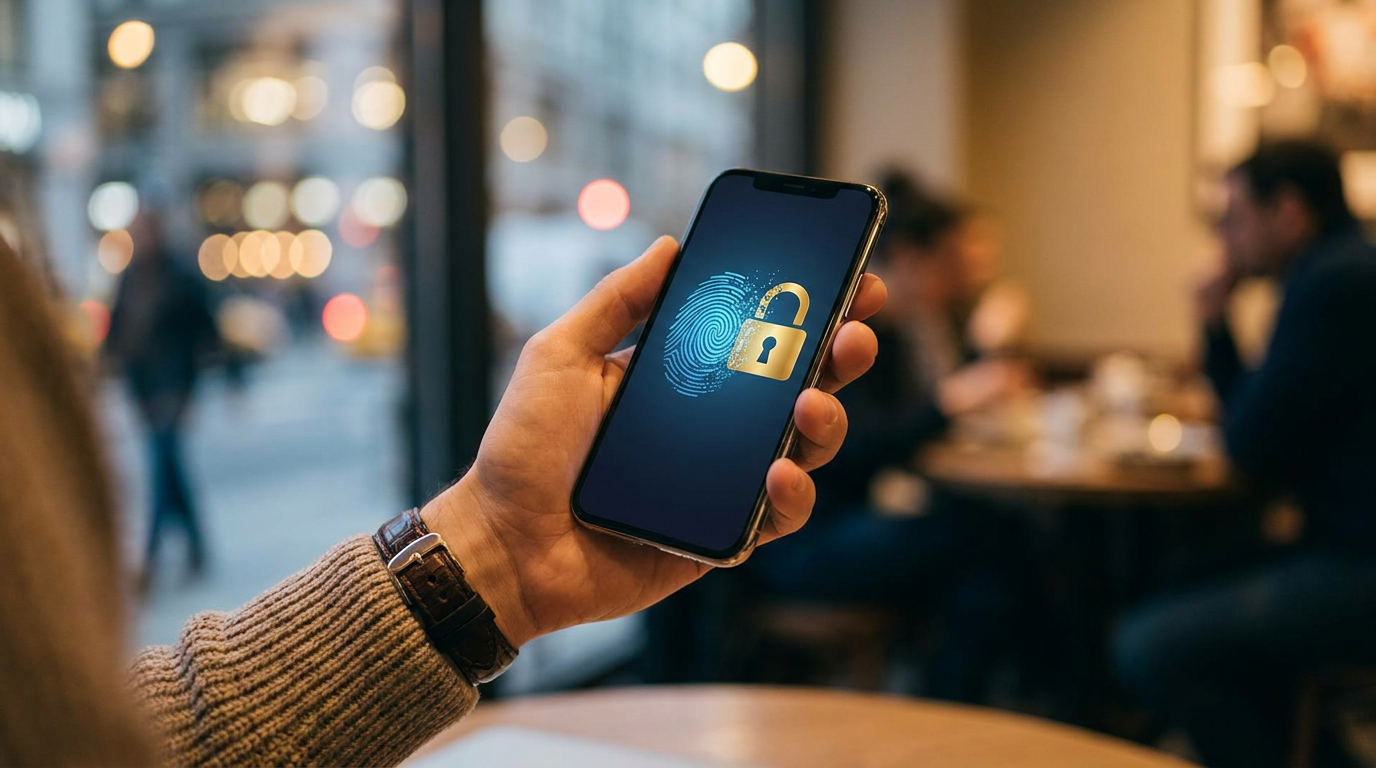
Instead of typing a string of characters, users log into their accounts by simply unlocking their device. Whether using Face ID on an iPhone, a fingerprint sensor on an Android, or a local PIN on a Windows PC, the authentication process is identical to the one used to wake up the screen.[2][6]
To understand why passkeys are revolutionary, you have to look at the underlying mechanism: public key cryptography. Unlike a password, which is a "shared secret" that both you and the website must know, a passkey relies on a pair of distinct but mathematically linked keys.[2][6]

When you create a passkey for a website, your device generates this unique cryptographic pair. The "public key" is sent to the website's server, where it is stored like a digital padlock. Meanwhile, the "private key" remains securely locked inside your device's hardware.[3][4]
During a login attempt, the website sends a digital challenge to your device. Your device uses its hidden private key to sign the challenge and sends the signature back. The server then verifies the signature using the public key, granting you access without ever seeing the private key itself.[4][6]
This split-key architecture solves two massive security vulnerabilities. First, it neutralizes server data breaches. If a hacker compromises a company's database, they only steal public keys, which are completely useless without the corresponding private keys stored safely on users' phones.[2][4]
This split-key architecture solves two massive security vulnerabilities.
Second, passkeys are inherently phishing-resistant. Because the cryptographic signature is strictly bound to the legitimate website's domain, a fake phishing site cannot successfully request a valid login signature from your device. The system simply will not hand over the credentials to an imposter.[1][3]
For consumers, the transition is largely seamless. To set up a passkey, you simply log into an account that supports them—like Amazon, Google, or GitHub—navigate to the security settings, and select "Create a passkey."[3][5]
Your operating system or password manager will prompt you to authenticate with your biometric sensor. Once your face or fingerprint is scanned, the key pair is instantly generated and saved. From that point on, the password field disappears from your login flow.[3][6]

Most consumer passkeys are "syncable." If you create a passkey on your iPhone, it is securely stored in your iCloud Keychain and automatically syncs to your iPad and Mac. Google Password Manager performs the exact same function across Android devices and Chrome OS.[1][2]
However, this native syncing creates a degree of ecosystem lock-in. To bridge the gap, independent password managers like Dashlane and 1Password have rolled out their own passkey vaults, allowing users to sync their credentials across competing operating systems, such as moving seamlessly from an Android phone to a Windows PC.[3][5]
For cross-device logins—such as trying to access a website on a smart TV or a friend's computer—the FIDO standard includes a clever workaround. The screen displays a QR code, which you scan with your smartphone. Your phone communicates with the device via Bluetooth to verify physical proximity, signs the cryptographic challenge, and logs you in on the secondary screen.[4][6]

While syncable passkeys prioritize consumer convenience, high-security environments often rely on "single-device passkeys." These are bound to a specific piece of hardware, like a YubiKey, and cannot be copied to the cloud, ensuring that physical possession of the key is strictly required for access.[1][8]
Despite the momentum, passkeys still face adoption hurdles in enterprise environments, particularly regarding shared devices. In hospitals or manufacturing floors where dozens of workers rotate through a single terminal, the standard one-to-one user-to-device passkey model breaks down, requiring specialized enterprise identity solutions to partition credentials securely.[7][8]
How we got here
2012
The FIDO Alliance is founded to solve the world's password problem.
2019
The W3C officially approves WebAuthn as the web standard for passwordless logins.
2022
Apple, Google, and Microsoft announce expanded support for the FIDO standard, coining the consumer-friendly term 'passkeys'.
2023–2024
Major platforms including Amazon, WhatsApp, and GitHub roll out passkey support to billions of users.
Viewpoints in depth
Security Advocates & FIDO Alliance
Passkeys eliminate the human element of security vulnerabilities.
This camp argues that passwords are fundamentally broken because they rely on human memory and shared secrets. By shifting to public key cryptography, passkeys remove the attack vectors for phishing and credential stuffing, making the internet mathematically safer. They emphasize that removing the user's ability to make a bad security choice is the ultimate defense.
Consumer Tech Platforms
Native ecosystem integration provides the lowest friction for average users.
Companies like Apple and Google emphasize that baking passkeys directly into iOS and Android ensures mass adoption. They argue that seamless, invisible cloud syncing within their ecosystems is the best way to get billions of non-technical users to abandon passwords without feeling overwhelmed by the underlying cryptography.
Independent Password Managers
Users need cross-platform portability to avoid ecosystem lock-in.
Providers like Dashlane and 1Password warn that native OS passkeys trap users within a single tech ecosystem. They advocate for third-party passkey vaults that allow users to seamlessly transition between an iPhone, a Windows PC, and an Android tablet without losing access to their credentials or being forced to buy hardware from a single manufacturer.
Enterprise IT & Shared-Device Users
The 1:1 device model fails for frontline and shift workers.
Enterprise architects point out that traditional passkeys assume every user has a personal smartphone or dedicated laptop. In environments like hospitals or factory floors where dozens of workers share a single terminal, standard passkeys are unworkable. This camp advocates for specialized multi-tenant credential solutions that allow secure, phishing-resistant logins on shared hardware.
What we don't know
- How quickly smaller, independent websites and legacy enterprise systems will adopt the WebAuthn standard.
- Whether a universal standard for securely transferring passkeys between competing ecosystems (like Apple to Google) will be widely adopted.
Key terms
- Passkey
- A digital credential tied to a user account and device that replaces a password using public key cryptography.
- Public Key Cryptography
- A security system that uses two mathematically linked keys—one public and one private—to encrypt and verify data.
- FIDO2 / WebAuthn
- The open industry standards developed by the FIDO Alliance and W3C that define how passkeys operate across different browsers and devices.
- Authenticator
- The device or software (like a smartphone, hardware key, or password manager) that generates and securely stores the private key.
Frequently asked
What happens if I lose my phone?
If you use syncable passkeys through Apple, Google, or a password manager, your passkeys are backed up to the cloud. You can recover them by logging into your account on a new device.
Can a website steal my biometric data?
No. Your fingerprint or face scan never leaves your device. It is only used locally to unlock the device so it can utilize the private cryptographic key.
Do passkeys work on older devices?
Passkeys generally require modern operating systems, such as iOS 16, Android 9, or Windows 10 and above, to function natively.
Can I still use a password if I want to?
Currently, most services offer passkeys as an alternative or optional upgrade, allowing you to fall back on a password if needed, though some platforms are moving toward passwordless-only accounts.
Sources
Source coverage
8 outlets
4 viewpoints surfaced








[1]FIDO AllianceSecurity Advocates & FIDO Alliance
What is a passkey?
Read on FIDO Alliance →[2]Google for DevelopersConsumer Tech Platforms
Passkeys: A safer and easier alternative to passwords
Read on Google for Developers →[3]DashlaneIndependent Password Managers
What Is a Passkey and How Do Passkeys Work?
Read on Dashlane →[4]Microsoft SecuritySecurity Advocates & FIDO Alliance
What are passkeys? Explained in under 4 minutes
Read on Microsoft Security →[5]The WeekIndependent Password Managers
Passkeys are the next frontier in digital security. This is why.
Read on The Week →[6]ComputerworldConsumer Tech Platforms
Passkeys: How they work, how to use them
Read on Computerworld →[7]Oloid AIEnterprise IT & Shared-Device Users
How to Use a Passkey Solution for Shared Devices: A Comprehensive Guide
Read on Oloid AI →[8]Factlen Editorial TeamSecurity Advocates & FIDO Alliance
Synthesis by Factlen editorial team
Read on Factlen Editorial Team →
Every angle. Every day.
Get guides stories with full source coverage and perspective breakdowns delivered to your inbox.