
How to Run AI on Your Own Device: The 2026 Guide to Local LLMs
As cloud AI costs and privacy concerns mount, a new generation of tools allows users to run powerful language models entirely offline on consumer hardware.
By Factlen Editorial Team
- Open-Source Developers
- Builders who prioritize zero-cost experimentation and agentic workflows.
- Privacy & Compliance Advocates
- Professionals who view local AI as the only viable path for handling sensitive data.
- Hardware & Performance Analysts
- Technologists focused on the silicon constraints and optimization of edge computing.
What's not represented
- · Hardware Manufacturers
- · Cloud API Providers
Why this matters
Running AI locally eliminates monthly subscription fees and ensures your sensitive data never leaves your computer. For professionals handling confidential information or developers building automated workflows, this shift offers unprecedented privacy and cost savings.
Key points
- Local LLMs allow users to run AI entirely on their own devices without internet connectivity.
- Model quantization compresses massive AI models to fit within the memory limits of consumer hardware.
- Apple's unified memory architecture gives Macs a distinct advantage in loading large models.
- Tools like Ollama and LM Studio have made local AI accessible to both developers and casual users.
- Running AI locally ensures absolute data privacy, making it ideal for healthcare, legal, and enterprise use.
- Local inference eliminates monthly API subscription costs and reduces latency for automated workflows.
For the past three years, artificial intelligence has been largely synonymous with massive data centers, expensive API calls, and sending personal data to the cloud. But in 2026, a quiet counter-revolution has reached maturity. The promise of running powerful Large Language Models (LLMs) entirely on local hardware—without internet connectivity, subscription fees, or data privacy risks—is now a practical reality for anyone with a modern laptop.[9]
This architectural shift from cloud dependency to edge autonomy is fundamentally changing how developers and professionals interact with artificial intelligence. By the middle of 2026, an estimated 55% of enterprise AI inference is happening on-premises or on-device, a massive jump from just 12% in 2023.[1]
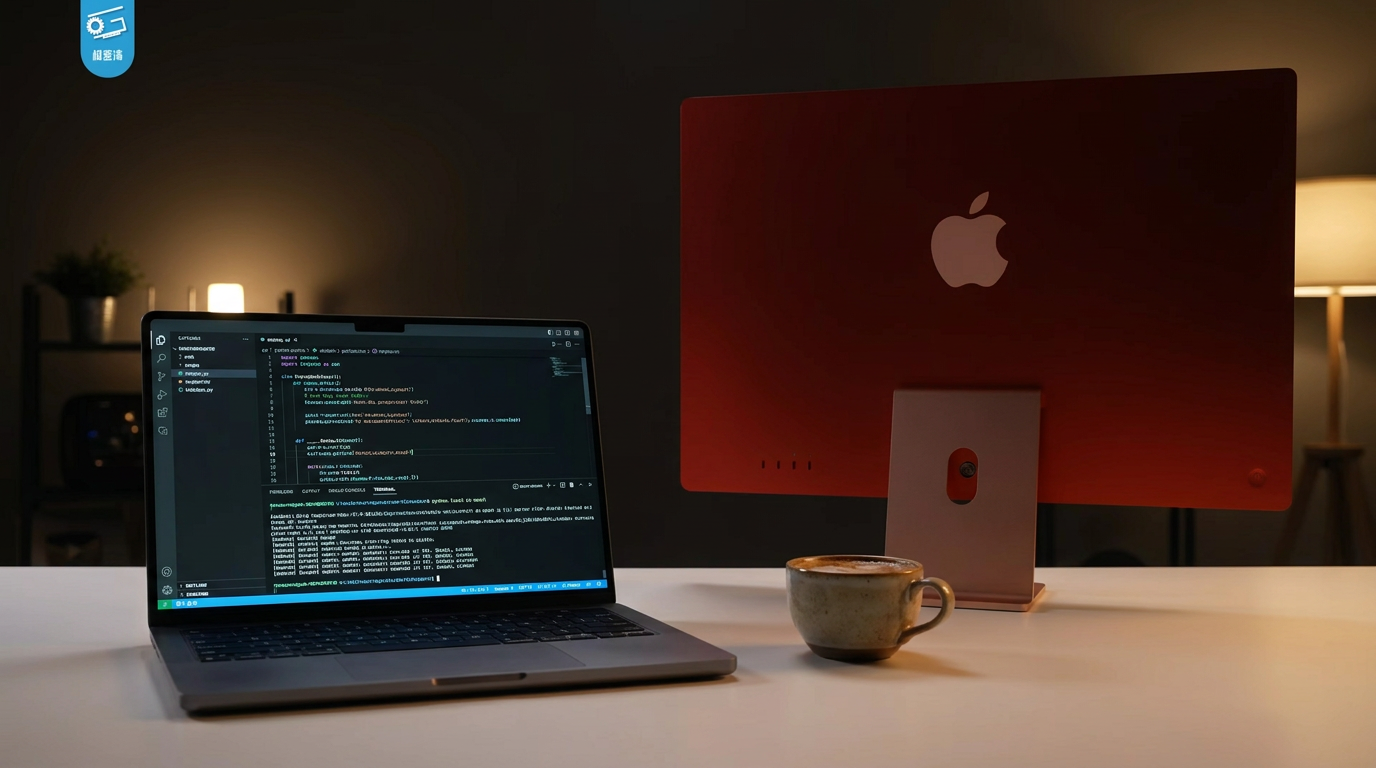
The catalyst for this localized AI boom is a combination of highly optimized "Small Language Models" (SLMs) and breakthroughs in model compression. Models that once required racks of server-grade GPUs can now run comfortably on a standard MacBook Pro or a mid-range Windows workstation, empowering users to generate code, draft documents, and analyze data entirely offline.[8]
To understand how this works, one must look at the underlying mechanics of model quantization. In their raw form, large language models are massive files that require immense amounts of memory to load and execute. However, through a process called quantization—often utilizing the industry-standard GGUF file format—developers can compress these models down to 4-bit or 8-bit precision.[2][7]

This compression reduces the memory footprint by nearly 70% while sacrificing only 1% to 2% of the model's reasoning accuracy. As a result, a highly capable 7-billion parameter model can now fit neatly into just 4 to 5 gigabytes of memory, making it accessible to everyday consumer hardware.[2]
The hardware landscape itself has bifurcated to support this new era of local inference. For PC and Linux users, Video RAM (VRAM) on dedicated graphics cards is the ultimate bottleneck. A machine equipped with an Nvidia RTX 3060 or 4060 Ti with 12GB to 16GB of VRAM has become the "sweet spot" for running mid-sized models at speeds of 25 to 35 tokens per second—faster than most humans can read.[3][4]
Meanwhile, Apple Silicon has emerged as a dominant force in the local AI space due to its unified memory architecture. Unlike traditional PCs where the CPU and GPU have separate memory pools, Apple's M-series chips share one massive block of memory. This allows a Mac Studio or a high-end MacBook Pro with 64GB or 128GB of unified memory to load massive 70-billion parameter models that would otherwise require multiple expensive enterprise GPUs.[1][3]

Getting these models running used to require complex Python environments and deep technical knowledge, but the software stack has dramatically simplified in 2026. Two primary tools have emerged as the standard gateways for local AI: Ollama and LM Studio.[9]
Getting these models running used to require complex Python environments and deep technical knowledge, but the software stack has dramatically simplified in 2026.
Ollama operates much like Docker for language models. It is a lightweight, command-line tool that allows users to download and run models with a single command. Because it runs headlessly and exposes an OpenAI-compatible API, it has become the go-to choice for developers building autonomous agents or integrating AI into existing software pipelines without changing their code.[5][7]
For those who prefer a graphical interface, LM Studio offers a polished desktop application. Users can search a built-in directory linked to Hugging Face, download models with a click, and chat with them in a familiar, ChatGPT-style window. It allows for side-by-side model comparisons and requires zero terminal commands, making it the preferred entry point for casual users and researchers.[4][6]

The models themselves have seen a staggering leap in efficiency. Open-weight releases in 2026, such as Meta's Llama 4 Scout (17B), Alibaba's Qwen 3, and Google's Gemma 4, routinely match or exceed the performance of cloud-based models like GPT-4o mini on coding and reasoning benchmarks.[4][5]
The primary driver pushing enterprises and professionals toward these local models is absolute data sovereignty. When an LLM runs locally, the user's prompts, proprietary source code, and sensitive documents never touch a third-party server. There is no network call to intercept and no terms-of-service agreement granting a provider the right to train on the data.[2][8]
This architectural guarantee is critical for regulated industries. Healthcare organizations navigating HIPAA compliance, financial firms handling client data, and legal professionals dealing with confidential case files can now leverage generative AI without triggering compliance violations or security audits.[1][2]
Cost is the second major factor accelerating local adoption. Developers and power users running thousands of API calls per day for agentic workflows can easily rack up hundreds of dollars in monthly cloud fees. Once the initial hardware investment is made, local inference costs exactly zero dollars, completely eliminating vendor lock-in and unpredictable billing.[1][5]

Furthermore, local models eliminate the latency inherent in cloud round-trips. While cloud providers might generate tokens faster overall, the initial network delay of sending a prompt and waiting for a server response can take up to two seconds. A well-configured local setup delivers sub-40-millisecond first-token latency, which is crucial for autonomous AI agents that make dozens of rapid-fire inference calls to complete a single task.[1]
Despite these profound advantages, local AI is not without its limitations. Consumer hardware simply cannot match the raw throughput of a cloud provider's data center. While a local GPU might generate 30 tokens per second, a cloud API can deliver upwards of 300 to 900 tokens per second for the exact same model.[6]
Additionally, the absolute frontier of AI capability—the massive, trillion-parameter models designed for complex, multi-step scientific reasoning—still requires cloud infrastructure. Local models excel at coding assistance, drafting, and summarization, but they cannot yet replace the heavy lifting of frontier models on highly complex problems.[9]
Ultimately, the rise of local LLMs in 2026 does not mean the death of cloud AI, but rather a hybrid future. Developers are increasingly adopting a "local-first" architecture: routing everyday tasks and sensitive data to on-device models, while reserving expensive cloud API calls only for the most demanding, complex queries.[3][9]
How we got here
2023
Local AI is largely restricted to researchers running complex Python scripts on expensive enterprise hardware.
Early 2024
The introduction of the GGUF file format standardizes model compression, making it easier to run AI on consumer laptops.
Late 2025
Tools like Ollama and LM Studio mature, offering one-click installations and seamless API integrations for developers.
Mid 2026
Over half of enterprise AI inference shifts to local or on-premises hardware, driven by privacy regulations and the release of highly capable small language models.
Viewpoints in depth
Privacy & Compliance Advocates
Professionals who view local AI as the only viable path for handling sensitive data.
For healthcare providers, legal firms, and enterprise developers, sending proprietary data to a cloud API is a non-starter due to HIPAA, GDPR, and corporate espionage risks. This camp argues that the absolute data sovereignty provided by air-gapped, local inference is worth any trade-offs in raw model capability, as it fundamentally eliminates the risk of third-party data breaches or unauthorized model training.
Open-Source Developers
Builders who prioritize zero-cost experimentation and agentic workflows.
This community values the freedom from vendor lock-in and unpredictable API billing. They emphasize that local tools like Ollama allow for rapid prototyping of autonomous AI agents—which make dozens of inference calls per minute—without incurring massive cloud costs. For them, local AI democratizes access to machine learning and encourages grassroots innovation.
Hardware & Performance Analysts
Technologists focused on the silicon constraints and optimization of edge computing.
This camp analyzes the physical bottlenecks of AI, noting that memory bandwidth—not raw compute—is the true limiting factor for local LLMs. They highlight Apple's unified memory architecture as a massive competitive advantage over traditional PC setups, arguing that the future of edge AI will be defined by hardware-software co-design rather than simply shrinking cloud models.
What we don't know
- How quickly hardware manufacturers will increase base VRAM in consumer laptops to meet the growing demand for local AI.
- Whether future regulatory frameworks will mandate local processing for certain types of highly sensitive consumer data.
- The extent to which cloud providers will lower API costs to remain competitive against free, local alternatives.
Key terms
- Local LLM
- A large language model that runs entirely on a user's own computer or device rather than on a remote cloud server.
- Quantization
- A compression technique that reduces the precision of an AI model's weights (e.g., to 4-bit), allowing massive models to run on consumer hardware with minimal loss in accuracy.
- VRAM (Video RAM)
- The dedicated memory on a graphics card, which is the primary bottleneck for loading and running AI models locally.
- GGUF
- The industry-standard file format for local AI models, which packages the model weights, tokenizer, and metadata into a single highly optimized file.
- Unified Memory
- An architecture used in Apple Silicon where the CPU and GPU share the same pool of memory, allowing Macs to run unusually large AI models.
- SLM (Small Language Model)
- A compact AI model, typically under 20 billion parameters, specifically optimized to run efficiently on edge devices and smartphones.
Frequently asked
Do I need an internet connection to use a local LLM?
No. Once the model file is downloaded to your device, it runs entirely offline, ensuring complete privacy and zero network latency.
Can I run local AI on a Mac?
Yes. Apple Silicon (M1 through M4 chips) is highly effective for local AI because its unified memory architecture allows the GPU to access large amounts of system RAM.
Are local models as smart as ChatGPT?
Mid-sized local models in 2026, such as Llama 4 Scout or Qwen 3, match the performance of cloud models like GPT-4o mini on most reasoning and coding tasks, though massive frontier cloud models still hold an edge for highly complex problems.
Is Ollama or LM Studio better?
It depends on your needs. Ollama is a command-line tool ideal for developers building apps, while LM Studio provides a user-friendly graphical interface perfect for beginners exploring different models.
Sources
Source coverage
9 outlets
3 viewpoints surfaced









[1]TechsyOpen-Source Developers
Run LLMs Locally 2026: The 5-Minute Setup for Any GPU
Read on Techsy →[2]Daily Reading HabitPrivacy & Compliance Advocates
The Era of the Local LLM: Privacy, Cost, and Customization in 2026
Read on Daily Reading Habit →[3]Dev.toHardware & Performance Analysts
Apple's On-Device AI Strategy and the Hardware Realities of Local LLMs
Read on Dev.to →[4]Prompt QuorumOpen-Source Developers
Best Local LLMs May 2026: Ollama, LM Studio, Hardware & VRAM Guide
Read on Prompt Quorum →[5]PinggyOpen-Source Developers
Top 5 Local LLM Tools in 2026
Read on Pinggy →[6]BetterClawOpen-Source Developers
Ollama vs LM Studio: Which Local AI Tool is Right for You?
Read on BetterClaw →[7]MindStudioOpen-Source Developers
How to Run Local LLMs: The Complete Ollama Explainer
Read on MindStudio →[8]MediumPrivacy & Compliance Advocates
The Rise of On-Device Small Language Models (SLMs)
Read on Medium →[9]Factlen Editorial TeamPrivacy & Compliance Advocates
Synthesis by Factlen editorial team
Read on Factlen Editorial Team →

More in ai
See all 5 stories →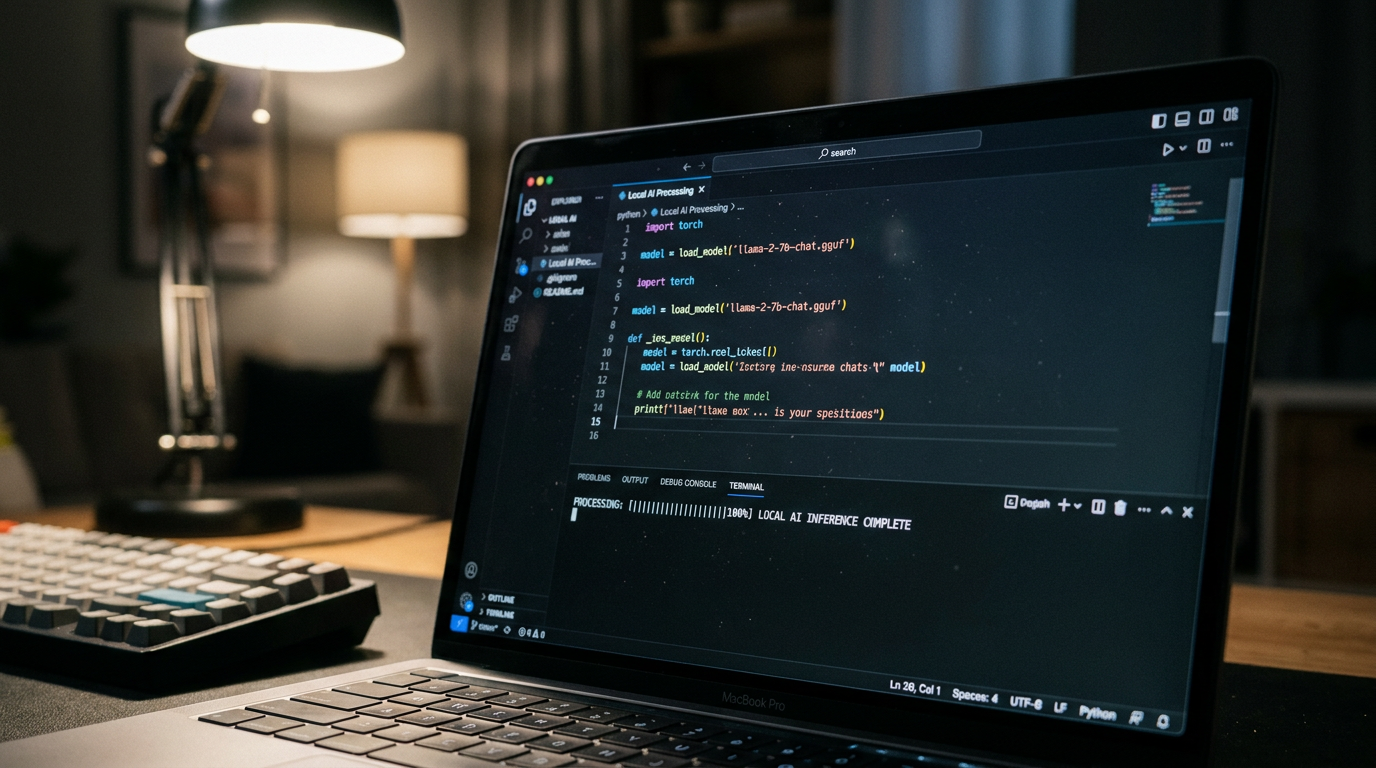

Every angle. Every day.
Get ai stories with full source coverage and perspective breakdowns delivered to your inbox.