
How to Run AI Locally in 2026: The Complete Guide to Offline LLMs
As cloud API costs rise and privacy concerns mount, running powerful AI models directly on consumer hardware has become a mainstream alternative. Here is how quantization, unified memory, and tools like Ollama are making offline AI accessible.
By Factlen Editorial Team

- Privacy Advocates
- Prioritize data sovereignty and zero-leak environments over raw model capability.
- Cost-Conscious Enterprises
- Focus on eliminating recurring API fees and shadow IT through predictable hardware investments.
- Open-Source Developers
- Value the freedom to tinker, fine-tune, and build without rate limits or censorship.
What's not represented
- · Cloud AI Providers
- · Hardware Manufacturers
Why this matters
Running AI locally ensures your sensitive documents, proprietary code, and personal conversations never leave your device. It also eliminates recurring subscription fees, offering a one-time hardware investment that pays for itself for heavy users.
Key points
- Running AI locally keeps sensitive data on your device, eliminating privacy risks associated with cloud APIs.
- Quantization allows massive AI models to be compressed and run on standard consumer laptops.
- Apple's unified memory architecture gives Macs a significant advantage in loading large models.
- Tools like Ollama and LM Studio make installing and running local models as easy as downloading an app.
- For heavy AI users, investing in local hardware quickly becomes cheaper than paying recurring cloud API fees.
For the past three years, the artificial intelligence industry has operated almost entirely on a rental model. Users send their prompts, personal data, and proprietary code to remote servers owned by a handful of tech giants, paying a fraction of a cent for every word generated. But in 2026, a quiet rebellion has gone mainstream. Instead of renting AI from the cloud, a growing number of professionals and enterprises are downloading it directly to their own machines.[6]
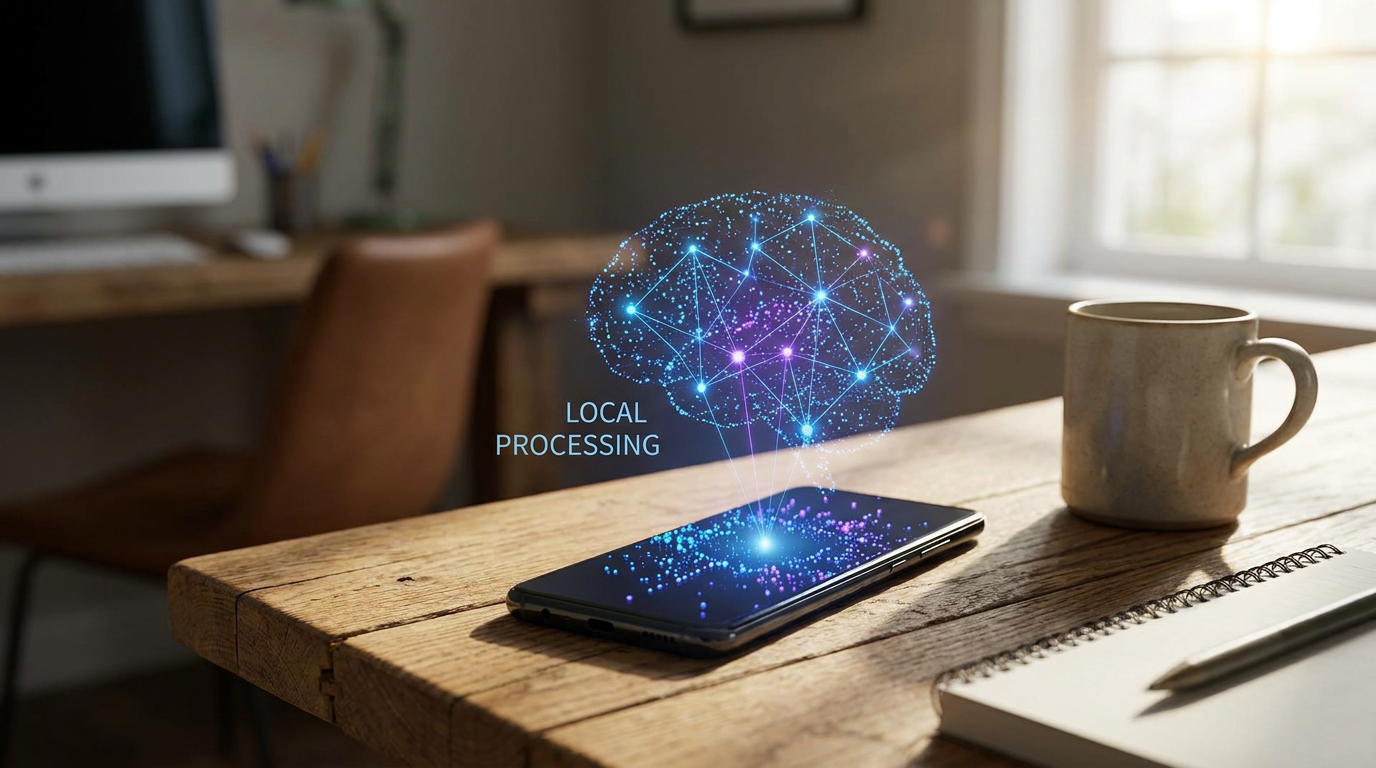
This shift toward "local AI" is driven by a convergence of hardware breakthroughs and open-source software. Running a Large Language Model (LLM) locally means the entire process—from receiving the prompt to generating the response—happens on the user's CPU or GPU. The device does not need an internet connection, and more importantly, the data never leaves the room.[6]
"Every prompt you send to a cloud AI service leaves your machine, passes through third-party infrastructure, and gets processed on servers you do not control," notes hardware analysis site ModemGuides. For lawyers analyzing case files, developers writing proprietary code, or medical professionals summarizing patient notes, that cloud dependency represents an unacceptable privacy risk. Local AI solves this by ensuring a zero-leak environment.[2]
Beyond privacy, the economics of local AI have become impossible for heavy users to ignore. Cloud AI providers charge per "token"—essentially per word—for both the input prompt and the generated output. As users increasingly rely on AI agents that consume massive amounts of context, those fractions of a cent compound rapidly.[5]

A team of fifty employees using a standard $20 monthly cloud subscription costs an enterprise $12,000 annually. For businesses building automated workflows that process millions of tokens a day, the API costs can easily exceed $50,000 a month, making local hardware investments highly profitable. In these scenarios, investing in local hardware—even high-end workstations—pays for itself in a matter of months.[5]
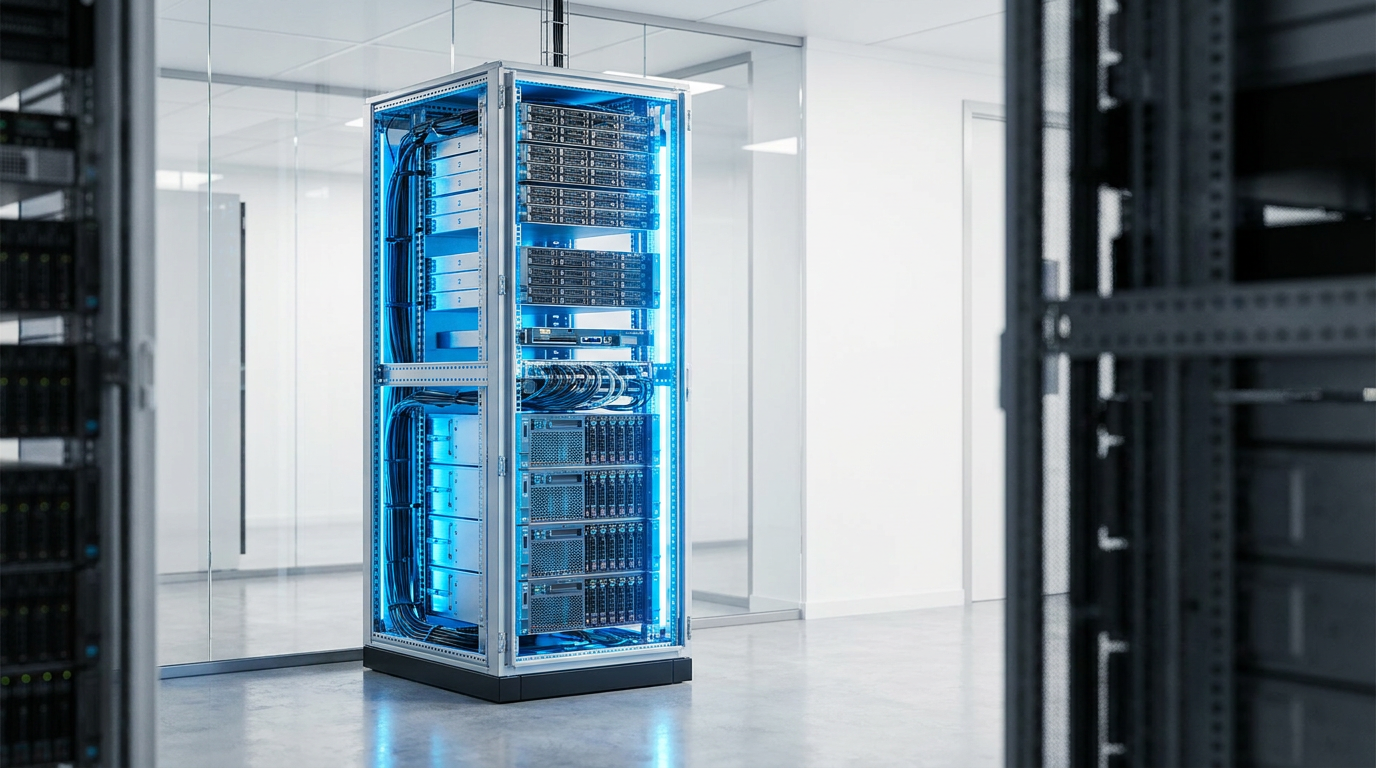
The barrier to entry used to be astronomical hardware requirements. In the early days of the generative AI boom, running a capable model required specialized server racks packed with expensive graphics cards. Today, the landscape has fundamentally changed thanks to a software technique called quantization.[6]
Quantization is essentially compression for neural networks. It reduces the mathematical precision of a model's "weights" from 16-bit floating-point numbers down to 4-bit integers. This shrinks the model's memory footprint by roughly 75 percent. While it sounds like a drastic reduction, researchers have found that 4-bit quantization preserves the vast majority of the model's reasoning capabilities.[2]
Because of quantization, a 7-billion parameter model that once required 14 GB of memory can now fit comfortably into just 4 to 5 GB. This optimization has brought AI out of the data center and onto the laptop, making it accessible to anyone with a modern computer.[2][4]

Because of quantization, a 7-billion parameter model that once required 14 GB of memory can now fit comfortably into just 4 to 5 GB.
When it comes to local AI hardware, the most critical specification is not the speed of the processor, but the amount of Video RAM (VRAM) available to load the model. Traditional PCs split their memory between standard RAM for the CPU and dedicated VRAM for the graphics card. This makes running large models on Windows or Linux machines heavily dependent on expensive GPUs like the NVIDIA RTX 3090 or 4090, which offer 24 GB of VRAM.[2]
Apple's recent hardware architecture has inadvertently made Macs the undisputed champions of consumer local AI. Apple Silicon (the M1 through M4 chips) uses "unified memory," meaning the CPU and the GPU share the exact same pool of RAM. A MacBook Pro with 64 GB of unified memory can allocate almost all of it to the GPU, allowing it to run massive 70-billion parameter models that would require multiple expensive graphics cards on a traditional PC.[5][6]
"The remarkable fact: a MacBook Pro M3 Max with 96 GB is the only consumer device capable of running Llama 3 70B on a single machine," reports B2B data firm Emelia, highlighting why Apple hardware has become the default choice for local AI enthusiasts.[5]

But hardware is only half the story. The software ecosystem has matured from brittle, complex Python scripts into polished, user-friendly applications. Two tools currently dominate the local AI landscape: Ollama and LM Studio.[3][4]
Ollama has become the de facto standard for developers. Operating much like Docker does for software containers, Ollama allows users to download and run models with a single terminal command, such as `ollama run llama3`. It runs quietly in the background and exposes an API that perfectly mimics OpenAI's, meaning developers can point their existing cloud-based applications to their local machine by changing a single line of code.[3]
For users who prefer a graphical interface, LM Studio offers a desktop application that looks and feels exactly like ChatGPT. Users can browse a built-in directory of models, click to download them, and start chatting immediately. It requires zero command-line knowledge, democratizing access to offline AI for non-technical professionals.[4]
The models themselves have also seen a dramatic leap in quality. Open-weights models released in 2026, such as Meta's Llama 4 Scout (17B parameters) and Qwen 3, are highly optimized for consumer hardware. These models routinely match or beat the performance of smaller cloud models like GPT-4o mini on coding, writing, and reasoning benchmarks.[4]

"Across the Oxean Ventures portfolio, implementing a strict 'measure first' mandate for AI tooling prevented $250,000 in shadow-IT waste," notes AI Vanguard, highlighting how local models have become deeply integrated into enterprise workflows. With the latest releases, users are successfully running complex, multi-step agentic coding loops entirely offline, reclaiming control over their infrastructure.[1][6]
The most sophisticated deployments in 2026 are adopting a hybrid approach. Routine tasks—like summarizing a local document, drafting an email, or formatting code—are routed to the free, private local model. Only when a query requires massive reasoning power or real-time web access does the system fall back to a paid cloud API.[6]
This local-first architecture represents a maturation of the AI industry. It acknowledges that while frontier cloud models remain the ceiling of what AI can do, local models are now more than capable of handling the daily floor. By bringing the intelligence directly to the data, users are reclaiming their privacy, cutting their costs, and ensuring their tools work even when the Wi-Fi drops.[6]
How we got here
Early 2023
Local AI is largely restricted to researchers with multi-GPU server racks.
Mid 2023
The release of Llama.cpp allows models to run on standard laptop CPUs, sparking the local AI movement.
2024
Tools like Ollama and LM Studio launch, replacing complex command-line setups with one-click installers.
2025
Apple's M-series chips and unified memory become the gold standard for consumer local AI.
June 2026
Highly optimized models like Llama 4 Scout and Qwen 3 make 16 GB laptops capable of agentic coding and complex reasoning fully offline.
Viewpoints in depth
Privacy Advocates
Prioritize data sovereignty and zero-leak environments over raw model capability.
For legal, medical, and enterprise sectors, the risk of sending proprietary data to a third-party server outweighs the benefits of frontier model intelligence. Privacy advocates argue that cloud AI providers' terms of service are subject to change, and that true data security can only be achieved in an air-gapped or fully local environment where the user controls the infrastructure.
Cost-Conscious Enterprises
Focus on eliminating recurring API fees and shadow IT through predictable hardware investments.
Enterprise IT departments are increasingly wary of the runaway operational expenses associated with token-based API pricing. By shifting to local AI, companies can convert unpredictable monthly cloud bills into a fixed capital expenditure on hardware. This camp argues that for high-volume, repetitive tasks, paying a cloud provider per word is an unsustainable business model.
Open-Source Developers
Value the freedom to tinker, fine-tune, and build without rate limits or censorship.
The open-source community views local AI as a necessary counterweight to the centralized control of major tech companies. Developers in this camp prioritize the ability to modify model weights, bypass corporate safety filters, and build applications that function independently of an internet connection or a third-party API rate limit.
What we don't know
- Whether future frontier models will grow too large for consumer hardware to keep pace.
- How upcoming regulatory frameworks will treat uncensored local models running on private devices.
Key terms
- Quantization
- A compression technique that reduces the precision of an AI model's weights (e.g., from 16-bit to 4-bit), drastically lowering memory requirements with minimal quality loss.
- VRAM
- Video Random Access Memory, the memory located on a graphics card, which dictates how large an AI model a computer can load.
- Inference
- The process of a trained AI model generating a response or prediction based on a user's prompt.
- Unified Memory
- Apple's architecture that allows the CPU and GPU to share the same pool of RAM, giving Macs a unique advantage for loading large AI models.
Frequently asked
Do I need an internet connection to use local AI?
Only initially to download the software and the model files. Once downloaded, the entire inference process runs fully offline.
Can my current laptop run these models?
If your machine has at least 16 GB of RAM, you can comfortably run smaller, highly capable models like Llama 3.2 3B or Gemma 3. 8 GB systems can run them, but with noticeable slowdowns.
Are local models as smart as ChatGPT?
While frontier cloud models still win on complex reasoning, modern local models like Llama 4 Scout 17B match or exceed the performance of GPT-4o mini for daily coding, writing, and summarization tasks.
Sources
Source coverage
6 outlets
3 viewpoints surfaced






[1]AI VanguardCost-Conscious Enterprises
Best Local & Offline AI Tools in 2026: The No-BS Guide to Private AI
Read on AI Vanguard →[2]ModemGuidesPrivacy Advocates
Best Hardware for Running Local AI Models in 2026
Read on ModemGuides →[3]FutureAGIOpen-Source Developers
What is Ollama? The Local LLM Runtime Explained for 2026
Read on FutureAGI →[4]PromptQuorumOpen-Source Developers
Best Local LLMs June 2026: Ollama, LM Studio, Hardware & VRAM Guide
Read on PromptQuorum →[5]EmeliaCost-Conscious Enterprises
Why Run AI Locally in 2026
Read on Emelia →[6]Factlen Editorial TeamOpen-Source Developers
Synthesis by Factlen editorial team
Read on Factlen Editorial Team →

Every angle. Every day.
Get ai stories with full source coverage and perspective breakdowns delivered to your inbox.