
How to Run AI Models Locally on Your Own Device
Running large language models directly on consumer hardware has become surprisingly accessible. Here is how to set up private, offline AI on your Mac or PC without paying for cloud subscriptions.
By Factlen Editorial Team
- Privacy Advocates
- Argue that local AI is essential for protecting sensitive data, ensuring regulatory compliance, and preventing corporate surveillance.
- Open-Source Developers
- Focus on the democratization of AI, building tools that make models accessible to anyone without paying cloud subscription fees.
- Hardware Enthusiasts
- View local AI as a benchmark for consumer hardware, pushing the limits of unified memory and consumer GPUs.
- Factlen Editorial
- Synthesizes the technical requirements and privacy benefits to provide a neutral, actionable guide for general users.
What's not represented
- · Cloud AI Providers losing market share to local models
- · Non-technical users who find hardware requirements prohibitive
Why this matters
Relying on cloud AI means handing over your private data, code, and documents to third-party servers while paying monthly fees. Running models locally gives you absolute privacy, offline access, and complete ownership of your AI tools for free.
Key points
- Local AI allows users to run large language models on their own devices without an internet connection.
- Processing data locally ensures absolute privacy and compliance with regulations like HIPAA and GDPR.
- Quantization techniques compress massive models to fit on consumer laptops without losing significant intelligence.
- Apple Silicon Macs excel at local AI due to their unified memory architecture.
- Tools like LM Studio and Ollama have made installing and running models as easy as downloading a standard app.
For years, interacting with artificial intelligence meant sending your thoughts, code, and private documents to a server farm hundreds of miles away. Cloud-based models like ChatGPT and Claude normalized the idea that AI is a service you rent, tethered to an internet connection and a monthly subscription. But a quiet revolution has fundamentally altered that dynamic.[7]
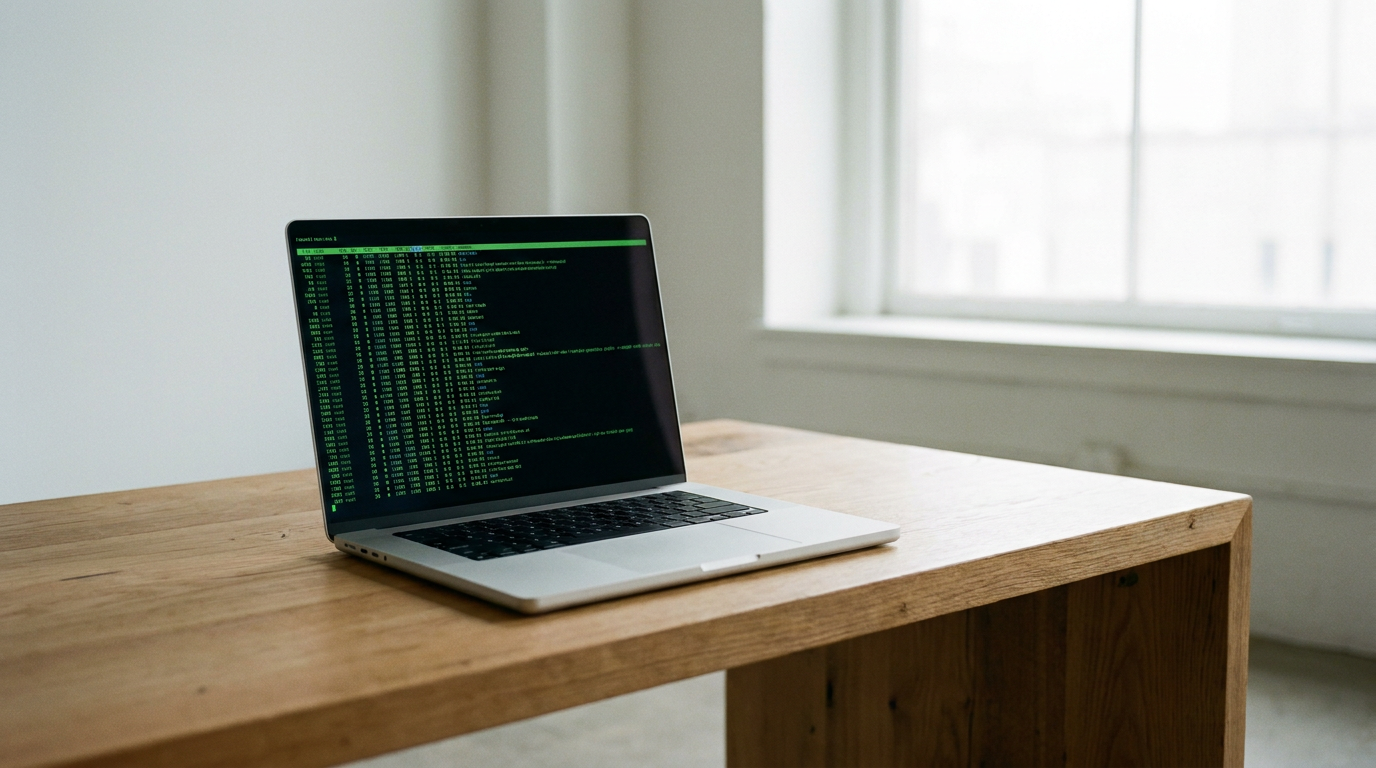
Today, running a large language model (LLM) directly on your own laptop or desktop is not only possible—it has become remarkably accessible. This shift toward "local AI" allows users to download the "brain" of an AI and run it entirely offline. The appeal is straightforward: absolute privacy, zero subscription fees, and immunity from internet outages or cloud service degradation.[2][4]
The primary driver behind this migration is data sovereignty. When you type a prompt into a cloud AI tool, that information is transmitted to external servers where it may be logged, analyzed, or even used to train future models. For individuals handling sensitive personal data, or businesses bound by strict compliance frameworks like HIPAA and GDPR, this represents an unacceptable security risk.[4][5]

Local AI solves this by keeping the data entirely on-device. Because the model operates within the user's own hardware, the information never traverses the internet. Cybersecurity professionals and compliance officers are increasingly mandating local deployment for tasks like analyzing internal contracts, summarizing medical records, or reviewing proprietary code.[4][5]
Beyond privacy, local deployment offers freedom from vendor lock-in and censorship. Cloud providers frequently update their models, sometimes degrading performance for specific tasks, or imposing strict guardrails that refuse benign requests. Owning the model locally means its behavior remains consistent, and users have full control over its parameters, system prompts, and configuration.[2][3]
Making this possible required solving a massive hardware problem. Neural networks are mathematically dense and traditionally require specialized data-center graphics processing units (GPUs) to function. Consumer hardware, particularly standard central processing units (CPUs), historically struggled to generate text at readable speeds, often resulting in loud cooling fans and frozen screens.[6][7]
The breakthrough came through a technique called quantization. Researchers discovered how to compress massive AI models—reducing the precision of their internal weights from 16-bit down to 4-bit or lower—without suffering a catastrophic loss in intelligence. This compression, standardized in formats like GGUF, allows models that once required enterprise server racks to fit comfortably onto consumer laptops.[3][6]
The breakthrough came through a technique called quantization.
Hardware architecture has also evolved to meet the moment. Apple's transition to M-series silicon inadvertently created the perfect machines for local AI. Unlike traditional PCs that separate system RAM from GPU memory, Apple Silicon uses "unified memory." A Mac with 32GB or 64GB of unified memory can load massive models that would otherwise require multiple expensive Nvidia graphics cards on a Windows machine.[1][3]
For Windows and Linux users, the landscape is slightly different. While CPU-only inference is possible, it remains sluggish. The optimal setup requires a dedicated Nvidia GPU. The general rule of thumb in 2026 is the "VRAM rule": multiply a model's parameter count by 0.5 to determine the gigabytes of Video RAM needed. A 7-billion parameter model requires roughly 4 to 5 GB of VRAM, making modern gaming laptops surprisingly capable AI workstations.[5][6]

The software ecosystem has matured rapidly to abstract away the command-line complexity. For beginners, LM Studio has emerged as the easiest entry point. Operating much like a traditional desktop application, it features a built-in browser to search for models on Hugging Face, one-click downloads, and a familiar chat interface. It actively warns users if a model exceeds their hardware limits before downloading.[2][3][7]
For developers and power users, Ollama has become the industry standard. Functioning similarly to Docker, Ollama runs as a background service and allows users to download and execute models with a single terminal command. More importantly, it exposes a local API that perfectly mimics OpenAI's structure, allowing developers to point their existing applications at their local machine instead of the cloud.[3][5][6]
Apple users seeking maximum performance often turn to MLX, a framework designed specifically by Apple's machine learning research team. MLX is optimized to squeeze every drop of compute out of the neural engines embedded in Apple Silicon, offering significantly faster generation speeds and lower power consumption for supported models.[1][3]
The models themselves have reached a remarkable level of capability. Open-weight releases like Meta's Llama 3.2, Google's Gemma 3, and Mistral's latest iterations offer performance that rivals the proprietary cloud models of just a year or two ago. The current "sweet spot" for consumer hardware sits between 7 and 14 billion parameters, offering a balance of deep reasoning and fast generation speeds.[6]

One of the most powerful applications of local AI is Retrieval-Augmented Generation (RAG). Tools now allow users to drop hundreds of local PDFs, spreadsheets, and documents into a folder and chat directly with them. The AI reads the local documents and synthesizes answers, turning a standard laptop into a highly secure, personalized research assistant.[5][7]
As the technology progresses, the line between cloud and edge computing will continue to blur. The democratization of AI means that powerful reasoning engines are no longer the exclusive domain of tech giants. By bringing the model to the data, rather than sending the data to the model, local AI is quietly building a more private, resilient, and user-controlled digital future.[2][4]
How we got here
Feb 2023
Meta's LLaMA model weights leak online, sparking the open-source local AI movement.
Mar 2023
The llama.cpp project is released, enabling AI inference on standard MacBooks without dedicated GPUs.
Aug 2023
Ollama launches, simplifying local model deployment with Docker-like terminal commands.
Dec 2023
Apple releases the MLX framework to optimize AI inference specifically for Apple Silicon.
Viewpoints in depth
Privacy Advocates
Argue that local AI is the only secure way to utilize artificial intelligence in sensitive environments.
For privacy advocates and compliance officers, the cloud AI model is fundamentally flawed. Sending proprietary code, patient records, or internal financial documents to a third-party server violates core data sovereignty principles. They champion local AI because it provides a 'compliant-by-design' framework where data never leaves the corporate firewall, entirely neutralizing the risk of cloud data breaches or unauthorized model training.
Open-Source Developers
Focus on breaking the monopoly of massive tech companies by democratizing access to AI models.
The open-source community views local AI as a necessary counterweight to the closed ecosystems of OpenAI and Google. By building tools like Ollama and LM Studio, they aim to make powerful reasoning engines accessible to anyone with a decent laptop. This camp prioritizes transparency, offline capability, and the freedom to modify and fine-tune models without paying per-token API fees or dealing with corporate censorship.
Hardware Enthusiasts
Focus on the technical challenge of squeezing maximum performance out of consumer silicon.
For hardware enthusiasts, local AI has become the ultimate benchmark. They focus heavily on the mechanics of unified memory, VRAM limitations, and quantization formats like GGUF. This camp actively tests the boundaries of what consumer hardware can achieve, often demonstrating that a well-optimized Apple Silicon Mac or a PC with a high-end Nvidia GPU can rival the generation speeds of expensive cloud deployments.
What we don't know
- How quickly hardware manufacturers will increase base RAM in entry-level laptops to accommodate local AI.
- Whether future regulatory frameworks will mandate local processing for specific industries like healthcare and finance.
Key terms
- Local LLM
- A large language model that runs entirely on a user's personal computer rather than a remote server.
- Quantization
- A compression technique that reduces the memory footprint of an AI model so it can fit on consumer hardware.
- GGUF
- A standard file format used to store and distribute quantized AI models for local use.
- Unified Memory
- A hardware architecture (common in Apple Silicon) where the CPU and GPU share the same pool of RAM, allowing massive models to load efficiently.
- VRAM (Video RAM)
- Dedicated memory on a graphics card, crucial for loading and running AI models quickly on Windows and Linux PCs.
Frequently asked
Do I need an internet connection to use local AI?
No. Once you download the model and the software (like LM Studio or Ollama), the AI runs entirely offline, making it perfect for secure environments or travel.
Is my data safe when using local models?
Yes. Because the processing happens on your own hardware, your prompts and documents never leave your device, ensuring absolute privacy.
Can my laptop run a local LLM?
Most modern laptops can run smaller models. Macs with M-series chips and 16GB of unified memory, or PCs with dedicated Nvidia GPUs, offer the best performance.
Are local models as smart as ChatGPT?
While massive cloud models still hold an edge in complex reasoning, modern 8B to 14B local models are highly capable and sufficient for coding, writing, and document analysis.
Sources
Source coverage
7 outlets
4 viewpoints surfaced






[1]MediumHardware Enthusiasts
A developer's guide to running free and open source LLM models locally on Apple Silicon
Read on Medium →[2]freeCodeCampOpen-Source Developers
How to Run Local LLMs: A Step-by-Step Guide
Read on freeCodeCamp →[3]DEV CommunityOpen-Source Developers
Ollama vs LM Studio vs llama.cpp: The Local AI Showdown
Read on DEV Community →[4]Local AI MasterPrivacy Advocates
Is Local AI Private? The Ultimate Privacy Guide
Read on Local AI Master →[5]Canadian Compliance InstitutePrivacy Advocates
Running LLMs Locally for Data Privacy and Compliance
Read on Canadian Compliance Institute →[6]Pasquale Pillitteri BlogHardware Enthusiasts
Ollama 2026 - how to run local LLMs on macOS Windows Linux
Read on Pasquale Pillitteri Blog →[7]Factlen Editorial TeamFactlen Editorial
Synthesis by Factlen editorial team
Read on Factlen Editorial Team →
Every angle. Every day.
Get guides stories with full source coverage and perspective breakdowns delivered to your inbox.