
Adobe Integrates Context-Aware AI Assistants Across Entire Creative Cloud Suite
Adobe has launched bespoke Firefly AI assistants across Photoshop, Premiere Pro, and Illustrator, introducing persistent memory and workflow automation to professional creative tools.
By Naina Verma

The era of the standalone AI chatbot is ending; the era of the embedded AI assistant has arrived. On Thursday, Adobe initiated a massive public beta, injecting bespoke artificial intelligence agents directly into the interfaces of Photoshop, Premiere Pro, Illustrator, and InDesign.[1][4]
Unlike generic text generators that operate in a vacuum, these new Firefly-powered assistants are fundamentally context-aware. They do not just answer questions; they "see" the user's workspace, understand the layer stack, and can manipulate the timeline directly.[3][6]
The most significant leap forward is what Adobe calls "persistent context." According to early hands-on testing, the redesigned AI studio remembers the specific visual language, color palettes, and asset libraries a creator is using across multiple sessions.[2][6]
This means a designer working on a corporate rebrand can instruct the Illustrator assistant to "generate three more icon variations using the same line weight and amber accent color as the previous batch," and the system will comply without needing to be re-prompted with the brand guidelines.[2]
In the realm of video editing, the implications are particularly profound. Premiere Pro's new assistant is designed to tackle the most notoriously tedious aspects of post-production, shifting the editor's focus from file management to actual storytelling.[1]
Editors can now use natural language to search through hours of raw footage. A prompt like "find the wide shot where the CEO mentions the quarterly growth" prompts the AI to analyze both the visual content and the auto-generated audio transcripts to drop the exact clip onto the timeline.[4]
Furthermore, the AI can perform complex, multi-step technical actions. Asking the Premiere assistant to "balance the audio levels and apply a warm cinematic color grade to this sequence" executes a series of adjustments that would typically require navigating dozens of nested menus.[3]
For graphic designers using Photoshop and Illustrator, the assistant acts as a high-speed technical co-pilot. It can instantly organize chaotic layer structures, group related elements, and automatically mask complex subjects with a single text command.[4][6]
The integration extends to InDesign, where the AI can automatically adjust typography, reflow text to fit new layout dimensions, and suggest structural changes based on the document's hierarchy.[1][5]
Crucially, Adobe is maintaining its strict stance on commercial safety. The underlying Firefly models powering these assistants are trained exclusively on licensed Adobe Stock content, openly licensed work, and public domain materials where copyright has expired.[5][6]
This "commercially safe" guarantee is the primary wedge Adobe is using to secure enterprise adoption. While open-source models may offer wilder stylistic variations, major brands require indemnification against copyright infringement—a legal shield Adobe explicitly provides to its enterprise customers.[5]
The rollout also includes integration with Frame.io, Adobe's cloud-based collaboration platform. Here, the AI assistant can summarize client feedback notes, flag contradictory revision requests, and automatically generate a to-do list for the editing team.[1][4]
However, the transition to AI-assisted workflows is not without friction. Early beta users note that while the AI excels at technical execution, it still struggles with highly nuanced creative judgments, occasionally misinterpreting the emotional tone of a video edit or the subtle hierarchy of a page layout.[2]
There is also the question of computational overhead. Running persistent, multimodal AI agents locally or via cloud tethering requires significant processing power, raising concerns about performance lag on older workstations.[3]
Ultimately, this suite-wide integration represents a paradigm shift in digital creation. The software is no longer just a passive set of tools; it is evolving into an active collaborator that understands the medium, remembers the project history, and actively accelerates the path from concept to final render.[4][6]
Perspectives explored
Enterprise Design Teams
Large agencies and corporate teams view the update as a massive efficiency multiplier.
For enterprise users, the true value of the Firefly assistants lies less in creative ideation and more in workflow automation and legal safety. The ability to instantly reformat a campaign across dozens of aspect ratios or organize a chaotic timeline saves thousands of billable hours. Furthermore, Adobe's strict adherence to licensed training data provides the legal indemnification that major brands require, making it the only viable generative AI option for many Fortune 500 companies.
Independent Creators
Freelancers and solo artists appreciate the time savings but worry about the long-term impact on the craft.
Independent professionals generally welcome the removal of tedious tasks like rotoscoping, audio syncing, and layer management. However, there is a lingering concern within the community that relying too heavily on AI for layout suggestions or color grading could lead to a homogenization of digital art. They view the assistant as a powerful intern—excellent for execution, but requiring strict supervision to maintain a unique creative voice.
AI Ethicists & Copyright Advocates
Legal and ethical observers view Adobe's approach as the blueprint for responsible AI development.
While many tech companies face massive class-action lawsuits for scraping the open web to train their models, Adobe has positioned itself as the ethical alternative. Copyright advocates praise the company's decision to train Firefly exclusively on Adobe Stock and public domain images. They argue that this proves highly capable, multimodal AI systems can be built without infringing on the intellectual property of working artists.
Key points
- Adobe has launched context-aware AI assistants inside Premiere, Photoshop, Illustrator, and InDesign.
- The AI features 'persistent context,' allowing it to remember brand guidelines and project history.
- Video editors can use natural language to search raw footage and execute complex timeline adjustments.
- The underlying Firefly model is trained exclusively on licensed content, ensuring commercial safety for enterprises.
Open questions
- How significantly the persistent AI assistants will impact the performance and battery life of older laptops and workstations.
- Whether the time saved on technical execution will translate to higher creative output or simply higher expectations from clients regarding turnaround times.
Timeline
March 2023
Adobe announces the Firefly generative AI family, focusing on commercial safety.
May 2023
Generative Fill is integrated into Photoshop, marking Adobe's first major embedded AI tool.
April 2024
Premiere Pro receives initial generative audio and video extension capabilities.
June 2026
Persistent, context-aware AI assistants are rolled out across the entire Creative Cloud suite.
- Enterprise Design Teams
- Value the workflow acceleration and rely heavily on Adobe's guarantee of commercial copyright safety.
- Independent Creators
- Appreciate the removal of tedious technical tasks but remain cautious about the potential for aesthetic homogenization.
- AI Ethicists
- Praise Adobe's approach of training exclusively on licensed and public domain content as the responsible industry standard.
Perspectives this story doesn't cover
- Hardware manufacturers dealing with the increased local compute demands of persistent AI agents.
Sources
Source coverage
6 outlets
3 viewpoints surfaced





- [1]TechCrunchEnterprise Design Teams
Adobe adds its AI assistant to Premiere, Illustrator and InDesign
Read on TechCrunch → - [2]The VergeIndependent Creators
Adobe’s redesigned AI studio remembers what your creations look like
Read on The Verge → - [3]EngadgetAI Ethicists
Adobe brings its Firefly AI Assistant inside of Premiere, Photoshop and Illustrator
Read on Engadget → - [4]The VergeIndependent Creators
Photoshop and Premiere now have AI assistants
Read on The Verge → - [5]BloombergEnterprise Design Teams
Adobe Integrates Firefly AI Across Creative Suite in Major Beta Launch
Read on Bloomberg → - [6]Adobe
Adobe Unveils Next-Generation Firefly AI Assistant Across Creative Cloud
Read on Adobe →

More in Technology
See all →Quantum Error Correction
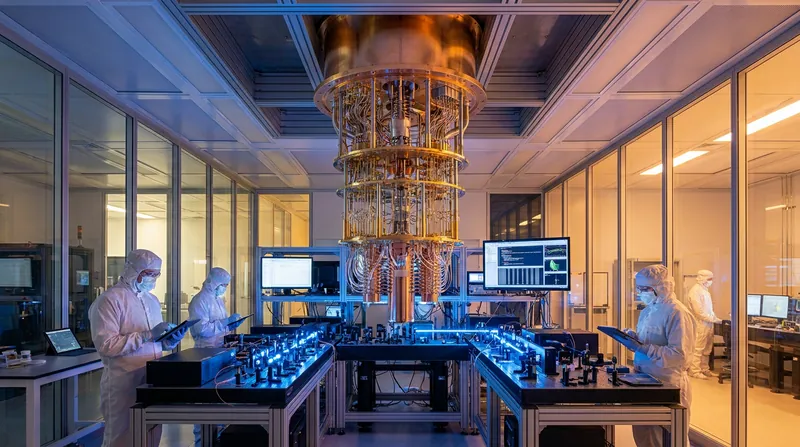
Quantum Computing Crosses Fault-Tolerant Threshold, Moving From Physics Research to Engineering Discipline
2 sources
Future of Work
AI Was Supposed to Kill Engineering Jobs. New Data Shows They Are the Most Resilient.
3 sources

Space Exploration
NASA's Perseverance Rover Completes a Marathon on Mars in Record Time
3 sources

Agri-Tech
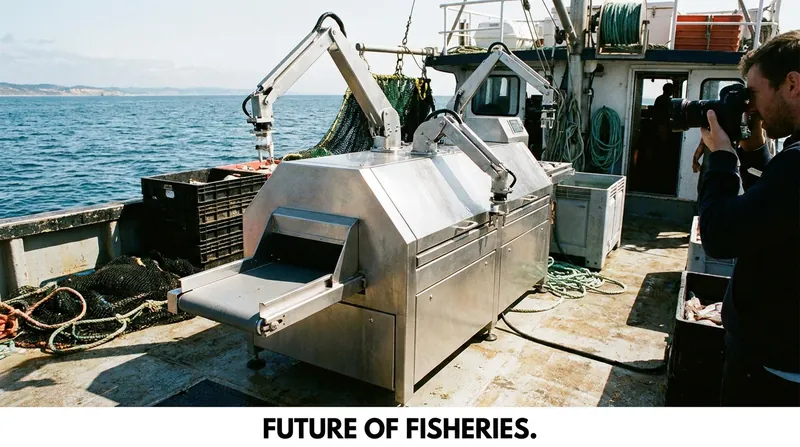
How an AI-Powered Robot is Bringing Humane, Michelin-Grade Fish to the Masses
5 sources
Comments
Every angle. Every day.
Get Technology stories with full source coverage and perspective breakdowns, free every day.