
The 2026 AI PC Buying Guide: What You Actually Need to Know
As Neural Processing Units (NPUs) become standard in new laptops, understanding the difference between marketing hype and genuine hardware requirements is essential for your next purchase.
By Factlen Editorial Team
- The Battery-First Road Warriors
- Users who prioritize multi-day battery life and cool, fanless operation above all else.
- The Legacy Software Loyalists
- Professionals who need guaranteed compatibility with older applications and enterprise tools.
- The Heavy-Duty Creatives
- Power users who need maximum multi-core performance and robust graphics for local rendering.
What's not represented
- · Budget consumers priced out of the premium Copilot+ hardware tier.
- · Open-source developers building local AI models outside the Microsoft ecosystem.
Why this matters
As AI features become deeply integrated into everyday software, buying the wrong laptop today could mean missing out on significant battery life improvements and being forced to rely on cloud services that compromise your privacy. Understanding the new hardware standards ensures your next computer will remain fast and capable for years to come.
Key points
- An AI PC features a Neural Processing Unit (NPU) designed to run AI tasks efficiently.
- Microsoft's Copilot+ standard requires an NPU with at least 40 TOPS and 16GB of RAM.
- Local AI processing improves privacy by keeping data on your device rather than in the cloud.
- Qualcomm, Intel, and AMD all offer chips that meet the new AI hardware standards.
- Users who only access AI through web browsers do not necessarily need to upgrade their hardware.
In 2026, walking into an electronics store or browsing for a new laptop online can feel like navigating a maze of buzzwords. Nearly every computer on the market now carries an "AI" sticker, promising a revolution in how we work and create. But beneath the deafening marketing hype, a genuine hardware shift has occurred. For the first time in a decade, the fundamental architecture of the personal computer has been redesigned to accommodate a new era of computing.[4][7]
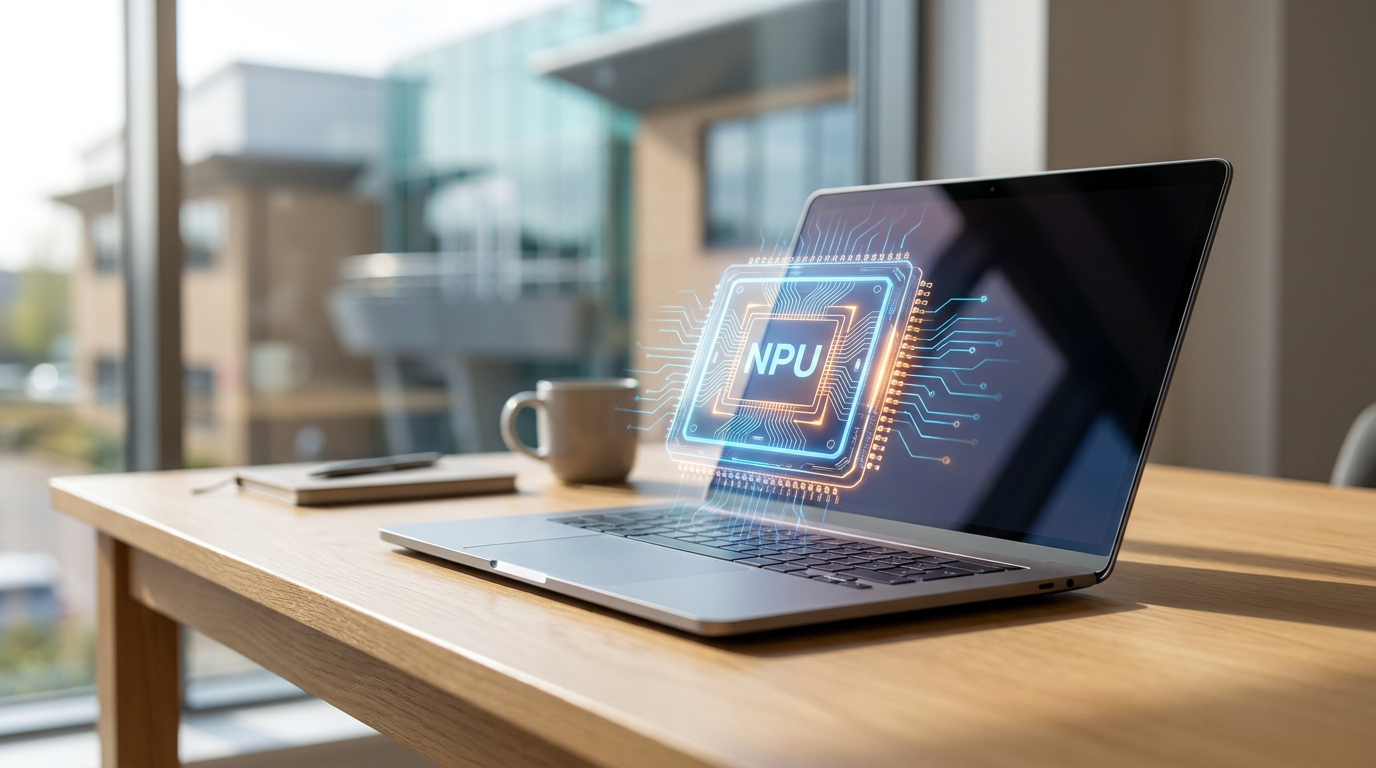
The catalyst for this shift is a specialized piece of silicon known as the Neural Processing Unit, or NPU. Historically, computers relied on a two-engine system: the Central Processing Unit (CPU) handled general tasks, while the Graphics Processing Unit (GPU) managed visuals and heavy computational lifting. Today, the NPU acts as a third engine, specifically optimized for the complex matrix math required by artificial intelligence.[3][6]
The primary advantage of an NPU is not just raw power, but extreme efficiency. When a laptop uses its CPU or GPU to blur a video background or transcribe a meeting, it drains the battery rapidly and generates significant heat. By offloading these specific tasks to the NPU, the laptop can run AI models continuously in the background while remaining cool and preserving all-day battery life.[5][6]

To separate genuine AI hardware from mere marketing claims, Microsoft established a strict baseline known as the "Copilot+ PC" standard. To earn this designation in 2026, a laptop must feature an NPU capable of at least 40 Trillion Operations Per Second (TOPS). This metric has quickly become the new horsepower of the computing world, dictating exactly how capable a machine is at running local AI tasks.[1][3][4]
Beyond the NPU, the Copilot+ standard mandates a minimum of 16 gigabytes of RAM and a 256-gigabyte solid-state drive. Because on-device AI models must be loaded directly into the system's memory to function quickly, 16GB has become the new absolute floor for modern computing. For users planning to heavily utilize local AI, experts now frequently recommend 32GB of RAM and at least 512GB of storage.[1][2][4]
The push for these hardware upgrades is driven by a desire to move AI processing from the cloud to the local device. Cloud-based AI—like accessing ChatGPT through a web browser—sends your prompts to remote servers, requiring an internet connection and raising potential privacy concerns. Local AI, powered by an NPU, processes data entirely on your machine, ensuring that sensitive documents and personal queries never leave your laptop.[1][3]
The push for these hardware upgrades is driven by a desire to move AI processing from the cloud to the local device.
This local processing unlocks a suite of exclusive Windows 11 features. The most prominent is Windows Recall, a tool that takes periodic, locally stored snapshots of your screen to create a fully searchable timeline of your digital activity. If you vaguely remember a chart from a presentation last week, you can simply search for it using natural language, and the NPU will locate the exact moment it appeared on your screen.[2][4]
Other Copilot+ features include Live Captions, which can provide real-time, on-device translation for any audio playing on the computer, from YouTube videos to Zoom calls. Windows Studio Effects utilizes the NPU to automatically frame your face, maintain simulated eye contact, and blur your background during video conferences without taxing the main processor.[1][4]

The race to meet the 40 TOPS requirement has triggered a fierce battle among silicon manufacturers, resulting in three distinct platforms for consumers to choose from. Qualcomm disrupted the market with its Snapdragon X Elite chips, utilizing the ARM architecture traditionally found in smartphones. These processors deliver 45 TOPS and offer unprecedented battery life—often pushing past 15 to 20 hours on a single charge.[4][5][6]
However, the ARM architecture requires some legacy Windows applications to run through an emulation layer, which can occasionally impact performance. In response, Intel launched its Core Ultra 200V series, code-named Lunar Lake. Delivering 48 TOPS, Intel's chips maintain the traditional x86 architecture, guaranteeing flawless compatibility with decades of older software while achieving battery life that finally rivals Qualcomm's ARM chips.[5][6]
Meanwhile, AMD has staked its claim with the Ryzen AI 300 series, boasting a class-leading 50 TOPS NPU. While AMD's platform may not reach the extreme battery longevity of its competitors, it compensates with superior multi-core processing power and robust integrated Radeon graphics. This makes it a favorite among power users who need to balance AI capabilities with light gaming or creative workloads.[3][5][6]

Despite these advancements, consumers must honestly evaluate their needs before paying a premium for an AI PC. If your primary interaction with AI involves typing prompts into web-based chatbots or using cloud-based image generators, your current laptop is likely perfectly adequate. Cloud AI relies on the server's hardware, meaning any modern PC with a web browser can access it.[1][2]
Furthermore, for creative professionals looking to generate high-resolution AI art locally or run massive open-source language models, an NPU alone is not enough. These heavy-duty tasks still require the brute force of a dedicated graphics card (GPU) with extensive video memory, pushing buyers toward high-end workstations rather than thin-and-light Copilot+ laptops.[1][3]
Ultimately, the true value of an AI PC in 2026 lies in the convergence of efficiency and privacy. For students, remote workers, and everyday professionals, the combination of an NPU, 16GB of RAM, and a modern processor delivers a machine that is fundamentally faster, longer-lasting, and more capable of handling the background intelligence that is rapidly becoming standard in modern software.[2][7]

How we got here
Late 2023
Intel introduces Meteor Lake, bringing early NPUs to mainstream Windows laptops.
May 2024
Microsoft announces the 'Copilot+ PC' standard, requiring 40 TOPS of NPU performance.
Mid 2024
Qualcomm launches the Snapdragon X Elite, bringing highly efficient ARM architecture to Windows.
Late 2024
Intel and AMD release Lunar Lake and Ryzen AI 300, matching the 40+ TOPS requirement with traditional x86 chips.
2026
The 40 TOPS NPU and 16GB of RAM become the baseline standard for new mid-range and premium laptops.
Viewpoints in depth
The Battery-First Road Warriors
Users who prioritize multi-day battery life and cool, fanless operation above all else.
This camp gravitates toward Qualcomm's Snapdragon X Elite processors. By utilizing ARM architecture—the same underlying technology found in smartphones—these laptops achieve unprecedented 15 to 20-hour battery life. The trade-off is that some legacy x86 Windows applications must run through an emulation layer, which can occasionally impact performance or compatibility for niche software.
The Legacy Software Loyalists
Professionals who need guaranteed compatibility with older applications and enterprise tools.
For users who cannot risk software incompatibility—such as engineers using specific CAD plugins or corporate workers tied to legacy VPNs—Intel's Core Ultra 200V (Lunar Lake) is the preferred choice. It maintains the traditional x86 architecture that Windows was built on, ensuring every app works natively, while still delivering a 48 TOPS NPU and drastically improved battery life that rivals ARM competitors.
The Heavy-Duty Creatives
Power users who need maximum multi-core performance and robust graphics for local rendering.
This camp favors the AMD Ryzen AI 300 series. While it may not match the extreme battery life of the Snapdragon chips, it offers a class-leading 50 TOPS NPU and superior integrated Radeon graphics. For users running local image generation, heavy video editing, or complex data modeling, the raw compute power of the AMD platform provides the necessary headroom.
What we don't know
- How quickly third-party software developers will update their applications to fully utilize the NPU.
- Whether future Windows updates will increase the minimum TOPS requirement for advanced local AI features.
Key terms
- NPU (Neural Processing Unit)
- A specialized computer chip designed specifically to handle artificial intelligence and machine learning tasks efficiently without draining the battery.
- TOPS
- Trillion Operations Per Second, the standard metric used to measure the speed and capability of an NPU.
- Copilot+ PC
- A Microsoft certification for Windows laptops that include an NPU with at least 40 TOPS, 16GB of RAM, and specific local AI features.
- ARM Architecture
- A processor design known for exceptional power efficiency, traditionally used in smartphones but now powering Snapdragon-based Windows laptops.
- x86 Architecture
- The traditional processor design used by Intel and AMD, offering maximum compatibility with decades of legacy Windows software.
Frequently asked
Can I use AI like ChatGPT on my old laptop?
Yes. Cloud-based AI tools run in your web browser and process data on remote servers, so any modern PC can use them without specialized hardware.
Do I need a dedicated graphics card (GPU) for an AI PC?
Not for everyday productivity or Copilot+ features. However, if you want to generate high-resolution AI art locally or run large open-source language models, a dedicated GPU is still highly recommended.
What is Windows Recall?
A Copilot+ feature that takes periodic snapshots of your screen, creating a searchable, locally stored timeline so you can easily find past documents, images, or conversations.
Sources
Source coverage
7 outlets
3 viewpoints surfaced







[1]Vision ComputersThe Heavy-Duty Creatives
AI PC Buying Guide 2026
Read on Vision Computers →[2]HPThe Legacy Software Loyalists
Specifications Guide: What Students Actually Need
Read on HP →[3]NeweggThe Heavy-Duty Creatives
AI PC Buying Guide: What to Look for in 2026
Read on Newegg →[4]TWiT.tvThe Battery-First Road Warriors
What Is a Copilot+ PC?
Read on TWiT.tv →[5]PCWorldThe Legacy Software Loyalists
Lunar Lake vs Snapdragon X Elite vs AMD Ryzen AI 300
Read on PCWorld →[6]Laptop OutletThe Battery-First Road Warriors
Buying an AI laptop in 2026
Read on Laptop Outlet →[7]Factlen Editorial TeamThe Legacy Software Loyalists
Synthesis by Factlen editorial team
Read on Factlen Editorial Team →

More in shopping
See all 5 stories →


Every angle. Every day.
Get shopping stories with full source coverage and perspective breakdowns delivered to your inbox.