
How to Run Local AI Models Privately on Your Own Hardware
Running large language models locally on consumer hardware offers unprecedented privacy and cost savings, allowing users to interact with AI entirely offline.
By Factlen Editorial Team
- Privacy Advocates
- Value data sovereignty and the elimination of corporate surveillance.
- Enterprise IT
- Focus on regulatory compliance, security, and cost predictability.
- Hardware Enthusiasts
- Focus on maximizing performance, VRAM optimization, and system tuning.
What's not represented
- · Cloud AI Providers
- · Non-technical general consumers
Why this matters
Cloud-based AI services require sending your data to external servers, creating privacy risks and recurring costs. Local AI models process everything on your device, ensuring sensitive information never leaves your control while eliminating subscription fees.
Key points
- Local AI models run entirely on your device, requiring no internet connection after setup.
- Processing data locally ensures sensitive information never reaches third-party servers.
- Ollama and LM Studio are the most popular tools for easily installing and running local models.
- VRAM is the primary hardware bottleneck; 8-12 GB is recommended for standard 7B models.
- Apple Silicon's unified memory allows Macs to run massive models that normally require enterprise GPUs.
- Quantization shrinks massive AI models so they can fit into consumer-grade hardware.
The artificial intelligence revolution has largely lived in the cloud. For years, interacting with a highly capable large language model (LLM) meant sending your prompts, documents, and private thoughts to massive data centers owned by tech giants. But a quiet rebellion is bringing AI home. Thanks to rapid advancements in open-weight models and highly optimized inference engines, running a powerful AI directly on consumer hardware is no longer a fringe hobby—it is a practical, privacy-first alternative to cloud services.[9]
The primary driver of this shift is data sovereignty. When you use cloud-based AI, your data traverses the internet to external servers where it can be stored, analyzed, and potentially exposed in security breaches. Local AI models flip this paradigm. By processing information entirely on your own device, local LLMs ensure that sensitive data never leaves your network. This offline capability eliminates data collection, third-party access, and surveillance risks entirely.[4][5]
For businesses, this local approach solves massive compliance headaches. Organizations operating under strict data protection laws, such as Europe's GDPR or the healthcare industry's HIPAA, can use local AI as a compliant-by-design framework. Hospitals can run AI-powered diagnostic tools or summarize patient notes without patient data ever leaving their premises, while law firms can analyze confidential client files without risking attorney-client privilege.[4][5]

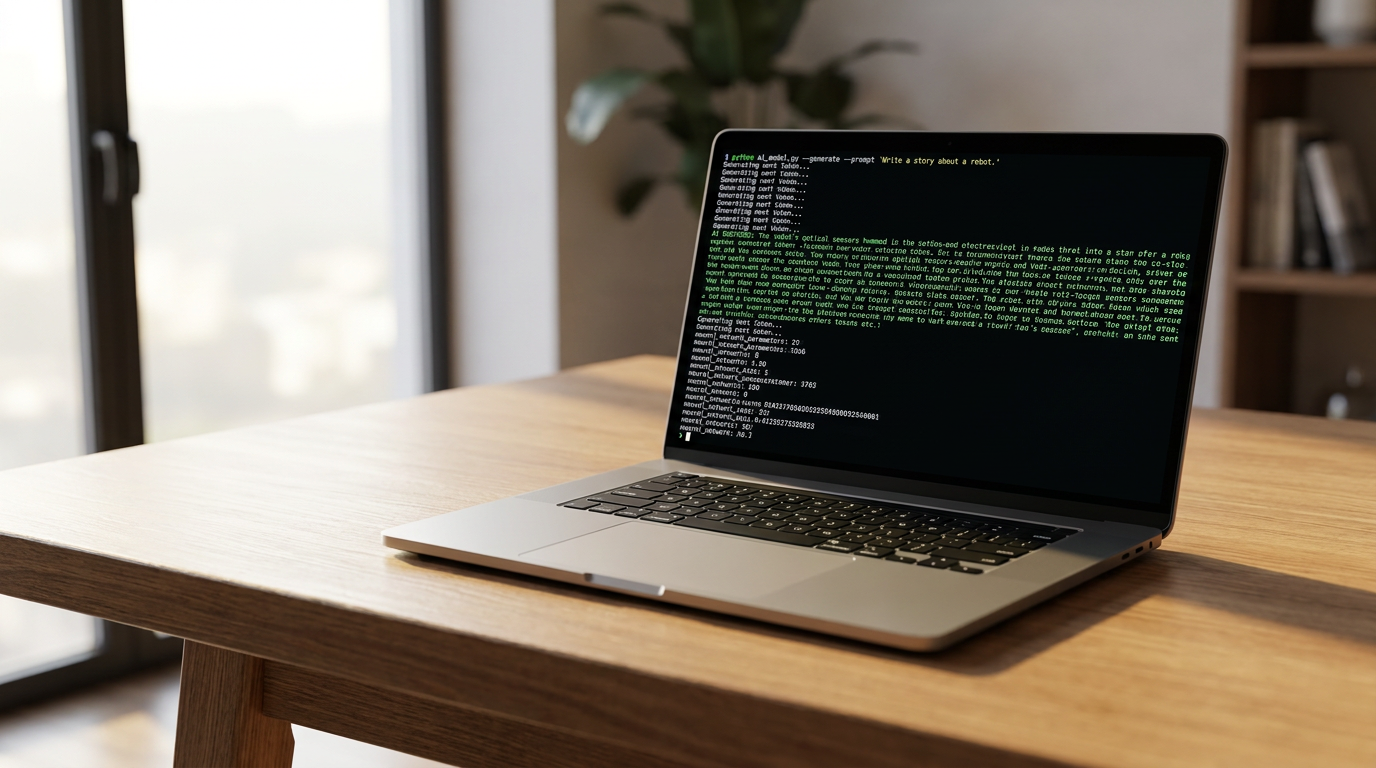
Getting started with local AI is surprisingly simple, largely thanks to two dominant software platforms: Ollama and LM Studio. Ollama operates much like Docker for AI. It is a command-line tool that allows users to download and run models with a single command. It runs quietly in the background, exposing a local REST API on port 11434 that is compatible with OpenAI's formatting, making it a favorite for developers who want to plug local models into their existing codebases.[1][9]
For users who prefer a graphical interface, LM Studio offers a polished desktop application that feels instantly familiar to anyone who has used ChatGPT. Backed by the highly efficient llama.cpp inference engine, LM Studio allows users to search for models directly from the Hugging Face repository, download them with a click, and start chatting immediately. It requires zero coding knowledge and provides built-in sliders to adjust hardware usage.[2][9]
While the software is free and accessible, the hardware reality dictates what you can actually run. The single biggest constraint for local LLMs is Video Random Access Memory (VRAM). Unlike standard applications that run primarily on your CPU and system RAM, AI models need to load their massive neural network weights directly into memory to generate text at readable speeds. As a baseline, a model requires roughly 2 GB of VRAM per 1 billion parameters at standard precision.[6][7]
While the software is free and accessible, the hardware reality dictates what you can actually run.
For basic usage, a modern computer with at least 16 GB of system RAM is the practical minimum. However, to achieve fast, interactive response times, a dedicated Graphics Processing Unit (GPU) is highly recommended. An entry-level setup with 8 to 12 GB of VRAM—such as an NVIDIA RTX 3060—hits the sweet spot for running 7- to 8-billion parameter models like Meta's Llama 3 or Mistral. These models are highly capable for general coding, writing, and analysis tasks.[3][6]

In the hardware landscape, Apple Silicon has emerged as a surprising powerhouse for local AI. Macs equipped with M-series chips (M1 through M4) utilize a Unified Memory Architecture (UMA). This means the CPU and GPU share the same pool of high-speed memory. A Mac Studio or MacBook Pro with 64 GB of unified memory can load massive 70-billion parameter models that would otherwise require multiple expensive enterprise NVIDIA GPUs to fit into VRAM.[6][7][8]
Conversely, for raw speed and broad compatibility, NVIDIA remains the industry standard. The CUDA software ecosystem is deeply integrated into almost all AI tools. A desktop PC running Windows or Linux with a high-end consumer GPU, like the RTX 4090 with 24 GB of VRAM, delivers blistering generation speeds—often exceeding 90 tokens per second for smaller models. AMD GPUs are also supported via the ROCm framework, though the setup is generally considered less seamless than NVIDIA's.[6][7]
To make these massive models fit onto consumer hardware, developers rely on a technique called quantization. Quantization compresses the model's weights—reducing their mathematical precision from 16-bit down to 8-bit or even 4-bit formats. This drastically shrinks the file size and VRAM requirements with only a negligible drop in the AI's reasoning quality. Thanks to 4-bit quantization, a 7B model that would normally require 14 GB of memory can run comfortably on just 4 to 6 GB.[6][7][8]

Another breakthrough in efficiency is the Mixture of Experts (MoE) architecture. Instead of activating the entire neural network for every word generated, an MoE model routes the prompt to specific "expert" sub-networks. This means a massive 26-billion parameter model might only use 4 billion active parameters at any given time, allowing it to run much faster than a standard model of the same size while still fitting into a common 8-12 GB graphics card.[8]
Despite these advancements, local AI does have limitations. The most noticeable bottleneck occurs when dealing with massive context windows. If you feed a local model a 50,000-word document to analyze, the "KV Cache"—the memory required to keep track of the conversation context—balloons rapidly. On consumer hardware, processing these massive prompts can slow generation speeds down from instant chatbot-like responses to taking several seconds or even minutes per reply.[6][9]

There is also the upfront cost to consider. While running local models eliminates monthly subscription fees and per-token API costs, purchasing a high-end GPU or a maxed-out Mac requires a significant initial investment. Furthermore, running a GPU at maximum capacity for extended periods draws considerable power, adding to electricity costs and generating heat.[7][9]
Nevertheless, the democratization of AI is accelerating. As open-weight models become smarter and quantization techniques become more aggressive, the barrier to entry continues to fall. For developers, privacy advocates, and enterprise IT departments, the ability to run a private, uncensored, and highly capable AI on a laptop represents a fundamental shift in how we interact with machine learning—moving the power out of the data center and directly into the hands of the user.[3][5][9]
How we got here
Early 2023
Meta leaks the original LLaMA model weights, sparking the open-source AI movement.
Mid 2023
Developers create llama.cpp, allowing large models to run efficiently on standard consumer CPUs.
Late 2023
Ollama and LM Studio launch, providing user-friendly interfaces for running local AI.
2024
Highly capable smaller models like Llama 3 (8B) and Mistral are released, perfectly sized for 8GB GPUs.
2025-2026
Local AI becomes a standard enterprise solution for GDPR and HIPAA-compliant data processing.
Viewpoints in depth
Privacy Advocates
Focus on data sovereignty and the elimination of corporate surveillance.
For privacy advocates, local AI is the only acceptable path forward. They argue that cloud-based AI normalizes the mass collection of personal thoughts, proprietary code, and sensitive documents. By running models locally, users reclaim data sovereignty. This camp emphasizes that true privacy requires physical control over the hardware processing the data, ensuring that no tech company can use personal interactions to train future models or expose them in a data breach.
Enterprise IT & Compliance
Prioritize regulatory compliance, security, and cost predictability.
Enterprise IT departments view local AI primarily as a risk-mitigation tool. Sending confidential company data or protected health information (PHI) to a third-party API introduces severe legal and compliance risks under frameworks like HIPAA and GDPR. Local deployment allows companies to leverage generative AI for document processing and coding assistance while maintaining a strict security perimeter. Additionally, this camp values the predictable cost structure of buying hardware upfront versus unpredictable, usage-based API billing.
Hardware Enthusiasts
Focus on maximizing tokens-per-second and optimizing system resources.
This community treats local AI as the ultimate hardware benchmark. They are deeply invested in the technical nuances of memory bandwidth, CUDA core counts, and quantization formats (like GGUF vs. EXL2). For enthusiasts, the debate centers on the raw speed of NVIDIA's ecosystem versus the massive memory capacity of Apple Silicon. They actively experiment with multi-GPU setups and custom cooling solutions to squeeze every drop of performance out of open-weight models.
What we don't know
- Whether future open-weight models will require exponentially more RAM, outpacing consumer hardware upgrades.
- How quickly neural processing units (NPUs) in standard laptops will evolve to handle large models without dedicated GPUs.
Key terms
- VRAM (Video RAM)
- The dedicated memory on a graphics card, crucial for loading and running AI models quickly.
- Quantization
- A compression technique that reduces the precision of an AI model's numbers, shrinking its file size so it fits on consumer hardware.
- Unified Memory
- An architecture used by Apple Silicon where the CPU and GPU share the same pool of RAM, highly beneficial for large AI models.
- Inference
- The process of an AI model generating text or predictions based on the prompt it was given.
- Parameters
- The internal variables (often measured in billions, like 7B or 70B) that determine an AI model's knowledge and reasoning capacity.
- Mixture of Experts (MoE)
- An AI architecture that routes tasks to specific sub-networks, allowing a large model to run faster by only using a fraction of its parameters at once.
Frequently asked
Do I need an internet connection to use a local LLM?
No. Once you have downloaded the software and the model files, the AI runs entirely offline on your device's hardware.
Can I run a local AI on a standard laptop?
Yes, provided it has at least 16 GB of RAM. However, without a dedicated GPU or an Apple Silicon chip, text generation will be noticeably slower.
Is Ollama or LM Studio better for beginners?
LM Studio is generally better for beginners because it offers a graphical, ChatGPT-like interface. Ollama is preferred by developers who want to use command-line tools and APIs.
Are local models as smart as ChatGPT?
While massive cloud models like GPT-4 are still the most capable, modern local models (like Llama 3 or Mistral) are highly proficient at coding, writing, and analysis, often matching the performance of earlier cloud models.
Sources
Source coverage
9 outlets
3 viewpoints surfaced









[1]Pasquale PillitteriHardware Enthusiasts
Ollama 2026 - how to run local LLMs on macOS Windows Linux
Read on Pasquale Pillitteri →[2]IntelliasEnterprise IT
How to Run Local LLMs: A Guide for Enterprises
Read on Intellias →[3]Local LLM GuideHardware Enthusiasts
How to Run Local LLMs: The Ultimate Guide for 2025
Read on Local LLM Guide →[4]AI CertsPrivacy Advocates
AI in Data Privacy: Why Businesses Are Turning to Local AI
Read on AI Certs →[5]Local AI MasterPrivacy Advocates
Is Local AI Private? (Privacy Benefits)
Read on Local AI Master →[6]OverchatHardware Enthusiasts
Local LLM Hardware Requirements FAQ
Read on Overchat →[7]Local LLM NetworkHardware Enthusiasts
Local AI Hardware Guide: GPU, CPU, RAM, and Storage
Read on Local LLM Network →[8]Alex EwerlöfHardware Enthusiasts
Hardware types for local LLMs
Read on Alex Ewerlöf →[9]Factlen Editorial TeamEnterprise IT
Synthesis by Factlen editorial team
Read on Factlen Editorial Team →
Every angle. Every day.
Get guides stories with full source coverage and perspective breakdowns delivered to your inbox.