
How to Run AI Locally on Your Laptop (And Why You Should)
Open-source tools like Ollama and LM Studio are making it easy to run powerful AI models entirely on your own hardware, offering absolute privacy and zero subscription fees.
By Factlen Editorial Team
- Privacy & Security Advocates
- Focuses on data sovereignty and the elimination of third-party cloud risks.
- Open-Source Developers
- Values the flexibility, API integration, and lack of vendor lock-in provided by local tools.
- Everyday Consumers
- Prioritizes ease of use, offline accessibility, and zero-cost operation.
What's not represented
- · Hardware Manufacturers
- · Cloud AI Providers
Why this matters
As AI becomes integrated into daily workflows, sending sensitive data to cloud servers introduces privacy risks and recurring costs. Local AI puts the power of large language models directly on your device, ensuring your proprietary data never leaves your machine.
Key points
- Local AI allows users to run large language models entirely on their own hardware without an internet connection.
- Quantization techniques have compressed massive AI models, enabling them to run efficiently on standard consumer laptops.
- Tools like LM Studio and Ollama have eliminated complex setups, offering user-friendly interfaces for downloading and running models.
- Processing data locally guarantees absolute privacy, making it an ideal solution for enterprises handling sensitive information.
The artificial intelligence boom has largely been defined by cloud giants. Platforms like ChatGPT, Claude, and Gemini process billions of queries daily, but they all share a fundamental requirement: an active internet connection and a willingness to send your data to a remote server. For casual users asking for recipe ideas, this trade-off is perfectly acceptable. But for privacy-conscious individuals, developers writing proprietary code, and enterprises handling sensitive client data, the cloud-first model introduces unacceptable security risks.[9]
Enter the local AI movement. A quiet but profound revolution is shifting artificial intelligence away from massive, centralized server farms and directly onto everyday hardware. In 2026, running a powerful Large Language Model (LLM) on a standard laptop is not only possible—it is rapidly becoming the preferred method for users who demand absolute data sovereignty and independence from subscription fees.[1][9]
The mechanics of local AI are straightforward but technically remarkable. Instead of sending a text prompt over the internet to be processed by a remote cluster of GPUs, the user downloads the model's neural weights directly to their machine. The inference—the actual mathematical computation required to generate a response—happens entirely on the local CPU or GPU, completely severed from the outside world.[6]
This shift is driven by two major breakthroughs: open-weight models and advanced quantization. Tech giants and open-source communities have released highly capable models like Meta's Llama 3 and 4, Mistral, and Qwen, making the raw intelligence freely available to anyone with an internet connection to download them.[7]

However, raw AI models are massive, often requiring hundreds of gigabytes of memory to run. Quantization solves this physical bottleneck by mathematically compressing the models—reducing the precision of their internal weights from 16-bit to 4-bit or 8-bit formats. This allows a highly capable 8-billion-parameter model to fit comfortably within just 5 to 8 gigabytes of RAM, making it accessible to standard consumer laptops without a catastrophic loss in reasoning ability.[5][7]
The hardware requirements have consequently plummeted. While a dedicated NVIDIA GPU with ample Video RAM (VRAM) remains the gold standard for lightning-fast generation speeds, modern CPUs and Apple's M-series Silicon—which features highly efficient unified memory—can run these quantized models with surprising fluidity. A standard modern machine with 16GB of RAM is now fully capable of hosting a responsive, intelligent assistant.[3][5]
The software layer has also matured dramatically, eliminating the need for complex command-line setups that previously locked non-programmers out of the ecosystem. For beginners, tools like LM Studio and Jan.ai offer polished, graphical user interfaces that perfectly mimic the experience of using standard, cloud-based chat applications.[3][10]
The software layer has also matured dramatically, eliminating the need for complex command-line setups that previously locked non-programmers out of the ecosystem.
LM Studio, for instance, features a built-in model browser that allows users to search Hugging Face—the primary repository for open-source AI—and download models with a single click. It automatically detects the system's hardware and recommends the appropriate quantization level, seamlessly bridging the gap between complex AI engineering and everyday consumer usability.[5][10]

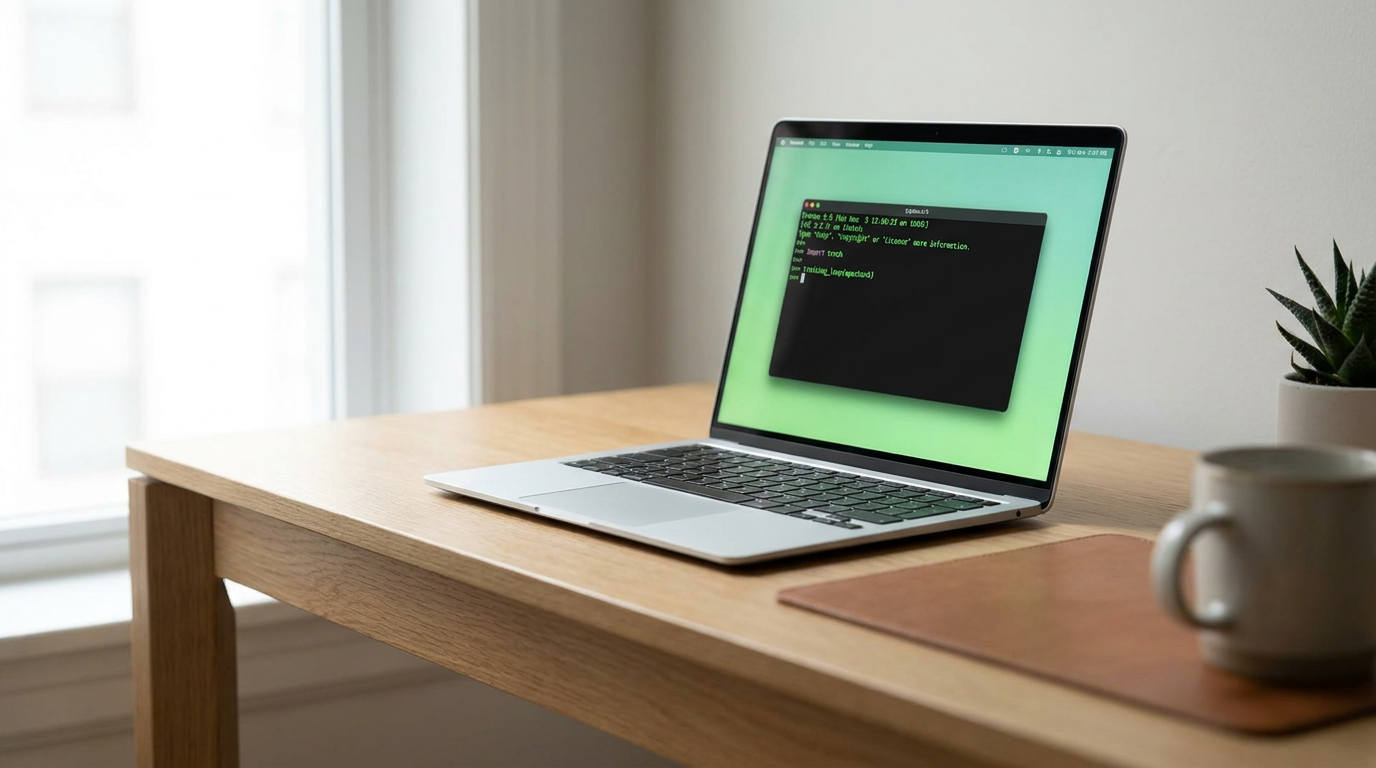
For developers and power users, Ollama has become the undisputed industry standard. Operating primarily through a command-line interface, Ollama functions similarly to Docker, but specifically for AI models. A simple terminal command like 'ollama run llama3' automatically downloads and initializes the model, running it silently as a background service.[4][10]
Crucially, Ollama exposes an OpenAI-compatible local API. This means developers can point their existing AI applications, coding assistants, and automation scripts to their local machine instead of a cloud provider. By simply changing the API endpoint URL, they can seamlessly swap out a paid cloud service for a free, local alternative that operates entirely on their own silicon.[7][10]
The primary driver for this local adoption is privacy. When an AI model runs locally, the computer's network connection can be completely severed. Prompts, financial documents, and proprietary source code never leave the device, eliminating the risk of data breaches, third-party data harvesting, or accidental inclusion in future model training runs by tech conglomerates.[8][9]
This absolute privacy guarantee is transforming enterprise adoption. Companies bound by strict compliance frameworks, such as HIPAA in healthcare or FERPA in education, can deploy local LLMs to summarize patient notes or grade student papers without triggering third-party data disclosure rules, bypassing months of legal and procurement hurdles.[2][9]

Beyond privacy, local AI offers significant economic and operational advantages. Cloud AI relies on subscription models or pay-per-token API pricing, which scales linearly with usage and can quickly become expensive for heavy users. Local AI requires zero recurring fees; the only cost is the initial hardware investment. Furthermore, local models operate with zero network latency and provide guaranteed offline access, making them ideal for field work or travel.[4][6]
Despite the rapid progress, local AI still faces physical limitations. The models that fit on a laptop are inherently smaller and less capable of complex, multi-step reasoning than massive cloud models like GPT-4. They also drain laptop batteries significantly faster due to the intense computational load, and their context windows—the amount of text they can remember in a single conversation—are often constrained by available system RAM.[5][6]
Yet, the trajectory of the industry is clear. Hardware manufacturers are rapidly integrating Neural Processing Units (NPUs) into their consumer chips, specifically designed to accelerate local AI tasks while preserving battery life. As models become more efficient and hardware becomes more specialized, the intelligence gap between cloud and local capabilities will continue to narrow.[2][6]
The democratization of AI is no longer just about gaining access to the technology; it is about taking ownership of the infrastructure. By bringing the intelligence directly to the device, local AI empowers users to harness the full potential of machine learning without compromising their privacy, their data, or their autonomy.[1][8]
How we got here
Early 2023
LLaMA model weights are leaked, sparking the open-source AI movement.
Mid 2023
The release of llama.cpp allows large language models to run efficiently on standard laptop CPUs.
Late 2023
User-friendly GUI tools like LM Studio launch, making local AI accessible to non-developers.
2024–2025
Highly capable smaller models like Llama 3 and Phi-3 are released, specifically optimized for local hardware.
2026
On-device AI becomes a mainstream enterprise strategy for ensuring data privacy and compliance.
Viewpoints in depth
Privacy & Security Advocates
Focuses on data sovereignty and the elimination of third-party cloud risks.
This camp argues that true data security is impossible when sensitive information is transmitted to external servers. They view local AI as a necessary evolution, ensuring that personal communications, proprietary code, and medical records remain strictly on the user's hardware, immune to cloud breaches or unauthorized model training.
Open-Source Developers
Values the flexibility, API integration, and lack of vendor lock-in provided by local tools.
For developers, the appeal of local AI lies in control and customization. Tools like Ollama allow them to integrate AI directly into their applications without paying per-token API fees to cloud providers. They emphasize the importance of open-weight models, which can be fine-tuned and modified without relying on a single corporate ecosystem.
Everyday Consumers
Prioritizes ease of use, offline accessibility, and zero-cost operation.
This perspective highlights the democratization of AI through user-friendly interfaces like LM Studio. Consumers benefit from the ability to run intelligent assistants without monthly subscription fees or internet requirements, making AI accessible during travel or in areas with poor connectivity, provided the initial hardware barrier is met.
What we don't know
- How quickly hardware manufacturers will standardize dedicated Neural Processing Units (NPUs) across all entry-level laptops.
- Whether future open-source models will hit a performance ceiling due to the physical memory constraints of consumer hardware.
Key terms
- LLM (Large Language Model)
- A type of artificial intelligence trained on vast amounts of text, capable of understanding and generating human-like language.
- Quantization
- A compression technique that reduces the mathematical precision of an AI model, allowing it to run on devices with limited memory without drastically losing intelligence.
- VRAM (Video RAM)
- The dedicated memory on a graphics card, which is crucial for loading and running AI models quickly.
- Inference
- The process of an AI model actively generating a response or prediction based on a user's prompt.
- Open-Weight Model
- An AI model where the underlying architecture and trained parameters are publicly available for anyone to download and use.
Frequently asked
Do I need a powerful graphics card to run local AI?
While a dedicated NVIDIA GPU provides the fastest response times, modern CPUs and Apple Silicon (M1/M2/M3 chips) can run quantized models efficiently. A minimum of 8GB of RAM is required, though 16GB is highly recommended.
Is local AI completely free?
Yes. Software tools like Ollama and LM Studio, as well as open-weight models like Llama 3 and Mistral, are free to download and use. The only cost is the electricity and the hardware you already own.
Can local AI models access the internet?
By default, local AI models operate entirely offline and cannot browse the web. However, developers can connect them to external tools or search APIs if they specifically choose to build that functionality.
Are local models as smart as ChatGPT?
Models that fit on a standard laptop are smaller and generally less capable of complex, multi-step reasoning than massive cloud models like GPT-4. However, they are highly proficient at everyday tasks like drafting emails, summarizing text, and writing code.
Sources
Source coverage
10 outlets
3 viewpoints surfaced










[1]Factlen Editorial TeamPrivacy & Security Advocates
Synthesis by Factlen editorial team
Read on Factlen Editorial Team →[2]SamsungEveryday Consumers
The Rise of On-Device AI and What It Means For Your Business
Read on Samsung →[3]Jan.aiEveryday Consumers
How to run AI models locally as a beginner?
Read on Jan.ai →[4]MediumOpen-Source Developers
How to Run AI Models Locally on Your Laptop (Beginner-Friendly Guide)
Read on Medium →[5]DEV CommunityOpen-Source Developers
Complete Guide to Run AI Models Locally, Even on Mid-Tier Laptop
Read on DEV Community →[6]CouchbasePrivacy & Security Advocates
On-Device AI: Benefits, Use Cases, and Challenges
Read on Couchbase →[7]PromptQuorumOpen-Source Developers
Best Local LLMs May 2026: Ollama, LM Studio, Hardware & VRAM Guide
Read on PromptQuorum →[8]NextcloudPrivacy & Security Advocates
Open-source AI models that give you privacy back
Read on Nextcloud →[9]C# CornerOpen-Source Developers
Local LLMs Explained: How to Run Powerful AI on Your Laptop Without Internet
Read on C# Corner →[10]ReintechOpen-Source Developers
How to Run LLMs Locally: Ollama vs LM Studio vs LocalAI Comparison
Read on Reintech →

More in ai
See all 5 stories →On-Device AI
How Local AI Replaced the Cloud: Running Frontier Models on Your Laptop
0 sources

Enterprise AI
The Rise of Small Language Models: How Enterprises Are Running AI Locally in 2026
0 sources

Drug Discovery
New AI Model Accelerates Molecular Simulations 10,000-Fold, Slashing Drug Discovery Timelines
0 sources

Every angle. Every day.
Get ai stories with full source coverage and perspective breakdowns delivered to your inbox.