
How Running AI Locally Became the Standard for Privacy and Productivity in 2026
Open-weight models and streamlined software have made it possible to run powerful AI assistants entirely on consumer laptops, eliminating subscription costs and data privacy risks.
By Factlen Editorial Team
- Enterprise Developers
- View local models as a way to build predictable, cost-controlled agentic workflows without API limits.
- Privacy Advocates
- Value local AI primarily for keeping sensitive data completely off third-party servers.
- Hybrid Adopters
- Believe local models are great for routine tasks, but cloud models remain necessary for heavy reasoning.
What's not represented
- · Hardware Manufacturers
- · Non-technical consumers
Why this matters
Running AI locally means your sensitive documents, proprietary code, and personal queries never leave your device. It shifts control from cloud providers back to the user, offering unlimited, uncensored usage without recurring subscription fees.
Key points
- Running AI locally ensures that sensitive prompts, documents, and code never leave the user's physical device.
- Local inference eliminates the recurring, pay-per-token API costs associated with cloud-based AI services.
- Quantization techniques compress massive models so they can run efficiently on consumer laptops with at least 16GB of RAM.
- Tools like Ollama and LM Studio expose local APIs, allowing existing software to seamlessly use offline models.
- While highly capable for routine tasks, local models still trail massive cloud models in complex logical reasoning.
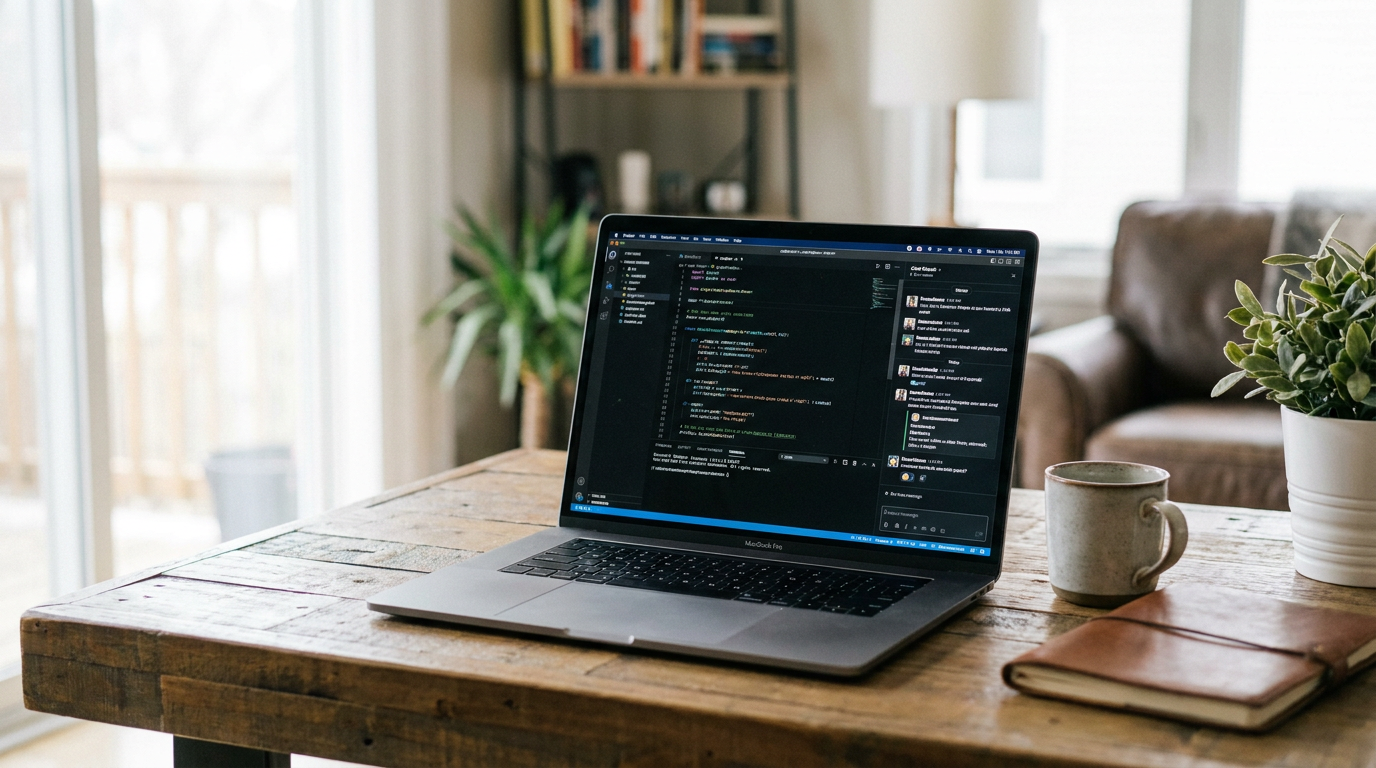
A few years ago, running a large language model on a personal computer was a weekend experiment reserved for highly technical enthusiasts willing to troubleshoot complex code. By mid-2026, it has quietly transitioned into a standard, everyday workflow for developers, researchers, and privacy-conscious professionals. The era of assuming artificial intelligence must inherently be a cloud-based service has ended. Today, anyone with a modern laptop can download and run surprisingly capable AI systems entirely on their own hardware, keeping their data strictly private and avoiding pay-per-token subscription costs. This shift from cloud dependency to local empowerment represents one of the most significant democratizing trends in modern computing.[1][3]
The catalyst for this shift was not solely the relentless advancement of computer hardware, but rather a profound maturation of the software ecosystem. The tooling required to run an AI model has evolved from fragile command-line scripts into polished, user-friendly applications. Installing a local AI assistant is now functionally identical to downloading a web browser or a chat application. This accessibility has opened the door for non-technical users to experience the benefits of open-weight models without needing a degree in computer science or a background in machine learning operations.[1][4]
The primary driver pushing users away from hosted cloud AI and toward local inference is the uncompromising need for data privacy. When utilizing a cloud-based service, every prompt, uploaded document, and line of proprietary code is transmitted across the internet to a third-party server. For enterprise users handling sensitive financial data, healthcare professionals bound by strict compliance laws, or software engineers working on unreleased proprietary codebases, this transmission represents an unacceptable security vulnerability. Local AI solves this by ensuring that data never leaves the physical machine.[3][6]
Cost control serves as the second major factor accelerating local adoption. Cloud AI providers typically charge per token—a fraction of a word—meaning that heavy users face unpredictable and rapidly escalating monthly bills. This is especially true for developers building automated agentic workflows that might process thousands of queries an hour in the background. Local inference eliminates these recurring API costs entirely. Once the initial hardware investment is made, generating a million tokens costs exactly the same as generating ten: absolutely nothing beyond the electricity required to power the computer.[3][6]

Understanding how a massive artificial intelligence model—often containing tens of billions of parameters—can physically fit onto a consumer laptop requires looking at a mathematical compression technique known as quantization. In their raw, uncompressed state, the neural network weights that make up an AI model require massive amounts of memory, often exceeding the capacity of even high-end enterprise servers. Quantization solves this by intentionally reducing the mathematical precision of these weights, shrinking the model's digital footprint so it can run on everyday hardware.[9]
Typically, models are quantized down to a 4-bit format. While this sounds like a drastic reduction in fidelity, researchers have found that it shrinks the memory requirements by up to seventy percent while causing only a negligible drop in the model's actual reasoning quality and conversational coherence. This compression is what makes local AI practical, transforming a model that would normally require a massive data center into a file that can be downloaded over a standard broadband connection and stored on a laptop's solid-state drive.[8][9]
This quantization is standardized through specialized file formats, most notably GGUF. This format allows compressed models to run highly efficiently on standard central processing units and consumer-grade graphics cards. When browsing model repositories in 2026, seeing a model labeled "Q4" immediately signals to users that it utilizes this highly efficient 4-bit quantization, indicating it is optimized for local, consumer hardware rather than enterprise server racks.[4][9]

The software landscape facilitating this local revolution is currently dominated by two distinct approaches, each catering to a different type of user. On one side is Ollama, a lightweight, developer-first tool that operates primarily through the command line. Ollama strips away visual clutter, allowing users to download, update, and run various models with a single line of text. It is designed to be fast, unobtrusive, and highly scriptable.[1][4]
Because of its streamlined nature, Ollama has become the preferred choice for software engineers who want to integrate AI directly into their automated pipelines, local databases, or code editors. It runs quietly in the background as a system service, acting as a silent engine that powers other applications without demanding the user's direct attention. Its massive library of supported models makes swapping between different AI engines nearly instantaneous.[2][5]
It runs quietly in the background as a system service, acting as a silent engine that powers other applications without demanding the user's direct attention.
On the other side of the spectrum is LM Studio, which provides a highly polished, desktop graphical user interface that feels immediately familiar to anyone who has used mainstream cloud chatbots. It features a built-in model browser connected directly to open-source repositories, allowing users to search for models, read their descriptions, download them, and begin chatting without ever needing to open a terminal window or type a command.[4][7]
Despite their vastly different interfaces, both Ollama and LM Studio share a crucial, underlying feature that has cemented their popularity: they both expose an OpenAI-compatible application programming interface on the user's local network. This means they perfectly mimic the communication protocols used by the world's most popular cloud AI services, but they route that communication entirely within the user's own computer.[4][9]

This local API capability is a massive workflow multiplier. It means that any existing software, browser extension, or coding assistant built to communicate with cloud AI can be instantly redirected to the local model simply by changing the server address in the settings to "localhost." The application doesn't know the difference; it sends a prompt expecting a cloud server to answer, but instead receives a secure, instantaneous response generated by the machine itself.[7][9]
While the software is free and accessible, hardware remains the primary bottleneck for local AI adoption. To run a mid-sized, 8-billion parameter model comfortably and at a readable speed, a computer generally requires at least 16 gigabytes of unified memory or dedicated video RAM. Attempting to run these models on older machines with 8 gigabytes of RAM often results in severe system slowdowns and sluggish text generation.[2][9]
Apple's transition to unified memory architecture has made modern MacBooks surprisingly capable AI machines, as the system's total memory can be fully utilized by the graphics processor for AI inference. In the Windows and Linux PC ecosystems, NVIDIA graphics cards remain the gold standard. For everyday local inference, a consumer graphics card with 8 to 16 gigabytes of dedicated video memory is widely considered the sweet spot for balancing cost and performance.[4][8]
For massive, enterprise-grade open models boasting 70 billion parameters or more, the hardware requirements scale steeply. Running these behemoths locally often necessitates specialized desktop workstations equipped with 40 gigabytes of video memory or multiple high-end graphics cards linked together. While out of reach for the average consumer, these setups are still vastly cheaper over time for small businesses compared to paying perpetual enterprise cloud API fees.[4][8]

The models themselves have seen rapid, compounding iteration. In 2026, the open-weight ecosystem is highly competitive, featuring remarkably capable models like Google's Gemma 4, Meta's Llama 4, and various highly optimized releases from DeepSeek and Qwen. These models, which can be downloaded freely, now routinely rival or exceed the performance of the proprietary cloud services that dominated the industry just a year or two prior.[2]
However, embracing local inference is not without its practical trade-offs. Running heavy neural network computations locally pushes consumer hardware to its limits, draining laptop batteries rapidly and generating significant heat. Furthermore, inference speeds on a consumer laptop, while highly usable, are generally slower than the near-instantaneous responses provided by massive, liquid-cooled cloud data centers.[3][8]
There is also an inherent capability ceiling to consider. While local models excel at drafting emails, summarizing long documents, and handling routine coding tasks, the absolute frontier of AI reasoning—such as solving complex logic puzzles or architecting intricate, multi-file software systems from scratch—still belongs to the massive, closed-source models hosted in the cloud, which benefit from trillions of parameters that simply cannot fit on a desk.[6][8]
For many professionals, the most effective solution in 2026 is a hybrid approach. They route their sensitive documents, high-volume data processing, and routine daily queries through their local, private models. They then reserve their paid cloud API access strictly for the most demanding, complex reasoning challenges that exceed their local hardware's capabilities, effectively getting the best of both worlds.[8]
Ultimately, the normalization of local AI represents a fundamental shift in the distribution of computing power. By decoupling advanced language models from corporate servers and making them accessible on consumer hardware, the open-source community has ensured that artificial intelligence remains a tool that individuals can own, control, and run entirely on their own terms, free from external oversight or subscription paywalls.[6][7]
How we got here
Early 2023
The original LLaMA model weights are leaked, sparking grassroots efforts to run them on consumer hardware.
Late 2023
Projects like llama.cpp and Ollama emerge, drastically simplifying the process of running models locally.
2024
Open-weight models like Llama 3 and Mistral are released, matching the performance of early cloud-based AI.
2025
Highly efficient quantized models make 16GB laptops the new baseline standard for running local AI.
Mid-2026
Local AI becomes a mainstream workflow, supported by seamless GUI tools and OpenAI-compatible local APIs.
Viewpoints in depth
Privacy Advocates
Value local AI primarily for keeping sensitive data completely off third-party servers.
For professionals handling sensitive information—such as healthcare records, proprietary enterprise code, or confidential legal documents—transmitting data to a cloud API is often a non-starter due to compliance and security risks. Privacy advocates emphasize that local AI fundamentally solves this by ensuring the data never leaves the physical machine. By running the model entirely offline, users eliminate the risk of third-party data breaches, unauthorized model training on their inputs, and surveillance, returning absolute control of the data to the user.
Enterprise Developers
View local models as a way to build predictable, cost-controlled agentic workflows without API limits.
Developers building automated systems that process thousands of queries—such as document summarizers, code reviewers, or local search agents—face massive, unpredictable costs when relying on cloud APIs that charge per token. This camp champions local AI as a cost-control measure. Once the initial hardware is purchased, the marginal cost of generating a token drops to zero. This allows developers to experiment freely, run continuous background tasks, and scale their applications without fear of a crippling monthly cloud bill.
Hybrid Adopters
Believe local models are great for routine tasks, but cloud models remain necessary for heavy reasoning.
While acknowledging the massive strides made by open-weight models, hybrid adopters maintain a pragmatic view of hardware limitations. They argue that while a 16GB laptop is perfect for drafting emails or summarizing PDFs locally, it simply cannot run the trillion-parameter models required for complex logical reasoning or advanced software architecture. Their solution is a hybrid workflow: routing the vast majority of daily, routine tasks through a free local model, while selectively paying for cloud API access only when a problem demands frontier-level intelligence.
What we don't know
- Whether future open-weight models will eventually hit a performance wall that only massive cloud data centers can overcome.
- How hardware manufacturers will adjust base RAM configurations in consumer laptops to accommodate the growing demand for local AI.
- If new compression techniques will emerge that allow 70-billion parameter models to run comfortably on standard 16GB machines.
Key terms
- Quantization
- A mathematical compression technique that reduces the precision of an AI model's weights, allowing massive models to run on consumer hardware with minimal quality loss.
- GGUF
- A standardized file format optimized for running compressed language models efficiently on standard CPUs and consumer graphics cards.
- VRAM
- Video Random Access Memory; the dedicated memory on a graphics card, which is crucial for loading and running AI models quickly.
- Localhost
- A networking term referring to the current computer being used, allowing local applications to communicate securely with a local AI server without using the internet.
- Open-weight model
- An AI model where the trained parameters (weights) are publicly available, allowing anyone to download, inspect, and run the model locally.
Frequently asked
Do I need an internet connection to use local AI?
No. Once you have downloaded the software and the model file, the AI runs entirely offline, ensuring complete privacy and availability.
Can I run local AI on a standard laptop?
Yes, provided it has enough memory. A modern laptop with at least 16GB of RAM can comfortably run mid-sized models like an 8-billion parameter Llama or Gemma.
Is local AI completely free?
Yes. The open-weight models and software tools like Ollama and LM Studio are free to download and use. Your only cost is the hardware and the electricity to run it.
How does local AI compare to cloud models like ChatGPT?
Local models are highly capable for drafting, coding, and summarizing, but the largest cloud models still hold an edge in complex, multi-step logical reasoning.
Sources
Source coverage
10 outlets
3 viewpoints surfaced









[1]DEV CommunityEnterprise Developers
Top 5 Local LLM Tools and Models in 2026
Read on DEV Community →[2]PinggyHybrid Adopters
Top 5 Local LLM Tools and Models in 2026
Read on Pinggy →[3]Sesame DiskPrivacy Advocates
How to Run AI Models Locally in 2026: Hardware, Tools & Setup
Read on Sesame Disk →[4]ContaboEnterprise Developers
Ollama vs LM Studio: Which Local LLM Runtime Should You Use in 2026?
Read on Contabo →[5]TECHSYEnterprise Developers
8 Best Tools to Run LLMs Locally, Ranked
Read on TECHSY →[6]CohortePrivacy Advocates
Open Source AI in 2026: Run Powerful Models Locally
Read on Cohorte →[7]Medium (Tech Blog)Hybrid Adopters
LM Studio vs Ollama? Run AI models, locally and privately
Read on Medium (Tech Blog) →[8]Osher DigitalHybrid Adopters
How to Run Llama 3 Locally: The Idiot's Guide
Read on Osher Digital →How to Run a Powerful Open Source AI Model on Your Own Computer in 2026
Read on Medium (AI Guide) →[10]Factlen Editorial Team
Synthesis by Factlen editorial team
Read on Factlen Editorial Team →

More in ai
See all 5 stories →Frontier Models
The Great American AI Act of 2026: Evidence Pack on Congress's Frontier Model Play
7 sources

AI Reasoning
The End of Instant AI: How 'Test-Time Compute' is Teaching Models to Think Before They Speak
6 sources

Neuroprosthetics
How AI and Neural Interfaces Are Rewiring Human Mobility
8 sources

Every angle. Every day.
Get ai stories with full source coverage and perspective breakdowns delivered to your inbox.