
E-Ink Tablets vs. iPads: Which Digital Notebook Fits Your Workflow in 2026?
As E-Ink technology reaches new heights in 2026, the choice between a distraction-free paper tablet and a versatile iPad comes down to a fundamental trade-off between focus and functionality.
By Factlen Editorial Team
- E-Ink Purists
- Advocates who prioritize distraction-free environments and eye health over device versatility.
- Versatility Maximizers
- Power users who believe a tablet must be a fully capable computer to justify its cost.
- Hybrid Workflow Adopters
- Professionals who utilize both devices for different stages of their creative process.
What's not represented
- · Environmental advocates analyzing the e-waste impact of owning multiple specialized devices
- · Budget-conscious students who can only afford one device for all their academic needs
Why this matters
Choosing the right digital note-taking device fundamentally alters your daily cognitive load. Picking an iPad might lead to constant distraction and eye strain, while choosing an E-Ink tablet might leave you frustrated by its limitations—understanding this trade-off ensures you invest in a tool that actually supports your workflow.
Key points
- iPads offer unmatched versatility and color, but their backlit screens can cause eye strain and battery drain.
- E-Ink tablets reflect ambient light like real paper, significantly reducing visual fatigue during long sessions.
- The lack of an app store on most E-Ink devices forces a distraction-free environment that aids deep focus.
- Modern E-Ink displays have reduced writing latency to 15 milliseconds, rivaling the Apple Pencil.
- E-Ink tablets can last up to six weeks on a single charge, compared to the iPad's daily charging requirement.
- The iPad remains superior for dynamic tasks like multimedia PDF markup, voice-to-text, and rapid app-switching.
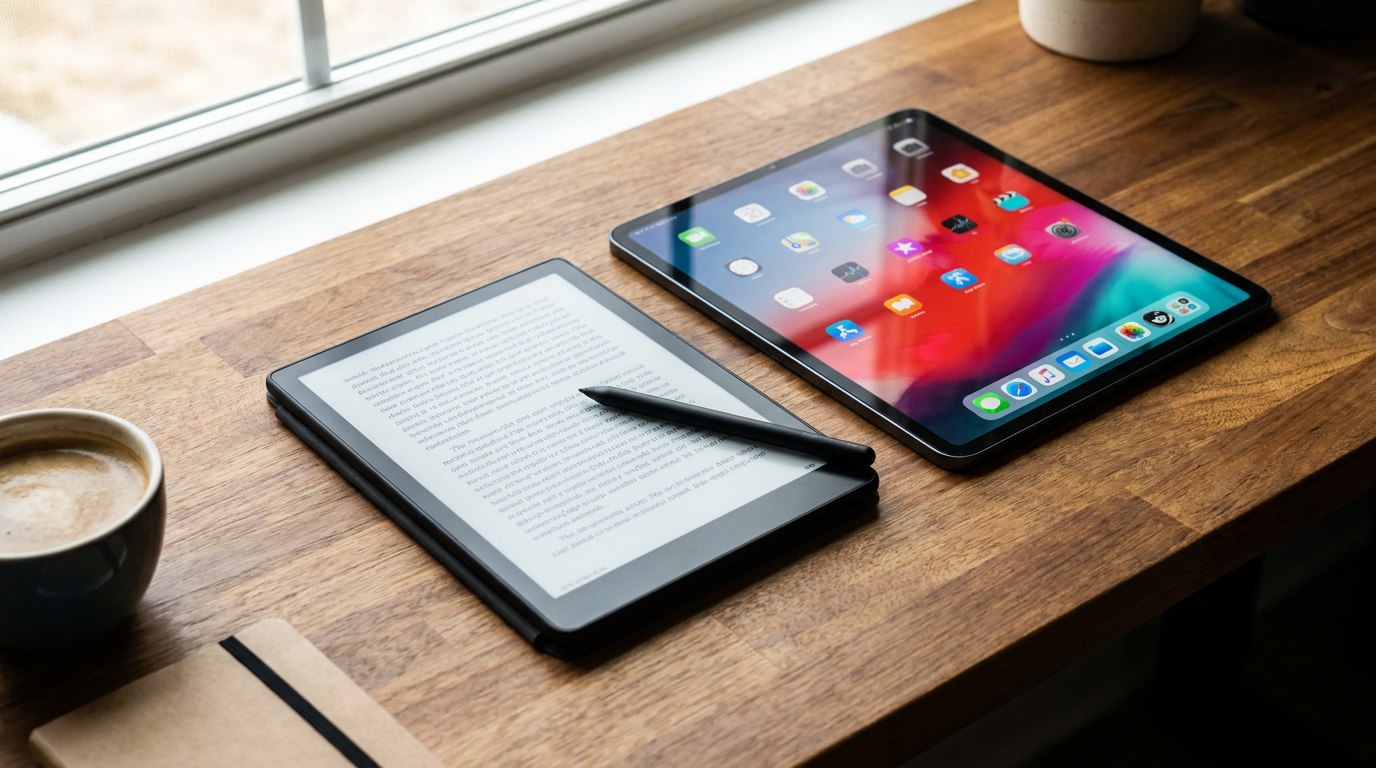
The era of digital note-taking has matured, leaving buyers in 2026 with a stark choice between the glowing versatility of an iPad and the specialized, paper-like focus of an E-Ink tablet. As technology has advanced, the gap between these two categories has widened into a philosophical divide. One device promises to do everything, acting as a vibrant portal to the entire internet. The other is intentionally designed to do almost nothing except capture your thoughts and display text.[1][6]
At the core of this comparison is display technology, which fundamentally alters the user's physiological experience. iPads utilize emissive Liquid Crystal Displays (LCD) or Organic Light-Emitting Diodes (OLED). These screens shine light directly into the retinas to create an image, often utilizing Pulse Width Modulation to control brightness. This rapid flickering, combined with blue light emission, can lead to accommodative stress and visual fatigue during long reading or writing sessions.[4][5]
E-Ink tablets, such as the reMarkable 2 or the Boox Note Air 4, rely on reflective technology. The screen contains millions of microcapsules filled with positively and negatively charged black and white particles. When an image is drawn, the particles move into place and stay there, reflecting ambient light just like physical paper. Because there is no backlight punching through the display, the physiological stress on the visual system is significantly reduced.[4]

The writing experience also highlights a massive divergence in design priorities. Writing on an iPad, even with a matte screen protector, often feels like tapping hard plastic against glass. It lacks the variable friction that makes analog writing satisfying. Premium E-Ink tablets use micro-etched surfaces and specialized styluses with cardboard or felt nibs to replicate the exact resistance and sound of a pencil scratching across paper.[1][5]
Historically, E-Ink devices suffered from frustrating lag, but recent advancements have closed that gap. The introduction of Carta 1300 display panels in 2026 has brought writing latency down to a nearly imperceptible 15 milliseconds. While the iPad Pro's Apple Pencil still holds a slight edge in absolute speed and tilt sensitivity, modern E-Ink tablets now offer a fluid, real-time inking experience that satisfies even the most demanding fast-writers.[1]
Battery life presents another stark contrast, driven entirely by how the screens operate. An iPad requires constant power to maintain its backlight, render graphics, and push a 120Hz refresh rate, typically demanding a charge every one to two days under heavy use. An E-Ink display only draws power when the screen refreshes to turn a page or register a pen stroke. Once an image is set, it requires zero energy to maintain, allowing these tablets to last three to six weeks on a single charge.[1][5]

Battery life presents another stark contrast, driven entirely by how the screens operate.
Beyond hardware, the most profound difference lies in the cognitive environment each device creates. The iPad's greatest strength—its boundless App Store—is also its greatest liability for deep work. The presence of email, social media, and web browsers creates a high-cognitive-load environment. Even with focus modes enabled, the temptation to switch apps or check a notification is always just a swipe away, which can easily fracture a user's concentration.[2][3]
E-Ink tablets enforce a low-cognitive-load rhythm by simply removing the distractions. By stripping away browser tabs and notifications, devices like the reMarkable force the user to focus entirely on the page in front of them. Users consistently report higher productivity and longer sustained reading times because the device physically prevents them from falling down an internet rabbit hole.[2][6]

However, the iPad remains completely undefeated when it comes to dynamic, complex tasks. Its powerful processors and vibrant color displays make it the ultimate tool for illustrating, marking up complex multimedia PDFs, and seamlessly syncing documents across cloud ecosystems. Apps like GoodNotes and Notability offer audio-syncing, searchable handwriting, and rich formatting that simple E-Ink operating systems cannot match.[3][5]
When analyzing the trade-offs, the case for E-Ink rests entirely on cognitive fidelity and physiological comfort. The evidence for this advantage is found in the technology itself: reflective screens eliminate the accommodative stress of backlit displays, while the absence of an app store physically prevents context-switching. The primary argument against E-Ink is its inherent sluggishness; the screen refresh rate makes web browsing or navigating complex documents frustrating, and color options remain muted compared to OLED.[2][4]
Conversely, the case for the iPad centers on boundless versatility and raw power. The evidence supporting the iPad is its robust ecosystem, where a user can seamlessly drag a colorful chart from a web browser directly into a digital notebook. The argument against the iPad is the inevitable battery anxiety and the constant temptation of notifications, which researchers note can severely disrupt the flow state required for deep, reflective writing.[3][5]
Ultimately, an E-Ink tablet fits well when a user requires a dedicated sanctuary for reading, drafting, or journaling without the lure of the internet. It is the ideal choice for professionals who spend all day staring at monitors and want to give their eyes a rest, or for anyone who struggles with digital distraction. It does not fit when a workflow demands rapid app-switching, multimedia consumption, or color-coded organization.[1][6]

An iPad fits well when a user needs a multi-tool capable of replacing a laptop for research, communication, and dynamic note-taking. It is perfect for students who need to record lectures, insert photos into their notes, and submit assignments from a single device. It does not fit when the user already suffers from severe screen fatigue, or when the primary goal is to disconnect from the digital noise and simply think.[3][6]
How we got here
2010
Apple launches the first iPad, establishing the modern standard for versatile, backlit touchscreen tablets.
2017
The original reMarkable tablet is released, pioneering the premium, distraction-free E-Ink note-taking category.
2023
Color E-Ink technology (Kaleido 3) reaches the mainstream market, allowing digital notebooks to display highlighters and charts.
2026
Carta 1300 E-Ink displays become the industry standard, dropping writing latency to 15 milliseconds and eliminating noticeable lag.
Viewpoints in depth
E-Ink Purists
Advocates who prioritize distraction-free environments and eye health over device versatility.
This camp argues that the true value of a digital notebook lies in what it cannot do. By removing web browsers, social media, and push notifications, E-Ink tablets force the user into a state of deep focus. Furthermore, they point to the physiological benefits of reflective screens, noting that eliminating blue light and backlight flicker is essential for professionals who already spend eight hours a day staring at computer monitors.
Versatility Maximizers
Power users who believe a tablet must be a fully capable computer to justify its cost.
For this group, spending hundreds of dollars on a device that only replaces a paper notebook is inefficient. They argue that the iPad's ability to seamlessly transition from taking handwritten notes to editing a video, joining a Zoom call, or managing a complex spreadsheet makes it the superior investment. They view the distraction problem not as a hardware flaw, but as a software management issue that can be solved with Apple's built-in Focus modes.
Hybrid Workflow Adopters
Professionals who utilize both devices for different stages of their creative process.
Rather than choosing a single winner, this camp integrates both technologies into a unified workflow. They use an E-Ink tablet for the initial stages of ideation—journaling, drafting outlines, and reading long-form PDFs without eye strain. Once the deep thinking is complete, they export those notes to an iPad or Mac to format, add multimedia, and share with collaborators, leveraging the unique strengths of each screen type.
What we don't know
- Whether Apple will ever release an iPad with a hybrid display that can switch between emissive OLED and reflective E-Ink modes.
- How quickly color E-Ink technology will advance to match the vibrancy and refresh rates of traditional LCD screens.
Key terms
- E-Ink (Electrophoretic Ink)
- A display technology that uses electrically charged black and white particles to create text and images that reflect ambient light like real paper.
- Emissive Display
- A screen, such as an LCD or OLED, that creates an image by shining light directly out of the display and into the user's eyes.
- PWM (Pulse Width Modulation) Flicker
- A method used by many backlit screens to dim brightness by rapidly turning the backlight on and off, which can cause eye strain.
- Latency
- The delay between the moment a stylus touches the screen and the moment the digital ink appears. Lower latency results in a more natural writing feel.
Frequently asked
Can I read Kindle books on an E-Ink tablet?
Yes. Devices like the Boox Note Air run Android and support the Kindle app, while the Kindle Scribe is built entirely around Amazon's ecosystem. The reMarkable 2, however, requires you to manually transfer DRM-free EPUB files.
Do E-Ink tablets require a monthly subscription?
It depends on the brand. The reMarkable 2 offers an optional 'Connect' subscription for unlimited cloud storage and extended warranties, though the device works fine without it. Brands like Boox and Kindle do not charge monthly fees for core note-taking features.
Is writing on an iPad with a matte screen protector just as good?
While matte protectors like Paperlike significantly improve the iPad's writing feel by adding friction, they still sit on top of a thick glass display. Most users agree it feels better than bare glass, but it does not fully replicate the authentic pencil-on-paper sensation of a dedicated E-Ink device.
Can E-Ink screens display color?
Yes, modern E-Ink devices using Kaleido 3 technology can display muted, pastel-like colors. However, the colors are not nearly as vibrant as an OLED or LCD screen, and the color filter slightly reduces the overall sharpness of the display.
Sources
Source coverage
6 outlets
3 viewpoints surfaced






[1]ROI PadE-Ink Purists
The Ultimate Guide to E-Ink Tablets for Note-Taking and Reading (2026 Edition)
Read on ROI Pad →[2]MakeUseOfE-Ink Purists
Why an E-Ink Tablet is Better Than an iPad for Productivity
Read on MakeUseOf →[3]EngadgetVersatility Maximizers
Are E Ink tablets worth it?
Read on Engadget →[4]ePaperiaE-Ink Purists
E Ink vs LCD vs OLED: Which display is best for your eyes?
Read on ePaperia →[5]iFlytekE-Ink Purists
iPad vs E-Ink Tablet, Which Is Best for Handwriting in 2025?
Read on iFlytek →[6]Factlen Editorial TeamHybrid Workflow Adopters
Synthesis by Factlen editorial team
Read on Factlen Editorial Team →

More in shopping
See all 7 stories →Modular Tech
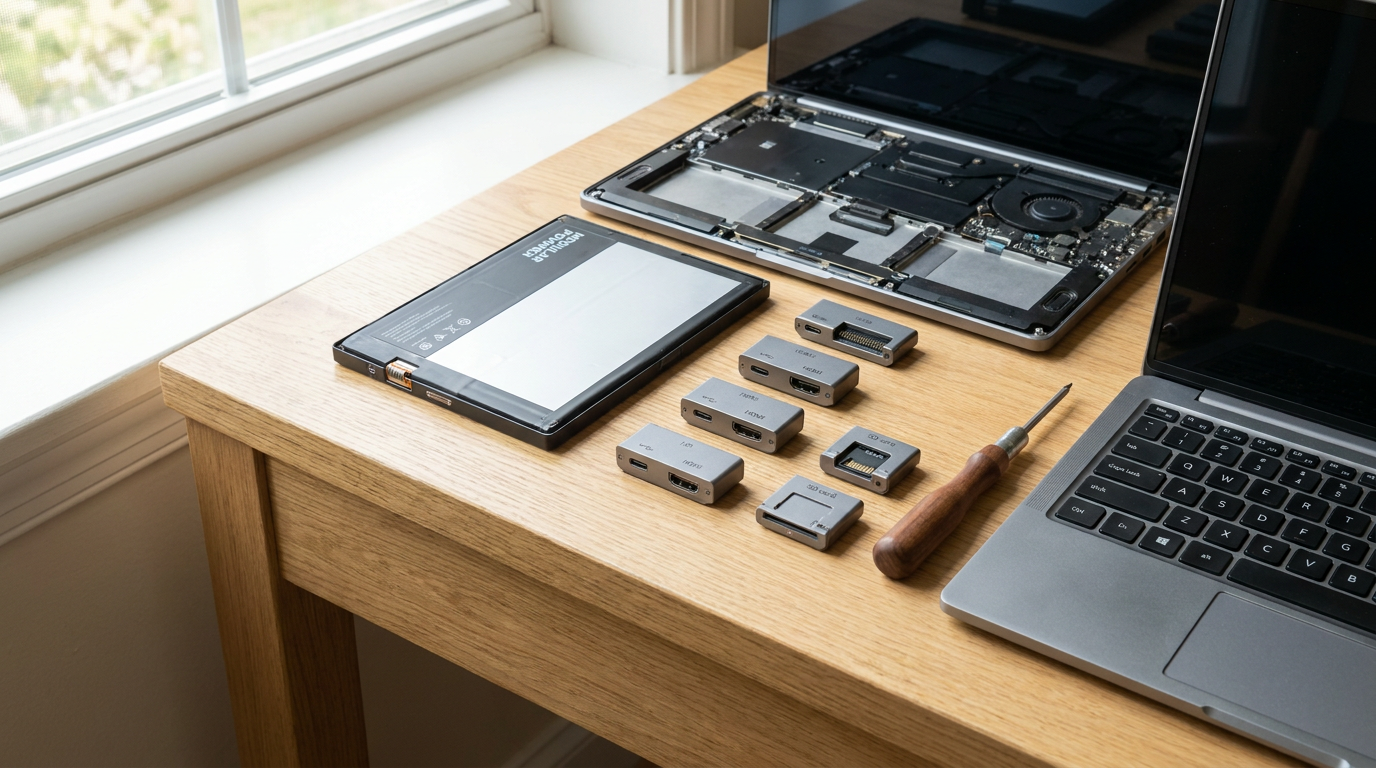
Modular Electronics Go Mainstream: The 2026 Shopper's Guide to Repairable Tech
9 sources
AI Hardware
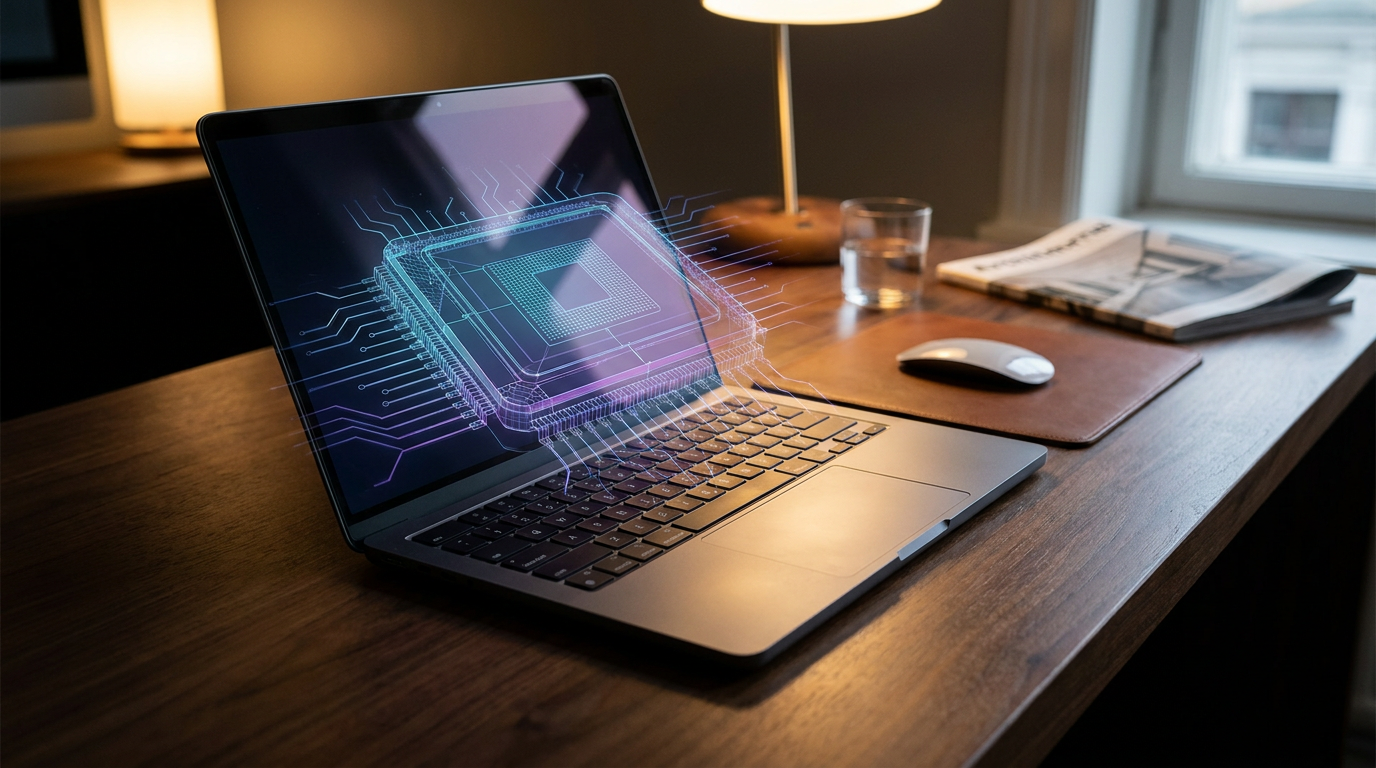
The Rise of the 'AI PC': Do You Actually Need an NPU in Your Next Laptop?
9 sources
TV Tech
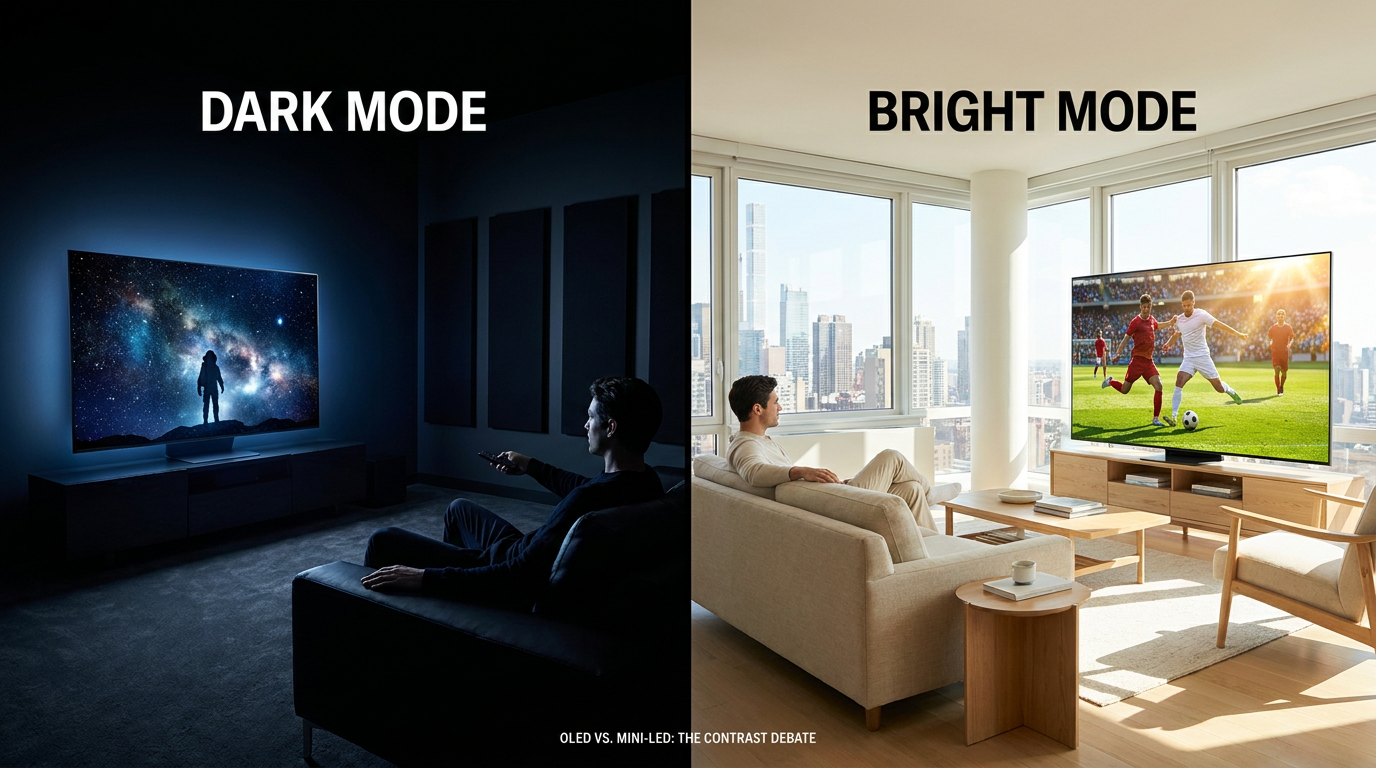
OLED vs. Mini-LED in 2026: Which Display Technology Wins?
6 sources
Retail Deal Wars
Amazon, Walmart, and Target Ignite Summer Deal Wars With Overlapping June Sales
7 sources

Every angle. Every day.
Get shopping stories with full source coverage and perspective breakdowns delivered to your inbox.