
A Beginner's Guide to Running Local AI Models in 2026
As open-weight models become increasingly powerful, running a private, subscription-free AI directly on your own hardware has never been easier. Here is everything you need to know about hardware requirements, quantization, and the best software tools to get started.
By Factlen Editorial Team
- Privacy Advocates
- Value local LLMs for keeping sensitive data entirely offline and out of corporate clouds.
- Hardware Enthusiasts
- Focus on pushing the limits of consumer silicon using quantization and optimization techniques.
- Developer Ecosystem
- Prioritize API integrations, automation, and building local applications using tools like Ollama.
What's not represented
- · Cloud AI Providers
- · Enterprise IT Managers
Why this matters
Running a local LLM guarantees absolute data privacy and eliminates monthly subscription fees. By learning to host your own AI, you reclaim control over your digital workflows and protect sensitive information from being scraped by corporate cloud servers.
Key points
- Local LLMs allow users to run powerful AI models entirely offline, ensuring complete data privacy.
- Modern software tools like LM Studio and Ollama have eliminated the need for complex coding to get started.
- Apple Silicon Macs hold a distinct advantage for local AI due to their unified memory architecture.
- Quantization techniques compress massive AI models to fit comfortably within standard consumer laptop memory.
For the past few years, interacting with artificial intelligence meant sending your thoughts, code, and private data to massive server farms owned by tech giants. But a quiet, powerful revolution has matured in 2026. A rapidly growing community of users is pulling AI out of the cloud and running it directly on their own laptops and desktop computers. This practice, known as running "local LLMs" (Large Language Models), has transformed from a complex, frustrating developer niche into an accessible, everyday tool for standard users. By running models locally, individuals are reclaiming ownership of their digital assistants, bypassing subscription fees, and ensuring that their most sensitive queries never leave their physical hard drives.[1]
The primary appeal of a local AI model is straightforward: it provides a private, offline, and subscription-free intelligence. Once the model files are downloaded, these systems operate entirely within a secure "sandbox" environment on your machine. You can physically disconnect your computer from the internet, disable your Wi-Fi, and the AI will still answer complex questions, summarize lengthy documents, and write functional code. For professionals handling highly sensitive information—such as medical patient records, proprietary corporate data, or unreleased creative work—this offline capability is not just a convenient perk; it is a strict legal and ethical requirement.[2]
Beyond the obvious privacy benefits, the financial calculus of daily AI use is shifting dramatically. While cloud-based AI services require ongoing monthly subscriptions or metered API usage fees that can quickly add up, local models are completely free to run after the initial hardware investment. The open-source community, alongside major tech companies like Meta and Mistral, has released highly capable "open-weight" models that anyone can download without restriction. This democratization means that powerful, reasoning AI is no longer gated behind a corporate paywall, giving users total, unrestricted control over their digital workflows.[1]
However, bringing an artificial intelligence into your home requires understanding the physical limitations of your computer's hardware. Large language models are notoriously memory-hungry pieces of software. When you run a model, its entire neural network must be loaded into your computer's Random Access Memory (RAM)—or, ideally, the Video RAM (VRAM) of a dedicated graphics processing unit (GPU). VRAM is significantly faster than standard system RAM, which directly translates to how quickly the AI can generate text, a metric commonly measured in "tokens per second".[3]
Industry benchmarks in 2026 outline clear, unforgiving hardware tiers for local AI enthusiasts. To run a standard 7-billion to 8-billion parameter model (such as Meta's highly popular Llama 3 8B), a system generally requires a minimum of 8GB of VRAM to function smoothly. Stepping up to more capable 13-billion to 14-billion parameter models pushes that hard requirement to 16GB, while massive 30-billion+ parameter models demand 24GB or more of dedicated video memory. Users with older hardware, such as a 2017-era GTX 1080 with 8GB of VRAM, can still participate in the ecosystem, but they are restricted to smaller models or significantly slower generation speeds.[3][5]

This strict memory bottleneck is exactly where Apple's modern Mac computers have found a unique and highly praised advantage. Apple Silicon (the M-series chips found in modern MacBooks and Mac Studios) utilizes a "unified memory" architecture, meaning the central processor and the graphics processor share the exact same pool of high-speed RAM. A Mac with 32GB or 64GB of unified memory can easily load massive AI models that would otherwise require multiple expensive, specialized graphics cards on a traditional Windows PC. This architectural quirk has made Macs highly popular among local AI researchers and hobbyists.[3]
If you do not have a high-end Mac or a massive gaming GPU, the open-source community has developed a brilliant software workaround: quantization. Quantization is essentially a highly advanced compression technique tailored for neural networks. By intentionally reducing the mathematical precision of the model's "weights" (the billions of numbers that dictate how the AI thinks and predicts text), developers can shrink a massive model down to a fraction of its original file size.[3][7]
If you do not have a high-end Mac or a massive gaming GPU, the open-source community has developed a brilliant software workaround: quantization.
For example, an uncompressed 8-billion parameter model might require 16GB of memory to run natively. Through the magic of quantization, that exact same model can be squeezed into a 5GB file, allowing it to run comfortably on a standard, off-the-shelf laptop. While this compression does result in a slight, measurable loss of reasoning capability, the drop in quality is often completely imperceptible for everyday tasks like drafting emails, summarizing text, or brainstorming ideas. The standard format for these compressed models is known as GGUF, which intelligently allows the processing workload to be split between the GPU and the standard CPU.[6][7]

Once the hardware and memory concepts are understood, the next practical step is choosing the software to actually run the models. In 2026, the local AI ecosystem is dominated by two primary tools, each catering to a vastly different type of user experience: LM Studio and Ollama. Both tools are free, actively maintained, and utilize the same underlying engine, but their approaches to user interaction are fundamentally opposed.[4]
LM Studio is widely considered the absolute best entry point for beginners and visual learners. It operates exactly like a traditional desktop application with a polished, intuitive Graphical User Interface (GUI). Users can search for new models directly within the app, read detailed descriptions, and click a single button to download them—much like browsing an app store for AI. LM Studio handles all the complex memory allocation and hardware optimization in the background, making it incredibly easy to start chatting with a local model without ever needing to open a terminal or write a single line of code.[4]
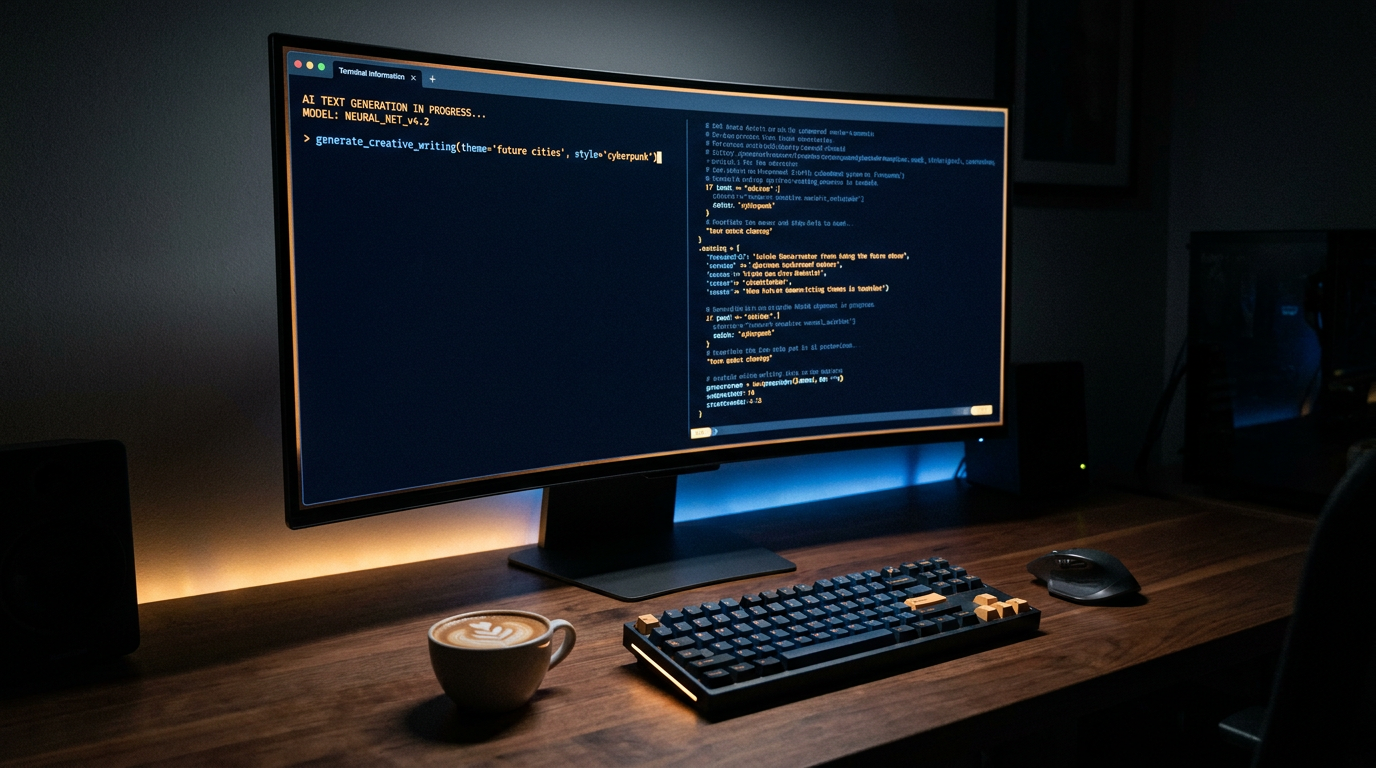
On the other hand, Ollama is the undisputed tool of choice for developers, tinkerers, and power users. It operates primarily through a Command Line Interface (CLI), meaning users interact with it by typing text commands into a terminal. While it lacks a native graphical chat window out of the box, Ollama is specifically designed to run quietly in the background as a persistent API server. This architecture allows users to seamlessly connect other applications—like coding assistants in VS Code, custom web interfaces, or automated Python scripts—directly to their local AI engine.[4][8]

Ollama's streamlined, developer-first architecture also boasts impressive cross-platform compatibility and speed. Recent community surveys show installation success rates of over 99.5% on macOS and 94.7% on Windows systems. For users who want the robust backend power and API capabilities of Ollama but still prefer a visual chat interface, third-party frontends like Open WebUI can be easily connected. This creates a hybrid experience that looks and feels almost identical to the polished interface of ChatGPT, while remaining entirely local.[3][5][6]
With the software successfully installed, users must navigate hosting platforms like Hugging Face to select their first model. The landscape of open-weight models moves incredibly fast, with new breakthroughs happening monthly. Meta's Llama series remains a highly popular baseline, offering a strong, reliable balance of coding, writing, and logical reasoning skills. Mistral, a prominent European AI lab, produces highly efficient models that punch well above their weight class on lower-end hardware. Meanwhile, specialized models like Qwen 2.5 have gained massive traction for their exceptional, class-leading performance in complex mathematics and coding tasks.[3][6][7]
When browsing these model repositories, the "B" number (e.g., 8B, 14B, 70B) is the most critical metric to understand. It stands for billions of parameters. A parameter is roughly analogous to a synapse in a human brain; more parameters generally mean a smarter, more nuanced, and more capable AI. However, larger models require exponentially more memory and processing power to run effectively. Beginners are strongly advised to start with models in the 7B to 9B range, which offer the absolute best balance of speed and intelligence for standard consumer hardware.[1][5]

Despite the rapid advancements in open-weight technology, it is crucial to understand the hard limitations of local LLMs. A model running on a consumer laptop simply cannot match the sheer reasoning power, vast encyclopedic knowledge base, or massive context windows of frontier cloud models like GPT-4o or Claude 3.5. Those cloud models run on massive clusters of enterprise-grade GPUs that cost millions of dollars, allowing them to process complex, multi-step logic and analyze massive documents that would instantly crash a local machine.[1]
Furthermore, local AI setups require a degree of active maintenance and technical curiosity. Unlike cloud services that update automatically behind the scenes, local users must manually download new model versions, update their software clients, and occasionally troubleshoot hardware bottlenecks when a model refuses to load. It is a much more hands-on experience, akin to maintaining a classic car in your garage rather than simply calling a taxi when you need a ride.[2]
Nevertheless, the capability gap between local and cloud AI is narrowing at an astonishing pace. For 80% of daily professional tasks—drafting routine text, brainstorming creative ideas, formatting messy data, and answering basic factual questions—a well-tuned local model is more than sufficient. By investing just a few hours into learning the setup process and understanding the hardware requirements, users can gain a powerful, entirely private, and permanent digital assistant that answers to no one but them.[1][6]
How we got here
Early 2023
The original LLaMA model weights are leaked online, sparking the grassroots local AI movement.
Late 2023
The GGUF format is introduced, standardizing how compressed models run on consumer CPUs and GPUs.
Mid 2024
Meta releases Llama 3, bringing near-GPT-3.5 performance to models small enough to run on 8GB of RAM.
2026
Local LLMs become a standard, accessible workflow tool for privacy-conscious professionals and developers.
Viewpoints in depth
Privacy Advocates' view
Focus on the sandbox environment, data sovereignty, and protecting sensitive information from corporate scraping.
For privacy advocates, the shift to local LLMs is a necessary defense against the data harvesting practices of major tech companies. By running models in an offline sandbox, users ensure that proprietary code, medical records, and personal communications are never transmitted to a cloud server. This camp views local AI not just as a technical achievement, but as a fundamental reclamation of digital sovereignty.
Hardware Enthusiasts' view
Focus on pushing consumer silicon to the limit, utilizing quantization, and the Apple Silicon unified memory advantage.
Hardware enthusiasts treat local AI as the ultimate benchmarking challenge. This community is deeply invested in optimization techniques like quantization, constantly testing how far they can compress a model without destroying its reasoning capabilities. They frequently highlight the architectural advantages of Apple's unified memory, which allows consumer laptops to run massive models that would otherwise require thousands of dollars in dedicated PC graphics cards.
Developer Ecosystem's view
Focus on API integrations, building local apps with Ollama, and the rapid iteration of open-weight models.
For the developer ecosystem, local LLMs are foundational building blocks for new software. Rather than relying on paid API keys from OpenAI or Anthropic, developers use tools like Ollama to run persistent, free AI servers on their own machines. This allows them to integrate AI directly into coding environments, automation scripts, and custom applications, fostering a rapid cycle of open-source innovation.
What we don't know
- It remains unclear when, or if, local consumer hardware will ever catch up to the reasoning capabilities of massive, trillion-parameter cloud models.
- The long-term impact of hardware degradation from running sustained, heavy AI workloads on standard consumer laptops is still being studied.
Key terms
- Local LLM
- A large language model that runs entirely on your own computer's hardware rather than on a remote server.
- Quantization
- A compression technique that reduces the precision of a model's weights so it can fit into consumer RAM with minimal loss in quality.
- VRAM (Video RAM)
- The dedicated memory on a graphics card, which is crucial for loading and running AI models quickly.
- Parameters
- The mathematical connections within an AI model; a higher parameter count generally indicates a more capable, but more demanding, model.
- Inference
- The actual process of the AI model calculating and generating text in response to a user's prompt.
Frequently asked
Can I run a local LLM without an internet connection?
Yes. Once the model file and software are downloaded, the entire text generation process happens offline, ensuring complete privacy.
Is it free to run local AI models?
The software tools and open-weight models are generally free to download. Your only ongoing costs are the electricity and the upfront price of your computer hardware.
Will a local model be as smart as ChatGPT?
Not quite. While local models like Llama 3 8B are highly capable for daily tasks, they cannot match the deep reasoning power of massive, server-grade models like GPT-4o.
Do I need a powerful graphics card?
It helps significantly with speed, but modern tools use quantization to run models efficiently on standard CPUs or Apple Silicon using system RAM.
Sources
Source coverage
8 outlets
3 viewpoints surfaced








[1]Factlen Editorial TeamPrivacy Advocates
Synthesis by Factlen editorial team
Read on Factlen Editorial Team →[2]Automated TeachPrivacy Advocates
Tutorial: A Beginner's Guide to Running Local LLMs
Read on Automated Teach →[3]Weisser Zwerg BlogHardware Enthusiasts
Setting Up AI Models on Older Hardware - A Beginner's Guide to Running Local LLMs
Read on Weisser Zwerg Blog →[4]ChatboqDeveloper Ecosystem
LM Studio vs Ollama (2026): Complete Comparison for Local LLMs
Read on Chatboq →[5]Skywork AIDeveloper Ecosystem
Hardware Requirements for Local LLMs
Read on Skywork AI →[6]Reddit CommunityHardware Enthusiasts
Beginner guide to running local LLMs
Read on Reddit Community →[7]Hugging FaceDeveloper Ecosystem
Local LLMs and Quantization Documentation
Read on Hugging Face →[8]Ollama OfficialDeveloper Ecosystem
Ollama: Get up and running with large language models locally
Read on Ollama Official →



Every angle. Every day.
Get guides stories with full source coverage and perspective breakdowns delivered to your inbox.