
How to Run Local LLMs on Consumer Hardware in 2026
Running powerful AI models locally has become as simple as installing a desktop app. Here is how to set up Ollama, LM Studio, and the right hardware to run private, subscription-free LLMs.
By Factlen Editorial Team
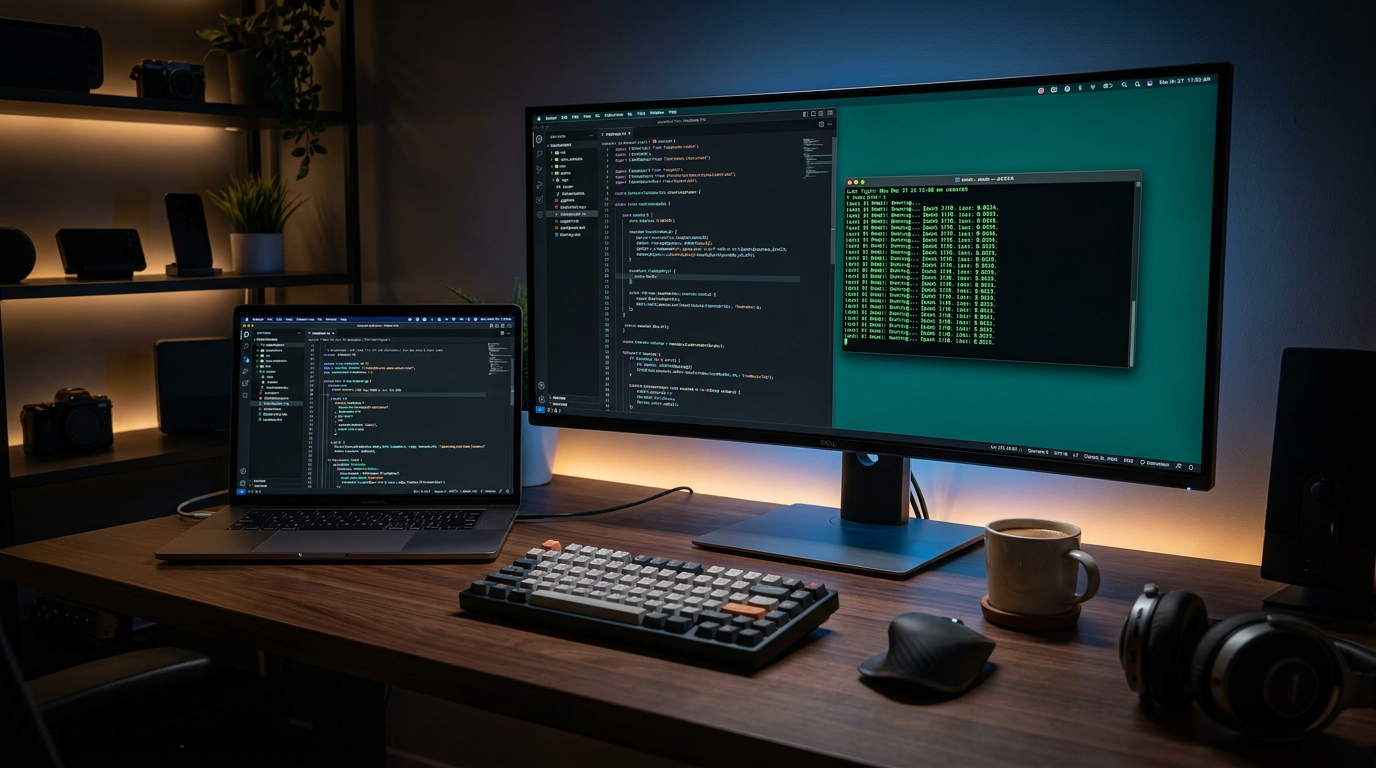
- Open-Source Developers
- Values the flexibility, API compatibility, and zero-cost experimentation of local models.
- Privacy Advocates
- Argues that local execution is the only way to guarantee data security.
- Hardware Enthusiasts
- Focuses on maximizing consumer silicon and pushing the boundaries of local inference.
What's not represented
- · Cloud AI Providers
- · Enterprise IT Administrators
Why this matters
Running AI locally ensures your private data, proprietary code, and personal documents never leave your machine. It also eliminates recurring subscription fees and API costs while providing offline access to frontier-level intelligence.
Key points
- Running local LLMs ensures complete data privacy and eliminates recurring API costs.
- VRAM capacity is the most important hardware metric for local AI inference.
- Apple Silicon's unified memory allows Macs to run models that would otherwise require data-center GPUs.
- Tools like Ollama and LM Studio have reduced the setup process to a single click or terminal command.
Two years ago, running a capable large language model on your own computer required either deep technical expertise or a server rack of enterprise hardware. In 2026, that barrier has entirely collapsed. Today, downloading and chatting with a state-of-the-art AI model takes a single terminal command or a few clicks in a desktop application. The democratization of AI has arrived, shifting power from centralized cloud providers directly to consumer laptops.[7]
The motivations for running local AI go far beyond novelty. Every prompt sent to a cloud service leaves your machine, passing through third-party infrastructure. For developers handling proprietary code, professionals analyzing sensitive client data, or users who simply value their privacy, local execution is the only foolproof solution. Beyond privacy, local models eliminate recurring API costs, remove restrictive rate limits, and function perfectly without an internet connection.[4][7]
The primary hardware bottleneck for local AI is not your processor's clock speed, but Video RAM (VRAM). Large language models are memory-bandwidth-bound; the entire model must be loaded into memory to achieve interactive chat speeds. If a model exceeds your GPU's VRAM, the system must offload the overflow to standard system RAM, which drastically reduces token generation speed.[1][4]
In 2026, consumer hardware falls into three practical tiers for local inference. An 8 GB VRAM GPU, such as the NVIDIA RTX 3060 or 4060, is the entry point, comfortably running 7-billion to 8-billion parameter models. The 16 GB to 24 GB tier, dominated by the RTX 4080 and RTX 4090, represents the sweet spot for power users, enabling fast inference for highly capable 13-billion to 33-billion parameter models.[1][4]

Apple Silicon has fundamentally altered the local AI landscape. Unlike traditional PC architectures that separate system RAM and GPU VRAM, Apple's M3, M4, and M5 chips utilize unified memory. This architecture allows the GPU cores to access the entire pool of system RAM. A Mac Studio or MacBook Pro with 64 GB or 128 GB of unified memory can run massive 70-billion parameter models that would otherwise require tens of thousands of dollars in data-center GPUs.[1][3]
The software breakthrough that makes consumer hardware viable is quantization. In their raw, uncompressed state, neural networks use 16-bit or 32-bit floating-point numbers, requiring massive amounts of memory. Quantization compresses these weights down to 4-bit or 8-bit integers. The standard format in 2026, known as Q4_K_M, reduces a model's memory footprint by roughly 75% while retaining near-original reasoning capabilities.[2][4]
For developers and terminal enthusiasts, Ollama has become the undisputed industry standard—often described as the "Docker of LLMs." Available for macOS, Linux, and Windows, Ollama bundles model weights, configuration files, and prompt templates into a single package. Running a model is as simple as typing a single run command into the terminal, which automatically downloads the weights and launches an interactive chat session.[2]
Running a model is as simple as typing a single run command into the terminal, which automatically downloads the weights and launches an interactive chat session.
Under the hood, Ollama wraps llama.cpp, a highly optimized inference engine written in C++. Crucially, Ollama also spins up a local background server that mimics the OpenAI API format. This allows developers to seamlessly swap out cloud-based endpoints for their local machine in existing scripts and applications, ensuring that no data ever leaves the local network.[2]
For users who prefer a graphical interface, LM Studio offers a polished, visual alternative. Operating much like a standard desktop application, LM Studio features a built-in browser that connects directly to Hugging Face, the premier repository for open-source AI models. Users can search for specific models, filter by quantization levels, and download them with a single click, entirely bypassing the command line.[5]

One of LM Studio's most powerful features is its visual hardware offloading. If a downloaded model is slightly too large for the user's GPU VRAM, the application provides a slider to manually split the workload, keeping as much of the model on the fast GPU as possible while offloading the remainder to the CPU. It also includes a built-in chat interface that mirrors the familiar ChatGPT experience.[5]
Selecting the right model is a balancing act between capability and hardware constraints. The 7B to 8B parameter class, which includes models like Gemma 3, Llama 3.1 8B, and Phi-4 Mini, is ideal for everyday tasks. These models require only 6 GB to 8 GB of VRAM, making them highly responsive on standard laptops while remaining surprisingly adept at drafting emails, summarizing documents, and writing boilerplate code.[1][2]
The mid-weight class, spanning 13B to 33B parameters, is where local AI begins to rival premium cloud models. Models like Qwen3 and Llama 3.2 13B require 16 GB to 24 GB of VRAM. They possess deeper reasoning capabilities, better instruction following, and the ability to maintain context over much longer conversations, making them the preferred choice for complex coding and agentic workflows.[1][3]
At the top end are the 70B parameter heavyweights, such as Llama 3.3. These models require 40 GB to 48 GB of VRAM even when heavily quantized. Running them locally requires either a dual-RTX 4090 workstation or a high-end Apple Silicon Mac. For those with the hardware, these models offer near-frontier performance, capable of nuanced creative writing, advanced logic, and deep technical analysis.[1][4]

The local AI ecosystem extends far beyond simple chat windows. Tools like Open WebUI can be deployed alongside Ollama to provide a comprehensive, team-friendly interface. Open WebUI runs in the browser, offering features like chat history, document uploading for local Retrieval-Augmented Generation (RAG), and web search integration, all while keeping the actual inference strictly on the local machine.[2]
For software engineers, local LLMs have revolutionized the development environment. Extensions like Continue.dev integrate directly into VS Code, connecting to a local Ollama or LM Studio instance to provide autocomplete and code generation. Terminal-based agents like Claude Code can also be configured to use local Unsloth or llama.cpp endpoints, creating fully autonomous coding assistants that operate without subscription fees.[6]
The trajectory of local AI points toward even greater efficiency. The rise of Mixture of Experts (MoE) architectures means that massive models only activate a small fraction of their parameters for any given token. This allows a 30B parameter model to run at the speed of a 3B model, pushing the boundaries of what consumer hardware can achieve and ensuring that the future of AI remains decentralized, private, and accessible to everyone.[3][7]
How we got here
Feb 2023
Meta's original LLaMA model leaks online, sparking the open-source AI movement.
Mar 2023
The llama.cpp project is released, allowing large models to run on standard consumer processors.
Mid 2024
Tools like Ollama and LM Studio launch, replacing complex command-line setups with one-click installers.
Early 2026
Advanced 4-bit quantization and Apple's M5 chips make running massive 70B models viable on consumer hardware.
Viewpoints in depth
Privacy Advocates
Argues that local execution is the only way to guarantee data security.
For professionals handling sensitive data, the cloud is a vulnerability. Privacy advocates emphasize that local LLMs ensure zero data leakage, as prompts and documents never traverse the internet. This air-gapped approach is considered essential for legal, medical, and proprietary corporate workflows where third-party API terms of service cannot be trusted.
Open-Source Developers
Values the flexibility, API compatibility, and zero-cost experimentation of local models.
The developer community views local LLMs as a sandbox for innovation. By utilizing tools that mimic standard cloud APIs, developers can build, test, and break AI-integrated applications without accumulating massive API bills. They prioritize open-weight models that can be fine-tuned and integrated into autonomous coding agents without vendor lock-in.
Hardware Enthusiasts
Focuses on maximizing consumer silicon and pushing the boundaries of local inference.
Hardware enthusiasts treat local AI as the ultimate benchmarking challenge. This camp actively tracks VRAM tiers, memory bandwidth, and quantization techniques to squeeze data-center-level performance out of consumer GPUs. They heavily favor Apple Silicon's unified memory architecture and dual-GPU PC builds to run massive 70B models at home.
What we don't know
- How long consumer GPUs can keep pace with the parameter inflation of frontier models.
- Whether Apple will adjust the pricing of its high-capacity unified memory tiers as local AI demand surges.
Key terms
- VRAM
- Video Random Access Memory, the dedicated memory on a graphics card used to store model weights for fast AI inference.
- Quantization
- A compression technique that reduces the precision of a model's numbers (e.g., from 16-bit to 4-bit), drastically lowering memory requirements.
- Unified Memory
- Apple's hardware architecture where the CPU and GPU share the same pool of high-speed RAM, allowing Macs to run massive AI models.
- GGUF
- A popular file format designed specifically for running quantized language models efficiently on consumer CPUs and Apple Silicon.
- MoE (Mixture of Experts)
- An AI architecture that only activates a small fraction of its total parameters for any given word, increasing speed without sacrificing capability.
Frequently asked
Do I need an expensive graphics card to run a local LLM?
No. While high-end GPUs are best for large models, you can run capable 7B parameter models on an entry-level 8 GB GPU (like an RTX 3060) or any modern Apple Silicon Mac.
Is LM Studio or Ollama free to use?
Yes, both Ollama and LM Studio are completely free to download and use, and the open-weight models they run do not charge subscription fees.
Can local models access the internet?
By default, local models run entirely offline. However, you can connect them to web-search tools using frontends like Open WebUI to give them real-time internet access.
Sources
Source coverage
7 outlets
3 viewpoints surfaced







[1]PromptQuorumHardware Enthusiasts
Local LLM Hardware in 2026: GPU vs Mini PC vs Mac Compared
Read on PromptQuorum →[2]Spheron BlogOpen-Source Developers
How to Run LLMs Locally with Ollama: GPU-Accelerated Setup Guide
Read on Spheron Blog →[3]MediumHardware Enthusiasts
What to Buy for Local LLMs (April 2026)
Read on Medium →[4]ModemGuidesPrivacy Advocates
Best Hardware for Running Local AI Models (2026 Guide)
Read on ModemGuides →[5]DataCampOpen-Source Developers
LM Studio Tutorial: Get Started with Local LLMs
Read on DataCamp →[6]Unsloth DocumentationOpen-Source Developers
How to Run Local LLMs with Claude Code
Read on Unsloth Documentation →[7]Factlen Editorial TeamPrivacy Advocates
Synthesis by Factlen editorial team
Read on Factlen Editorial Team →

Every angle. Every day.
Get guides stories with full source coverage and perspective breakdowns delivered to your inbox.