
How to Run AI Locally: The Rise of Privacy-First, On-Device LLMs
A quiet revolution is bringing artificial intelligence back to the personal computer. Driven by new NPU hardware and accessible software tools, users are increasingly running powerful AI models entirely offline.
By Factlen Editorial Team
- Privacy Advocates
- Argue that local AI is essential for protecting sensitive personal and corporate data from third-party surveillance.
- Hardware Manufacturers
- View the shift to local AI as the primary driver for the next major upgrade cycle in personal computing.
- Open-Source Developers
- Champion local AI as a democratizing force that prevents a few massive tech companies from monopolizing artificial intelligence.
What's not represented
- · Cloud Infrastructure Providers whose business models rely on API usage fees.
- · Regulators concerned about the inability to moderate or control locally run AI models.
Why this matters
Running AI locally frees users from expensive cloud subscriptions and protects sensitive data from third-party servers. As NPUs become standard in 2026, understanding how to run on-device models is essential for anyone who wants fast, private, and offline access to artificial intelligence.
Key points
- Local AI allows users to run large language models directly on their devices without an internet connection.
- New laptops feature Neural Processing Units (NPUs) designed specifically to handle AI tasks efficiently.
- Tools like Ollama and LM Studio have made downloading and running open-weights models accessible to non-experts.
- Running models locally ensures complete data privacy, making it ideal for healthcare, finance, and legal professionals.
- While local models are highly capable, they cannot yet match the complex reasoning of massive cloud-based systems.
For the past three years, the artificial intelligence boom has been fundamentally tethered to the cloud. Using an AI assistant meant sending every prompt, document, and line of code to remote server farms owned by tech giants. But in 2026, a quiet revolution is bringing intelligence back to the personal computer.[4][6]
The shift toward "local AI" or "on-device inference" is driven by a convergence of powerful new consumer hardware and highly optimized software. Instead of paying monthly subscriptions and sacrificing data privacy, users are increasingly downloading large language models (LLMs) directly to their laptops and running them entirely offline.[3][6]
The mechanism behind this shift relies on a fundamental change in how computers are architected. Historically, PCs relied on Central Processing Units (CPUs) for general tasks and Graphics Processing Units (GPUs) for visual rendering. Today, the defining feature of a modern computer is the Neural Processing Unit (NPU).[7]
An NPU is a specialized silicon chip designed exclusively for the complex matrix mathematics required by machine learning. Unlike a CPU, which processes tasks sequentially, an NPU handles thousands of AI calculations simultaneously while consuming a fraction of the power.[7]

By the end of 2026, the industry standard for a capable "AI PC" requires an NPU capable of executing at least 40 Trillion Operations Per Second (TOPS). This threshold allows the computer to run sustained AI tasks—like real-time video background blurring or local text generation—without overheating the chassis or rapidly draining the battery.[2][7]
However, processing power is only half the equation; local AI is notoriously memory-hungry. Because the entire neural network must be loaded into the system's active memory to function, the traditional baseline of 8GB of RAM is no longer sufficient. Industry experts now consider 16GB the absolute minimum for running local models, with 32GB serving as the recommended sweet spot for developers and power users.[2][7]
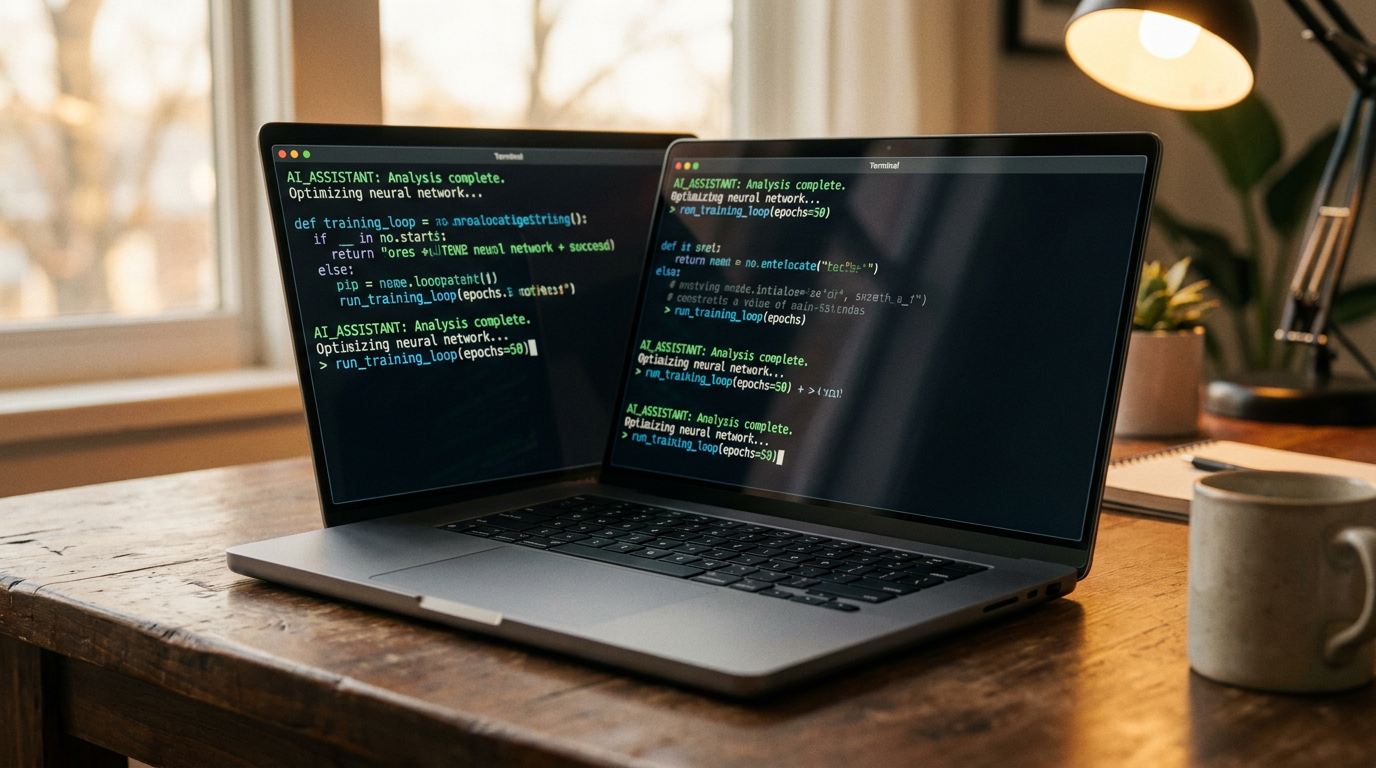
On the software side, the barrier to entry has plummeted thanks to a new ecosystem of orchestration tools. The most prominent among developers is Ollama, a lightweight command-line tool that allows users to download and run complex models with a single line of code. It operates quietly in the background, exposing a local API that other applications—like coding assistants or chat interfaces—can plug into.[3][5]
On the software side, the barrier to entry has plummeted thanks to a new ecosystem of orchestration tools.
For users who prefer a visual interface, applications like LM Studio have democratized access even further. Operating much like an app store for AI, LM Studio provides a polished desktop environment where users can search for, download, and chat with various open-source models without writing a single script.[3][5]

This software ecosystem is fueled by an explosion of "open-weights" models. Tech giants and independent labs alike—including Meta with Llama 4, Google with Gemma 3, and startups like Mistral and DeepSeek—are releasing the core mathematical architectures of their models to the public. This allows anyone to download the "brain" of the AI for free.[1][3]
To make these massive brains fit on consumer hardware, developers rely on a mathematical compression technique called "quantization." By reducing the precision of the model's parameters from 16-bit to 4-bit or 8-bit formats, quantization shrinks the file size and memory footprint dramatically. This allows a highly capable 27-billion-parameter model to run smoothly on a standard laptop without a catastrophic loss in reasoning ability.[1][3]

The primary catalyst for this local migration is data sovereignty. For professionals in healthcare, finance, and law, uploading sensitive client data to a third-party cloud API is often a violation of strict compliance regulations. Local AI guarantees that proprietary information, medical records, and unreleased source code never leave the physical device, providing end-to-end security.[4][6][8]
Beyond privacy, on-device AI offers the distinct advantage of zero-latency offline operation. Whether a user is coding on an airplane without Wi-Fi, working in a remote location, or simply avoiding the lag of network round-trips, local models provide instantaneous responses.[4][6]
There is also a compelling economic argument. Heavy users of cloud-based AI APIs can quickly rack up hundreds of dollars in monthly usage fees. By shifting inference to local hardware, developers and small businesses replace variable, recurring cloud costs with a one-time hardware investment.[3][6]

Despite these breakthroughs, local AI is not a complete replacement for cloud infrastructure. A model compressed to fit on a 16GB laptop cannot match the encyclopedic knowledge or multi-step logical reasoning of a trillion-parameter cloud behemoth. Furthermore, heavy, sustained local inference can still trigger thermal throttling on thinner laptops, even with an NPU.[4][7]
Consequently, the future of personal computing is increasingly hybrid. Operating systems are beginning to route simple, latency-sensitive tasks—like real-time transcription and basic autocomplete—to the local NPU, while seamlessly handing off complex reasoning queries to the cloud. Ultimately, the rise of local LLMs represents a profound shift in computing, allowing users to reclaim ownership of their tools and ensuring that AI can be powerful, private, and entirely their own.[4][6][7]
How we got here
2023-2024
Cloud-based LLMs like ChatGPT dominate the landscape, requiring massive server farms.
Early 2025
Tools like Ollama and LM Studio gain traction, making it easier to run open-source models locally.
Late 2025
Major tech companies release highly capable 'small language models' optimized for consumer hardware.
Mid 2026
NPUs capable of 40+ TOPS become standard in mid-tier and premium laptops, cementing the 'AI PC' era.
Viewpoints in depth
Privacy Advocates
Argue that local AI is essential for protecting sensitive personal and corporate data from third-party surveillance.
This camp emphasizes that once data is sent to a cloud API, users lose control over how it is stored, analyzed, or potentially used for future model training. They view local LLMs not just as a convenience, but as a necessary security boundary for industries like healthcare, law, and finance, where data sovereignty is legally mandated.
Hardware Manufacturers
View the shift to local AI as the primary driver for the next major upgrade cycle in personal computing.
For chipmakers and laptop brands, the demand for on-device AI is a massive commercial opportunity. They argue that the traditional CPU/GPU paradigm is obsolete for modern workflows, pushing consumers toward "AI PCs" equipped with powerful NPUs and expanded RAM. Their focus is on maximizing TOPS (Trillion Operations Per Second) to make local inference seamless and battery-efficient.
Open-Source Developers
Champion local AI as a democratizing force that prevents a few massive tech companies from monopolizing artificial intelligence.
This community focuses on building and distributing open-weights models and accessible tools like Ollama. They argue that relying entirely on proprietary cloud models creates dangerous bottlenecks and censorship risks. By optimizing models to run on consumer hardware, they aim to ensure that AI remains a decentralized, community-driven resource accessible to anyone.
What we don't know
- Whether local models will ever be able to match the complex reasoning capabilities of massive cloud-based frontier models.
- How quickly software developers will update everyday applications to natively utilize NPU hardware.
- Whether the open-weights ecosystem will face regulatory pushback as local models become more powerful.
Key terms
- NPU (Neural Processing Unit)
- A specialized hardware chip designed specifically to run AI matrix math efficiently without draining the battery.
- Quantization
- A compression technique that shrinks the file size and memory footprint of an AI model with minimal loss in capability.
- Inference
- The actual process of an AI model generating a response or prediction based on a user's prompt.
- Open-weights model
- An AI model whose core mathematical architecture is freely available to download and run locally.
- TOPS (Trillion Operations Per Second)
- A metric used to measure the processing speed of an NPU for AI workloads.
Frequently asked
Do I need an internet connection to use local AI?
No. Once the model and the orchestration software are downloaded, local AI runs entirely offline, making it ideal for travel or secure environments.
Will running AI locally drain my laptop's battery?
Yes, heavy AI tasks consume significant power. However, newer laptops equipped with dedicated NPUs handle these workloads much more efficiently than older CPU or GPU setups.
Can local models compete with cloud AI like ChatGPT?
For everyday tasks like drafting emails, summarizing documents, and basic coding, local models are highly capable. However, they still fall short of massive cloud models for complex, multi-step reasoning.
Sources
Source coverage
8 outlets
3 viewpoints surfaced








[1]Hugging FaceOpen-Source Developers
The Best Open Source LLM Models to Run Locally in 2026
Read on Hugging Face →[2]MashableHardware Manufacturers
The best Windows laptops of 2026 for on-device AI
Read on Mashable →[3]PinggyOpen-Source Developers
Top 5 Local LLM Tools in 2026
Read on Pinggy →[4]AIMagicxPrivacy Advocates
On-Device AI in 2026: Running LLMs Locally on Your Phone, Laptop, and IoT Devices
Read on AIMagicx →[5]CorsairOpen-Source Developers
Ollama vs LM Studio: Which local AI tool is right for you?
Read on Corsair →[6]MediumPrivacy Advocates
Replacing Cloud AI With a Privacy-First Local LLM Stack
Read on Medium →[7]HPHardware Manufacturers
What is an AI PC? Understanding NPUs and Local Inference
Read on HP →[8]Dev.toPrivacy Advocates
Key Elements of Privacy-First AI Apps
Read on Dev.to →
Every angle. Every day.
Get ai stories with full source coverage and perspective breakdowns delivered to your inbox.