
How to Choose an AI PC in 2026: The Ultimate Buyer's Guide
The laptop market has been transformed by a new generation of processors featuring dedicated Neural Processing Units (NPUs). Here is how to cut through the marketing and find the right Copilot+ PC for your needs.
By Factlen Editorial Team
- Mobile Professionals
- Prioritize battery life, instant-on capabilities, and offline AI features like live translation.
- Enterprise IT Managers
- Value x86 compatibility, security, and device manageability to avoid emulation issues.
- Creative Power Users
- Argue that NPUs are insufficient for heavy generative AI, relying instead on discrete GPUs.
What's not represented
- · Budget-conscious consumers who may be priced out of the premium Copilot+ tier
- · Cloud-computing advocates who argue local hardware is unnecessary for AI tasks
Why this matters
Buying a laptop in 2026 means navigating a flood of confusing AI marketing jargon. Understanding the hardware requirements for local AI ensures you invest in a machine that will remain fast, private, and capable for years to come.
Key points
- A true AI PC features a Neural Processing Unit (NPU) to run artificial intelligence tasks locally and efficiently.
- Microsoft's Copilot+ PC standard requires a minimum of 40 TOPS, 16GB of RAM, and a 256GB SSD.
- Qualcomm's Snapdragon X Elite offers unmatched battery life but uses ARM architecture, which may require software emulation.
- Intel's Lunar Lake and AMD's Ryzen AI 300 provide strong AI performance while maintaining flawless x86 legacy software compatibility.
- Creative professionals running heavy local image generation still require a discrete GPU rather than relying solely on an NPU.
The 2026 laptop market is currently flooded with a dizzying array of marketing jargon, with nearly every new machine proudly bearing an "AI PC" sticker. For consumers, this branding blitz has transformed what used to be a straightforward purchase into a confusing ecosystem of acronyms and performance metrics. However, beneath the aggressive corporate marketing, a genuine hardware revolution has occurred. Laptops have been fundamentally re-architected to handle artificial intelligence workloads locally, rather than relying entirely on cloud servers. Understanding this shift is the key to making a smart investment.[1][5]
At the core of this architectural shift is a new component: the Neural Processing Unit, or NPU. For decades, traditional computers relied on a simple binary: the Central Processing Unit (CPU) handled general computing tasks, while the Graphics Processing Unit (GPU) managed visual rendering. The NPU introduces a specialized third engine to the motherboard. It is specifically optimized to execute the complex matrix math required by machine learning models with incredible efficiency.[4][5]
By offloading these specific mathematical tasks to the NPU, a modern laptop can run advanced AI features without rapidly draining the battery or forcing the cooling fans to spin up to maximum speed. More importantly, this dedicated hardware allows these processes to happen directly on the device. This local inference means users can enjoy AI assistance while completely offline, and it ensures that sensitive personal or corporate data never has to be transmitted to a third-party cloud server for processing.[3][6]
To help consumers cut through the noise and identify machines that actually possess this hardware, Microsoft established the "Copilot+ PC" standard. This certification acts as a strict baseline guarantee of a laptop's local artificial intelligence capabilities. If a laptop carries the Copilot+ badge, it means the manufacturer has met a specific set of hardware thresholds designed to ensure the system will not bottleneck when running next-generation software.[3][4]
A true Copilot+ PC must meet three non-negotiable hardware requirements. First, the NPU must be capable of delivering at least 40 Tera Operations Per Second (TOPS), a metric that quantifies how fast the chip can process AI math. Second, the system must be equipped with a minimum of 16 gigabytes of RAM. Finally, it requires at least a 256-gigabyte solid-state drive, though most experts strongly recommend starting at 512 gigabytes to accommodate the storage footprint of local models.[3][6]

The memory requirement is particularly crucial for buyers to understand. Unlike cloud-based tools, on-device AI models must be loaded directly into the system's local RAM to function quickly. While 16 gigabytes is the absolute floor for Copilot+ certification, buyers who plan to run local Large Language Models (LLMs) or engage in heavy creative workflows should strongly consider upgrading to 32 gigabytes to ensure smooth multitasking.[2][5]
When a laptop meets these stringent specifications, it unlocks a suite of deeply integrated Windows 11 features. These include real-time live captions capable of translating over 40 languages across any audio source, advanced Windows Studio Effects that intelligently correct lighting and eye contact during video calls, and Recall, a highly debated but powerful feature that creates a searchable, localized photographic memory of your daily computing activity.[3][6]
Powering these new machines is a fierce, three-way processor war that defines the 2026 market. Each of the major silicon manufacturers has approached the AI PC challenge differently, resulting in three distinct platforms that cater to different types of users. The first major disruptor in this space is Qualcomm's Snapdragon X Elite, which utilizes an ARM-based architecture similar to what powers modern smartphones.[4][7]
Powering these new machines is a fierce, three-way processor war that defines the 2026 market.
The Snapdragon X Elite has quickly established itself as the undisputed king of battery life. These laptops routinely deliver 15 to 20 hours of real-world usage on a single charge, making them the ultimate tool for road warriors and frequent travelers. However, because they use ARM architecture rather than the traditional x86 standard, some legacy software and niche enterprise applications may require emulation, which can occasionally impact performance or compatibility.[4][7]
For buyers who want guaranteed software compatibility without sacrificing modern efficiency, Intel's Core Ultra 200V series—code-named Lunar Lake—is widely considered the safest bet. Built on the traditional x86 architecture that Windows has relied on for decades, Lunar Lake represents a massive leap in power efficiency for Intel, directly answering the threat posed by Qualcomm's ARM chips.[2][4]
Intel's Lunar Lake processors deliver between 47 and 48 TOPS of NPU performance, comfortably clearing the Copilot+ threshold. Crucially, they also feature a surprisingly powerful integrated GPU. These chips offer battery life that closely rivals the Snapdragon processors, while providing the peace of mind that decades of legacy Windows applications, specialized drivers, and enterprise security tools will run flawlessly out of the box.[2][7]
The third heavyweight contender is AMD's Ryzen AI 300 series, also known by its development name, Strix Point. AMD currently leads the pack in raw NPU throughput, boasting an impressive 50 TOPS. This makes the Ryzen AI 300 series incredibly capable of handling sustained, heavy artificial intelligence workloads without breaking a sweat.[4][5]
Beyond its NPU, the Ryzen AI 300 series shines in traditional multi-core CPU performance and data-heavy applications. While its overall battery life sits slightly behind the marathon endurance of Intel and Qualcomm, it is the preferred choice for power users, software developers, and professionals who require robust integrated graphics for light 3D rendering or complex data visualization.[2][7]

Despite the impressive capabilities of these new NPUs, there is a major caveat that creative professionals must understand. If your daily workflow involves heavy local image generation—such as running Stable Diffusion or Flux—or complex video artificial intelligence rendering, an NPU alone is simply not going to cut it.[1][5]
For these demanding creative tasks, a discrete graphics card remains an absolute necessity. Laptops equipped with dedicated GPUs, such as the Nvidia RTX 4070 or the newer RTX 50-series, will dramatically outperform any current NPU in raw generative AI workloads. While these machines are heavier and consume far more power, they are the only viable option for serious creative professionals.[1][5]
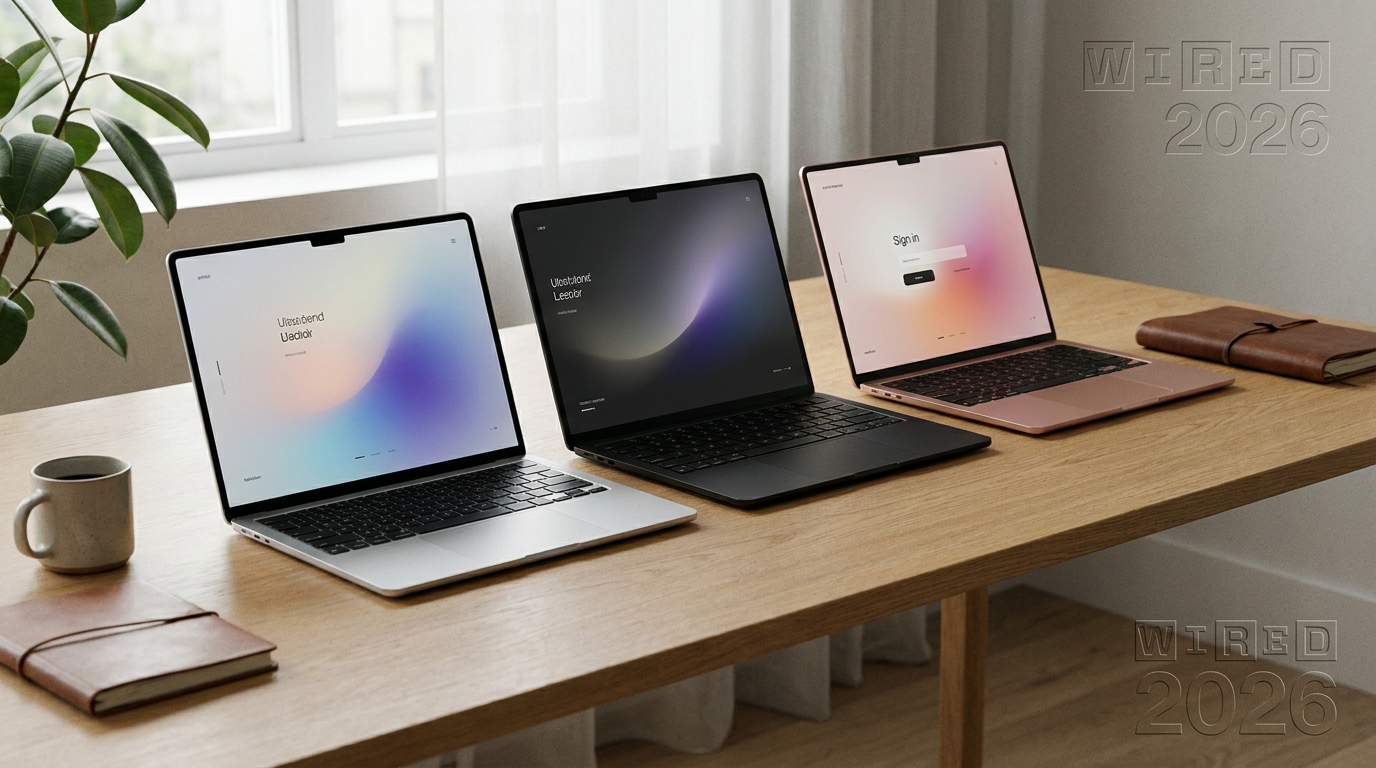
When shopping for an AI PC, it is also important to consider the physical build and form factor. Because these new NPUs and processors are so incredibly power-efficient, 2026 has seen a renaissance in ultra-thin, lightweight laptop designs. Manufacturers are now able to produce incredibly sleek machines that do not compromise on performance or thermal management.[1][8]
Ultimately, choosing the right AI PC in 2026 comes down to an honest assessment of your primary use case. If you prioritize endless battery life, instant-on capabilities, and basic productivity tasks, a laptop powered by the Snapdragon X Elite will feel like a revelation compared to older machines.[4][7]

If your workflow demands a balance of long battery life, capable graphics, and flawless legacy software support, Intel's Lunar Lake provides the ideal middle ground. Meanwhile, data scientists, heavy multitaskers, and those who need raw processing power will find their perfect match in the AMD Ryzen AI 300 series.[2][4]
The era of the AI PC is no longer just a distant marketing promise; the hardware has officially arrived and is reshaping how we work. By focusing on the core metrics—NPU TOPS, adequate RAM, and the right processor architecture—buyers can confidently navigate the crowded market and secure a machine that is fast, private, and ready for the next decade of computing.[3][6]
How we got here
Late 2023
Intel introduces Meteor Lake, bringing the first mainstream NPUs to Windows laptops.
May 2024
Microsoft officially announces the Copilot+ PC standard and the 40 TOPS hardware requirement.
Mid 2024
Qualcomm launches the Snapdragon X Elite, introducing highly efficient ARM architecture to the Windows ecosystem.
Late 2024
Intel and AMD release Lunar Lake and Ryzen AI 300 series, bringing x86 processors up to the Copilot+ standard.
Early 2026
The laptop market fully transitions, with nearly all mid-range and premium devices featuring dedicated NPUs.
Viewpoints in depth
Mobile Professionals
For road warriors and frequent travelers, the priority is endurance over raw compute power.
This camp heavily favors ARM-based processors like the Snapdragon X Elite. They value the ability to leave the charger at home and rely on offline AI features—like real-time translation and meeting transcription—when Wi-Fi is spotty. For them, the slight trade-off in legacy software compatibility is well worth the 20-hour battery life.
Creative Power Users
For video editors and 3D artists, raw compute power trumps battery efficiency.
This group views the current crop of NPUs as a stepping stone rather than a complete solution. While 40 to 50 TOPS is great for background blur and text generation, local image generation (like Stable Diffusion) requires massive parallel processing. These users argue that a true 'AI PC' for creators must include a discrete GPU, such as an Nvidia RTX 4070 or higher, which can deliver hundreds of TOPS.
Enterprise IT Managers
For corporate buyers, stability and legacy compatibility are non-negotiable.
IT departments manage thousands of devices running bespoke, decades-old software and strict security protocols. This camp strongly prefers x86 architectures like Intel's Lunar Lake or AMD's Ryzen AI 300. They want the benefits of local AI—specifically the privacy of keeping corporate data on-device—without the IT headaches of managing ARM emulation for legacy virtual private networks (VPNs) or enterprise resource planning (ERP) tools.
What we don't know
- How quickly third-party software developers will update their applications to natively utilize NPU hardware.
- Whether Microsoft will eventually raise the Copilot+ minimum hardware requirements as local AI models grow larger and more complex.
Key terms
- NPU (Neural Processing Unit)
- A specialized chip designed specifically to handle the complex math required by artificial intelligence efficiently.
- TOPS (Tera Operations Per Second)
- A metric used to measure the performance of an NPU; 40 TOPS is the minimum for Copilot+ certification.
- Copilot+ PC
- A Microsoft certification for laptops that meet strict hardware requirements to run advanced AI features locally.
- Local Inference
- The process of running an AI model directly on your device's hardware rather than sending data to a cloud server.
- ARM Architecture
- A highly efficient processor design, popularized by smartphones, that is now powering Windows laptops like those with Snapdragon chips.
- x86 Architecture
- The traditional processor design used by Intel and AMD that has powered Windows computers for decades, ensuring maximum legacy software compatibility.
Frequently asked
Do I really need an AI PC if I just browse the web?
No. If your workflow consists entirely of web browsing and basic document editing, a traditional laptop is still perfectly sufficient and often more cost-effective.
Will my old software work on a Snapdragon laptop?
Most modern software works seamlessly, but some legacy x86 applications and specific anti-cheat software for games may require emulation on ARM-based Snapdragon chips.
Can I upgrade the RAM on a Copilot+ PC later?
In most thin-and-light Copilot+ PCs, the RAM is soldered directly to the motherboard for efficiency, meaning you cannot upgrade it after purchase. It is best to buy the capacity you need upfront.
What is the difference between an NPU and a GPU?
A GPU is designed for rendering graphics and heavy parallel processing, while an NPU is a smaller, highly efficient chip specifically optimized for the matrix math required by AI models.
Sources
Source coverage
8 outlets
3 viewpoints surfaced








[1]PCMagCreative Power Users
Buying Guide: The Best Copilot+ Laptops for 2026
Read on PCMag →[2]PCWorldEnterprise IT Managers
Lunar Lake is Intel's Snapdragon killer
Read on PCWorld →[3]Windows ForumEnterprise IT Managers
Microsoft's 2026 primer on the 'AI PC'
Read on Windows Forum →[4]Laptop OutletMobile Professionals
Snapdragon X Elite vs Intel Lunar Lake vs AMD Ryzen AI 300
Read on Laptop Outlet →[5]NeweggCreative Power Users
AI PC Buying Guide: What to Look for in 2026
Read on Newegg →[6]Vision ComputersMobile Professionals
Copilot+ PCs
Read on Vision Computers →[7]InnoventEnterprise IT Managers
Comparing Copilot+ PC processors for business
Read on Innovent →[8]HPEnterprise IT Managers
Specifications Guide: What Students Actually Need
Read on HP →

More in shopping
See all 5 stories →


Every angle. Every day.
Get shopping stories with full source coverage and perspective breakdowns delivered to your inbox.