
How Passkeys Work: The Cryptographic Shift Replacing Passwords in 2026
With 5 billion passkeys now in active use, the technology backed by Apple, Google, and Microsoft is rapidly eliminating the need for passwords. Here is how device-bound cryptography and biometrics are securing the internet.
By Factlen Editorial Team
- Tech Giants & Standards Bodies
- Advocating for a universal, passwordless internet built on native device capabilities.
- Enterprise Security Leaders
- Focusing on the operational and financial returns of eliminating passwords.
- Consumer Privacy Advocates
- Warning against vendor lock-in and advocating for cross-platform interoperability.
What's not represented
- · Legacy system administrators
- · Users without modern smartphones
Why this matters
Passwords are the root cause of most data breaches and account takeovers. Transitioning to passkeys not only speeds up your daily logins but fundamentally immunizes your accounts against phishing and credential theft.
Key points
- Passkeys replace passwords with a pair of cryptographic keys, keeping the private key locked on your device.
- Because the private key is never shared, passkeys are inherently resistant to phishing and server breaches.
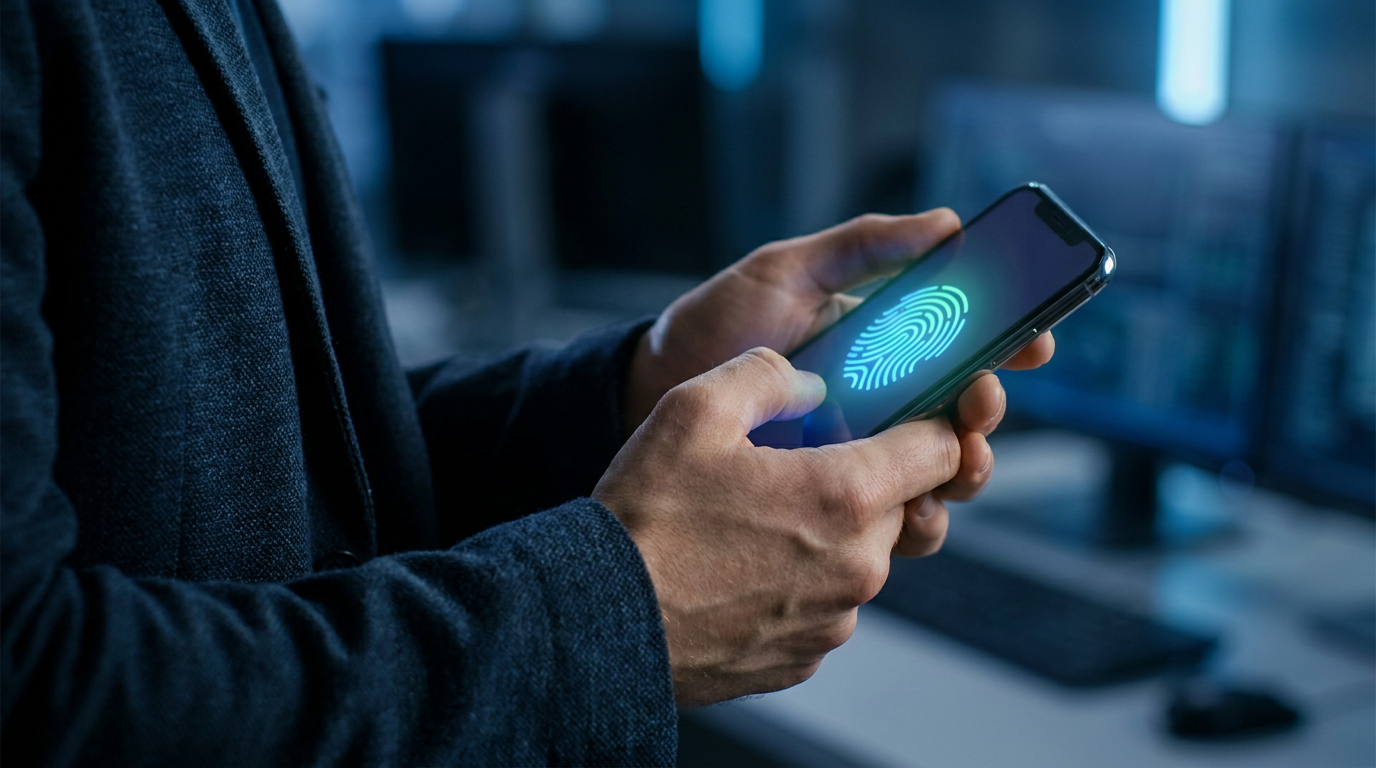
- Logging in requires only a local biometric check, such as Face ID or a fingerprint, which is never sent to the website.
- Over 5 billion passkeys are now in use globally, with 68% of enterprises actively deploying them.
The password is dying. In May 2026, the FIDO Alliance announced that 5 billion passkeys are now in active use worldwide, marking a tipping point in a decade-long effort to eliminate the internet's most vulnerable security mechanism.[1]
For decades, digital security has relied on human memory. This reliance led to predictable behaviors: reusing the same password across multiple sites, choosing weak combinations, and falling victim to catastrophic data breaches. Passkeys replace this shared secret with device-bound cryptographic keys, transforming smartphones and laptops into secure authenticators.[2][6][7]
Supported by a coalition that includes Apple, Google, and Microsoft, passkeys represent the consumerization of enterprise-grade security standards like FIDO2 and WebAuthn. The technology fundamentally changes the architecture of digital trust.[2][7]
To understand why passkeys are a generational leap, you have to look at how they handle data. When a user registers a passkey on a website, their device generates a unique cryptographic key pair.[3][7]

The public key is sent to the website's server, where it is stored much like a standard username. The private key, however, never leaves the user's device, remaining locked within a secure hardware enclave.[3][7]
When attempting to log in, the server sends a cryptographic challenge to the device. The device uses the hidden private key to mathematically sign this challenge, proving possession of the key without ever revealing it.[3][7]
The server then uses the public key to verify the signature. Because the private key is never transmitted across the internet, there is nothing for a hacker to intercept, steal, or leak in a server breach.[4][6]
The server then uses the public key to verify the signature.
This architecture makes passkeys inherently resistant to phishing. A passkey is cryptographically bound to the specific domain where it was created. If a user is tricked into visiting a fake website, the passkey simply will not activate, neutralizing the most common vector for account takeovers.[3][4][6]
For the user, the complex cryptography is entirely invisible. Logging in requires only a biometric check—like Face ID, Touch ID, or Windows Hello—or a local device PIN.[2][7]
Crucially, biometric data is never shared with the website. The fingerprint or face scan only serves to unlock the private key locally on the device, adhering to strict privacy standards while eliminating the friction of typing.[2][7]
The enterprise sector is rapidly adopting this technology to stem financial losses. Breaches originating from stolen credentials cost organizations millions annually, driving a massive shift toward phishing-resistant authentication.[4][6]
According to 2026 data, 68% of surveyed organizations are actively deploying passkeys for their workforce. These early movers report a 45% improvement in employee login speeds, alongside a 35% reduction in helpdesk tickets for password resets.[1][5]

Despite the momentum, the transition is not without friction. Users must navigate how passkeys sync across different ecosystems, such as moving from an Apple device to a Windows machine.[3][4]
Password managers like Bitwarden and Proton have stepped in to bridge this gap, allowing users to store and sync passkeys across operating systems independently of Big Tech's walled gardens.[3][4]
For maximum security, some users still prefer physical hardware tokens, like YubiKeys, which isolate the private key entirely from internet-connected software, though they require physical possession.[3][7]

How we got here
2012
The FIDO Alliance is founded to develop open standards for passwordless authentication.
2019
The WebAuthn standard becomes an official W3C recommendation, laying the groundwork for passkeys.
2022
Apple, Google, and Microsoft announce joint support for the FIDO passkey standard across their platforms.
May 2026
The FIDO Alliance reports that 5 billion passkeys are now in active use globally.
Viewpoints in depth
Tech Giants & Standards Bodies
Advocating for a universal, passwordless internet built on native device capabilities.
Organizations like the FIDO Alliance, alongside Apple, Google, and Microsoft, view passkeys as the ultimate solution to the internet's original sin: the password. By integrating cryptographic keys directly into operating systems and hardware enclaves, they argue that security can finally be decoupled from human memory. Their primary goal is ubiquitous adoption, pushing developers to implement WebAuthn standards so that phishing becomes mathematically impossible rather than just a training issue.
Enterprise Security Leaders
Focusing on the operational and financial returns of eliminating passwords.
For corporate IT and security teams, passkeys are less about consumer convenience and more about risk mitigation and cost reduction. Stolen credentials are the leading cause of enterprise data breaches, costing millions per incident. Security leaders emphasize that passkeys not only close this vulnerability but also deliver measurable operational wins—drastically reducing the volume of helpdesk tickets for password resets and cutting employee login times by half.
Consumer Privacy Advocates
Warning against vendor lock-in and advocating for cross-platform interoperability.
While privacy advocates and password manager companies universally praise the security architecture of passkeys, they raise concerns about ecosystem capture. If a user's passkeys are exclusively locked inside Apple's iCloud or Google's ecosystem, switching devices becomes prohibitively difficult. This camp argues for the necessity of third-party credential managers that allow users to sync their cryptographic keys across competing operating systems, ensuring that improved security does not come at the cost of consumer choice.
What we don't know
- How quickly legacy enterprise systems and older websites will update their infrastructure to support WebAuthn and passkeys.
- The long-term impact on users who lose all their devices simultaneously and lack a cloud-synced backup for their private keys.
Key terms
- Passkey
- A digital credential tied to a user's device that uses cryptography to authenticate logins without a password.
- Public Key Cryptography
- A security system that uses two distinct keys—a public key stored on a server and a private key kept secretly on a device.
- WebAuthn
- The web standard API that allows browsers and operating systems to create and use passkeys securely.
- Phishing
- A cyberattack where criminals trick users into revealing sensitive information by pretending to be a legitimate website or service.
- Secure Enclave
- A dedicated, isolated subsystem within a device's hardware designed to protect sensitive data like cryptographic keys and biometrics.
Frequently asked
What happens if I lose my phone?
If you lose your device, passkeys are typically backed up and synced through your cloud account (like iCloud Keychain or Google Password Manager) or a third-party password manager, allowing you to recover them on a new device.
Are my fingerprints sent to the website?
No. Your biometric data never leaves your device. It is only used locally to unlock the private cryptographic key stored in your device's secure hardware.
Can a passkey be phished?
Passkeys are highly phishing-resistant because they are cryptographically bound to the specific website's domain. If you are tricked into visiting a fake site, the passkey will not activate.
Do I still need a password manager?
Yes, password managers are evolving into passkey managers. They help sync your passkeys across different operating systems, preventing you from being locked into a single ecosystem like Apple or Google.
Sources
Source coverage
8 outlets
3 viewpoints surfaced








[1]FIDO AllianceTech Giants & Standards Bodies
The State of Passkeys 2026: Global Consumer and Workforce Report
Read on FIDO Alliance →[2]MicrosoftTech Giants & Standards Bodies
What is a Passkey? Secure Signins
Read on Microsoft →[3]ProtonConsumer Privacy Advocates
Passkey vs password: What is the difference?
Read on Proton →[4]BitwardenConsumer Privacy Advocates
Passkey vs password: What's the difference?
Read on Bitwarden →[5]DescopeEnterprise Security Leaders
2026 FIDO Report: Passkeys at Global Scale
Read on Descope →[6]GlobalSignEnterprise Security Leaders
Passkeys vs Passwords: Enterprise Authentication Explained
Read on GlobalSign →[7]AkamaiTech Giants & Standards Bodies
What Is a FIDO Passkey?
Read on Akamai →[8]Factlen Editorial TeamEnterprise Security Leaders
Synthesis by Factlen editorial team
Read on Factlen Editorial Team →


Every angle. Every day.
Get guides stories with full source coverage and perspective breakdowns delivered to your inbox.