
Apple Introduces 'Spatial Reframing' and Generative AI Photo Tools in iOS 27
Apple has unveiled a suite of new AI-powered photo editing tools for iOS 27, including a feature that lets users change the camera angle of a photo after it was taken. The update has sparked debate over the line between enhancing memories and altering reality.
By Factlen Editorial Team
- Tech Enthusiasts
- Excited by the technical achievement of on-device spatial mapping and seamless AI generation.
- Photography Purists
- Concerned that generative tools destroy the authenticity and reality of captured moments.
- Android Ecosystem Watchers
- View the features as a necessary, if delayed, catch-up to Google's existing AI photo tools.
What's not represented
- · Professional photojournalists concerned about news verification
- · Digital forensics experts tracking AI watermarks
Why this matters
As generative AI becomes deeply integrated into the default camera apps of billions of smartphones, the definition of a 'photograph' is fundamentally shifting. These tools make professional-grade photo manipulation accessible to everyone, but they also blur the line between capturing a real moment and generating a synthetic one.
Key points
- Apple announced iOS 27 with three new generative AI photo editing tools: Spatial Reframing, Extend, and an upgraded Clean Up.
- Spatial Reframing uses depth maps to let users change the virtual camera angle of a photo after it is taken.
- Complex generative edits are processed securely on Apple's Private Cloud Compute servers.
- Photography purists argue the tools cross a line, turning authentic photographs into synthetic digital illustrations.
- Industry watchers note the features bring Apple closer to parity with Google's existing Android AI photo tools.
Apple’s Worldwide Developers Conference (WWDC) in June 2026 brought a major overhaul to the iPhone’s default Photos app, integrating advanced generative artificial intelligence directly into the user’s camera roll. With the announcement of iOS 27, Apple introduced a suite of new Apple Intelligence-powered editing tools designed to let users fundamentally alter the composition and content of their images long after the shutter clicks. The update centers around three primary capabilities: an upgraded "Clean Up" tool, a generative "Extend" feature, and a novel "Spatial Reframing" function. By baking these powerful manipulation tools into the native operating system of one of the world's most popular cameras, Apple is pushing professional-grade, reality-bending edits into the mainstream. The move has excited tech enthusiasts eager for more control over their memories, while simultaneously igniting a fierce debate among photography purists about the eroding definition of a genuine photograph.[2][3][4][5][7]
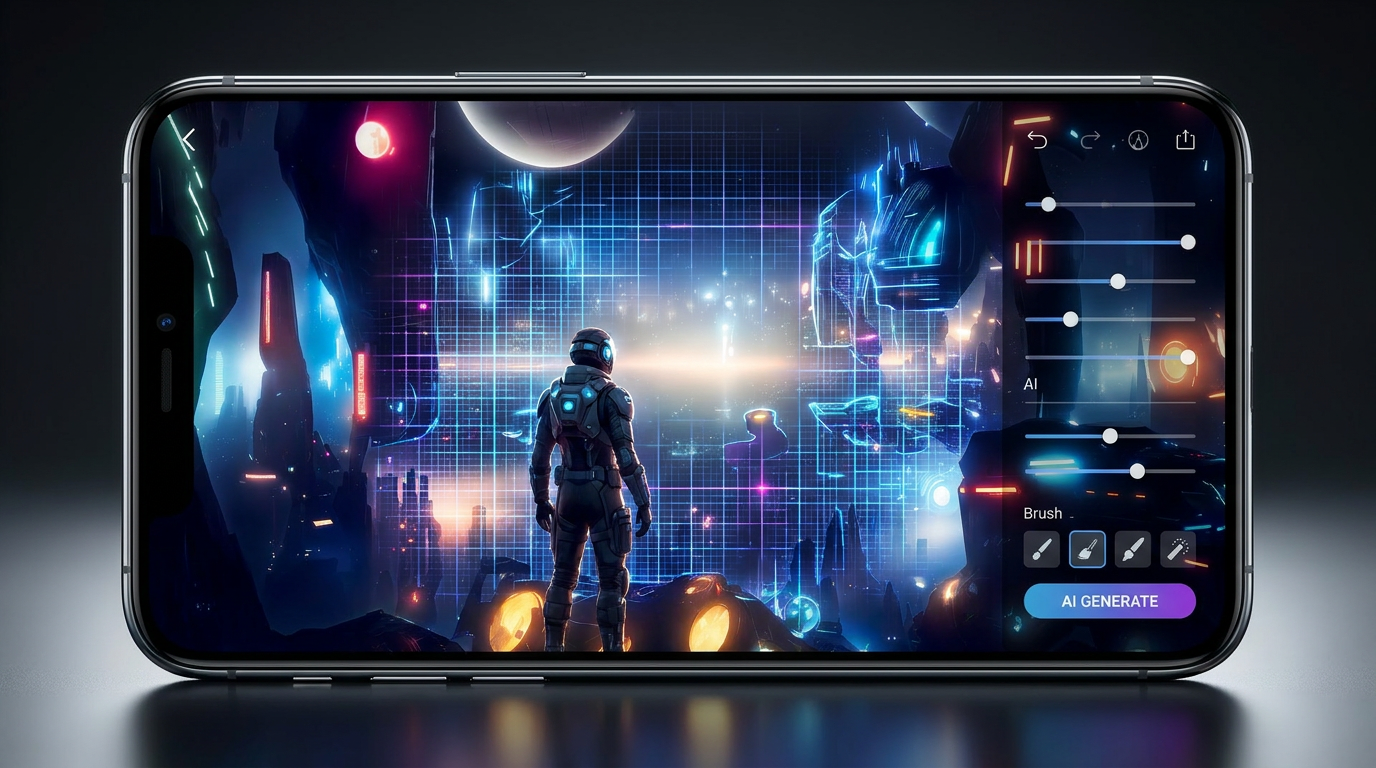
The most ambitious and technically complex of the new features is Spatial Reframing. Unlike traditional cropping—which simply cuts away the edges of a two-dimensional image—this tool allows users to touch and drag a photo to change the virtual camera angle entirely. By leveraging the iPhone’s depth maps and spatial data, the software builds a rudimentary 3D model of the captured scene. When a user shifts the perspective to view the subject from a slightly different angle, Apple Intelligence steps in to generate entirely new background pixels to fill in the gaps created by the shift. The result is a seamless image that appears to have been taken from a vantage point the photographer never actually occupied, ensuring the reframed photo stays consistent with the original lighting and environment.[2][4][6][7]
Alongside the 3D reframing capabilities, Apple introduced "Extend," a generative expand tool that functions similarly to Adobe’s popular Generative Fill. Extend allows users to digitally pull back from a tightly cropped portrait, adjust a restrictive aspect ratio, or straighten a crooked horizon without losing the edges of the frame. The AI simply synthesizes the missing borders, hallucinating realistic scenery to match the context of the shot. Furthermore, the existing "Clean Up" tool received a significant backend upgrade. Powered by smarter AI models, the tool can now remove complex background distractions—such as photobombers, stray vehicles, or chain-link fences—while generating highly realistic infill that blends naturally with the surrounding environment, even in visually busy scenes.[3][4][7]

To handle the immense computational load required for these generative tasks, Apple is utilizing a hybrid processing approach. While the company has heavily marketed the on-device capabilities of its latest silicon, complex edits like Spatial Reframing and large-scale generative extensions require more horsepower than a smartphone chip can efficiently provide. Consequently, when a user saves a complex edit, the iPhone securely sends the image to Apple’s Private Cloud Compute infrastructure for processing. Apple has emphasized that this cloud architecture is built with strict privacy safeguards, ensuring that user photos are not stored on the servers or used to train future models, and that the data remains protected throughout the round-trip transaction.[2][3]
To handle the immense computational load required for these generative tasks, Apple is utilizing a hybrid processing approach.
The introduction of these frictionless manipulation tools has sparked a fierce backlash from photography professionals and purists. Critics argue that features like Spatial Reframing cross a dangerous ethical line, moving the medium away from capturing reality and toward generating digital illustrations. When a user alters the angle of a subject’s head, removes a distracting element that was genuinely present, or generates background scenery that never existed, the resulting image is no longer a photograph, but a "simulacrum" of reality. Purists argue that the beauty of family photos and candid shots often lies in their imperfections—the sloppy framing, the accidental photobomber, the messy background—and that erasing these elements throws all respect for authenticity out the window.[5]

During the WWDC presentation, Apple executives anticipated this philosophical pushback, stating that the tools were built with a "deep respect for the craft of photography." They framed the AI features as utilities designed to help photographers enhance their images in ways that "respect the original moment." However, photography outlets were quick to note the apparent contradiction in this philosophy. Reviewers pointed out that literally minutes after preaching respect for photographic authenticity, Apple demonstrated its new Image Playground app by seamlessly inserting a fully AI-generated birthday cake into a real photograph of a person's hands. This juxtaposition left many observers concluding that Apple is not taking a hardline stance against using generative AI to completely alter the context of an image.[2][4][6]
For users outside the Apple ecosystem, many of these generative concepts are already familiar territory. Google Photos has offered tools like Magic Eraser and Magic Editor on Android devices for years, normalizing the idea of tapping a screen to remove tourists or change the color of the sky. Because of this, some tech reviewers view Apple’s latest iOS 27 update as a necessary, albeit delayed, catch-up maneuver rather than a groundbreaking innovation. Nevertheless, industry watchers acknowledge that Apple’s unique integration of spatial depth maps to achieve the 3D reframing effect represents a novel and highly sophisticated technical approach to mobile editing, differentiating it from the purely 2D generative fills seen on competing platforms.[7][8]

As iOS 27 rolls out to the public later this year, hundreds of millions of iPhone users will suddenly have access to reality-bending editing tools by default. The shift promises to make everyday family photos, vacation snapshots, and social media posts look more polished and professional than ever before. However, it also guarantees that the images shared in group chats and on Instagram will increasingly be synthetic collaborations between the photographer and the machine. As the gap between what was actually captured and what is ultimately shared continues to widen, society will be forced to renegotiate its baseline trust in the digital images that document our daily lives.[5][7]
How we got here
2024
Google introduces Magic Editor, mainstreaming generative AI photo manipulation on smartphones.
June 2026
Apple announces iOS 27 at WWDC, integrating Spatial Reframing, Extend, and Clean Up into the default Photos app.
Late 2026
iOS 27 is scheduled for public release, bringing generative editing to hundreds of millions of iPhones.
Viewpoints in depth
Photography Purists
Argue that generative AI tools destroy the authenticity of a photograph.
For traditional photographers, the line between editing and fabricating is being crossed. Critics argue that a photograph's value lies in its capture of a genuine moment—flaws, photobombers, and crooked angles included. By allowing users to change the angle of a subject's head or generate background pixels that never existed, they argue the resulting image is no longer a photograph, but a digital simulacrum. They worry that as these tools become the default, the cultural trust in everyday images will erode.
Everyday Consumers
Value the ability to easily rescue flawed photos and create polished memories.
For the average smartphone user, the priority is often capturing a pleasing memory rather than adhering to photojournalistic ethics. If a perfect family portrait is ruined by a distracting background object or a slightly off-center framing, the ability to fix it with a single tap is highly appealing. This camp views AI editing as a natural evolution of the darkroom—just a more powerful, accessible tool to help people present their lives and memories in the best possible light.
Android Ecosystem Watchers
View Apple's updates as a delayed response to Google's existing AI features.
Tech analysts focused on the broader smartphone market note that Apple is largely playing catch-up. Google Photos introduced features like Magic Eraser and Magic Editor in previous years, normalizing generative mobile editing for Android users. While these watchers acknowledge that Apple's use of 3D spatial maps for reframing is a clever technical twist, they view the overall iOS 27 update as Apple closing a feature gap rather than inventing a new paradigm.
What we don't know
- How prominently Apple will label heavily edited photos with its SynthID watermark in the native Photos app.
- Whether third-party social media apps will be able to read and display the metadata indicating a photo was spatially reframed.
Key terms
- Spatial Reframing
- An iOS 27 feature that uses depth data to let users change the virtual camera angle of a photo after it is taken.
- Generative Fill
- An AI technique that synthesizes new pixels to fill in missing areas of an image, matching the surrounding context.
- Depth Map
- Data captured by a smartphone camera that records the distance of objects from the lens, allowing the software to build a 3D understanding of the scene.
- Private Cloud Compute
- Apple's secure server infrastructure designed to process complex AI tasks that require more power than the device's local chip can provide.
Frequently asked
Do these new tools work on older photos?
Yes. Apple has stated that features like Spatial Reframing and Clean Up will work on older images in your library, even those taken with non-Apple cameras.
Are the edits processed on my phone or in the cloud?
It is a hybrid system. While some basic tasks are handled on-device, complex generative edits are sent to Apple's Private Cloud Compute servers for processing.
Will people know if a photo has been edited with AI?
Apple has indicated that images generated entirely by its Image Playground feature will include a hidden SynthID watermark, but it remains unclear how heavily edited standard photos will be labeled.
Sources
Source coverage
8 outlets
3 viewpoints surfaced








[1]Apple NewsroomTech Enthusiasts
Apple introduces new AI-powered photo editing tools in iOS 27
Read on Apple Newsroom →[2]MacRumorsTech Enthusiasts
Apple to Bring AI Reframing and Editing Tools to Photos App
Read on MacRumors →[3]9to5MacTech Enthusiasts
AI photo editing in iOS 27: revamped Clean Up and two new AI tools for iPhone Photos app
Read on 9to5Mac →[4]EngadgetTech Enthusiasts
Apple's WWDC 2026 software updates include new Apple Intelligence-powered image editing features
Read on Engadget →[5]PCMagPhotography Purists
Embrace the Mess: The Case for Authentic Photography
Read on PCMag →[6]DPReviewPhotography Purists
Apple's new AI photo tool can virtually move your camera after you shoot
Read on DPReview →[7]PetaPixelPhotography Purists
Apple's Photos App is Getting Three New AI-Powered Editing Tools
Read on PetaPixel →[8]Android HeadlinesAndroid Ecosystem Watchers
Apple Photos app gets new AI editing features
Read on Android Headlines →



Every angle. Every day.
Get technology stories with full source coverage and perspective breakdowns delivered to your inbox.